1.011.1_VPC使用手册.pdf - 第102页
101/144 The diagram title is shown in square brackets. The keyword TYP indicates for which diagram type the template is avai lable; SUBTYP is possible only for type 3. The first table below shows the different possible s…
100/144
6.1.5 The vpc.txt file
The file vpc.txt is used for language assignment. In the section "Settings" in
vpc.ini, the parameter "Language" can be set to the desired language. Menus
etc. are then displayed from the text file in the selected language.
This file is automatically renewed with each update.
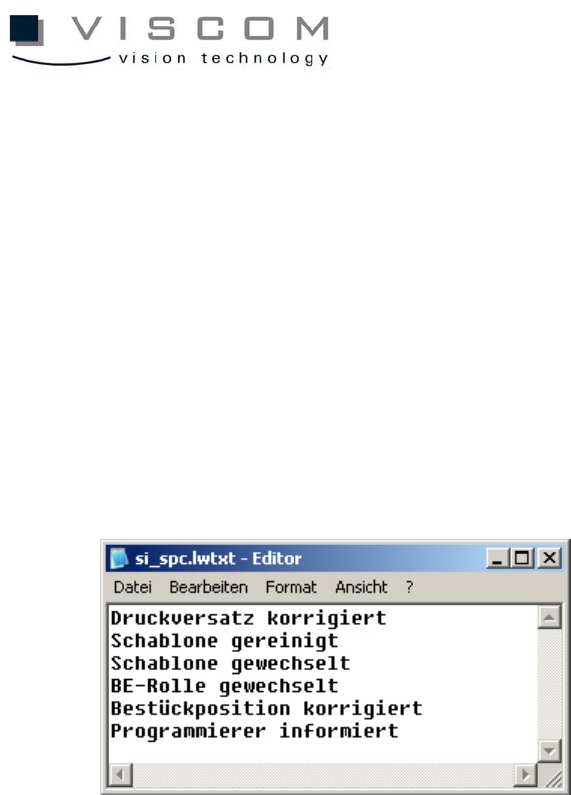
6.1.6 The si_spc.lwtx file
In this file, the texts that appear when the warning limit in diagram type 3
(Pareto) is exceeded are defined.
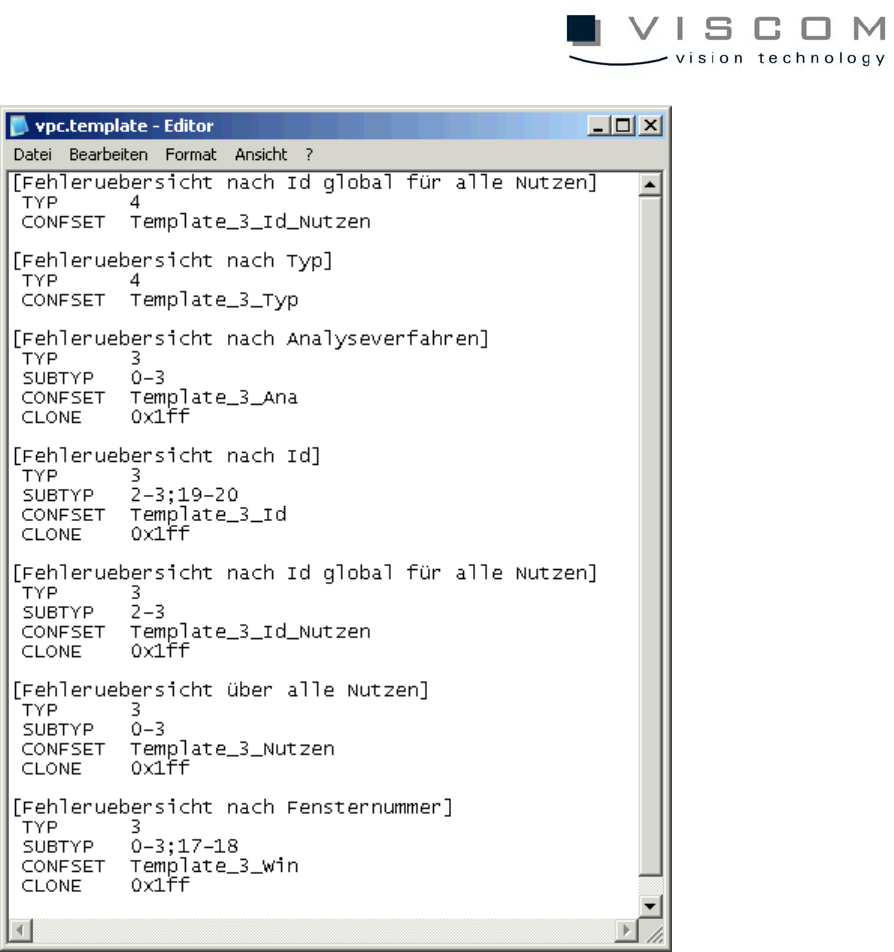
6.1.7 The VPC.template file
In this file, the configurations for the different templates are predefined. This file
is pre-configured and should not be changed.
101/144
The diagram title is shown in square brackets. The keyword TYP indicates for
which diagram type the template is available; SUBTYP is possible only for type
3. The first table below shows the different possible subtypes.
CONFSET defines the configuration set to be loaded, and CLONE defines
which filter is loaded for the template (see also table 2).

102/144
6.1.8 Subtypes for diagram type 3
Subtype X-axis Total defects Can be used in
template
0 ID yes
1 ID yes yes
2 component body type yes
3 component body type yes yes
4 features no
5 machine name no
6 machine name yes no
7 inspection plan no
8 inspection plan yes no
9 variant no
10 variant yes no
11 window numbers no
12 window numbers yes no
13 operator no
14 operator yes no
15 bonder number no
16 bonder number yes no
17 inspection pattern yes
18 inspection pattern yes yes
19 global ID no
20 global ID yes no
21 single panel no