1.011.1_VPC使用手册.pdf - 第97页
96/144 When "Print" is chosen, the current di agram is printed on one page. When "Print all" is chosen, the whole configuration set is printed on one page. 5.2 Save Graphics The last option is to save…
95/144
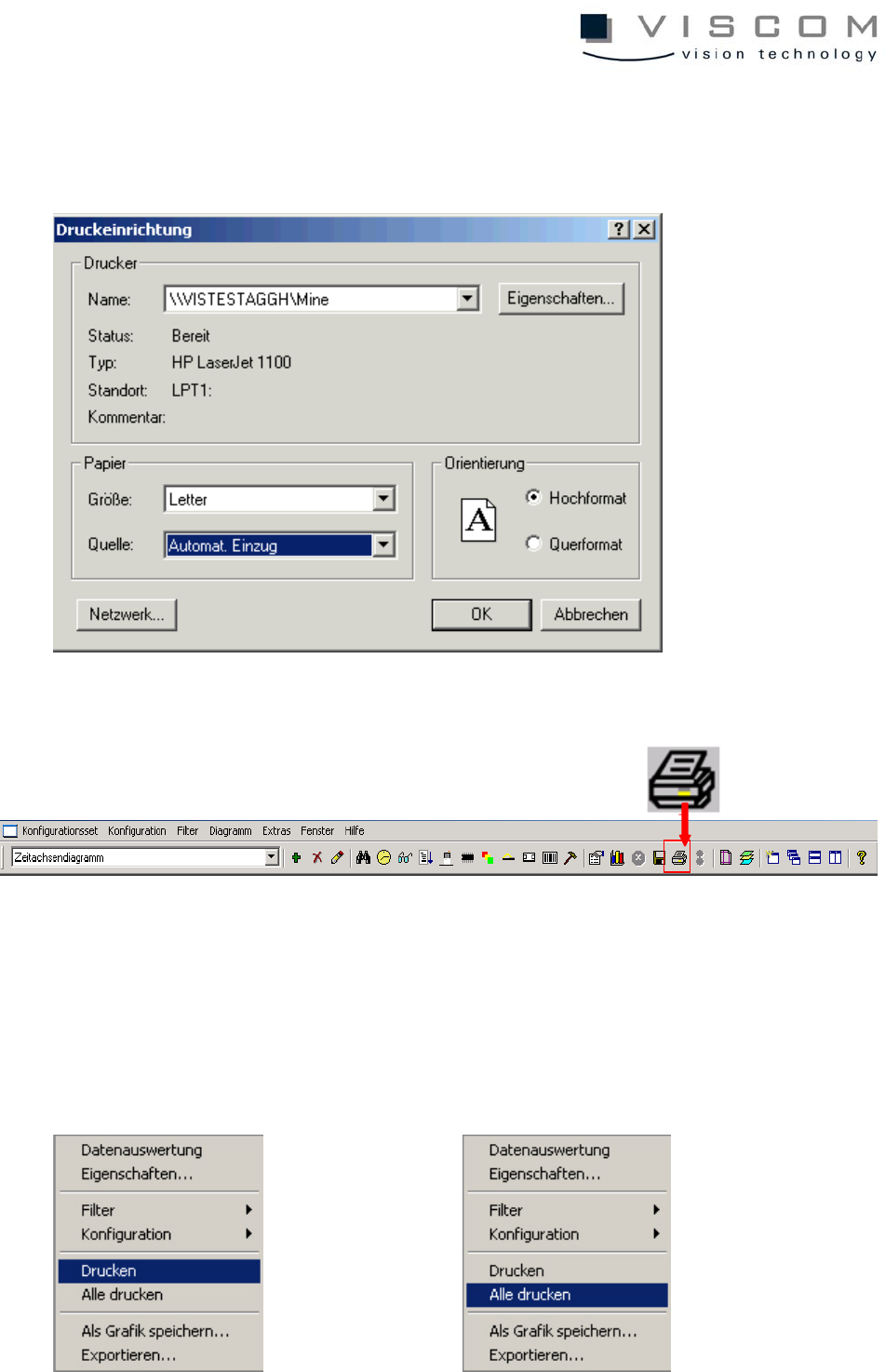
A printer can be chosen and configured with the menu point "Extras - printer
installation".
5.1.7 Print
When the diagrams are printed, there are 2 possibilities:
Clicking with the right mouse button on the diagram background brings a
choice: "Print" and "Print all".
96/144
When "Print" is chosen, the current diagram is printed on one page. When "Print
all" is chosen, the whole configuration set is printed on one page.
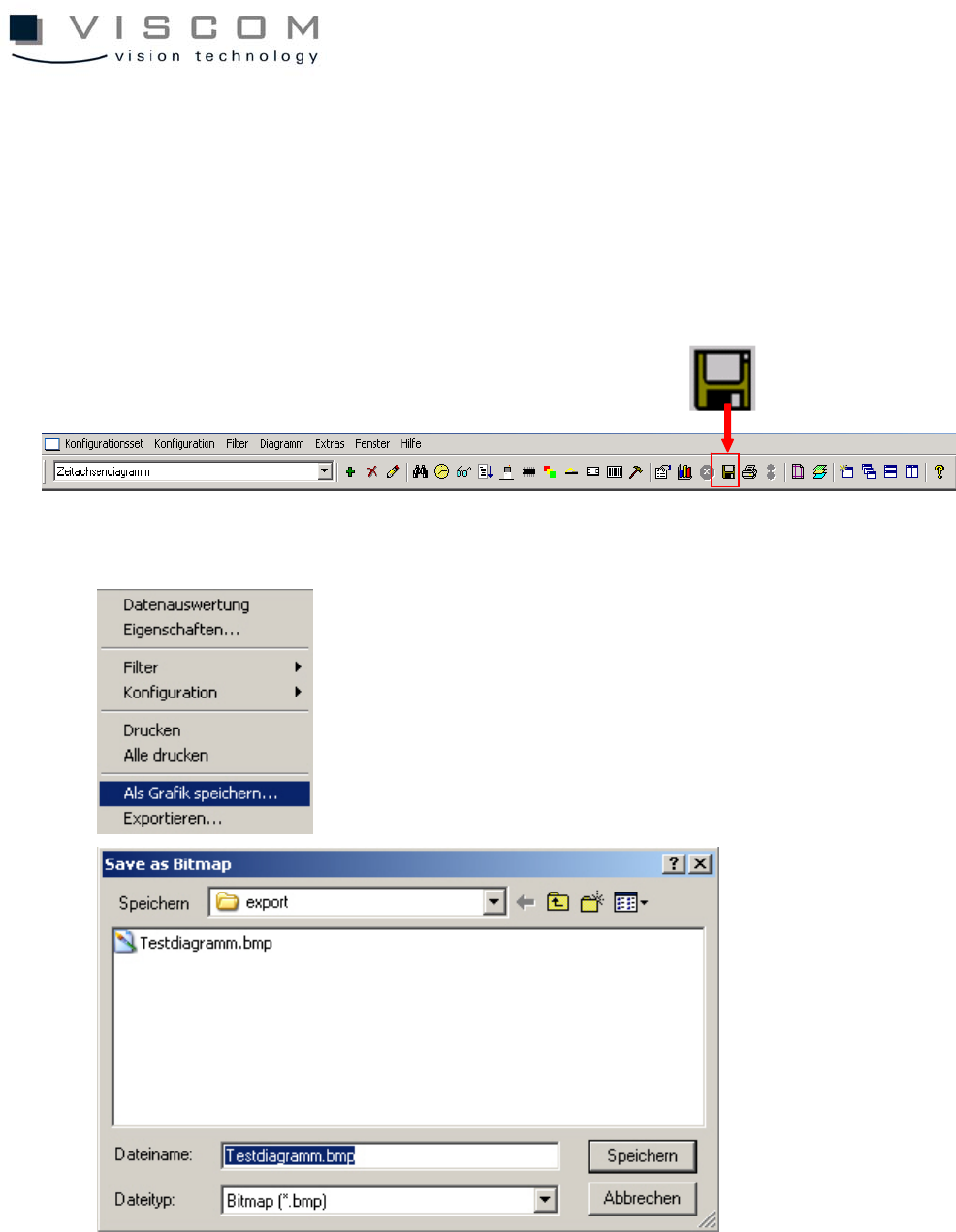
5.2 Save Graphics
The last option is to save the diagram as a graphic.
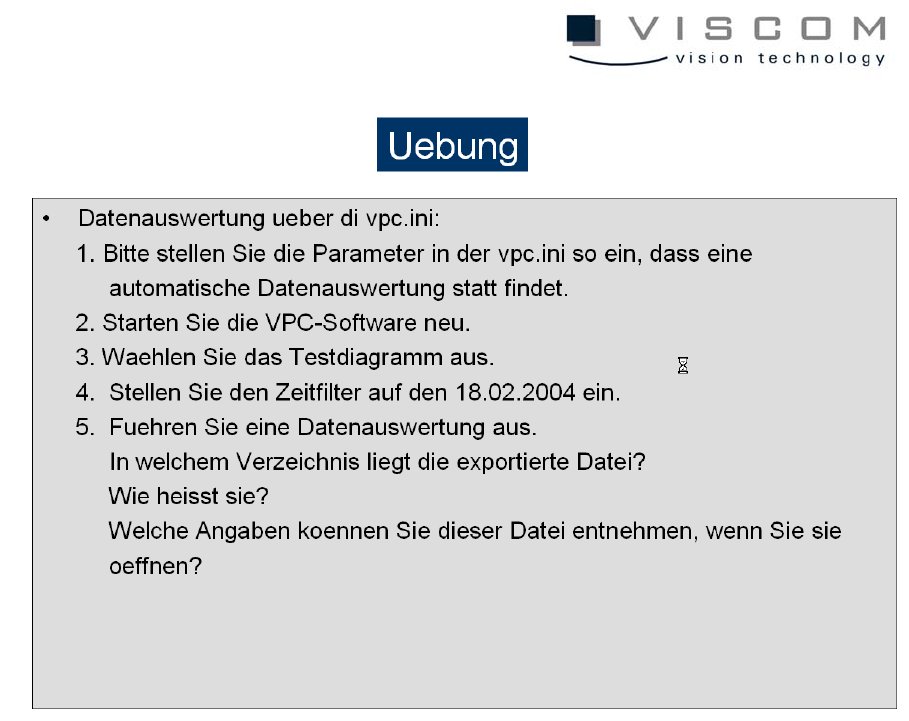
"Save as graphic" is just like the automatic data evaluation.
97/144