1.011.1_VPC使用手册.pdf - 第8页
7/144 1. Using the VPC Software 1.1 Menu Bar Processing the configurations - called diagrams in the following - and the configuration sets (which can contain 1-6 or 9 diagrams) can be done in three different modes: • ico…

6/144
7/144
1. Using the VPC Software
1.1 Menu Bar
Processing the configurations - called diagrams in the following - and the
configuration sets (which can contain 1-6 or 9 diagrams) can be done in three
different modes:
• icons
• menu bar
• right mouse click in the analysis area.
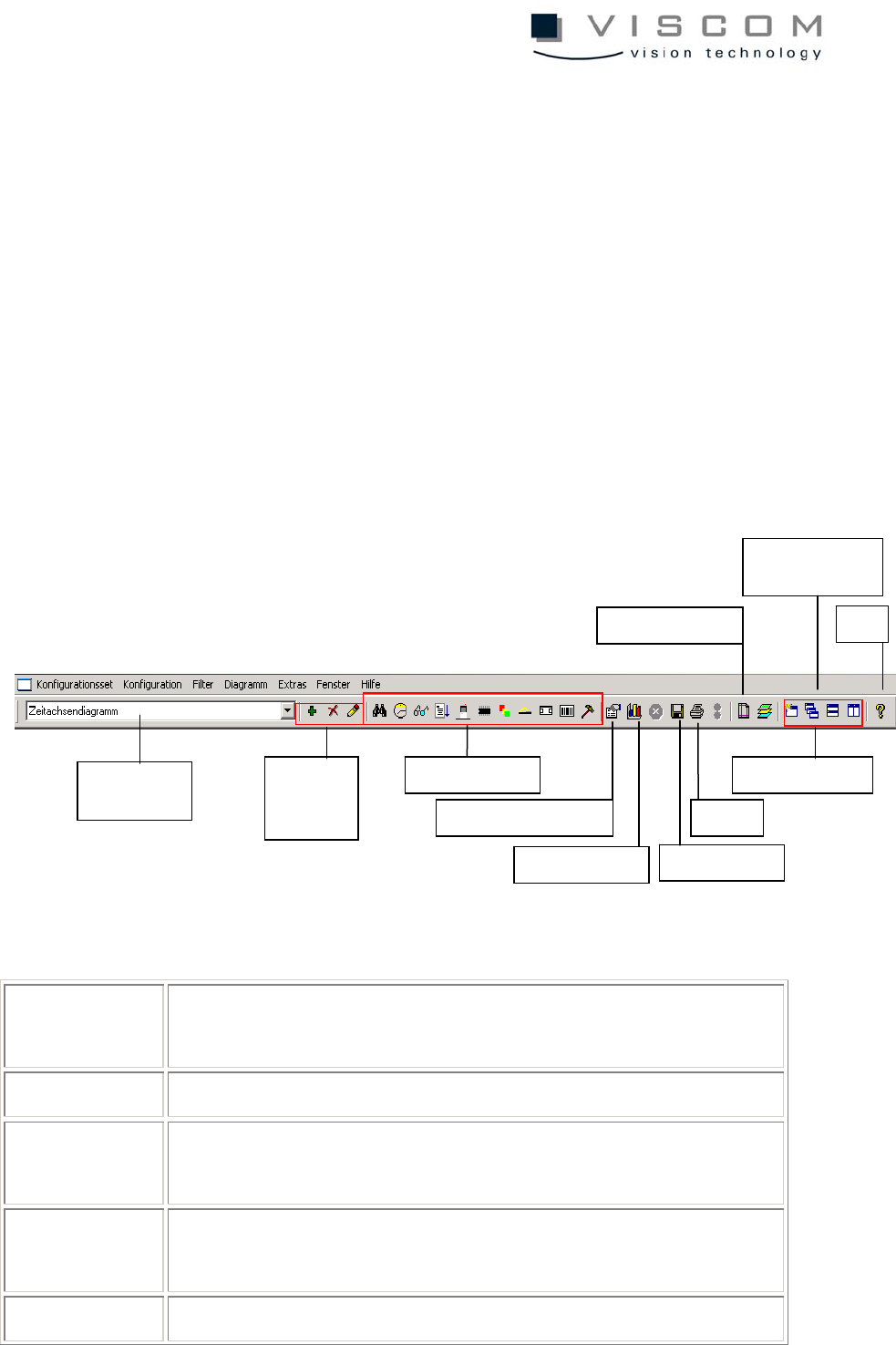
A detailed description of the menu bar is given in the following:
Configuration
set
editing the entire configuration set
Configuration editing the currently selected diagram
Filter editing the filter settings for the current diagram or for the
entire configuration set
Diagram editing the diagram properties; data evaluation of the current
diagram
Extras data evaluation and printer setup
Configuration
set selection
Delete,
add, edit
entries
Filter icons
Diagram properties
Data evaluation
Save graphics
Print
Window
Printer setup
Automatic data
evaluation
Help

8/144
Help displaying the current VPC version and calling up Online
Help