1.011.1_VPC使用手册.pdf - 第59页
58/144 The data evaluation done here shows an e xceeded warning limit. This opens a "Limit exceeded" mask which refers to the first bar.
57/144
The last three hours can be used as time period filter. Thus, a sufficient amount
of data is available in order to reduce confusion caused by slight fluctuations in
production.
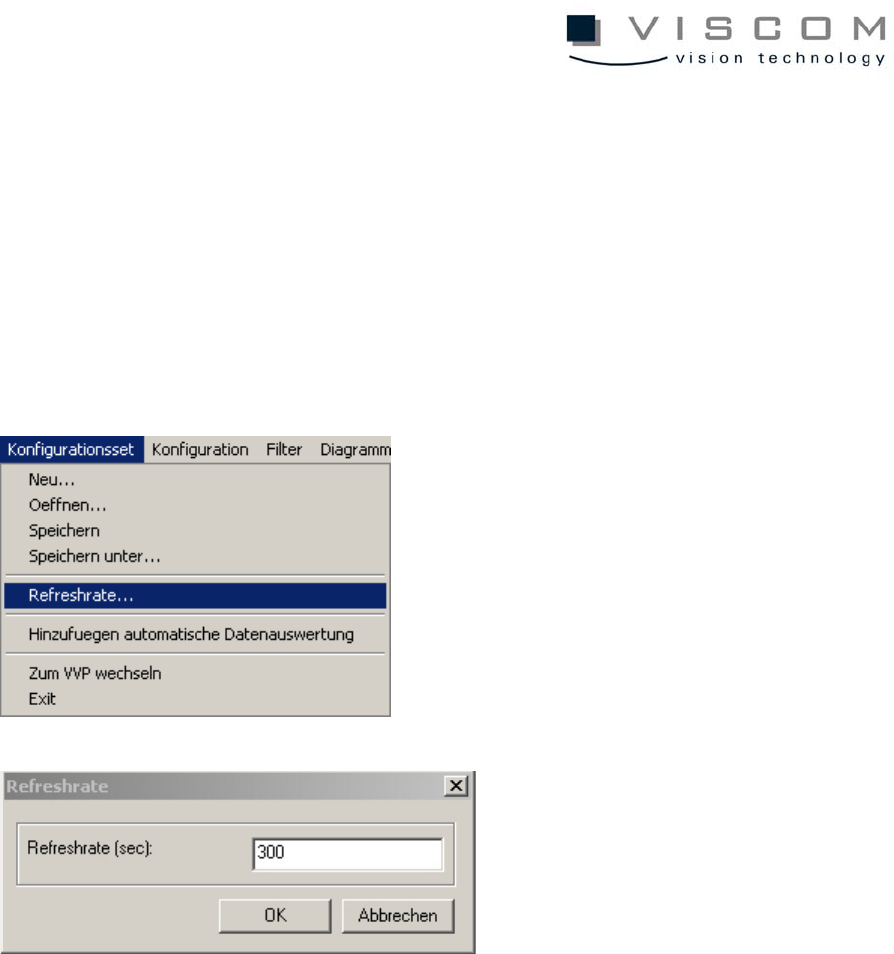
By setting a refresh rate for a continuously repeating data evaluation, an
automatic evaluation cycle can be achieved. The refresh rate is always valid for
the entire configuration set.
In the example shown, then, a new evaluation with the diagram is started every
five minutes (300 sec.). If a configuration set should contain several diagrams,
the evaluation of the diagrams runs according to their sequence.
It is important to take into consideration here that the normal evaluation time for
a configuration set is always smaller than the set refresh rate, otherwise
overlapping could occur during evaluation.
The configuration set is ready after the refresh rate mask is confirmed with
"OK". It is now possible to start the data evaluation immediately, or it starts
automatically after the preset time is over.
58/144
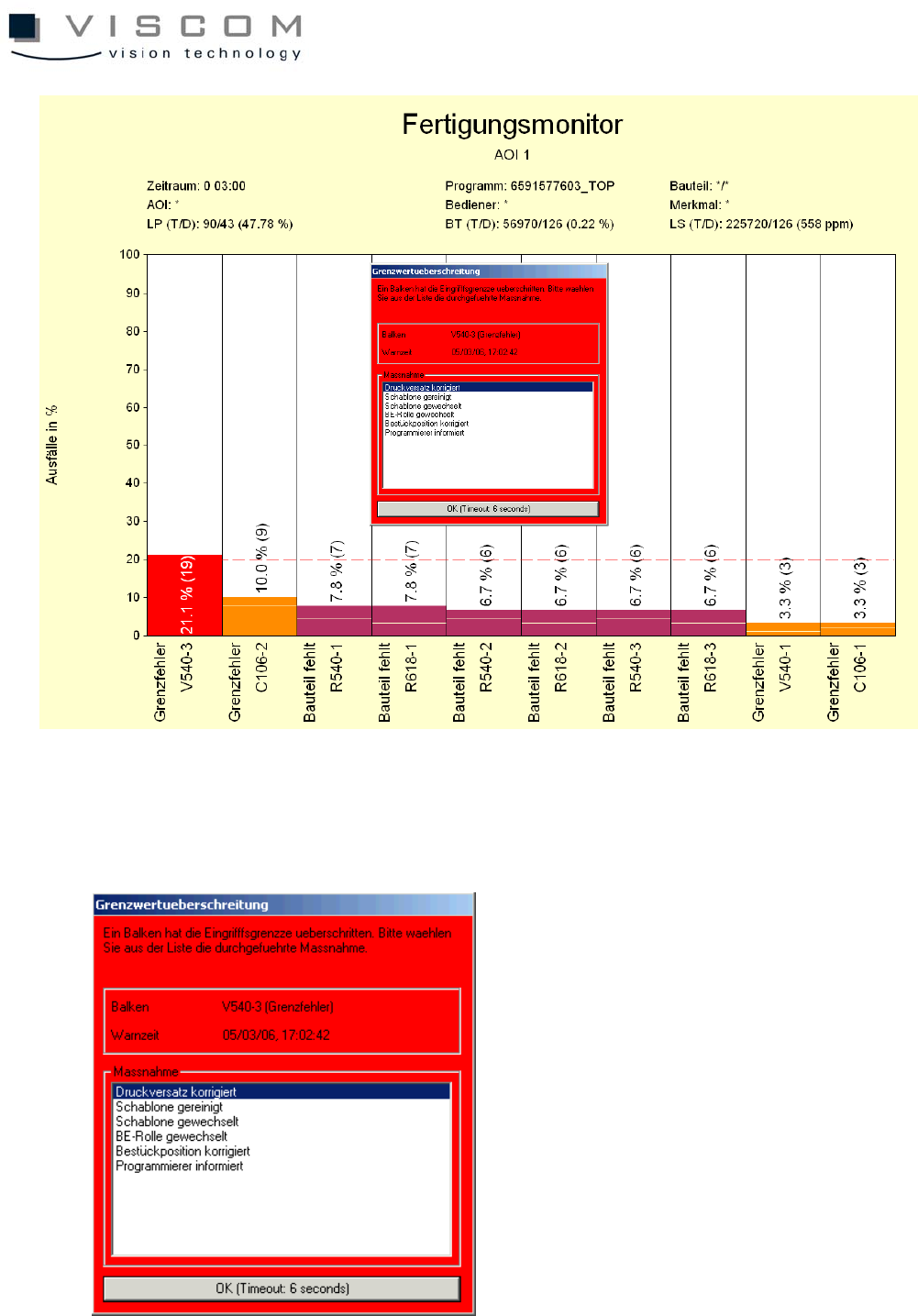
The data evaluation done here shows an exceeded warning limit. This opens a
"Limit exceeded" mask which refers to the first bar.
59/144
In the white window, the mask offers some solutions that can be configured as
needed. The selection measures can be entered through the file si_spc.lwtxt.
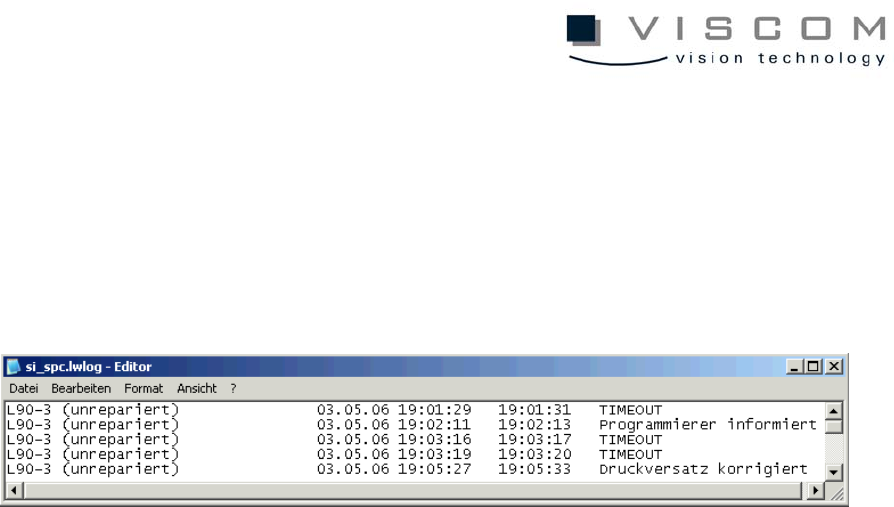
After the time determined with the parameter MessageTimeout in vpc.ini is over,
the mask closes automatically, and "TIMEOUT" is entered in the file
si_spc.lwlog.
Here, the bars that exceed the limit are also listed. An entry consists of:
• the ID (defect feature always unrepaired),
• date,
• start of evaluation,
• end of evaluation,
• remedial action.