1.011.1_VPC使用手册.pdf - 第109页
108/144
107/144
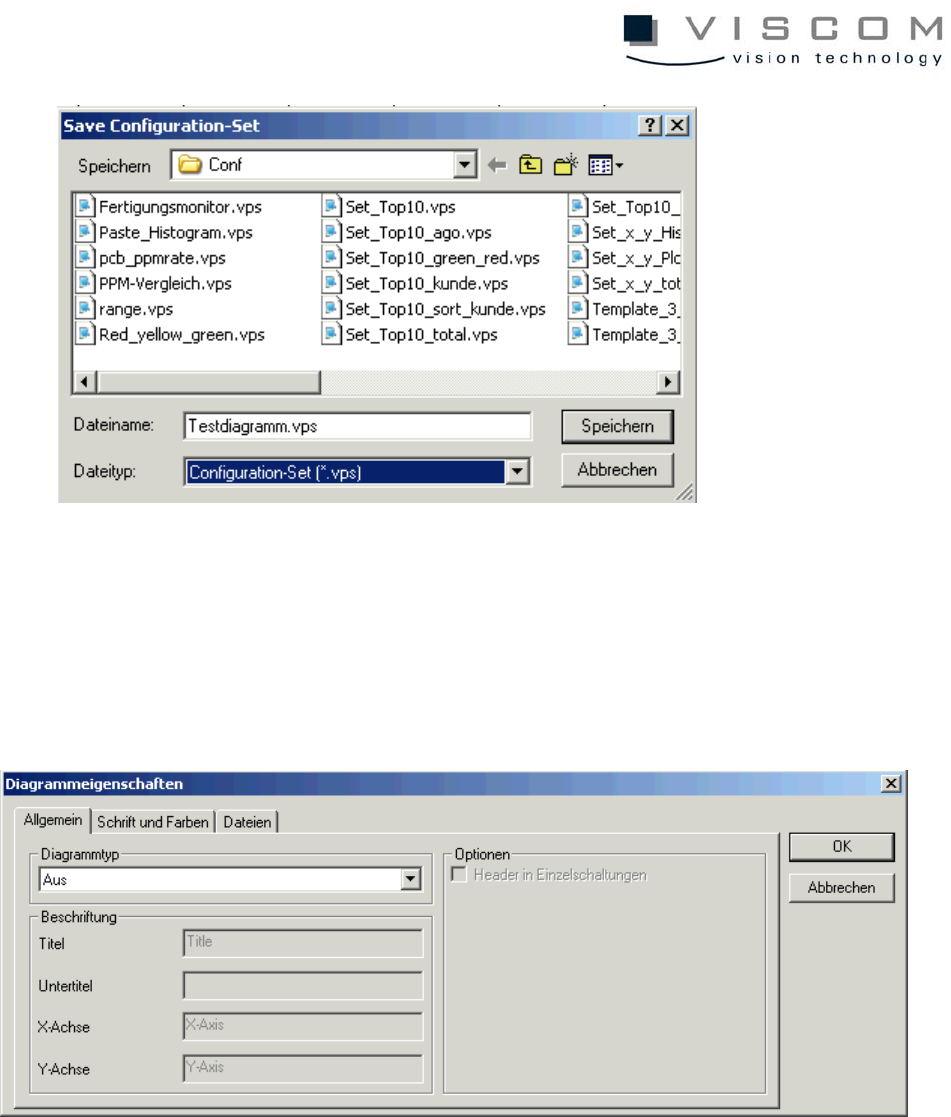
When all the diagrams are named, then the configuration set containing the
diagrams is given a name.
Finally, the desired diagram type is activated with a right mouse click on the
background, and selection of the menu command "Properties".
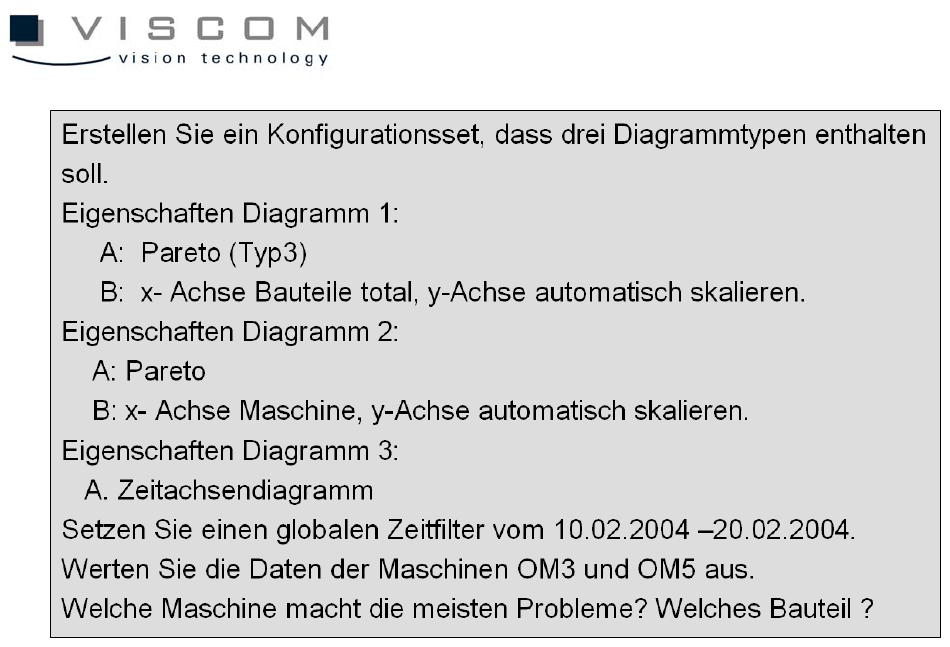
Exercise:
108/144
109/144
8. VPC Utilities
8.1 VpcMerger
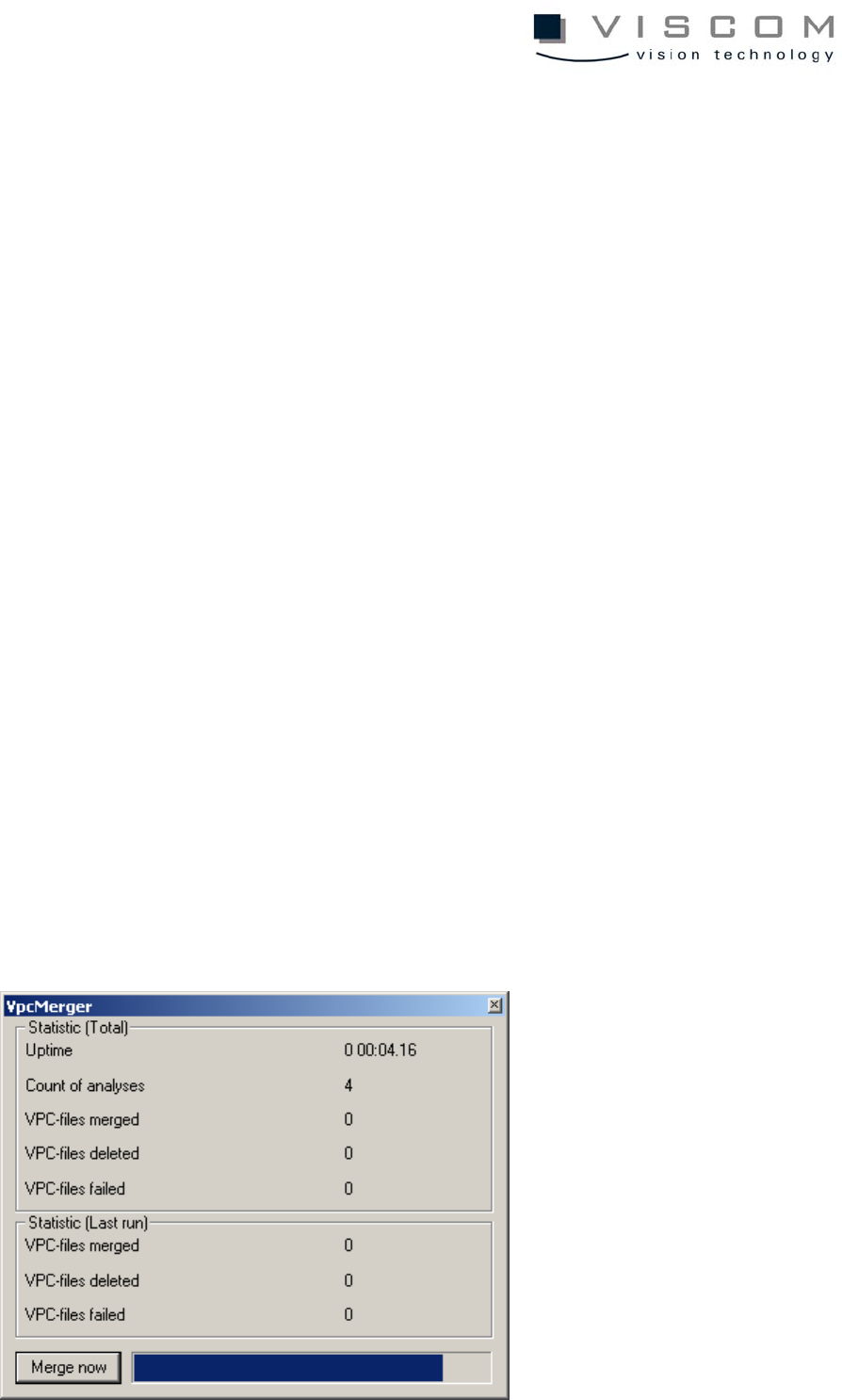
Like the "spc_merger" program of the previous SPC files, the program
VpcMerger makes it possible to accumulate individual VPC files to a single
VPM file per machine per day. This process allows the following advantages:
• clearly improved use of disc space, because with single, very small files on
NTFS drives, at least 4 KB per file is always allocated; on FAT drives the
waste of space is to an extent even larger
• distinctly quicker evaluation
• improved clarity in the daily directories.
The program can be started as a normal process, for example from the
Autostart file folder from Windows; also, it can be installed as a service, to
function independently from any user registration.
8.1.1 Setup and first start
The VpcMerger should be called up in the work directory
“C:\VISCOM\PROJECT\VPC\DATA“; this can be done by setting a
corresponding link. The configurations file “VpcMerger.ini“ is stored in this
directory; the site for the data to be processed can still be reconfigured later.