1.011.1_VPC使用手册.pdf - 第30页
29/144 10000 not repaired 10001 real defect (red) without defect list 10002 pseudo defect (green) 10003 borderline defect (yellow) 10004 serial defect (green) 10005 serial defect (red) 50000 aborted repair 10010 - 10099 …
28/144
1 entry of the component name (component ID)
2 entry of the component body type (body type)
3 entry of the article number (6th column Cad file)
4 entry of the solder joint number
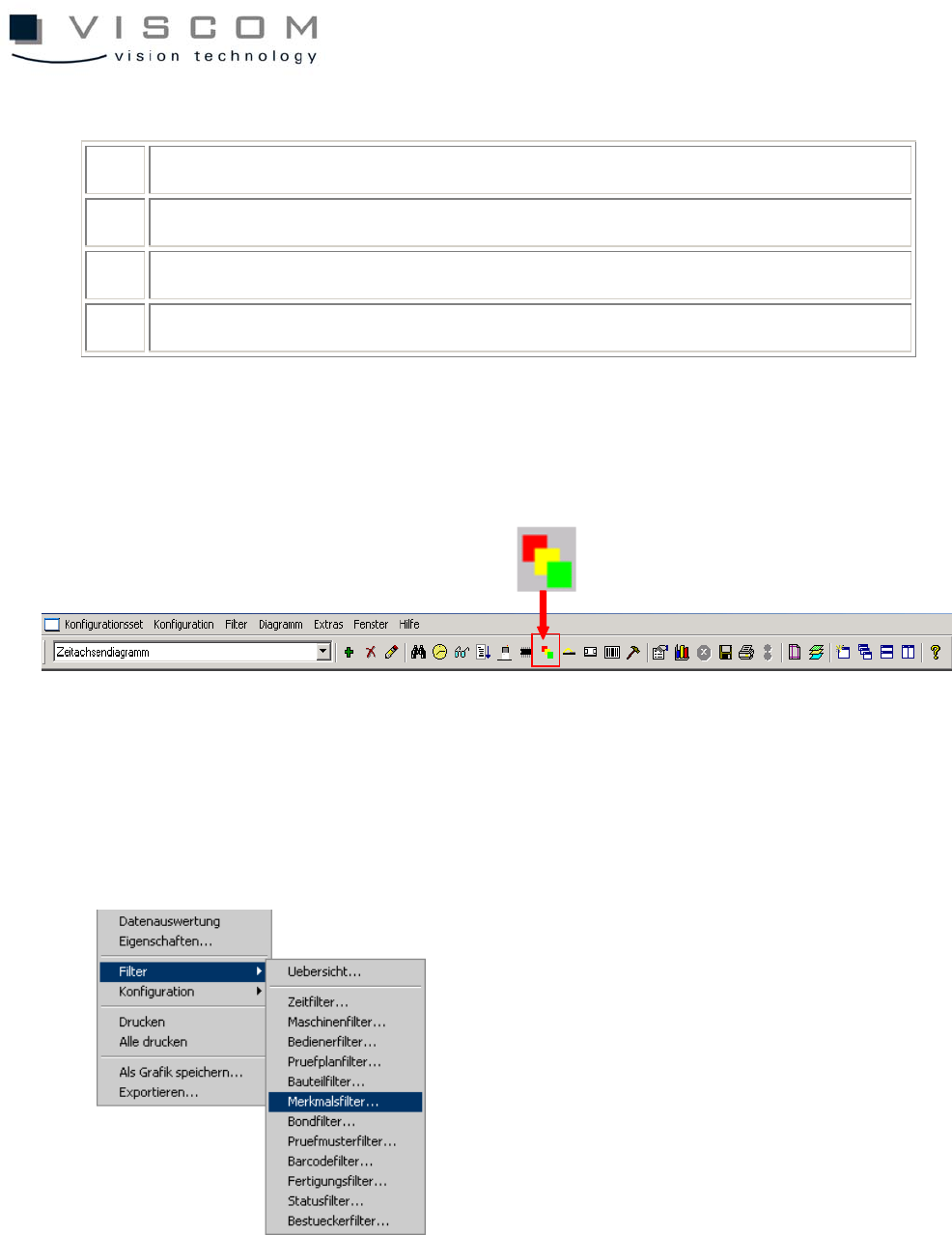
1.6.8 Features filter
The features filter defines the features that should be evaluated in the VPC file.
Features are defined as the defect classifications of defects at the repair station.
The following defect features can be indicated:
29/144
10000 not repaired
10001 real defect (red) without defect list
10002 pseudo defect (green)
10003 borderline defect (yellow)
10004 serial defect (green)
10005 serial defect (red)
50000 aborted repair
10010
-
10099
real defect with defect list at repair station; the value is made up of:
10000 + defect number from the file scroll.list in the repair station
Misc directory
The parameter SkipGroupErrors in VPC.ini is set to 1 by default, so the features
10000, 10004 and 10005 are suppressed.
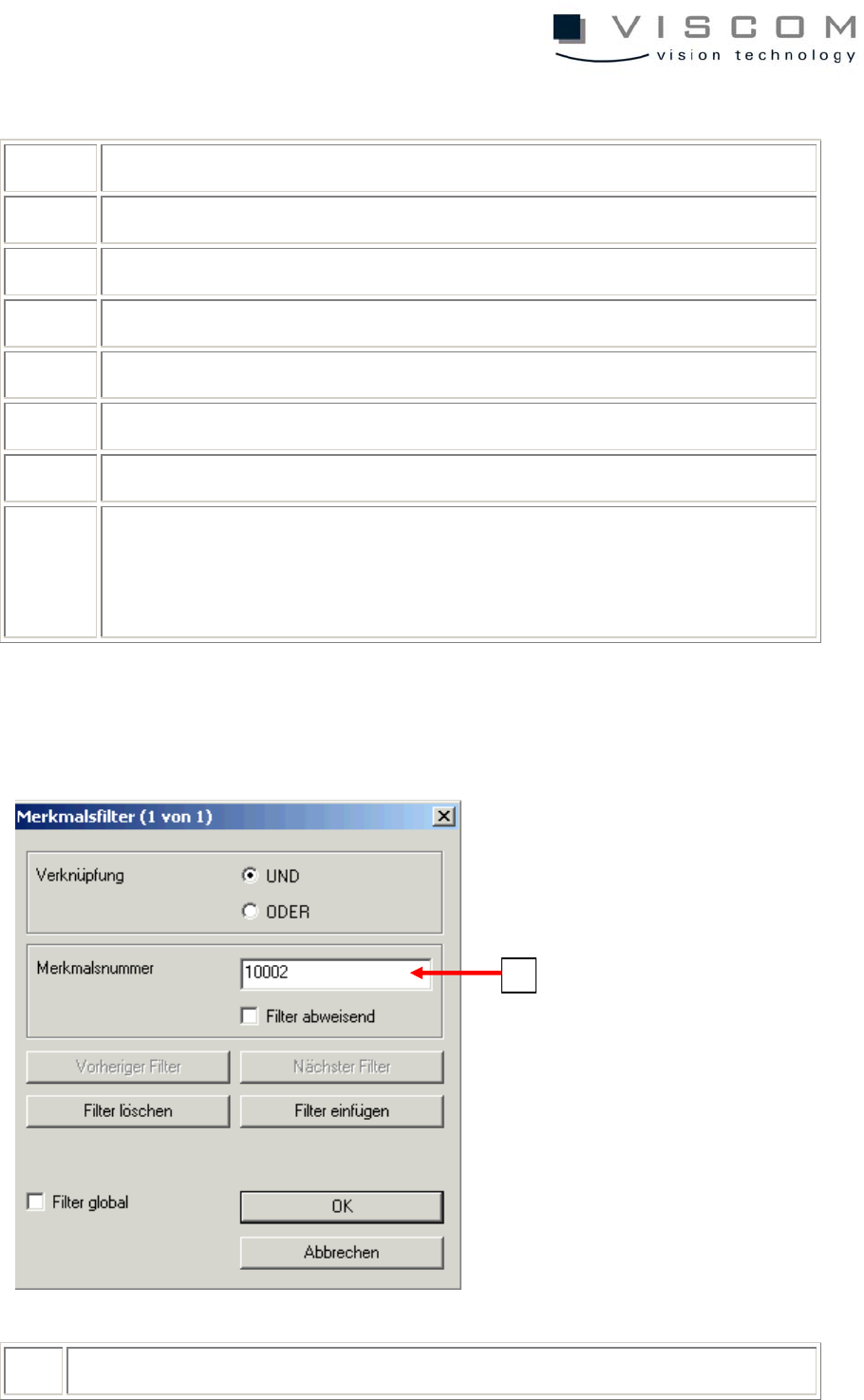
1 enter the feature number;
1

30/144
reject filter active = the selected feature number will be ignored