1.011.1_VPC使用手册.pdf - 第92页
91/144 5.1.3 Data export with vpc.ini The software also offers an automatic data export using si_spc.par. Here, in the section "Export" the data to be exported can be set. section [export] parameters descriptio…
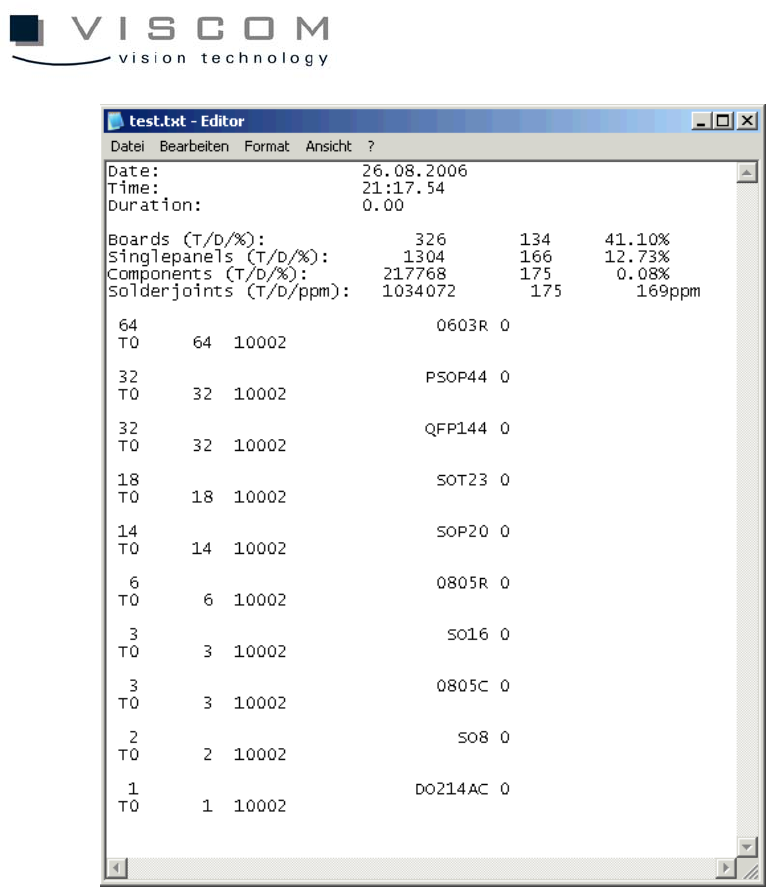
90/144
91/144
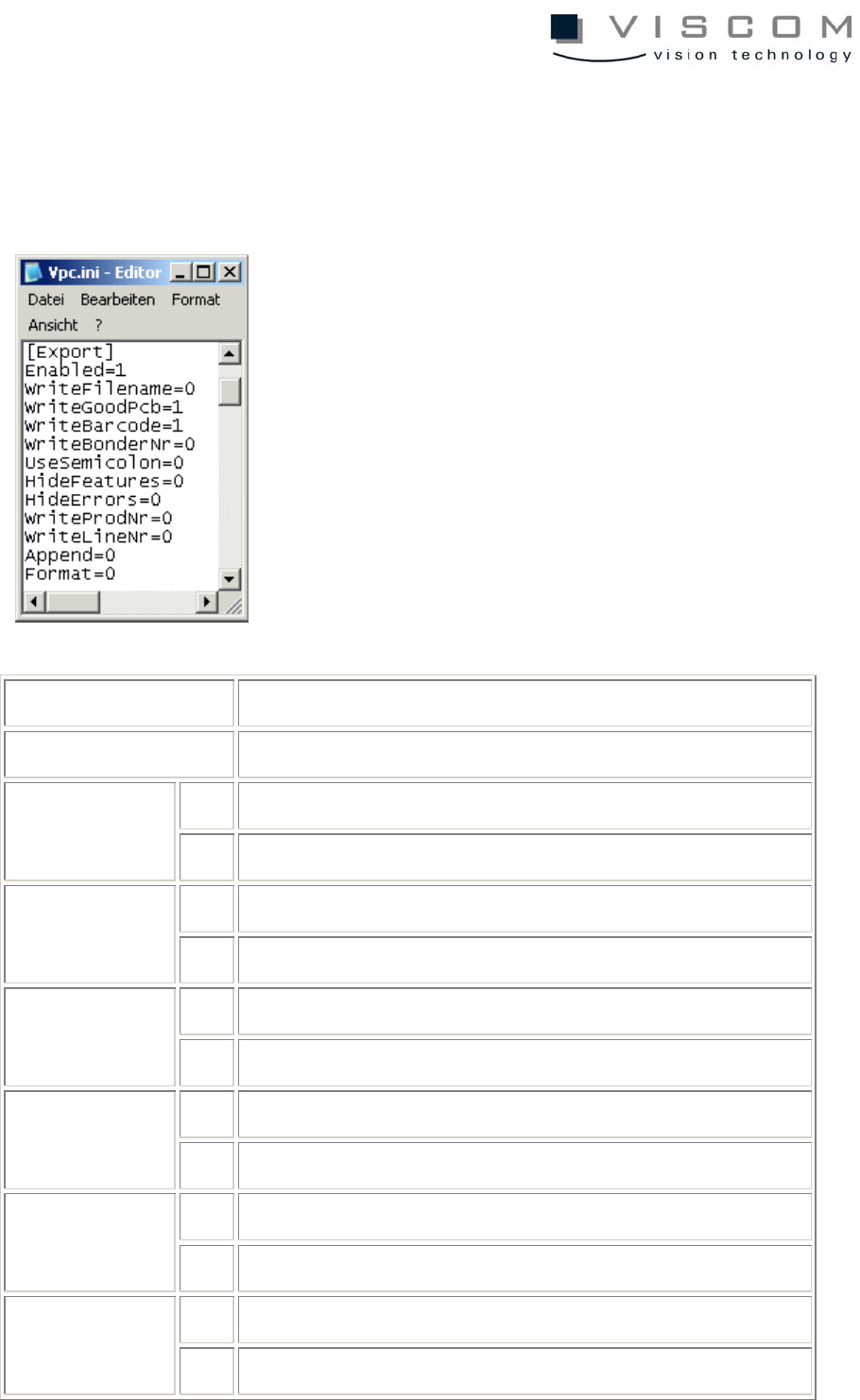
5.1.3 Data export with vpc.ini
The software also offers an automatic data export using si_spc.par. Here, in the
section "Export" the data to be exported can be set.
section [export]
parameters description
0 no data export permitted enabled
1 data export released in folder "Export"
0 do not export VPC file names WriteFilename
1 export VPC file names
0 no export of data sets for good PCB WriteGoodPcb
1 export data sets for good PCB
0 do not export bar codes WriteBarcode
1 export bar codes
0 do not export bonder number WriteBonder
Nr
1 export bonder number
0 separate columns with blank space UseSemicolon
1 separate columns with semicolons
92/144
0 export measurement values HideFeatures
1 do not export measurement values
0 export defect features HideErrors
1 do not export defect features
0 do not export product number WriteProdNr
1 export product number
0 do not export line number WriteLineNr
1 export line number
0 re-create file Append
1 do not re-create file, but attach data to end
0 off Format
1 defines global format for export (customer-specific)
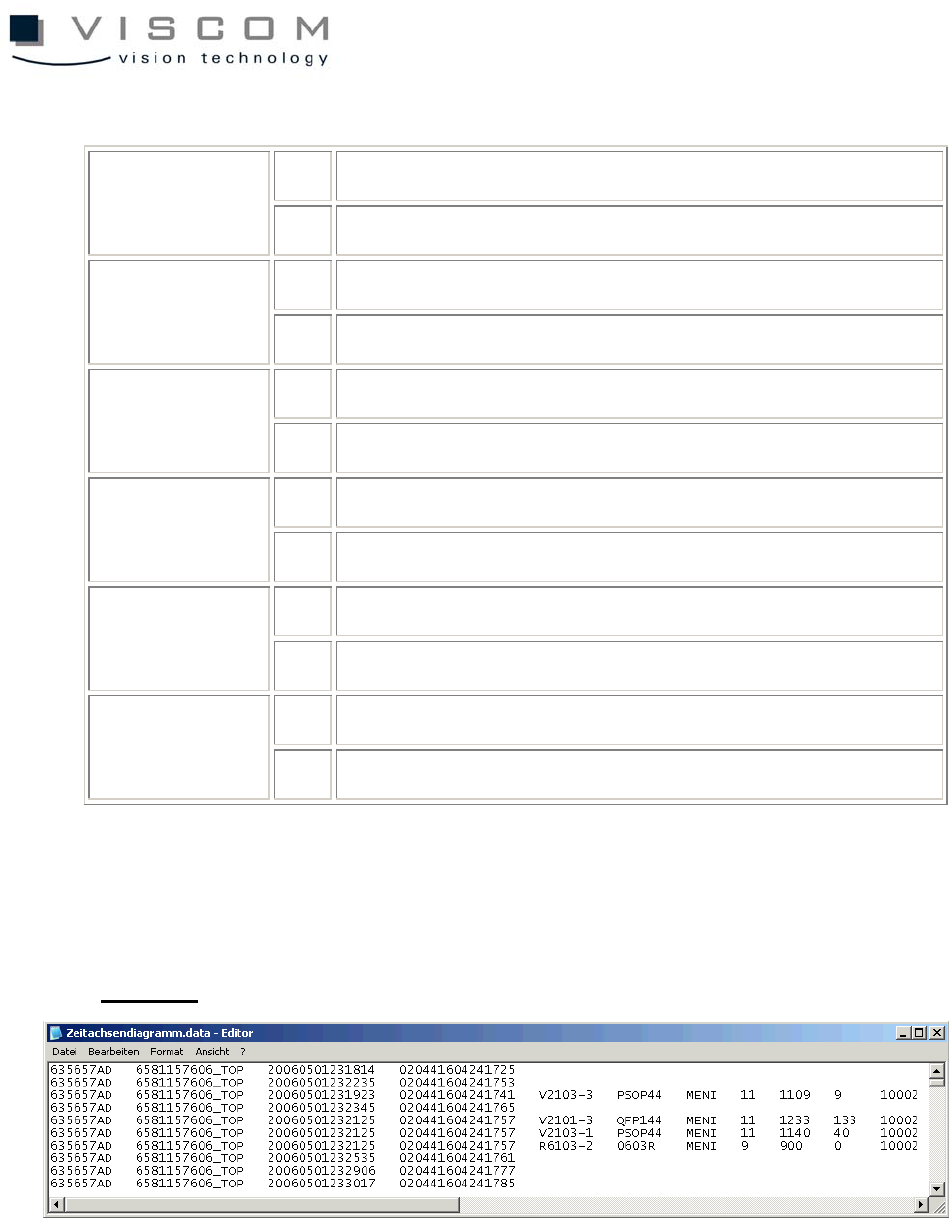
The text file is created in the export directory with the ending ".data" and
contains the configured description of each individual defect in the diagram.
Example:
5.1.4 Data export in table form (MS Excel)
The most convenient operation method allows data to be exported directly in
the Microsoft Excel table format.
To give the customer as much flexibility as possible during further processing
with Microsoft Excel, this modification is a customer-specific special offer and so