1.011.1_VPC使用手册.pdf - 第13页
12/144 1.3 Diagram Properties The diagram properties can be called up at any time by using the icon in the menu bar or with a right mouse click in the diagram. They are divided into an upper and lower portion. The lower …
11/144
on a specific machine or
inspection plan, unlike Type 3,
which uses the basic set of
the total inspected solder
joints.
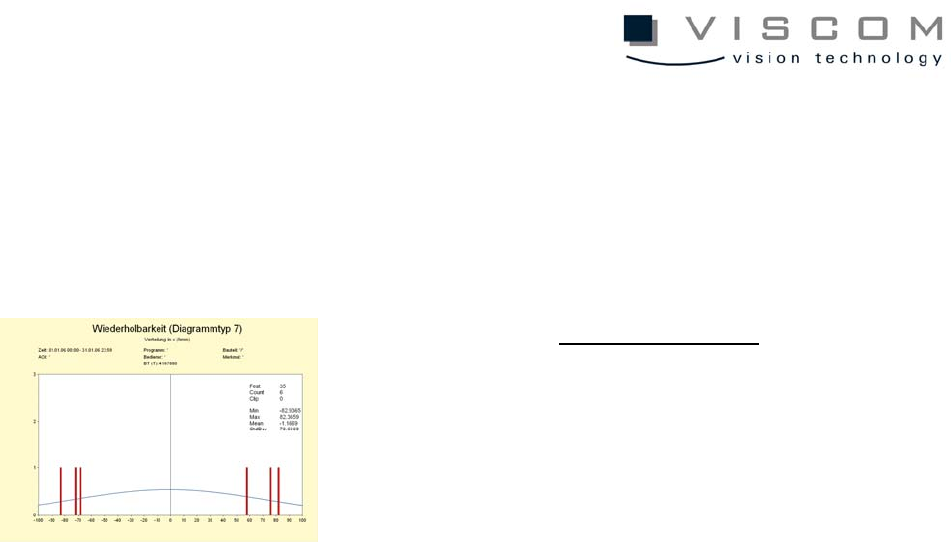
Type 7
Repeatability
Normal distribution
Type 7 displays the normal
distribution of the feature
values as standard deviation
or average value.
12/144
1.3 Diagram Properties
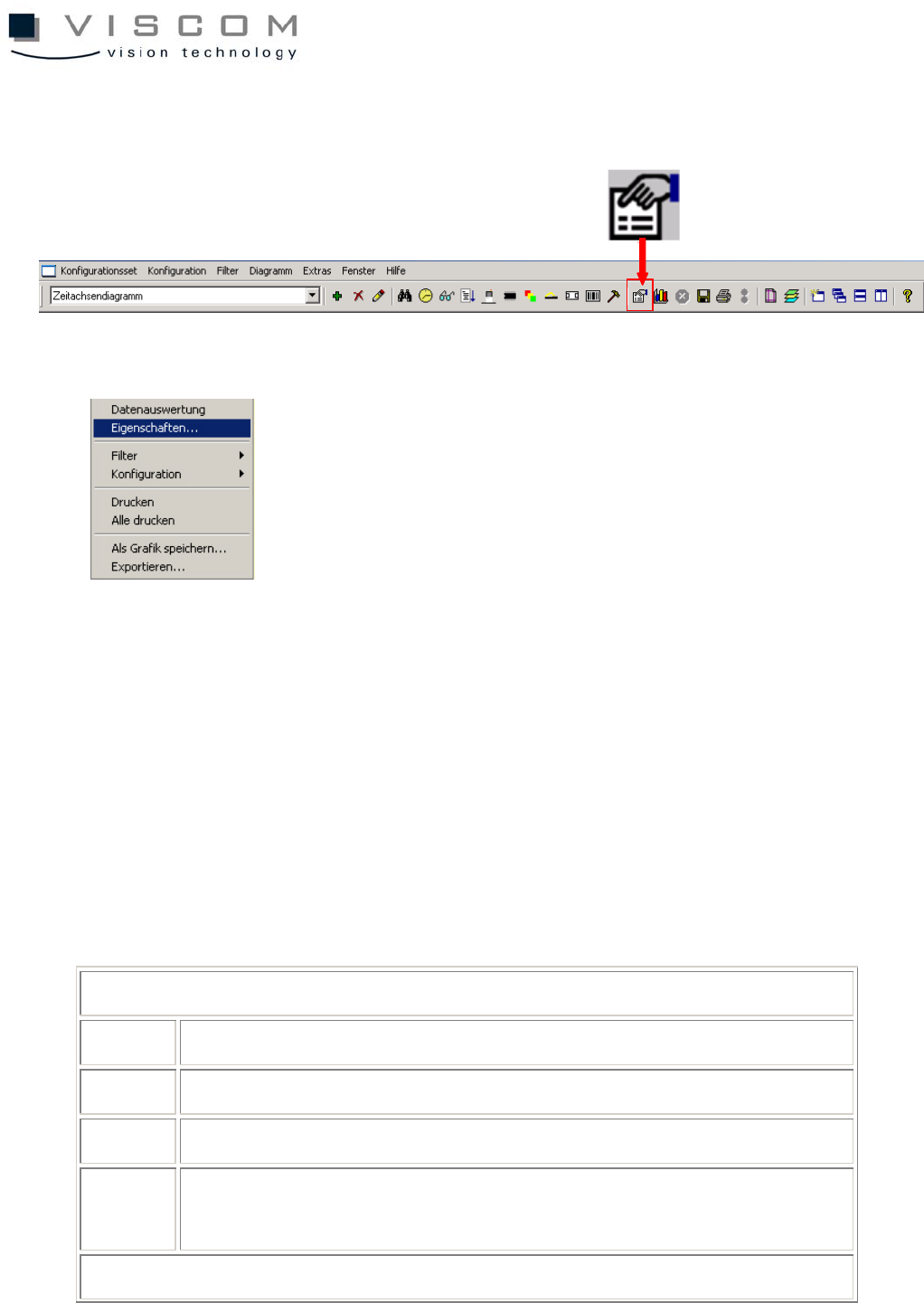
The diagram properties can be called up at any time by using the icon in the
menu bar or with a right mouse click in the diagram.
They are divided into an upper and lower portion. The lower part is different
depending on the chosen diagram type (diagram types 0-7).
The upper part is again divided into three file tabs: General, Text Font and
Color, Files; it is identical for all diagram types, briefly explained as follows.
Level "General"
1 selection of diagram type
2 title and subtitle of the diagram
3 X- and Y-axis designation
4 options: selection if the statistics in the diagram header should be
for single panels or the entire PCB
Level "Text Font and Color"
13/144
5 setting the colors, font size and style of the diagram
Level "Files"
6 automatic inspection plan change, if the diagram should follow the
current inspection program online (see chapter "VPC as Production
Monitor")
7 execution of exe or batch files when interference limits are
exceeded or after they are confirmed (see chapter "VPC as
Production Monitor")
1.4 Example: Pareto Diagram
The Pareto diagram offers the possibility to evaluate the VPC data according to
different criteria. This is by far the most versatile type of diagram and is used
most frequently.
Thus, it is explained in more detail as follows.
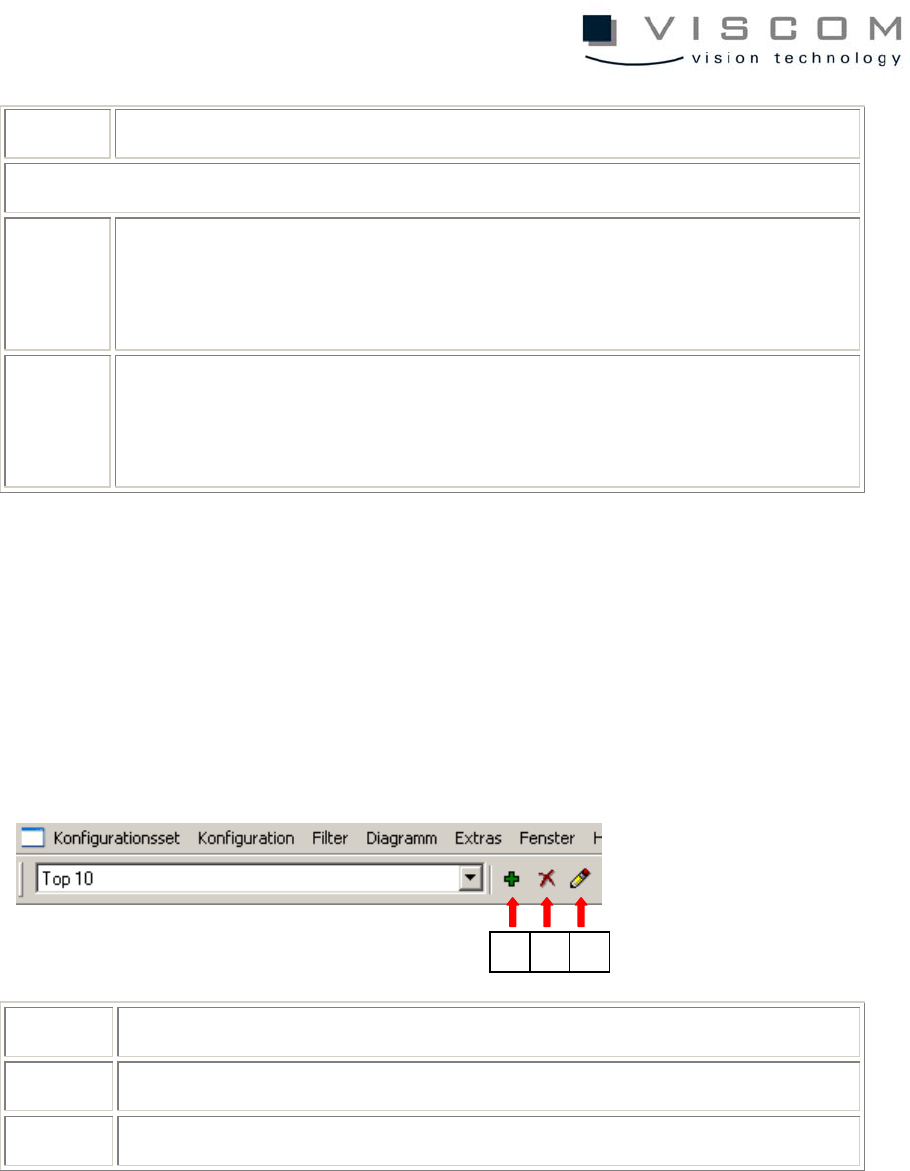
1 add entry to scroll list
2 delete entry from scroll list
3 edit entry (modifies the description for the menu command)
For this, open the pull-down menu by clicking in the menu bar on the arrow to
the right of the field labeled "Top 10" in the example above.
1 2 3