DECAN_S1_Administrator′s_Guide(Eng_Ver1.5)_Print.pdf - 第379页
13-27 Production Setup 13.8. Pd. Info [F8] Displays placement operation data for he ad, nozzle and feeder . Please refer to “18.1 Pr oduction Information Management [Pd. Info]” for more information.

13-26
Next Generation, Multi-Functional Placer DECAN S1 Administrator’s Guide
13.7. PCB D/L [F7]
Transmits the PCB data set in the <PCB Edit> menu to the equipment. Transmission is
possible only when the equipment status is “Finish”.

13-27
Production Setup
13.8. Pd. Info [F8]
Displays placement operation data for head, nozzle and feeder. Please refer to “18.1
Production Information Management [Pd. Info]” for more information.
13-28
Next Generation, Multi-Functional Placer DECAN S1 Administrator’s Guide
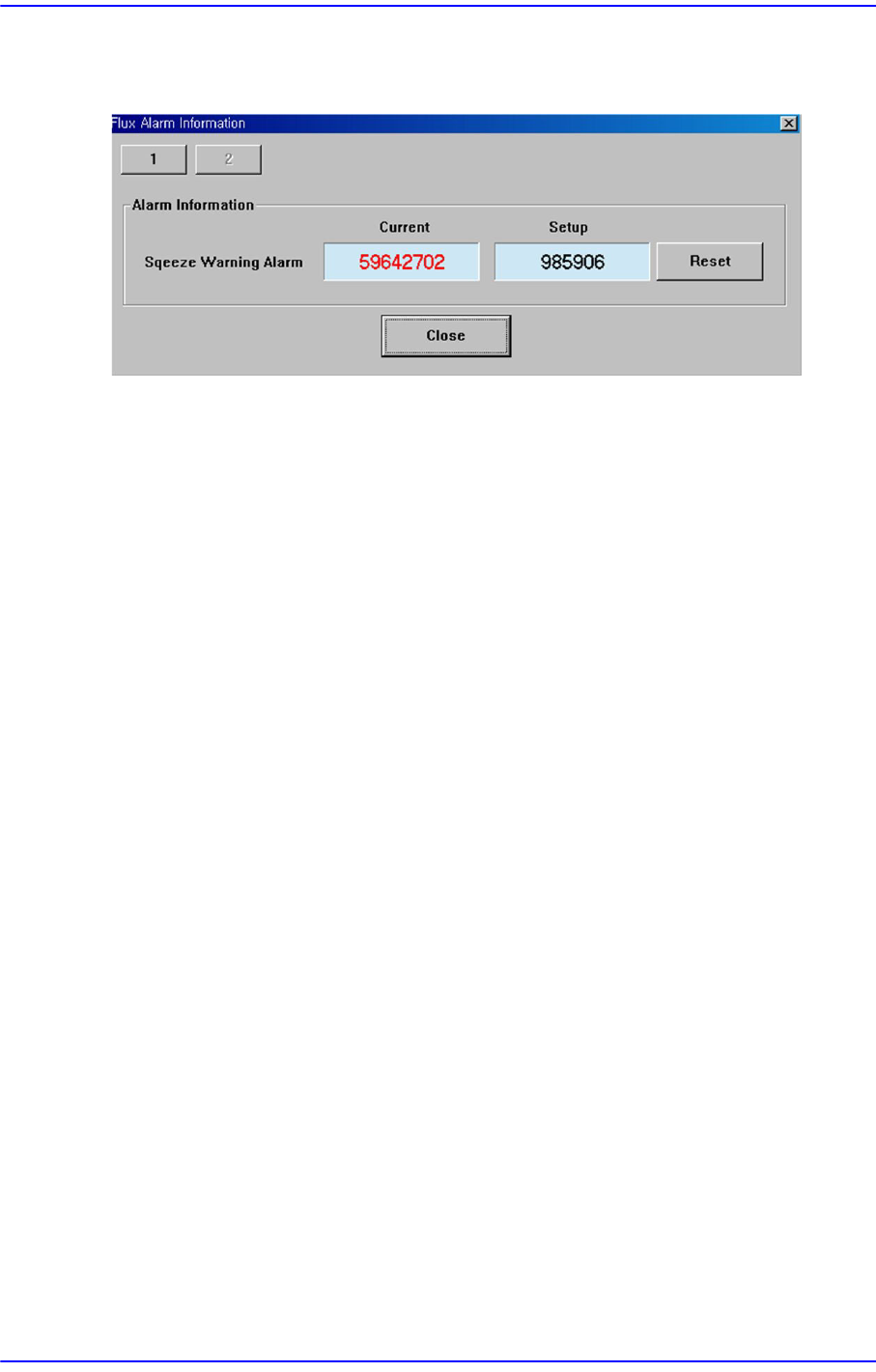
13.9. Flux. [F9]
Perform setup for the warning message related to the operation of the flux module.
<Squeeze Warning Alarm>
Clicking the <Reset> button will initialize the set flux module cleaning cycle. The
setup of the corresponding item can be performed in the ‘Flux’ tab dialog box in the
‘Periph.’ submenu of the ‘Sys.Setup’ menu.