DECAN_S1_Administrator′s_Guide(Eng_Ver1.5)_Print.pdf - 第64页
2-10 Next Generation, Multi-Functional Plac er DECAN S1 Administrator’s Guide Periph. Perform setups related to th e user defined dump box, tray feeder and peripheral equipment. Light Executes light mapping. Calib.…
2-9
Structure of MMI Menu
Jogbox
Checks the Teaching box function.
Tray
Checks the Tray Feeder function.
Motor IO
Indicates the status of sensor inputs related with each motor.
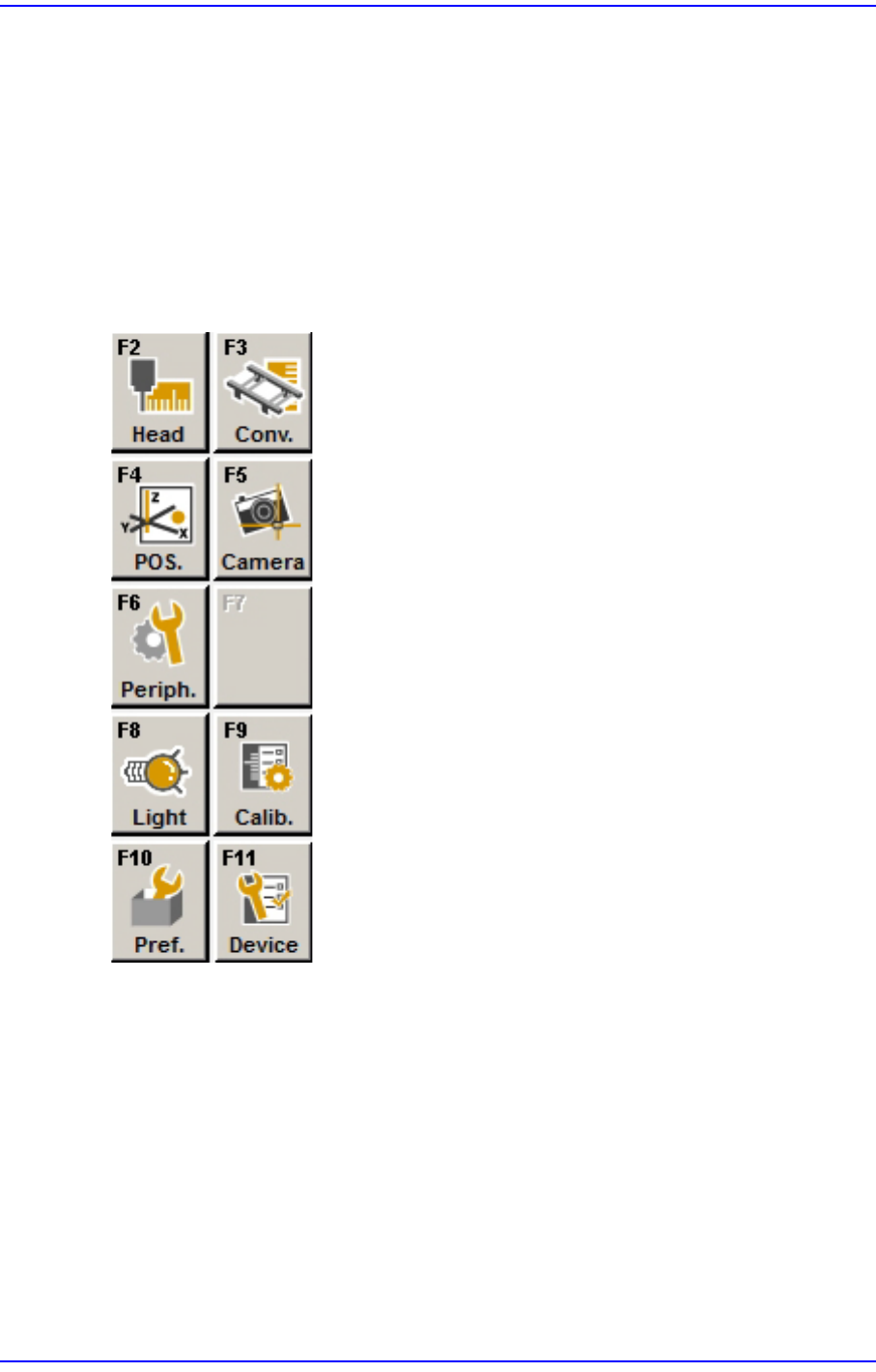
2.1.2.2.5. The sub menu tool-bars of the Sys-setup menu tool-bar
Head
Calibrates the items related with the head.
Conv.
Sets up the items related with the conveyor.
Pos.
Sets up the items related with the feeder base and system dump box.
Camera
Sets up the items related with the camera and lighting.

2-10
Next Generation, Multi-Functional Placer DECAN S1 Administrator’s Guide
Periph.
Perform setups related to the user defined dump box, tray feeder and peripheral
equipment.
Light
Executes light mapping.
Calib.
Perform complete calibration for the equipment.
Pref.
Sets various options necessary for equipment operation.
Device
Manages data related to the Tape, Stick, and Nozzle.
3-1
File Shortcut Menu
Chapter3. File Shortcut Menu
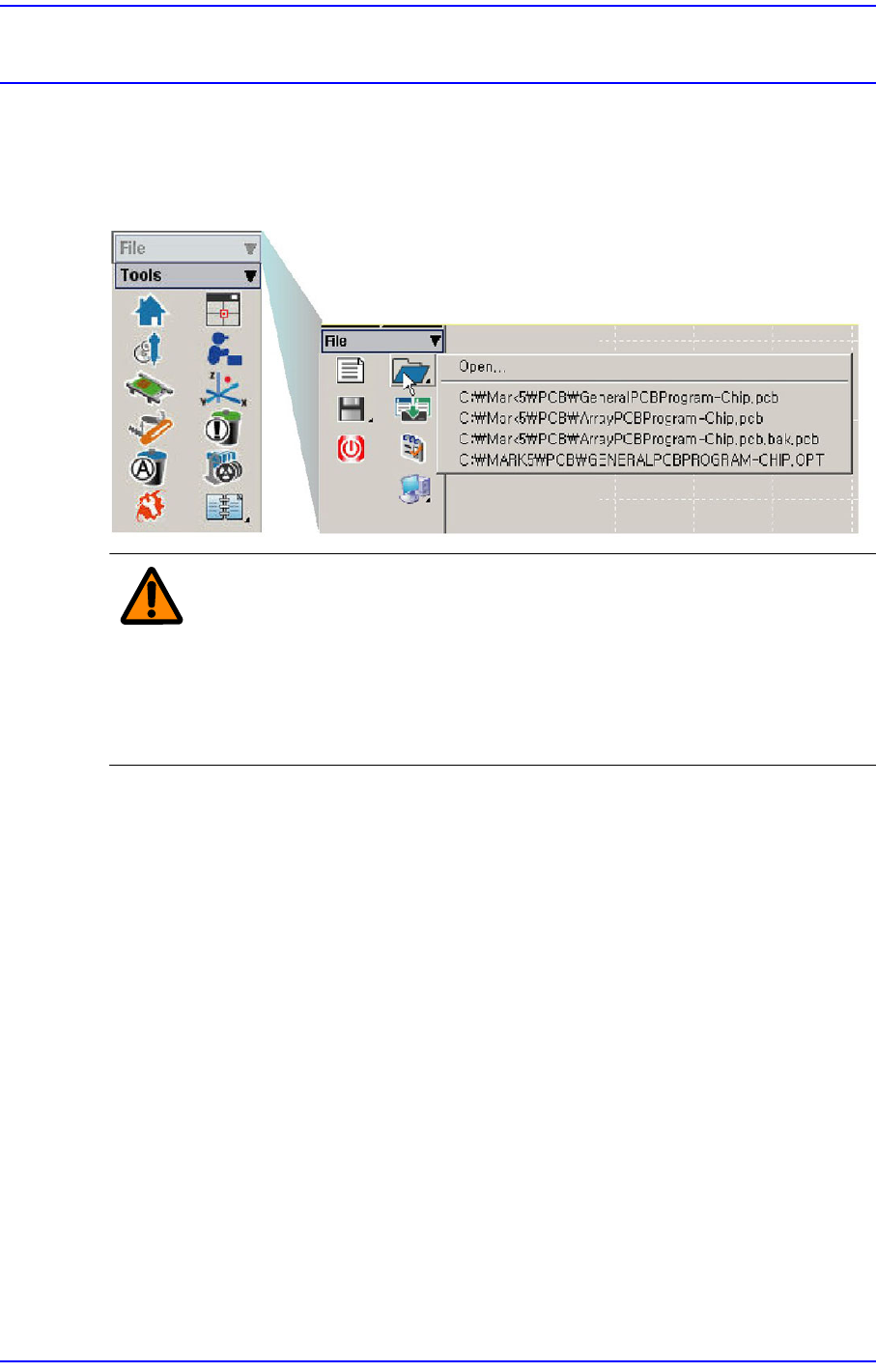
The <File shortcut> menu is composed of the following seven submenus: New, Open,
Save, Save As, Merge, Error MsgBar Show/Hide, Windows Tools, and Exit.
Figure3.1 File Menu and Submenus
Warning Except the PCB file, deleting or moving a system file or data
file arbitrarily could lead to the operation failure of MMI
program.
Except the PCB File, do not delete or remove a system file
or data file arbitrarily.