DECAN_S1_Administrator′s_Guide(Eng_Ver1.5)_Print.pdf - 第63页
2-9 Structure of MMI Menu Jogbox Checks the T eaching box function. Tr a y Checks the T ra y Feeder function. Motor IO Indicates the status of sensor inputs related with each motor . 2.1.2.2.5. The sub menu tool-ba…
2-8
Next Generation, Multi-Functional Placer DECAN S1 Administrator’s Guide
File Man
Use it to copy, delete, rename and clear the files related to MMI.
By Pass
Use it to bypass a PCB on the conveyor without placement operation.
Warmup
Warms up the driving axis after power supply.
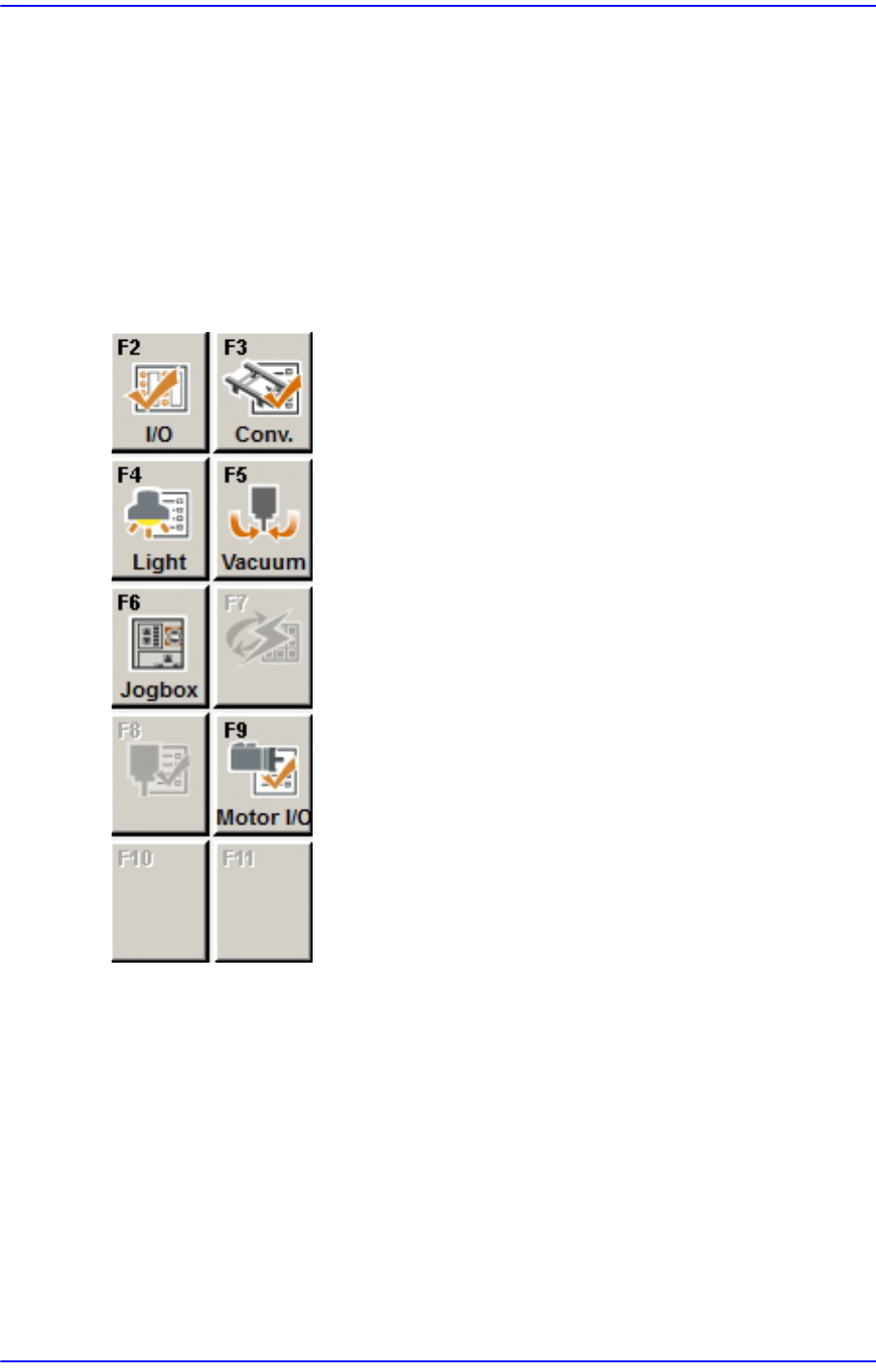
2.1.2.2.4. The sub menu tool-bars of the Diagnosis menu tool-bar
I/O
Check the I/O status.
Conveyor
Checks the Stopper, Backup Table, Hole/Edge Fixture, and Conveyor Flow.
Light
Checks the Camera Light.
Va c uum
Checks the Vacuum of each head
2-9
Structure of MMI Menu
Jogbox
Checks the Teaching box function.
Tray
Checks the Tray Feeder function.
Motor IO
Indicates the status of sensor inputs related with each motor.
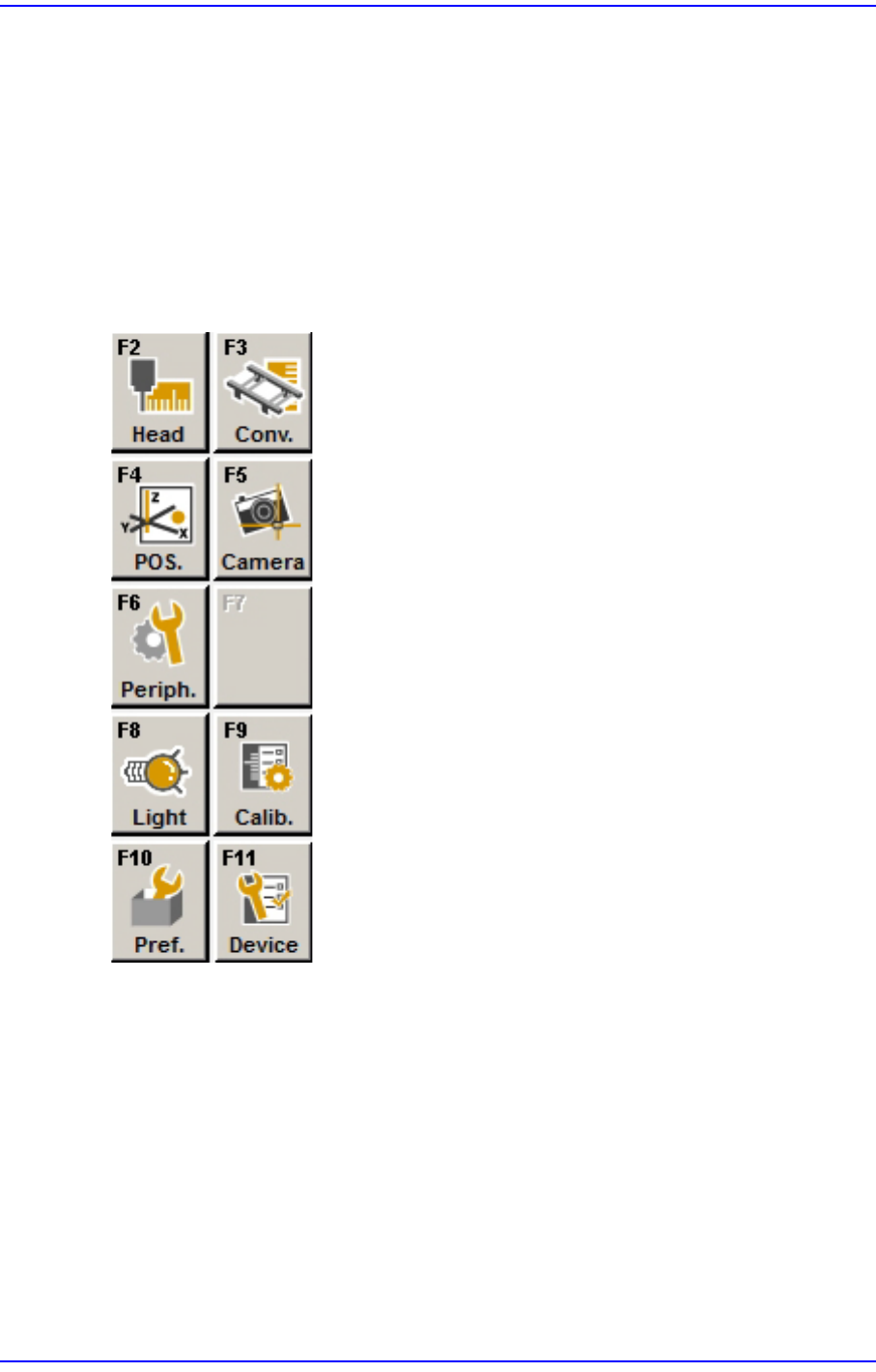
2.1.2.2.5. The sub menu tool-bars of the Sys-setup menu tool-bar
Head
Calibrates the items related with the head.
Conv.
Sets up the items related with the conveyor.
Pos.
Sets up the items related with the feeder base and system dump box.
Camera
Sets up the items related with the camera and lighting.

2-10
Next Generation, Multi-Functional Placer DECAN S1 Administrator’s Guide
Periph.
Perform setups related to the user defined dump box, tray feeder and peripheral
equipment.
Light
Executes light mapping.
Calib.
Perform complete calibration for the equipment.
Pref.
Sets various options necessary for equipment operation.
Device
Manages data related to the Tape, Stick, and Nozzle.