FCM_User Reference Manual.pdf.pdf - 第17页
4022 591 96082 User Re ference Manual 02.02 FCM Multiflex 3-1 Hu man Inte rfac e CHAPTER 3 Human Interf ace 3. 1 Intro ducti on N avi gating Thi s ch apter describes the op er ation o f the FCM M ultiflex H uma n Interf …
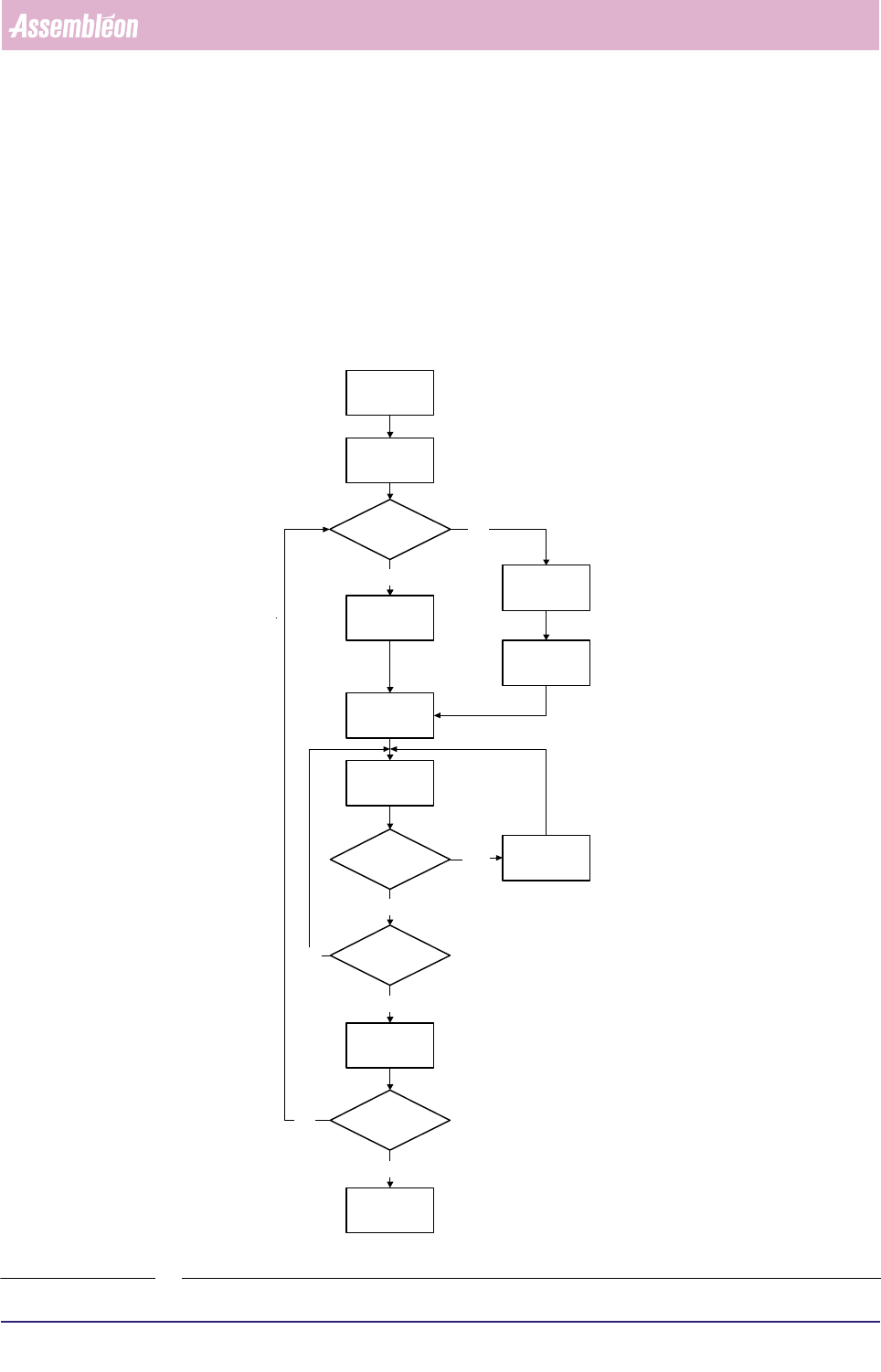
Purpose of the User Reference Manual
User Reference Manual 4022 591 96082
2 - 2 FCM Multiflex 02.02
Operating Manual describes workflow for normal production.
User Reference Manual describes:
1. General use of User Interface & configuring modules on FCM.
2. Mount program.
3. MIS.
4. Advanced handling during Product Change Overs & order scheduling.
5. SVS configuration & second sources
FIGURE 2-1
Switch-On
Procedure
Running
Production
Error
Handling
Start
Production
Procedure
Off Line
Preparation
New
Program
Selection
Current
Program
Selection
Pre-Start
Inspections
Same
Production?
Error?
Shut-Down
Procedure
Yes
Yes
No
Yes
No
No
Stop
Production?
Stop
Production
Shut down?
Yes
No
4022 591 96082 User Reference Manual
02.02 FCM Multiflex 3-1
Human Interface
CHAPTER 3 Human Interface
3.1 Introduction Navigating
This chapter describes the operation of the FCM Multiflex Human Interface.
Furthermore it will give you a quick reference overview of all available functions on
the Human Interface.
NOTE: This chapter does not explain the functionality and operation of each indi-
vidual function, since this has been explained in the Assembléon Training
course. If necessary, it is possible to use the Human Interface’s help infor-
mation as a reference.
The Human Interface can be operated in two ways:
■ Using the function keys or key combinations of the keyboard.
■ Using the touch pad of the keyboard.
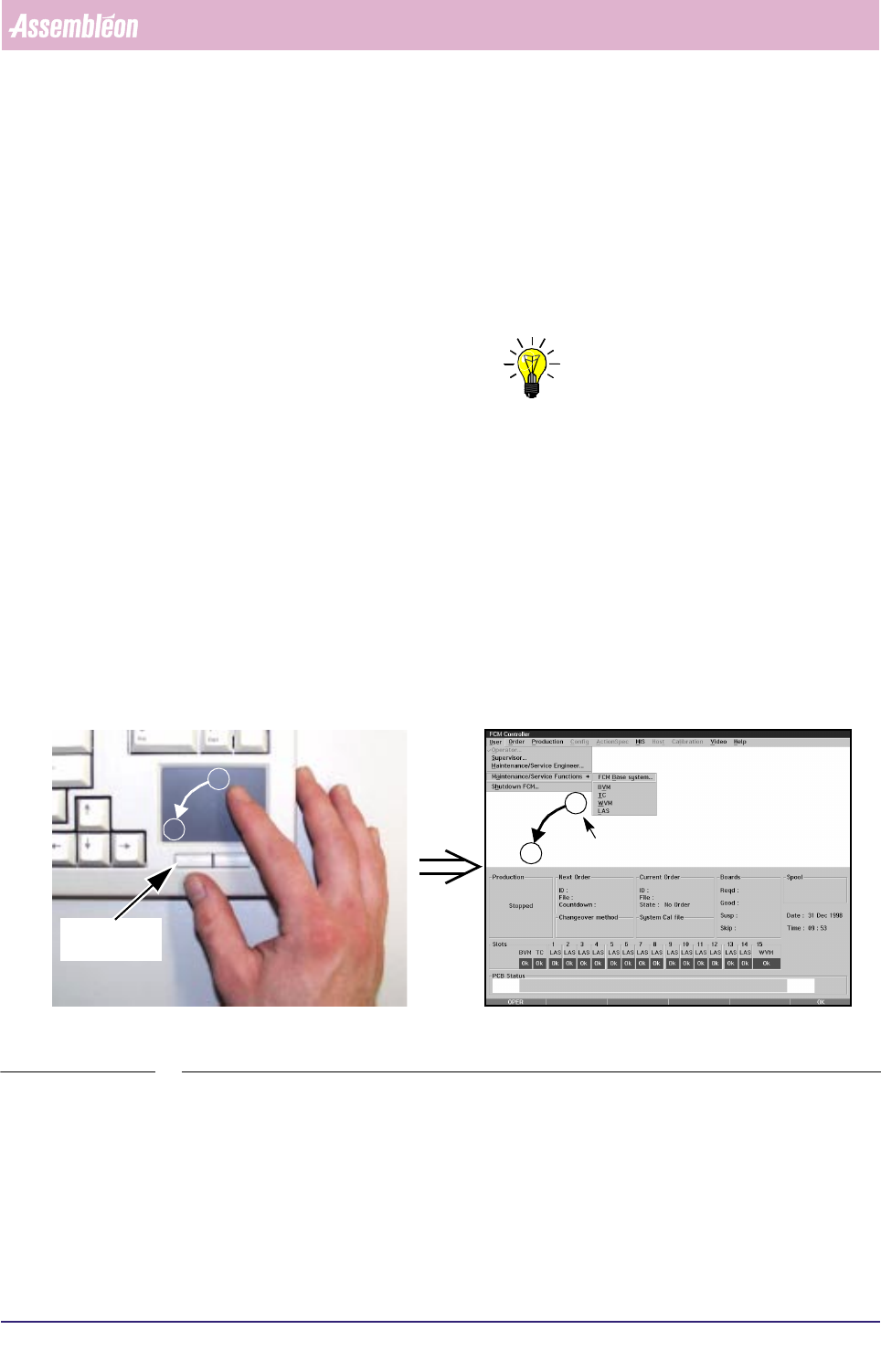
The pointer on the screen can be moved to a menu item or function by slightly
shifting over the touch pad. A menu item or function can be selected by tapping
on the touch pad or pressing the left control button below the touch pad (see
SCREEN 3-1).
SCREEN 3-1 Using the touch pad of the keyboard
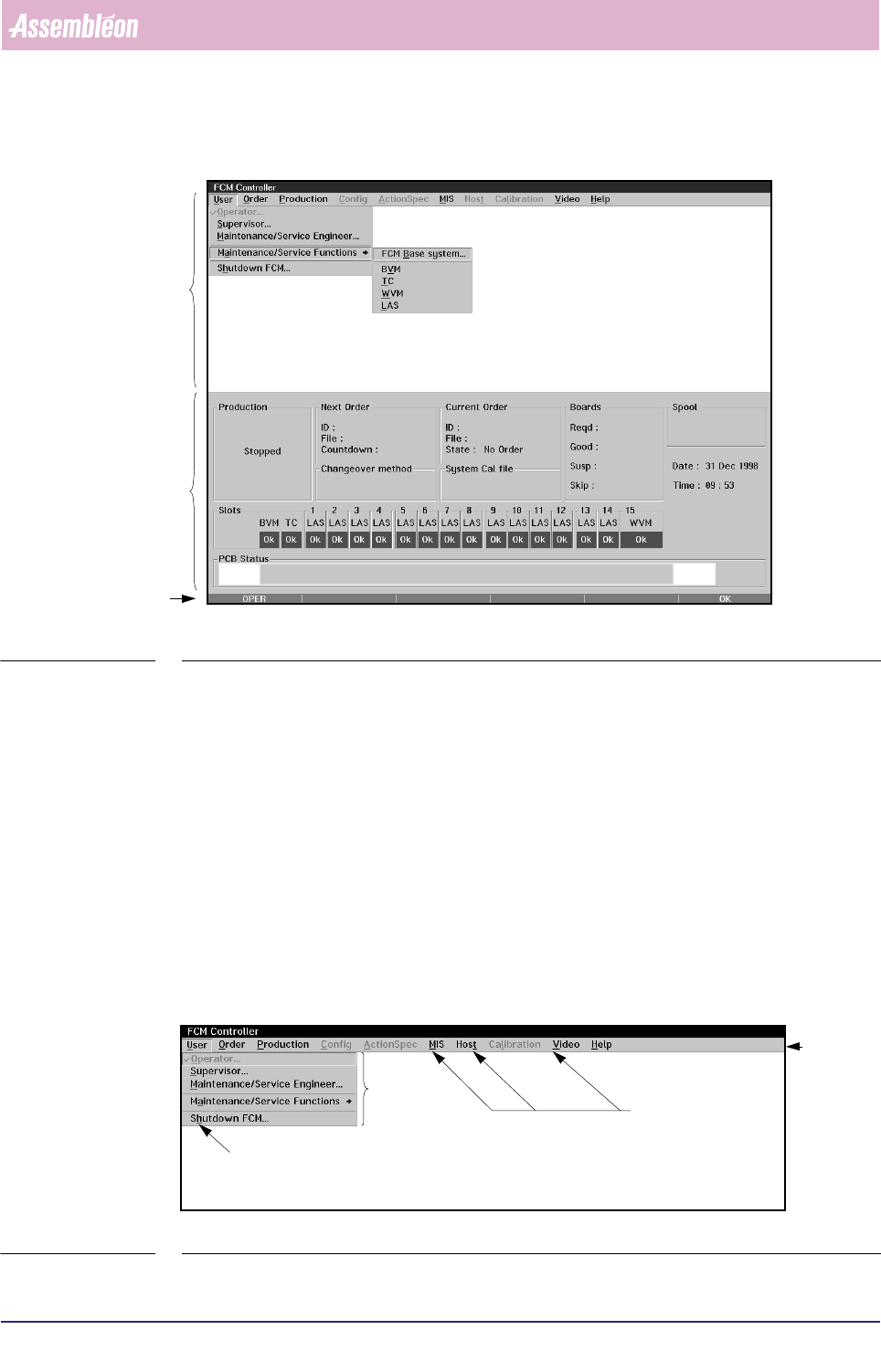
The Human Interface screen is divided in to 3 main areas (see SCREEN 3-2):
■ Menu Screen
■ FCM Multiflex Status Window
■ Status Bar
A
B
A
B
Left control
button
Pointer
Human Interface
User Reference Manual 4022 591 96082
3-2 FCM Multiflex 02.02
SCREEN 3-2 Example of the Human Interface Main Screen
3.2 Menu Screen
A menu screen is used to access the various functions of the FCM Multiflex system.
After selecting a function from the pull-down list the FCM Multiflex gives direct
access to a dialogue screen which enables the user to communicate with the system.
All accessible items on menus and dialogue screens are displayed in black letters; all
non-accessible items are greyed. An item is not accessible if:
■ The current user level (e.g. Operator Level) does not permit you to select this
function.
■ The current FCM Multiflex status does not allow you to select this item (e.g. FCM
Multiflex status is “Running”).
■ The item has already been selected.
SCREEN 3-3 Example of a Menu Screen
Menu
Screen
Status Bar
FCM Multiflex
Status
Window
Menu Bar
Underlined
Item
Pull-down
Menu
Underlined
Items