FCM_User Reference Manual.pdf.pdf - 第44页
Hu man Inte rfac e User Re ference Manual 4022 5 91 96082 3-28 F CM Mult ifl ex 02.02 SCREE N 3-2 0 ■ Select [Quit] or p ress <Esc> foll ow ed b y [Exit] i n the [Mod ule]-men u to return t o the Main screen 3 .10 …
4022 591 96082 User Reference Manual
02.02 FCM Multiflex 3-27
Human Interface
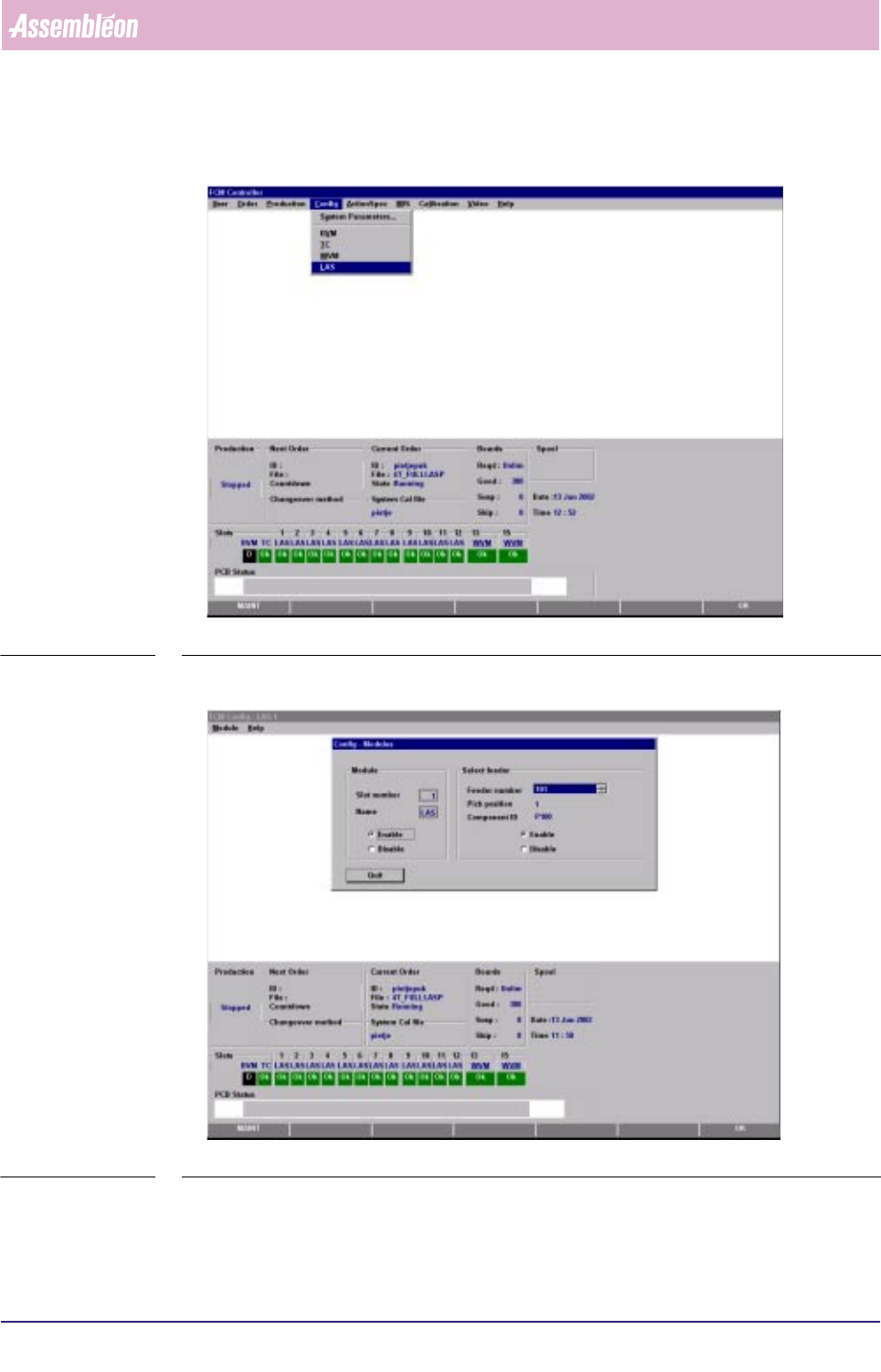
■ Select [LAS] via the [Config]-menu
SCREEN 3-18
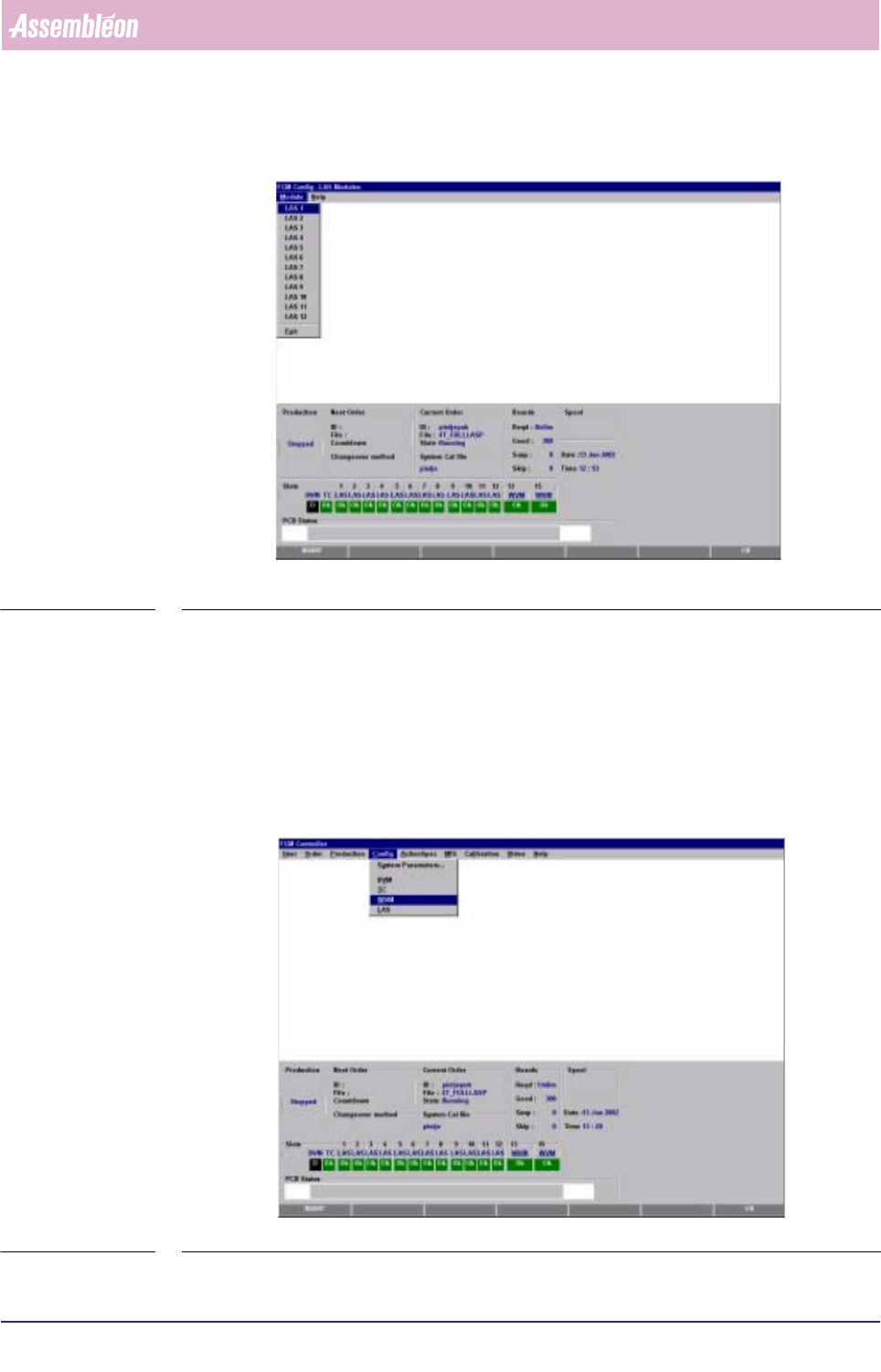
■ Select the concerning module-number via the [Module]-menu
SCREEN 3-19
■ Select [Enable] or [Disable] in the “Module” part and/or
■ Select the [Feeder number] and [Enable] or [Disable] in the “Select feeder” part
Human Interface
User Reference Manual 4022 591 96082
3-28 FCM Multiflex 02.02
SCREEN 3-20
■ Select [Quit] or press <Esc> followed by [Exit] in the [Module]-menu to return to
the Main screen
3.10 Configuration WVM
The only option for WVM configuration is enabling or disabling a WVM/feeder
position and feeder selection
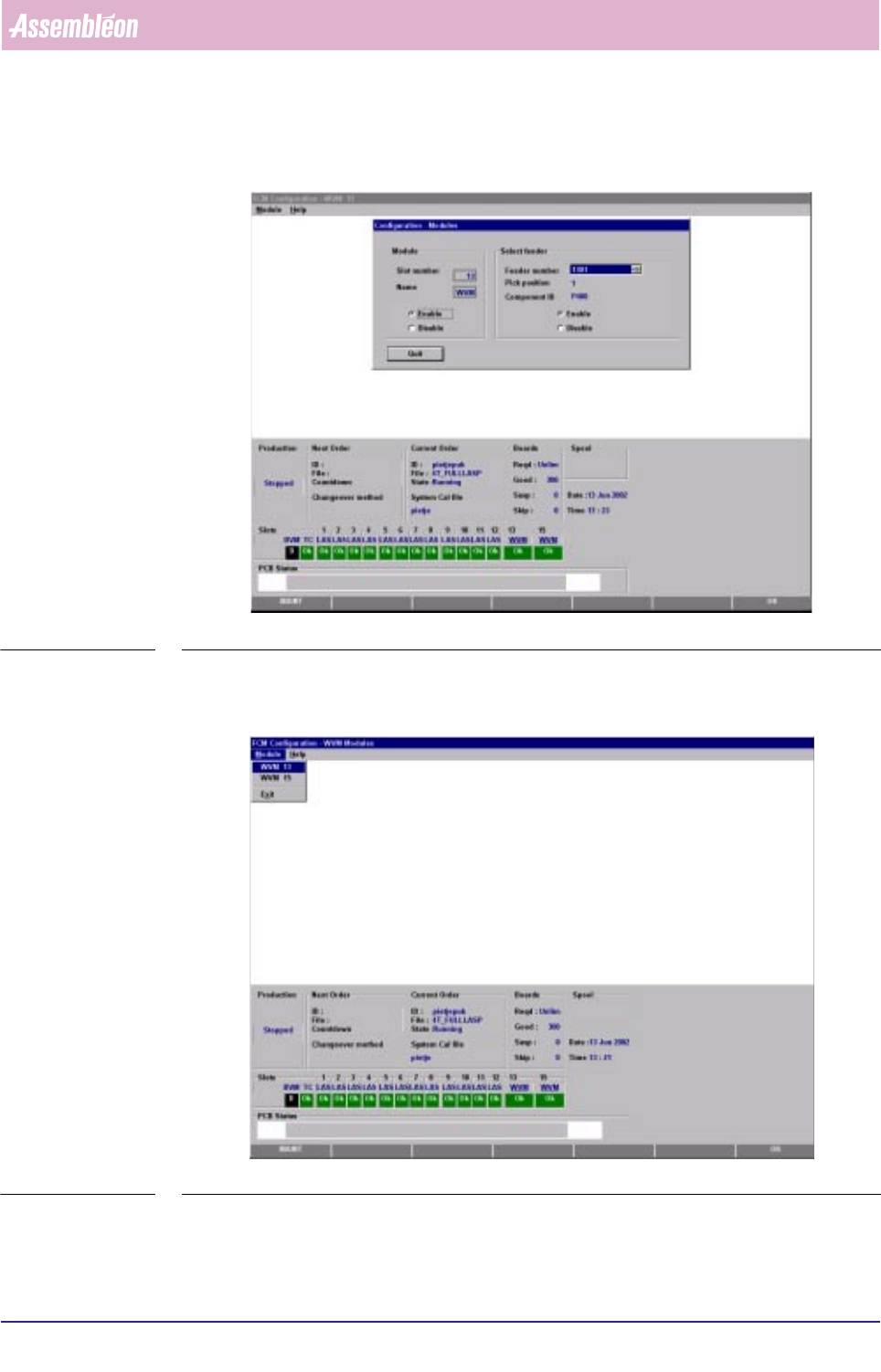
■ Select [WVM] via the [Config]-menu
SCREEN 3-21
4022 591 96082 User Reference Manual
02.02 FCM Multiflex 3-29
Human Interface
■ Select the concerning module-number via the [Module]-menu
SCREEN 3-22
■ Select [Enable] or [Disable] in the “Module” part and/or
■ Select the [Feeder number] and [Enable] or [Disable] in the “Select feeder” part
SCREEN 3-23
■ Select [Quit] or press <Esc> followed by [Exit] in the [Module]-menu to return to
the Main screen