FCM_User Reference Manual.pdf.pdf - 第181页
4022 591 96082 User Re ference Manual 02.02 FCM Multiflex 5-89 MIS 5.3.8.4 [A dminist rati on] > [Del ete ...] T ABL E 5-50 Q ui c k Ref er en ce fcm0 573a / 0574 a.ti f SCREE N 5-6 5 [Delete. ..] screen example ✱✱ De…
MIS
User Reference Manual 4022 591 96082
5-88 FCM Multiflex 02.02
Machine errors sections
For each module that has been enabled during the concerned MIS period, one
machine error section appears.
Each machine error section contains
■ a module header line ;
■ a data header line for servo errors;
■ a second data header line for machine errors;
■ as many data lines as needed for error display
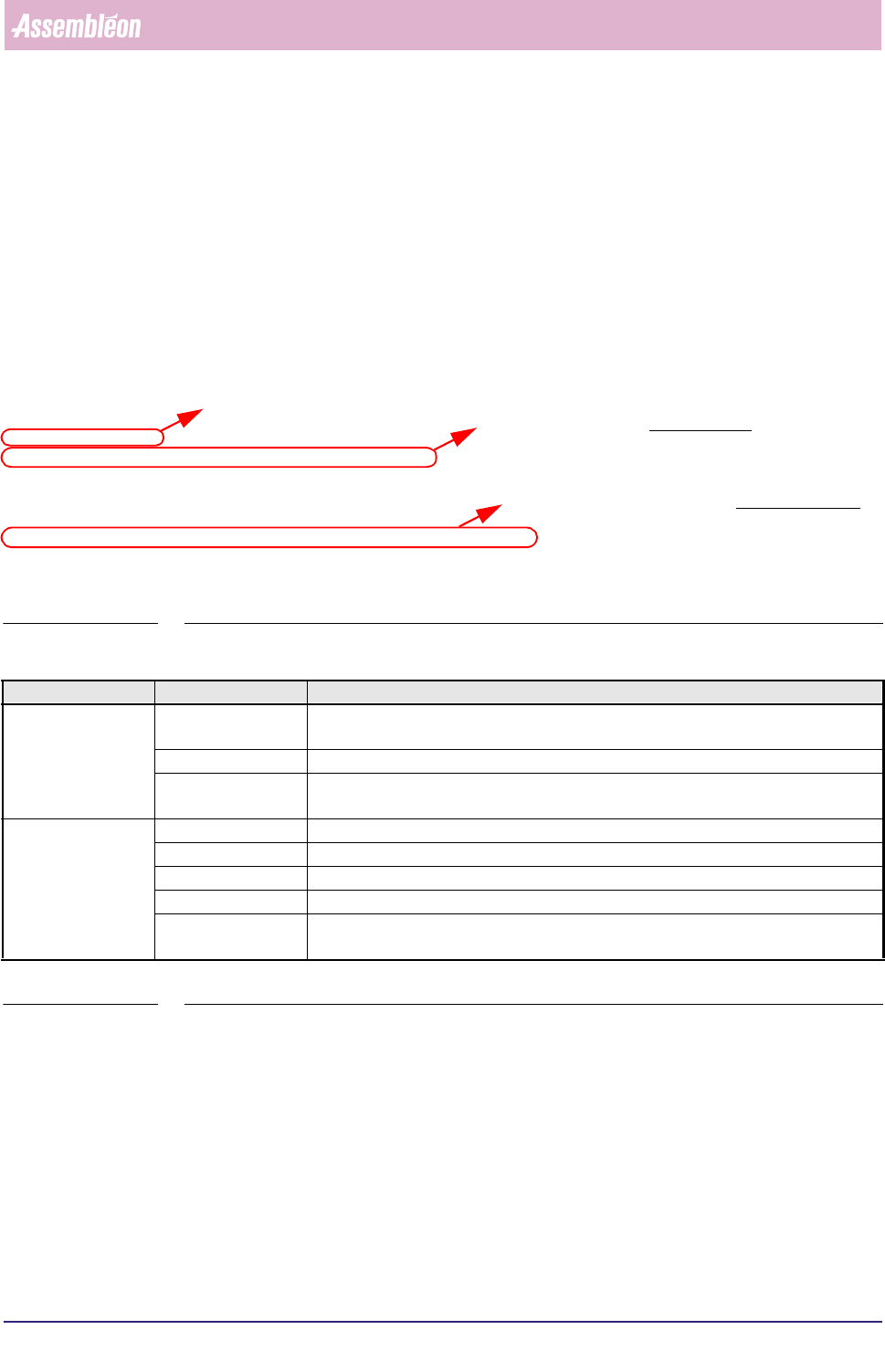
"Machine errors"
"Module:" "BVM01 "
"Label" "name" "tracking" "drift"
"SERVODIAGN" Xfrnt 4 0
"SERVODIAGN" Xrear 4 0
"SERVODIAGN" Y 0 0
"MachineErrors" "type" "cause" "count" "repairtime" "responsetime"
"ERRORS" 53857 0 4 112 0
"ERRORS" 53858 0 4 0 0
TABLE 5-48
TABLE 5-49
Text Explanation
servo errors “name” identification of the servo system involved; for instance, in this case Xfrnt = front side
X-motor of the BVM
“tracking” the total number of servo tracking warnings for that servo system
“drift” the total number of servo increment pulses for that servo system - as generated by
the servo motor encoder - that did not match the nominal value
machine errors “type” error type code, ➤ SEE ERROR TYPE CODE LIST in section 5.3.5.3
“cause” numeric code as defined by the supervisor, see section 5.3.9.3
“count” the total number of times that specific error occurred
“repairtime” total time in seconds the system was down due to repair
“responsetime” total time in seconds between occurrence of the error and the moment the
operator started with recovery
data header line for servo errors
module header line
second data header line for machine errors
4022 591 96082 User Reference Manual
02.02 FCM Multiflex 5-89
MIS
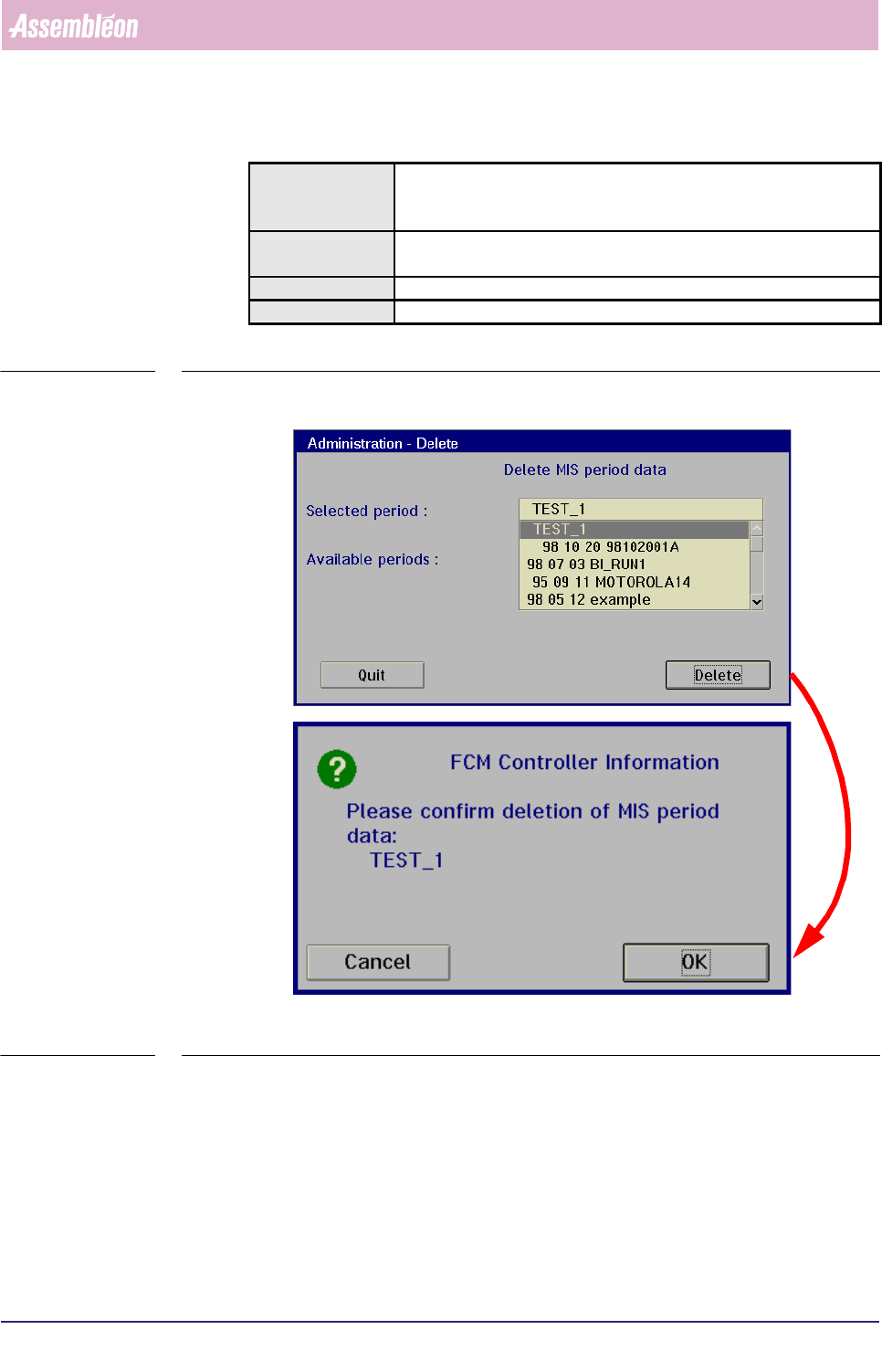
5.3.8.4 [Administration] > [Delete...]
TABLE 5-50 Quick Reference
fcm0573a/0574a.tif
SCREEN 5-65 [Delete...] screen example
✱✱Detailed Information
Not applicable
Actions ■ select [Functions...] in the MIS pull-down menu
■ select [Administration]
■ select [Delete...]
Conditions ■ supervisor access level
■ order active
Information ■ deletes all data from a selected MIS period
Display Options -
MIS
User Reference Manual 4022 591 96082
5-90 FCM Multiflex 02.02
5.3.9 Parameter Settings
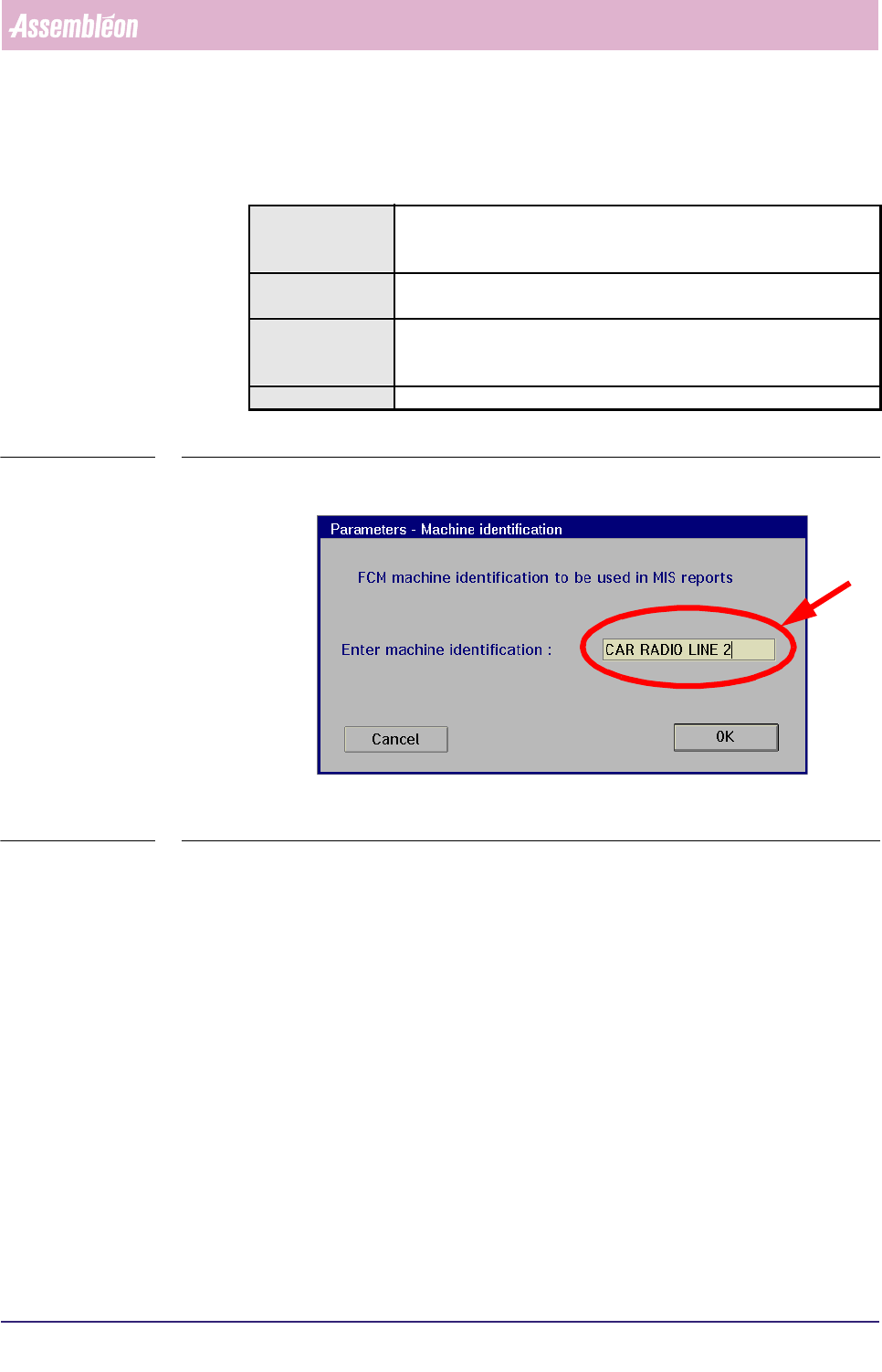
5.3.9.1 [Parameters] > [Machine identification...]
TABLE 5-51 Quick Reference
fcm0575a.tif
SCREEN 5-66 [Machine identification...] screen example
✱✱Detailed Information
Not applicable
Actions ■ select [Functions...] in the MIS pull-down menu
■ select [Parameters]
■ select [Machine identification...]
Conditions ■ supervisor access level
■ order active
Information ■ in this menu, the FCM Multiflex machine identification can be
entered by the
supervisor; this identification will be visible on all MIS text reports
Display Options -