XP141E 系统手册SYS-XP141-1.0S.pdf - 第208页
第 1 章 操作指令体系 第 5 部 XP-141E 系统手册 5-1-8 Edition 1.0 Main XP1S3007CM Editor Editor Program Part Nozzle Nozzle Set all Machine nozzles Select Nozzle (1 ~ 12) Save Data Check Browse File Name Save Program Cancel Close Data Ch…
第 5 部 第 1 章 操作指令体系
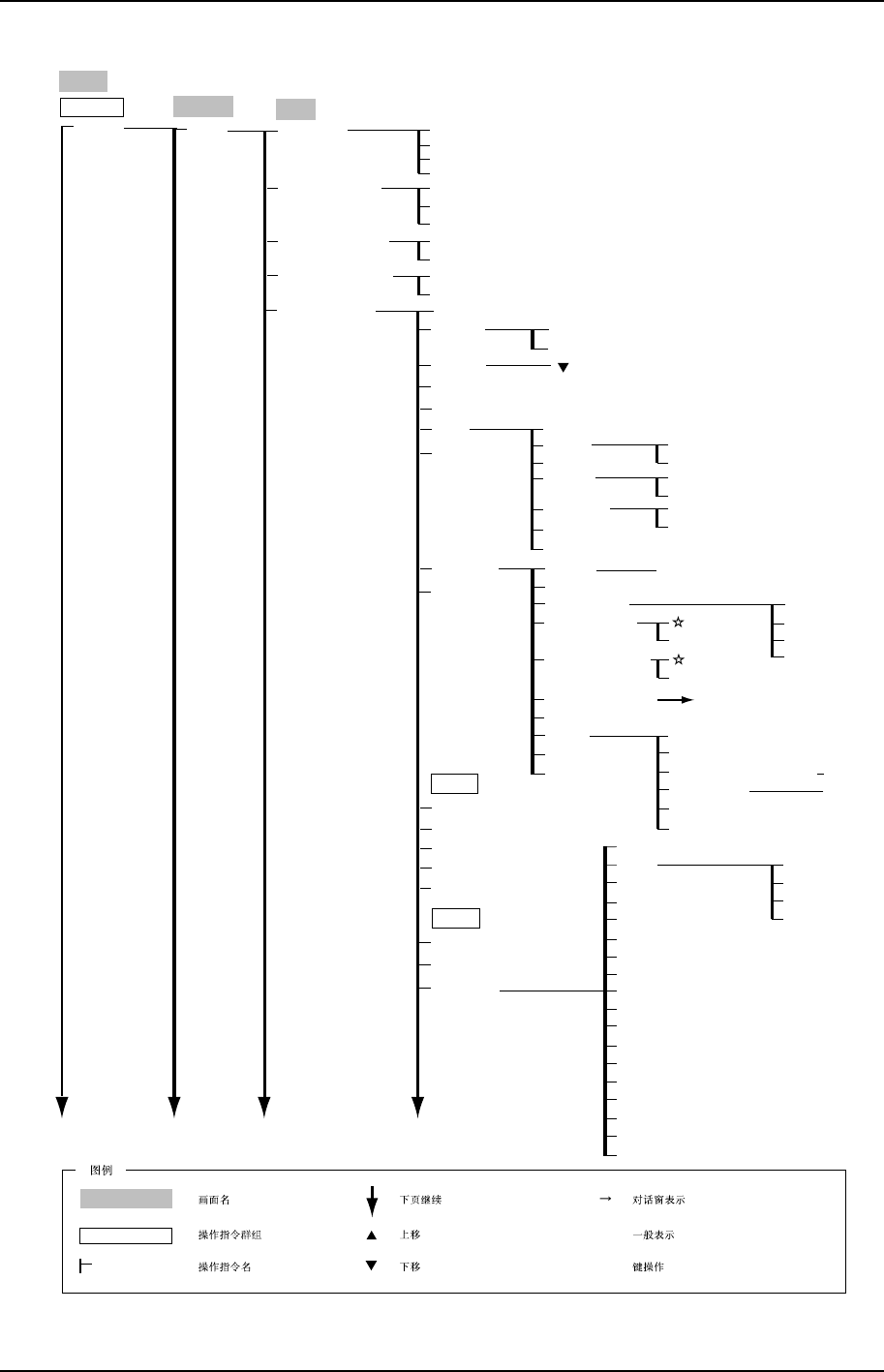
Edition 1.0 5-1-7 XP-141E 系统手册
Main
XP1S3006CM
Editor
Editor
Program
Part
Direction
1: +90
0: 0
2: +180
3: +270
2: No
Polarity Setting
1: Yes
0: Not Use
Part Type Name
Cancel
Select
Packaging Name
Cancel
Select
Part
Part Type Edit
Search
Scroll Down
Select
Part Type Name
Select
Cancel
Update
File
Copy
Delete
/sd0
Cancel
OK
Paste
Cancel
OK
Rename
Cancel
OK
Edit
Cancel
New
To 5-1-9
Close
Template
Stage
Slot
Part Rejection
Close
Inching ( Y, R )
ShowTPL
Acutual Accuracy Test
Stop Vision Prosessing
Vision Test
Close
OK
OK
Vision Type
#10
#20
Cancel
#18
Cancel
Auto Pick Up
START
Cancel
Manual Pick Up
START
Template Editor
Re-edit
Test
Part Height
Body Length (X)
Body Width (Y)
Body Length Tolerance
Body
Body Width Tolerance
Pitch Tolerance
Measure Point Of Lead
Lead
Element
1: Bottom
0: Left
2: Right
3: Upper
Side
Clear All
Position X
Position Y
Lead Quantity
Lead Pitch
Lead Width
Lead Length
Lead Width Tolerance
Lead Length Tolerance
Lead Center Tolerance
P Pattern
Result
Copy
Insert Paste
Delete
Insert
t
Production
Operation Mode
Production
( )
[ ]
Close
第 1 章 操作指令体系 第 5 部
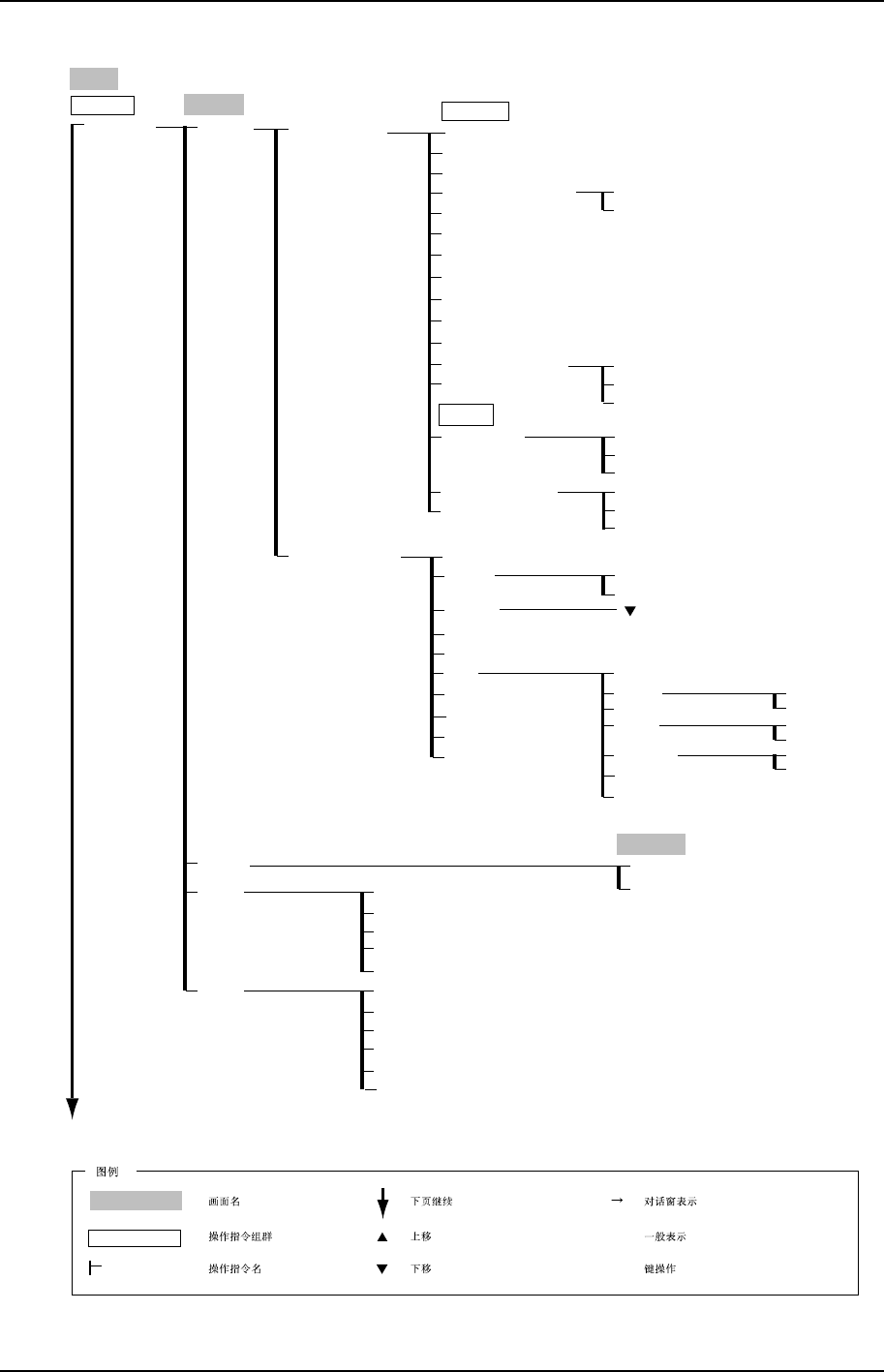
XP-141E 系统手册 5-1-8 Edition 1.0
Main
XP1S3007CM
Editor
Editor
Program
Part
Nozzle
Nozzle
Set all Machine nozzles
Select Nozzle (1 ~ 12)
Save
Data Check
Browse
File Name
Save Program
Cancel
Close
Data Check
Browse
File Name
Close Without Saving
Save Program
Cancel
Part Type Edit
Minimum Nozzle Diameter
Maximum Nozzle Diameter
Nozzle Name
Process
Pick-up Auto Offset
Pick-up Point Offset X
1: No
0: Yes
1: No Part
2: Miss
0: Error
Pick-up Point Offset Y
Pick-up Point Offset Z
Part Transport Speed
Placing Offset X
Placing Offset Y
Placing Offset Z
Alt. Feeder Trigger
Recovery Times
Vision Type
Vision
18: Other
10: Rect
20: Minimold
Camera Position
1: Front
0: Auto
2: Rear
Binary Process
Packaging Edit
Packaging Name
Select
Scroll Down
Packaging
Tape Width
Search
Select
Update
File
Copy
Delete
/sd0
Cancel
OK
Cancel
OK
Cancel
OK
Cancel
Paste
Rename
Edit
Cancel
New
Close
Production
Production
( )
[ ]
Operation Mode
第 5 部 第 1 章 操作指令体系
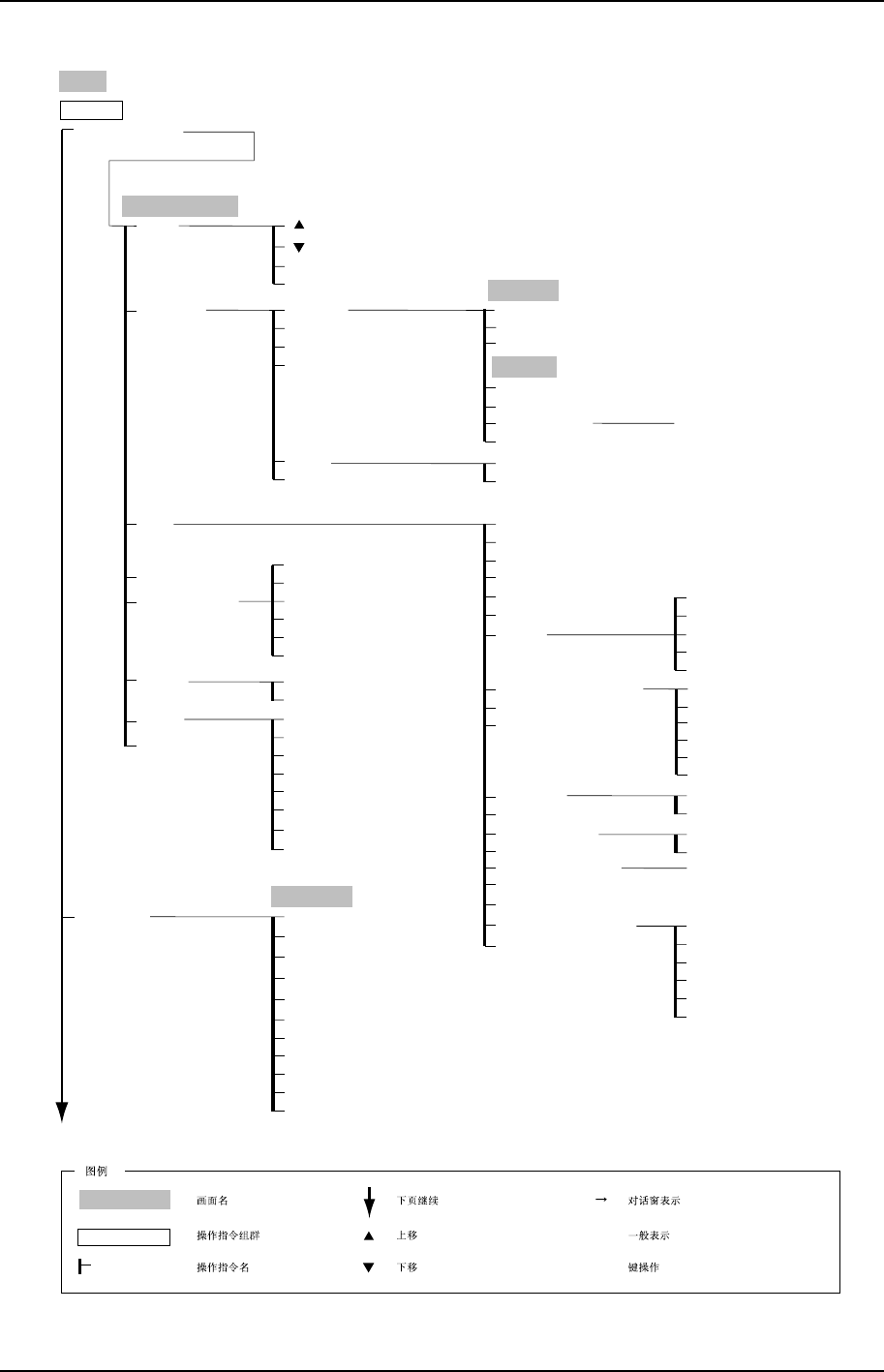
Edition 1.0 5-1-9 XP-141E 系统手册
Main
XP2S3009CM
Template Editor
Program
Ratio
ReEdit
Return
Vision Process
Reach (Refresh)
Reach (Freeze)
Complete (Freeze)
Complete (Refresh)
Unique (Freeze)
Unique (Refresh)
Utility
Default Satting
Scale Setting
Compile
Delete All Template
Saving Image
Loading Image
Displaying Cross Lines
Graphic Image Clear
Debug
Freezed Image List
Vision Process Debug
Edit
ANGLE
TYPE
LOGICAL Lv.
DIFF
LENGTH
DIFF PITCH
FLAG
A
P
S
Ratio Setting
N
E
Trace Bit
TE System
Fail Count
Number Env
OK
Cancel
Change Display Mode
Delete Active Line
Redisplay
Delete All
Edge Adjusting
TYPE
ANGLE
LOGICAL Lv.
LENGTH
FLAG
Find Mode / Measure Mode
No
Yes
OK
No
Yes
Find Set Mode
Release Find
Lines Delete mode
Template Creation
Template Creation & Compile
Default Value Setting
Return
Template Editor
Trimming
Retry(New Image)
Calipers
Retry(Present Image)
Center Setting
Utility
Return
Graphic Image Clear
Displaying Cross Lines
Y
X
A
X
Y
Calipers
Center
CENTER Adj.
END
Expander
Expander
Expand
Clear All
Offset Rotation
Offset Y
Offset X
Board Number
Copy
Insert Paste
Delete
Insert
Close
Cancel
OK
Production
Production
( )
[ ]
Operation Mode