a3369b.pdf - 第100页
Communication Interfaces VTK - TR -BA- 171e - 1 - User Manua l MDS 3080 -V 91 10 HEAT ER:? Descript ion: Ignor e this c ommand si nce it is inapp licable t o th is s yste m . 11 HEATER :1:OFF Descript ion: Ignor e th is …
Communication Interfaces
90
VTK-TR-BA-171e-1 - User Manual MDS 3080-V
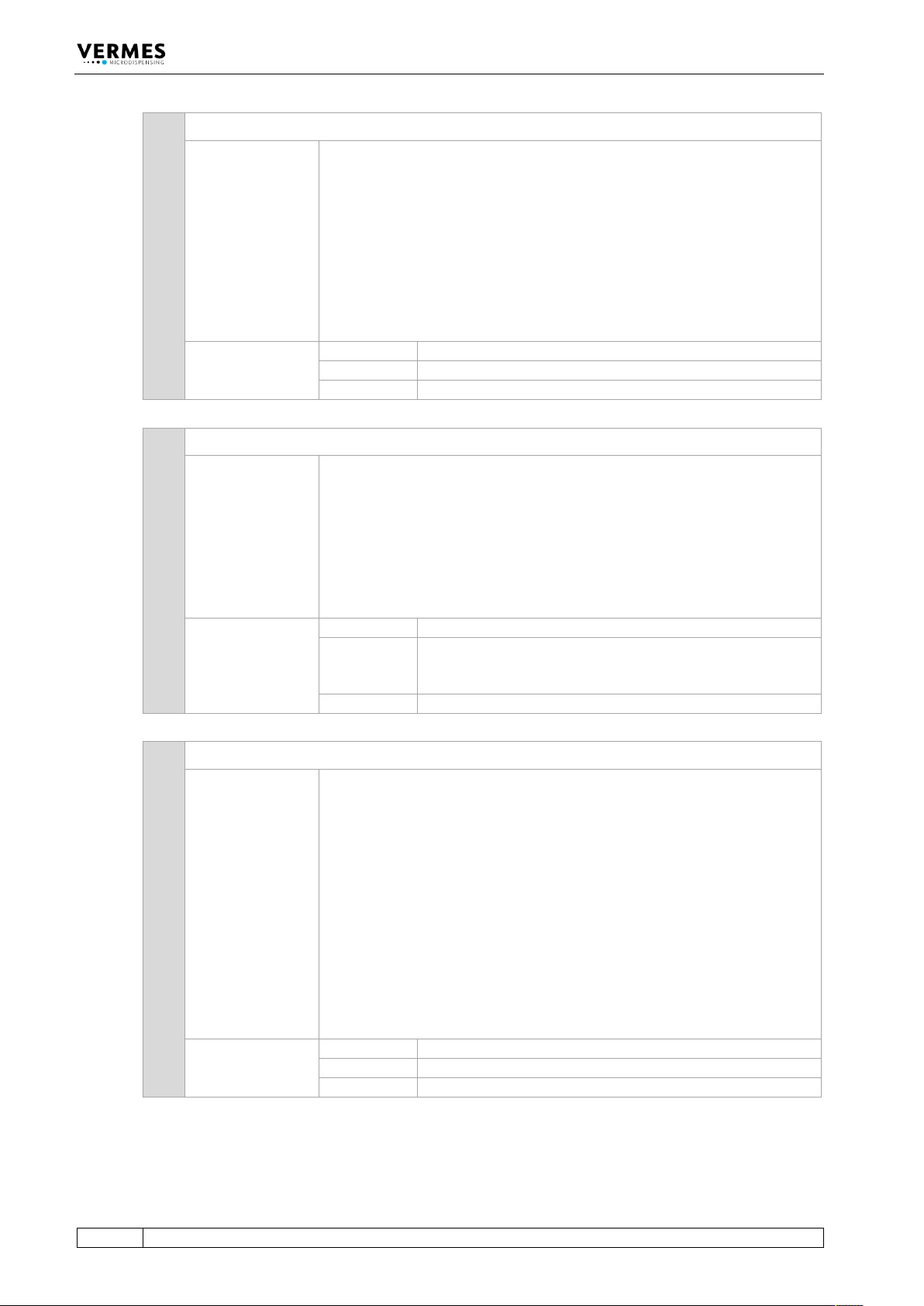
7 ADJUST:TO:CHANGE:<adjust range>
Description:
This command changes the size of the adjust range, where you can confirm
an adjust. The value entered is ten times the value in micrometers. E.g.
entering 142 will set the adjust range to 14.2 µm.
You can only enter values between 58 and 300 (i.e. 5.8 µm and 30.0 µm).
For further information read paragraph 14.8, page 174.
Important Note!
Widening the range too much can lead to a valve leaking even after the
adjust. Use the command carefully. It is mostly meant for applications
which use the fixed adjust.
Example:
Input:
ADJUST:TO:CHANGE:142
Result:
The adjust range is set to 14.2 µm.
Return:
OK
8 ADJUST:VAL:FA:?
Description:
This command gives you the status of the fixed adjust. The two parameters
have the following meaning.
• Fixed adjust activated? (0 = FA off, 1 = FA on)
• Has valve been adjusted with a fixed adjust (0 = not
adjusted with fixed adjust, 1 = adjusted with fixed
adjust)
For further information read paragraph 7.12, page 76.
Example:
Input:
ADJUST:VAL:FA?
Result:
The command gives you the status of the fixed adjust (here:
fixed adjust is activated and the last adjust with this valve
has been performed as a fixed adjust).
Return:
1,1
9 ADJ:VALUES:?
Description:
This command gives you the parameters for the adjust range, where you
can confirm the adjust. The five parameters have the following meaning.
• Setting in regards to FA/FD (0 = normal, 1 = FA, 2 =
FA + FD, 3 = FD)
• Adjust values in µm (range 0 – 4 for normal adjust, 0 –
50 for fixed adjust, set during the adjust)
• Deviation from the adjust value in µm * 10 (e.g. 23 =
deviation by 2.3 µm)
• Range where the green adjust LED is ON in µm * 10
(e.g. 82 = 8.2 * 10, meaning a range from +/- 4.1 µm)
• LED status (1 = OFF, 2 = green, 3 = red)
For further information read paragraph 14.8, page 174.
Example:
Input:
ADJ:VALUES:?
Result:
The command gives you the adjust parameters.
Return:
2,45,23,142,2
Communication Interfaces
VTK-TR-BA-171e-1 - User Manual MDS 3080-V
91
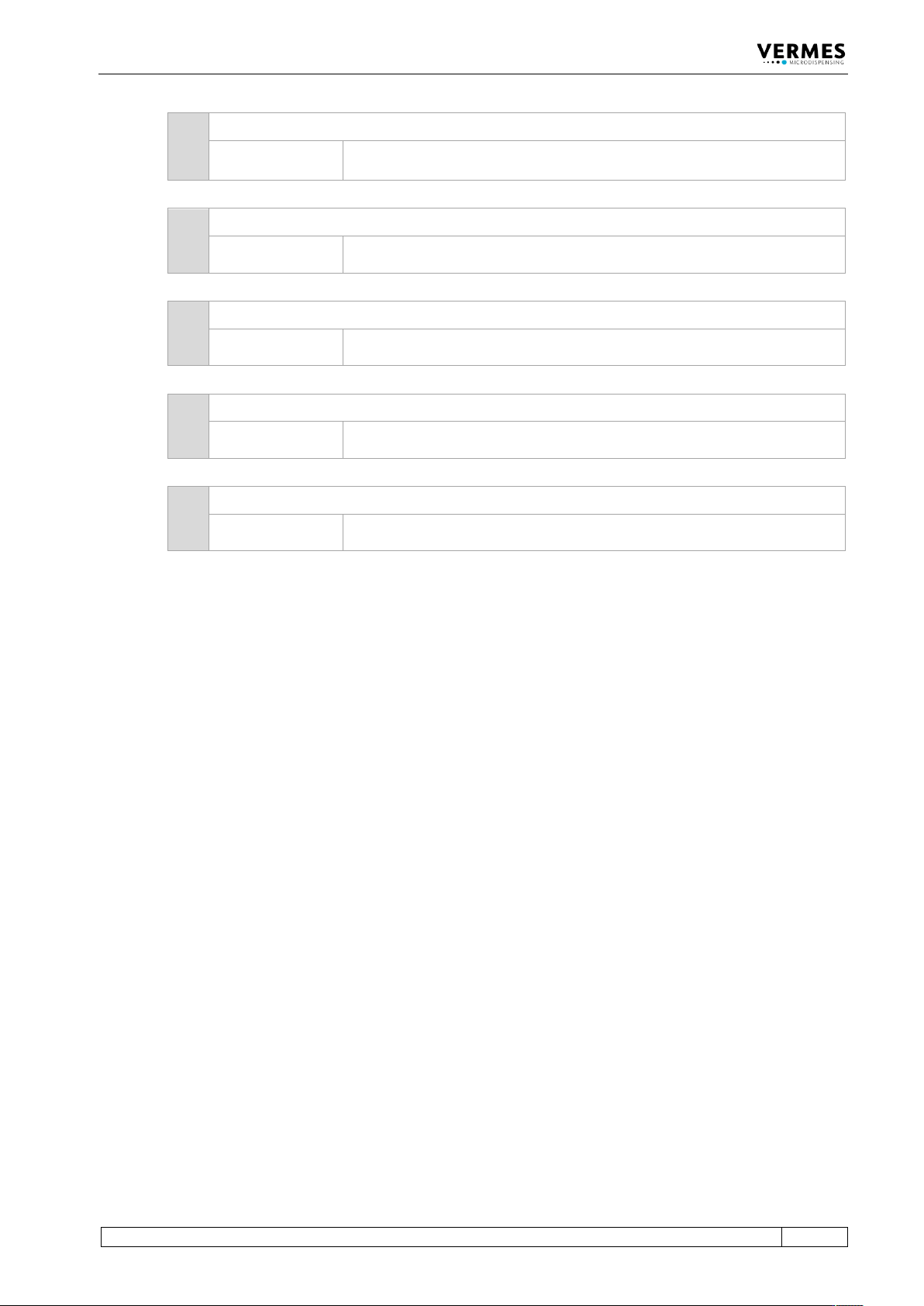
10 HEATER:?
Description:
Ignore this command since it is inapplicable to this system.
11 HEATER:1:OFF
Description:
Ignore this command since it is inapplicable to this system.
12 HEATER:1:ON
Description:
Ignore this command since it is inapplicable to this system.
13 HEATER:110V
Description:
Ignore this command since it is inapplicable to this system.
14 HEATER:230V
Description:
Ignore this command since it is inapplicable to this system.
Communication Interfaces
92
VTK-TR-BA-171e-1 - User Manual MDS 3080-V
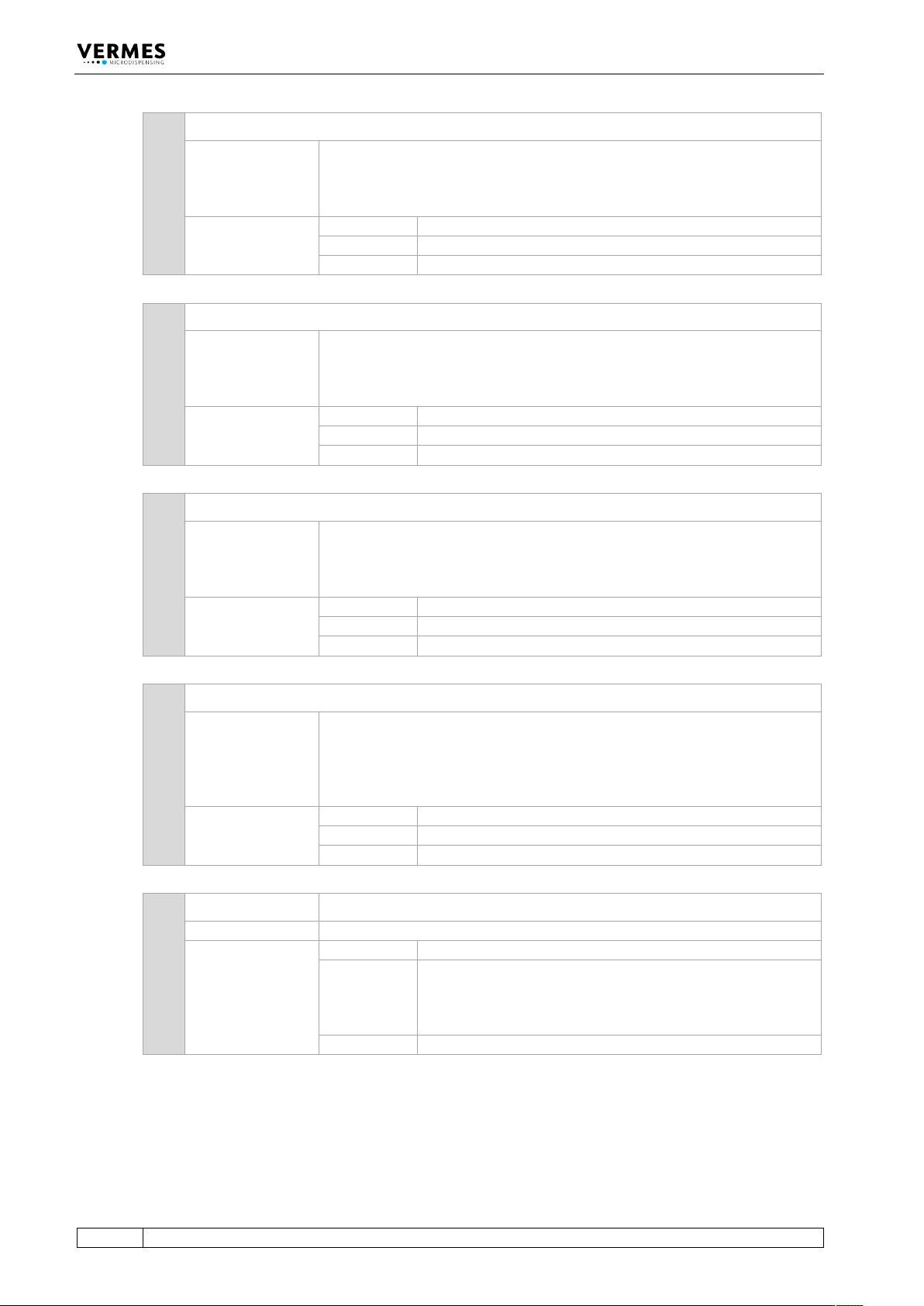
15 KEY:ENTER
Description:
The acknowledgement signal is transferred to the control unit. This option
is only usable in case of errors, which produce a message on the display of
the MDC. You can respond with a serial command. Then the function is
identical to pressing the [enter]-key on the keypad.
Example:
Input:
KEY:ENTER
Result:
The ENTER signal is send.
Return:
OK (no other reaction of the MDC)
16 KEY:ESCAPE
Description:
The ESCAPE signal is transferred to the control unit. This option is only
usable in case of errors, which produce a message on the display of the
MDC. You can respond with a serial command. Then the function is
identical to pressing the [esc]-key on the keypad.
Example:
Input:
KEY:ESCAPE
Result:
The ESCAPE signal is send.
Return:
OK (no other reaction of the MDC)
17 KEY:ADJUST
Description:
The adjust signal is transferred to the control unit.
The function is identical to pressing the [adj]-key on the keypad. For the
remote first drop adjust, this command has the same effect as pressing the
[adj]-key of the MDC during the F2 adjust.
Example:
Input:
KEY:ADJUST
Result:
The first drop position is increased by 1 %.
Return:
OK
18 HELP
Description:
Shows a list with all RS-232C commands.
Information!
The listed commands for heaters do not work with this system. Please
ignore them!
Example:
Input:
HELP
Result:
List with all RS-232C commands.
Return:
List with all commands
19 LCD? LCD? = Liquid-Crystal Display Query
Description:
Use this command to externally inspect the current content of the screen.
Example:
Input:
LCD?
Result:
When sending this command the information on the
display will be returned.
E.g. immediately after switching the MDC ON, the content
of the screen could be “3090+ 200 Hz“.
Return:
“3090+ 200 Hz”