a3369b.pdf - 第34页
Control Unit MDC VTK - TR -BA- 171e - 1 - User Manua l MDS 3080 -V 25 4.4 Function K eys F uncti on K ey Func tion Manual t rigg er key Press ing the [tri g] - key instantan eously launc hes a dispensin g procedu re acc …

Control Unit MDC
24
VTK-TR-BA-171e-1 - User Manual MDS 3080-V
Sensor socket:
For the connection of the sensor cable.
Socket for heating:
The heater cable has to be connected here.
PLC-interface (15-pin):
Different inputs and outputs may be connected. For the communication protocol, refer to
paragraph 8.1.1, page 83.
RS-232C interface (9-pin):
Since the system offers the possibility of external programming of dispensing parameters via PC,
a local RS-232C is integrated to receive the data. For the communication protocol, refer to
paragraph 8.2.1, page 119.
Mains connector:
Connects the control unit to power supply.
Control Unit MDC
VTK-TR-BA-171e-1 - User Manual MDS 3080-V
25
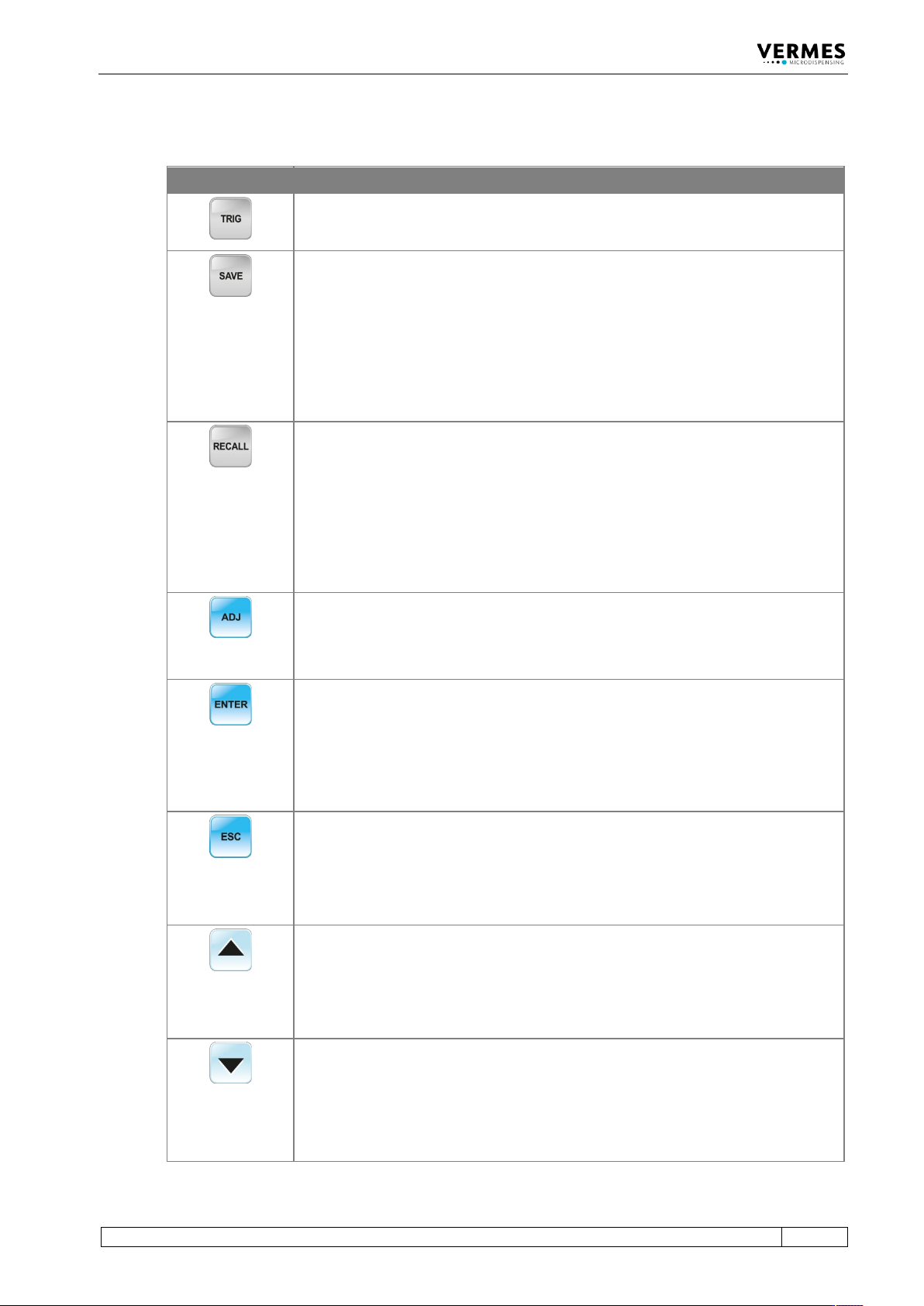
4.4 Function Keys
Function Key Function
Manual trigger key
Pressing the [trig]-key instantaneously launches a dispensing procedure according
to the selected parameter settings.
The [save]-key opens the menu for storing current parameters.
Ten storage locations are available for distinct configuration sets. Each set contains
values for all pulse parameters.
Select the desired storage location by means of arrow keys.
Press [enter] to confirm.
Press [esc] to cancel without saving the selection.
Parameter sets saved in the internal memory can be retrieved any time with the
[recall]-key.
Here you can load the settings stored with [save].
Use the arrow keys to select one of the ten internal storage locations.
Press [enter] to confirm the selection.
Press [esc] to abort.
The [adj]-key is used to start the adjust (see paragraph 6.5, page 52).
It is required during each initial operation and after an exchange of the nozzle unit.
With this procedure, the position of the nozzle insert with respect to the tappet is
preselected.
Pressing the
[enter]
-key confirms the menu selection and opens the corresponding
submenu.
or
The entry of a value is confirmed. The screen changes to the next-higher menu
level.
Pressing the [esc]-key aborts the current action. Values just entered are deleted.
The next-higher menu level opens.
or
Direct access to the next-higher menu level.
[↑]-key
Access to the next-higher menu level.
or
Increasing of a numerical value.
[↓]-key
Access to the next-lower menu level.
or
Reduction of a numerical value.
Control Unit MDC
26
VTK-TR-BA-171e-1 - User Manual MDS 3080-V
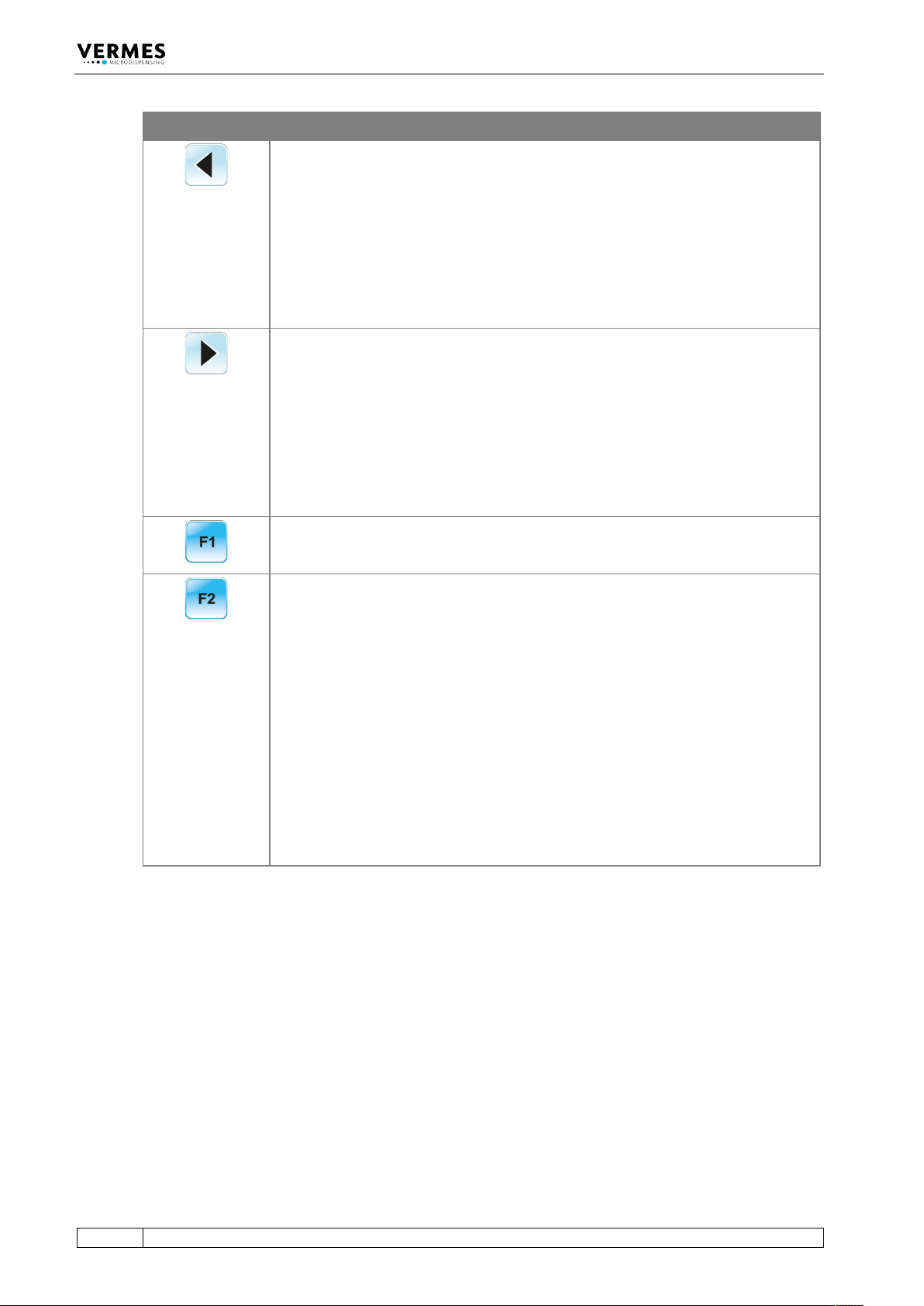
Function Key Function
[←]
-key
The screen moves one menu step back.
or
The cursor is shifted one position to the left.
or
A parameter is modified.
[→]-key
The screen moves one menu step ahead.
or
The cursor is shifted one position to the right.
or
A parameter is modified.
The [F1]-key opens the valve, taking into consideration the current values for
“Rising” and “Falling”. The valve remains opened until the key is released. Maximum
length: 2 min. Then the valve closes automatically in order to protect the actuator.
If you start the control unit, while holding the
[F2]
-key, you have the option to
format the EEPROM. With [enter] you agree, with [esc] you skip this point and
reach the main menu just as normal. This function will only be necessary in
exceptional cases.
Important Note!
Settings for Scenarios will not be reset back to the factory settings. That is only
possible with the options “Scenario” and “Reset ALL” after entering the service code
1000 (see paragraph 4.5.6 "Submenu “Service-Option”", page 33).
If the [F2]-key is pressed during operation and while in first drop mode (see
paragraph 7.11, page 71), the first drop adjust starts (i.e. while the “FirstDrop”
function is switched “ON” in the submenu “Status”). When “FirstDrop” is “OFF”, then
nothing happens when pressing [F2].
When the system is in fixed adjust mode, the same is true, since fixed adjust mode
automatically includes first drop mode (see paragraph 7.12, page 76).