a3369b.pdf - 第159页
Error Me ssag es 150 VTK - TR -BA- 171e - 1 - User Man u al MDS 3080 -V 11.1 Table of Error Message s The follow ing table lis ts all er ror messag es with their er ror code an d when t hey might appear . Error C ode Err…
Error Messages
VTK-TR-BA-171e-1 - User Manual MDS 3080-V
149
11 Error Messages
The following pages list all the error messages you could encounter when using this system. The
table in paragraph 11.1, page 150 will give you a quick overview. In paragraph 11.2, page 151
every error message is explained in detail.
In case of an error, an error message is shown in the display and the red adjust LED is switched
“ON”. This information can also be obtained via pin 13 of the PLC interface (see paragraph 8.2.1
"Pin Functions", page 119). Press [enter] to clear the display. If this does not work, switch “OFF”
the control unit. Check the system for potential problems (e.g. loose cables) and re-start the
system.
If the error still occurs, please contact the Technical Support at VERMES Microdispensing or your
local supplier (see Page 7).
INFORMATION
Storing error messages
After the re-start, the error message can only be found in the submenu “Error” (see
paragraph 4.5.4 "Submenu “Status”", page 31).
Error Messages
150
VTK-TR-BA-171e-1 - User Manual MDS 3080-V
11.1 Table of Error Messages
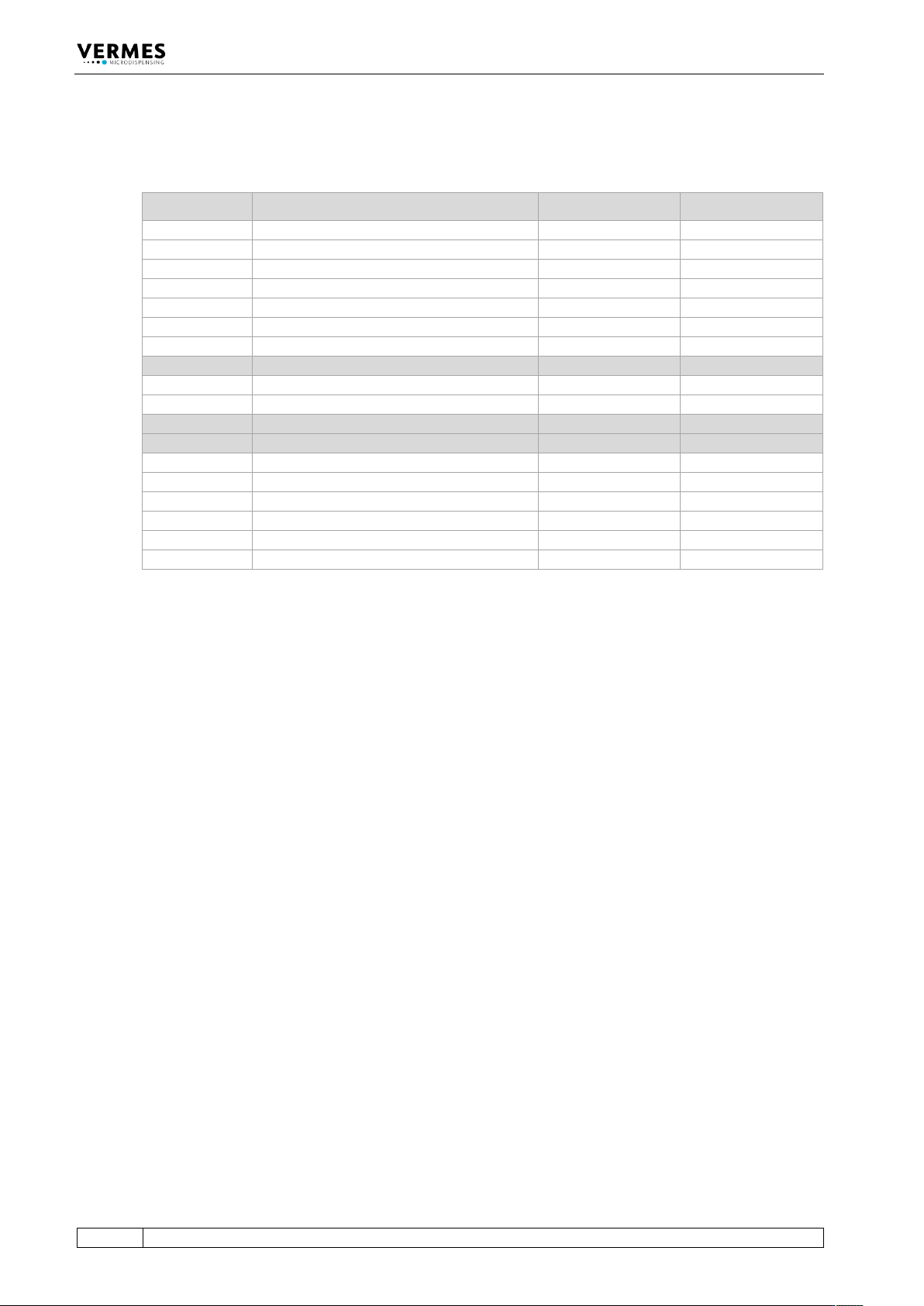
The following table lists all error messages with their error code and when they might appear.
Error Code Error Message Related to When?
104
104 Sensor Communication Error
Valve
Start-up, Operation
190
190 Incorrect Valve Data
Valve
Start-up, Operation
193
193 Autorange Error pr. Enter
Valve
Operation
199
199 Valve Error Escape for Auxi.
Valve
Start-up
301
301 No Valve Present Error
Valve
Start-up
302
302 Actuator Connection Error
Valve
Operation
501
501 Valve Defect Error
Valve
Start-up
601
601 USART Buffer Overflow
RS-232C
Operation
700
700 MDC Calibr. Wrong pr. Enter
MDC
Start-up
702
702 Watchdog TimeOut pr. Enter
MDC
Start-up, Operation
800
800 wrong H calib pr. Enter
Heater
Start-up
801
801 No Heater! Press Enter
Heater
Start-up, Operation
901
901 RAM Data Error pr. Enter
MDC Data
Start-up, Operation
902
902 EEPROM not formatted Enter
MDC Data
Start-up, Operation
903
903 EEPROM Write Error pr. Enter
MDC Data
Operation
904
904 Setup Save Error pr. Enter
MDC Data
Operation
905
905 Setup Load Error pr. Enter
MDC Data
Operation
999
999 Error in Errorlist
MDC Data
Operation
Error Messages
VTK-TR-BA-171e-1 - User Manual MDS 3080-V
151
11.2 Explanations of Error Messages
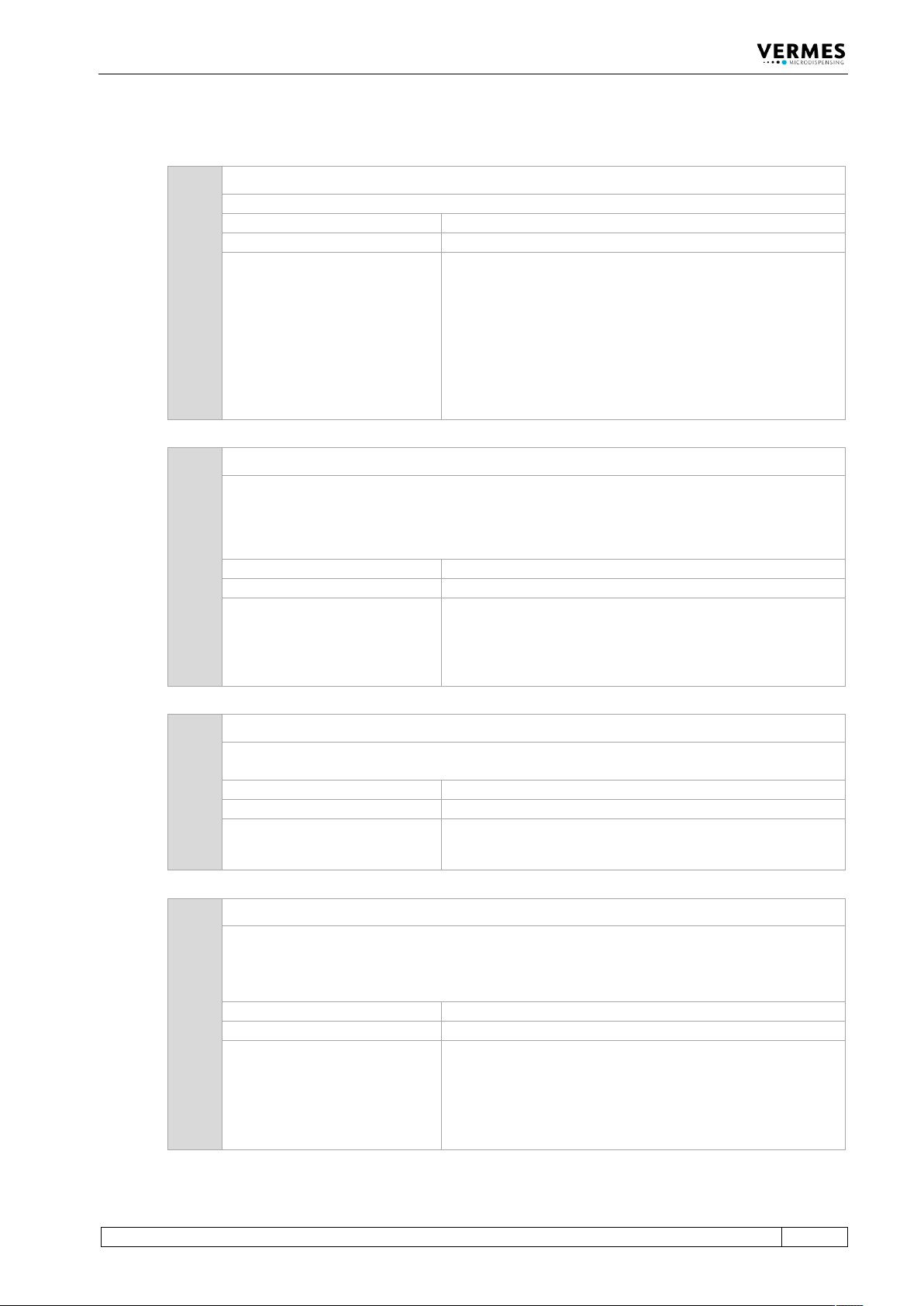
104 104 Sensor Communication Error
This error message appears, when there is a problem with the sensor cable.
Error code display:
104 Sensor Communication Error
Error code status menu:
104 Sensor Communication Error
Error handling:
• Press [enter]-key to acknowledge error message.
• The sensor connection has not been plugged in
correctly. Switch OFF MDC and inspect the connection. If
the cable is damaged, it must be exchanged before
restarting.
• If the cables are not the cause of the error, you have to
send back the valve to VERMES Microdispensing or to
your supplier.
190 190 Incorrect Valve Data
This error message appears, if a checksum error occurs while writing the Cycle Counter.
Note:
The most common cause for this error is to unplug the valve before switching OFF the MDC or
before the MDC has completely shut down.
Error code display:
190 Incorrect Valve Data (Press Enter)
Error code status menu:
No entry
Error handling:
• Press [enter] key to acknowledge error message.
• If error happens repeatedly, switch OFF MDC and
inspect the connection. If necessary, exchange the cable
and/or valve.
193 193 Autorange Error
This error message appears, when there is a problem during the adjust, which prevents a
range calibration.
Error code display:
193 Autorange Error pr. Enter
Error code status menu:
193 Autorange Error
Error handling:
• Press [enter] key to acknowledge error message.
• Contact the Technical Support.
199 199 Valve Error
General valve data error (Sensor connection). When the checksum of the valve EEPROM is
compared to software data during startup, mismatch is notified by this message. This error
message appears with the start-up of the MDC.
At this point, you have the opportunity to switch to Auxiliary Mode.
Error code display:
199 Valve Error Escape for Auxi.
Error code status menu:
199 Valve Error
Error handling:
• The sensor connection has not been plugged in
correctly. Switch OFF MDC and inspect the sensor cable
and its connection.
• Send valve to VERMES Microdispensing or to your
supplier