a3369b.pdf - 第164页
Error Me ssag es VTK - TR -BA- 171e - 1 - User Manua l MDS 3080 -V 155 903 903 EEPRO M Wr ite Erro r The proble m can occu r when writ ing data to the EEPROM . Error code display: 903 E EPROM Write Error pr . Enter Error…
Error Messages
154
VTK-TR-BA-171e-1 - User Manual MDS 3080-V
800 800 Heat. Calib. wrong
The error message “800 Heat. Calib. wrong pr. Enter” appears, if the calibration values of the
heater are incorrect at the start-up of the MDC. The values will be overwritten with the factory
settings. There will be no entry in the error list. The heater should be recalibrated or contact
our technical support.
Error code display:
800 Heat. Calib. wrong pr. Enter
Error code status menu:
No entry
Error handling:
• Press [enter] key to acknowledge error message.
• For further information, contact the Technical Support
(see Page 7).
801 801 No Heater!
Even though the heater option has been activated in the Heater Menu, this element is not
detected.
Error code display:
801 No Heater! Press Enter
Error code status menu:
No entry
Error handling:
• Press [enter] key to acknowledge error message. Heater
status will be switched “OFF” in the submenu “Heater”.
• Inspect the heater cable connection. Worn, kinked or
charred cables must be exchanged.
• Heater defect – change the heater
901 901 RAM Data Error
During the check of RAM data, a problem arises. The message has to be acknowledged by the
[enter] key. The system reformats the EEPROM, replacing current values with the factory
settings.
In case the error appears during start-up of the MDC, all setups will be reset to the factory
settings after pressing [enter]. In case the error appears after the RECALL of a specific setup,
the will be no automatic correction. Therefore, enter the parameters of the working
configuration for this setup and save them by pressing [save].
Error code display:
901 RAM Data Error pr. Enter
Error code status menu:
901 RAM Data Error
Error handling:
• Press [enter] key to acknowledge error message.
• Reenter the working configuration.
902 902 EEPROM not formatted
A corrupted memory area becomes obvious when reading the EEPROM.
Error code display:
902 EEPROM not formatted Enter
Error code status menu:
902 EEPROM not Formatted
Error handling:
• Press [enter] key to acknowledge error message – the
factory settings will be loaded
• You have to reenter your dispensing parameters
• In case the error appears again, send the MDC to
VERMES Microdispensing or to your supplier
Error Messages
VTK-TR-BA-171e-1 - User Manual MDS 3080-V
155
903 903 EEPROM Write Error
The problem can occur when writing data to the EEPROM.
Error code display:
903 EEPROM Write Error pr. Enter
Error code status menu:
903 EEPROM Write Error
Error handling:
• Press [enter] key to acknowledge error message.
• If the problem arises when modifying program
parameters, the new values are not saved in the
EEPROM. After restart of the MDC, the former values of
the EEPROM will be loaded.
• In case the error appears again, send the MDC to
VERMES Microdispensing or to your supplier
904 904 Setup Save Error
The storing procedure for a setup, initiated by [save] key, fails.
Error code display:
904 Setup Save Error pr. Enter
Error code status menu:
904 Setup Save Error
Error handling:
• Press [enter] key to acknowledge error message. After
restart of the MDC, the factory settings will not be
loaded.
• You have to reenter your dispensing parameters.
• In case the error appears again, send the MDC to
VERMES Microdispensing or to your supplier.
905 905 Setup Load Error
This problem may arise during the retrieval of a setup by [recall] key.
Error code display:
905 Setup Load Error pr. Enter
Error code status menu:
905 Setup Load Error
Error handling:
• Press [enter] key to acknowledge error message
• Repeat the procedure. If the problem persists, you have
to enter new data to the corresponding memory
position.
• In case the error appears again, send the MDC to
VERMES Microdispensing or to your supplier
999 999 Error in Errorlist
The problem cannot be assigned to any other error code from the list. This error only appears
while browsing through the error list in the status menu.
Error code display:
999 Error in Errorlist
Error code status menu:
999 Error in Errorlist
Error handling:
• Move on in the error list or leave the submenu “Error”.
Transport, Storage and Disposal
156
VTK-TR-BA-171e-1 - User Manual MDS 3080-V
12 Transport, Storage and Disposal
12.1 Transport
For shipment, the system is packed in an appropriate case. Preserve it for further transport
procedures in the future. The necessity can never be excluded, e.g. for purposes of maintenance.
Observe the following measures.
– If the original packaging is no longer available, select a suitable material for the package.
– Pack in a way that protects the delivery against shock and vibrations.
– Fill empty spaces with appropriate material (e.g. paper, insulating air cushion, Styrofoam).
– Decontaminate the system completely before shipping it.
– Fill out the corresponding form completely (see paragraph 14.9, page 176). Attach it, clearly
visible, at the exterior of the package.
CAUTION
Decontamination
The customer is liable for all consequences resulting from insufficient decontamination of the
system (health of transport personnel)!
12.2 Storage
The environmental conditions in the room intended for storage should fulfill the requirements of
the system.
Observe the following storage conditions.
• The room should be sufficiently ventilated and free of dust
• Admissible temperature: Between +5 °C and +30 °C
• Rel. humidity < 50 %
• The system should not be stored together with fuel, solvents, lubricants, acids and other
chemicals able to develop vapors, which may aggress to the surface of the components.
Air-tight foil sheathing with included desiccants may be useful.
12.3 Recycling and Disposal
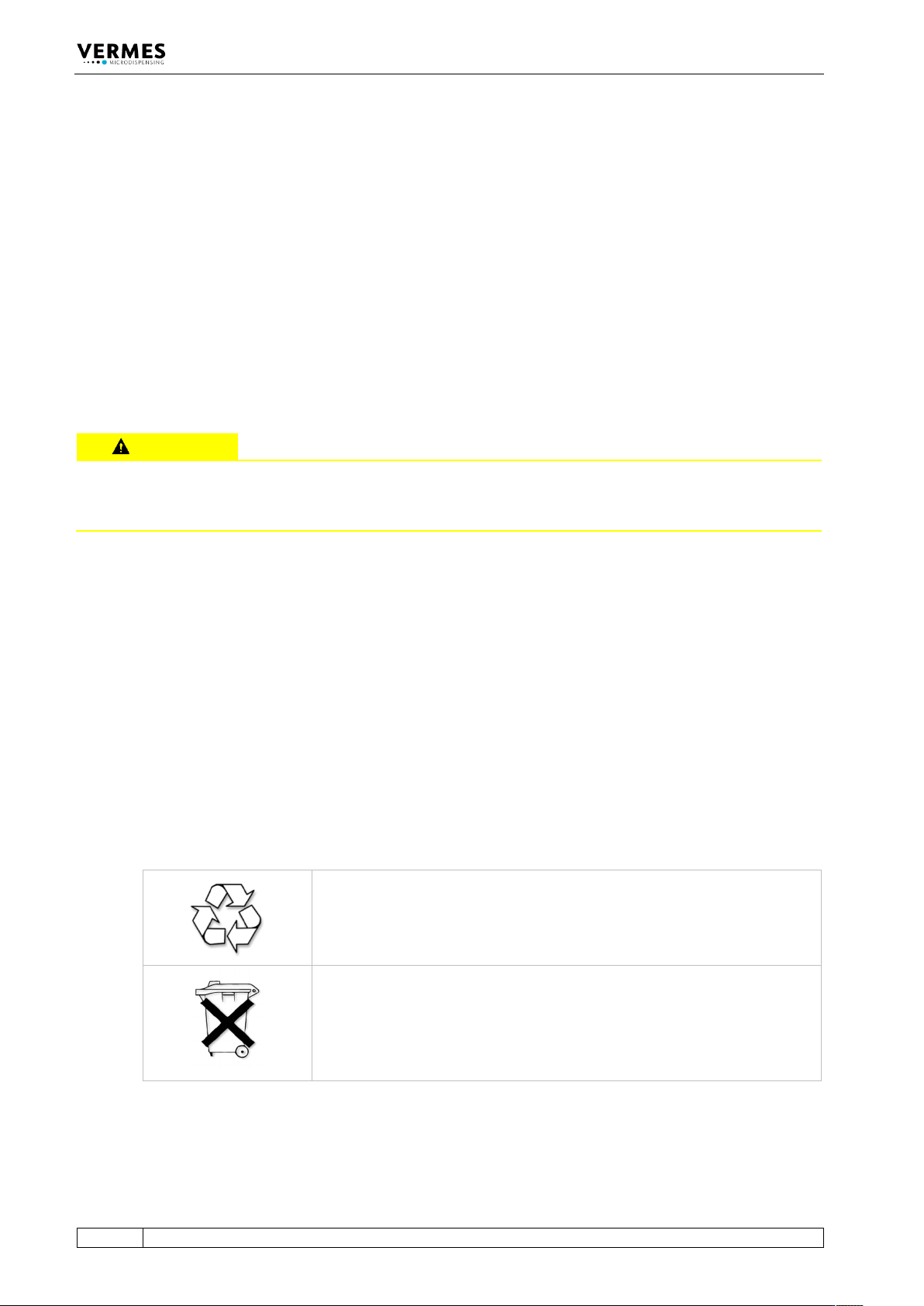
The entire packaging consists of 100 % recyclable material.
At the end of its lifetime, the product itself should be discarded in conformity
with local regulations. Prescriptions with respect to handling of electrical
scrap have to be observed.