00197973-10_SM_MaterialTower.pdf - 第212页
Structu re 0019797 3 - 10 / 02 , 2016 10 -4 © ASM SIPLACE Mat. Tower St ora ge Ser vice Manu al Step 2 Cover the area b elow the cell p late with sheets to prevent littering SI PLACE Material T ower with drilling splinte…
00197973-10 / 02 , 2016 Structure
SIPLACE Mat. Tower Storage Service Manual © ASM 10-3
Machine loading:
• The stored items in this stack must be unloaded in advance.
Machine operating
condition:
• Shut down
Main electrical
power:
• Equipment disconnected from power supply system. The Main Switch
(switched off) locked by means of a padlock to secure the main switch
against unintentional switching on.
Compressed air /
Nitrogen (if used):
• Equipment disconnected from compressed air or nitrogen supply.
Access:
• Open the door on the right side of the machine
• Remove the cover where the cell plate will be replaced
10.1.4 Exchange steps
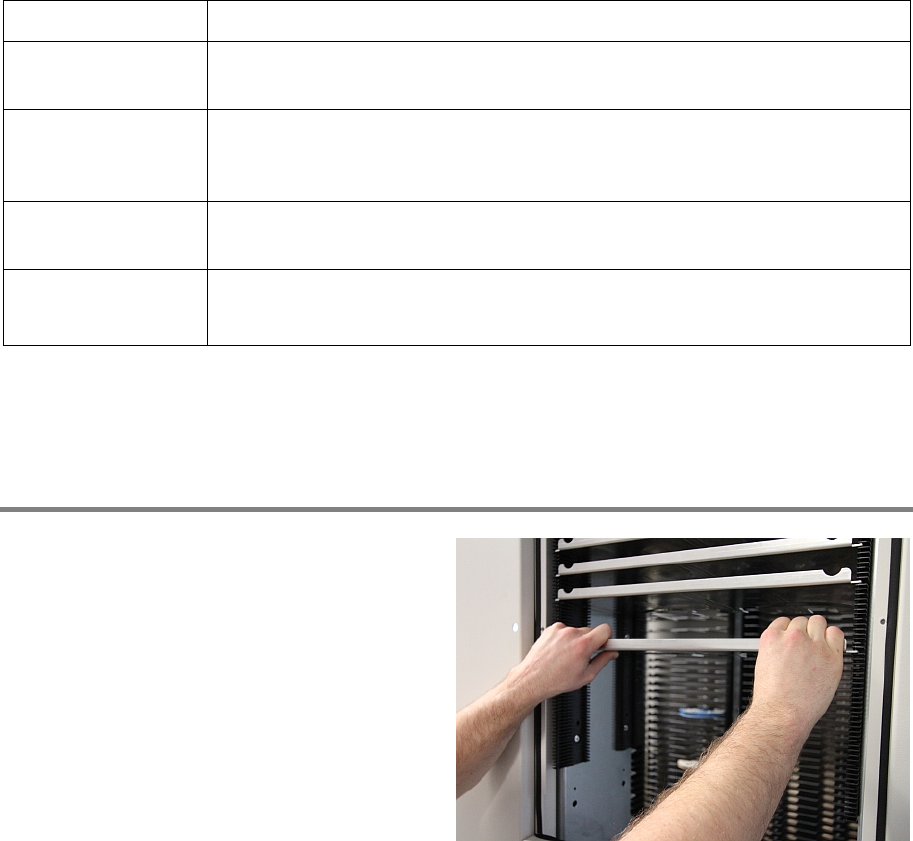
Step 1
Remove all shelves in the cell plate that needs to
be exchanged.
Structure 00197973-10 / 02 , 2016
10-4 © ASM SIPLACE Mat. Tower Storage Service Manual
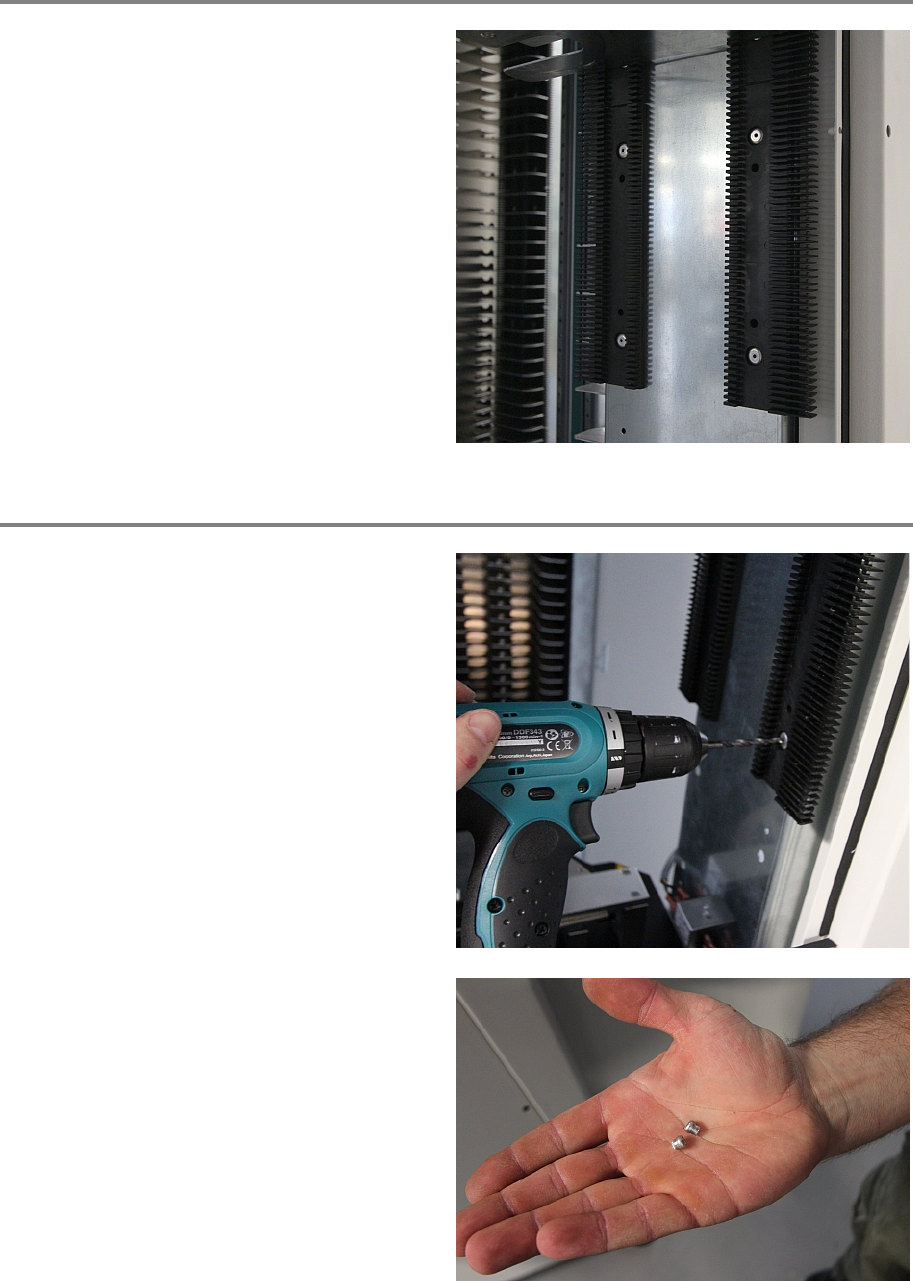
Step 2
Cover the area below the cell plate with sheets
to prevent littering SIPLACE Material Tower with
drilling splinters.
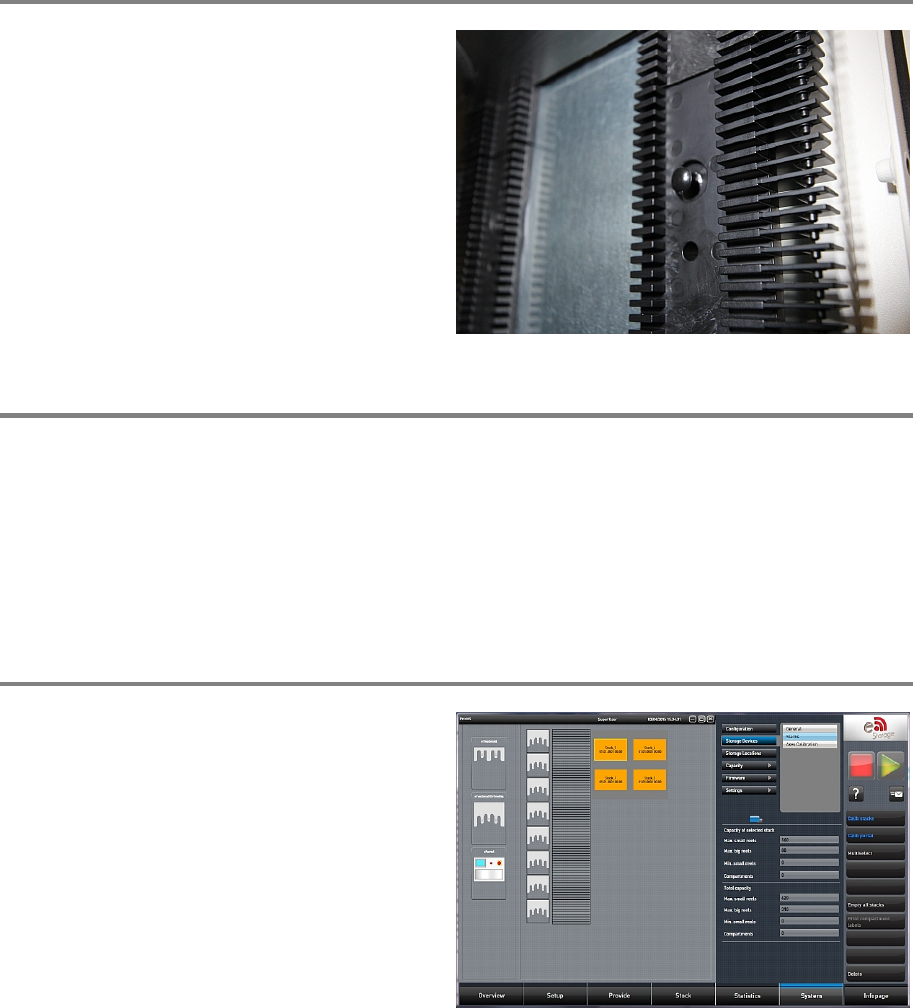
Step 3
Drill completely through both blind rivet nuts.
Afterwards, the cell plate can be removed.
At the back of the plate, the two endings of the
blind rivet nuts were cut and fell down on the
ground. Make sure both of them are removed
from
the inside of SIPLACE Material Tower.
00197973-10 / 02 , 2016 Structure
SIPLACE Mat. Tower Storage Service Manual © ASM 10-5
Step 4
Insert the new cell plate in direction as shown on
the picture. Insert the two black knobs to f
asten
it.
Step 5
Remove the cover sheets and clean the whole machine and surroundings by means of the vacuum
cleaner. Make sure no drilling splinters are present.
Remove all tools, attach all previously removed covers and close the doors of the machine.
Plug in the power connector and switch on the machine.
Initialize the machine by means of the software.
Step 6
In the software, in
System - Storage
Devices/Units
select the appropriate machine in
the table and press
Load.
In tab
Stacks calibrate the stack where the cell
plate has been exchanged.