00197973-10_SM_MaterialTower.pdf - 第78页
Y Axis 0019797 3 - 10 / 02 , 2016 5- 12 © ASM SIPLACE Mat. Tower St ora ge Ser vice Manu al Step 4 Take out the Y belt including the b elt fixation. Loose the fixation on the Y belt. ( Two black screws from Bossard B1206…
00197973-10 / 02 , 2016 Y Axis
SIPLACE Mat. Tower Storage Service Manual © ASM 5-11
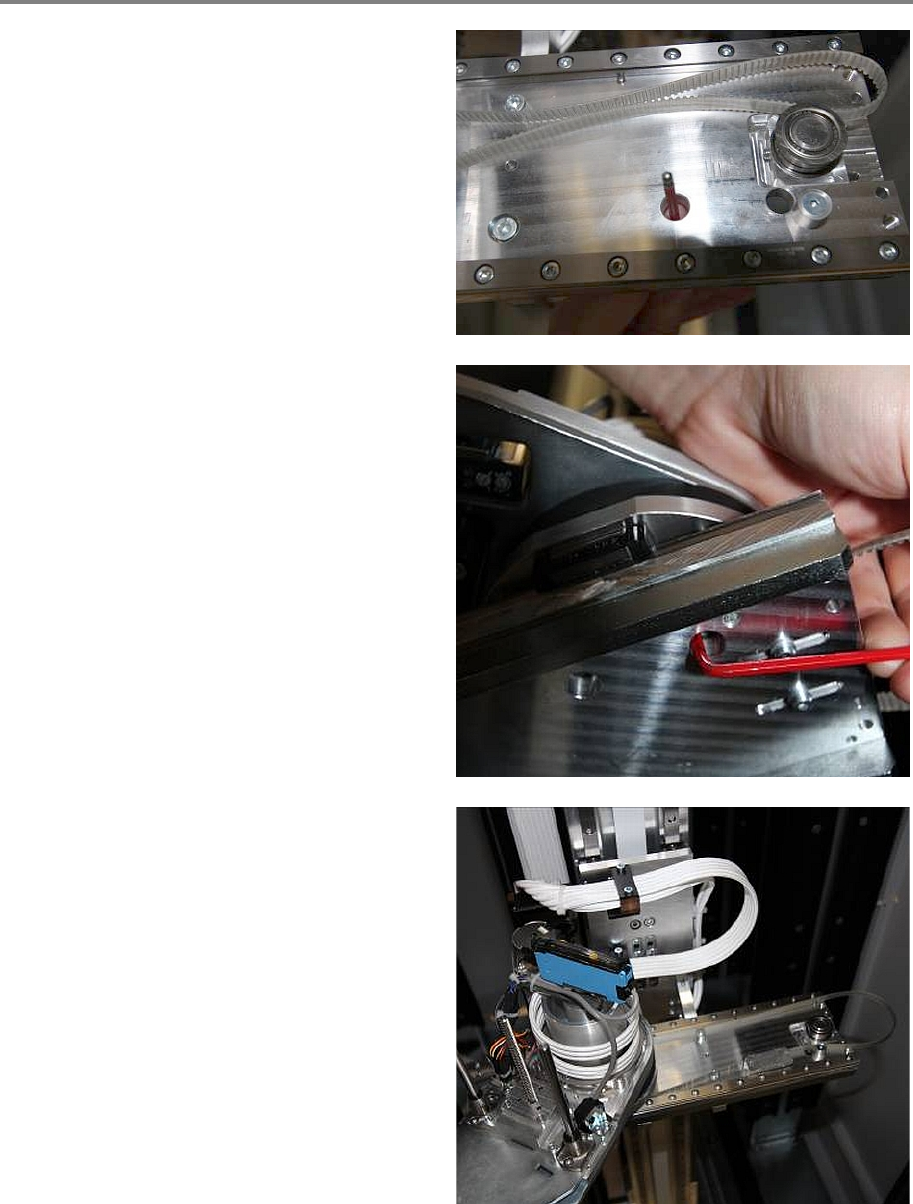
Step 3
Through the holes on the right side of the Y
plate it's possible to lose the Y belt fixation from
the gripper with the Allen Key.
So manually move the gripper to the right and
loose the two screws for the Y belt fixation. (The
screws are from Bossard B3_M4x12)
Now it's possible to move the gripper to the left
and pull out the Y belt fixation from beyond the
gripper.
Y Axis 00197973-10 / 02 , 2016
5-12 © ASM SIPLACE Mat. Tower Storage Service Manual
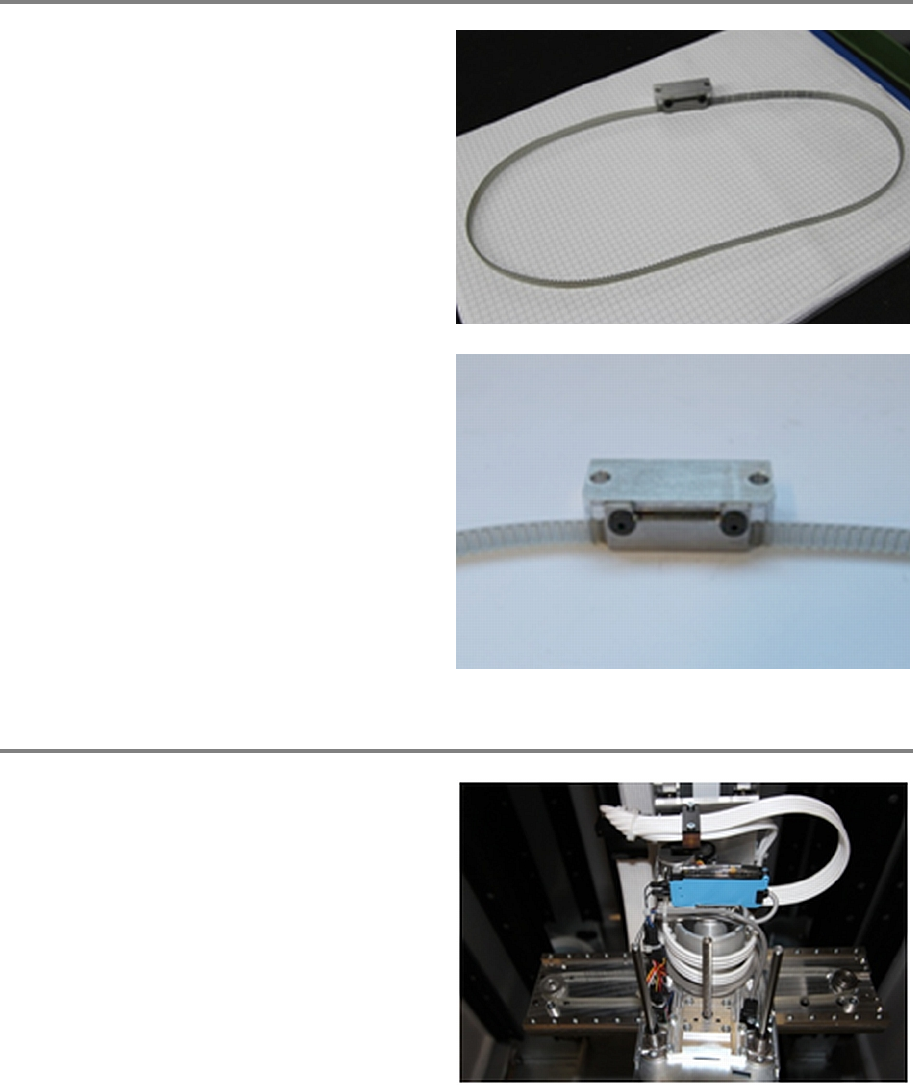
Step 4
Take out the Y belt including the belt fixation.
Loose the fixation on the Y belt. (Two black
screws from Bossard B1206_M3x8)
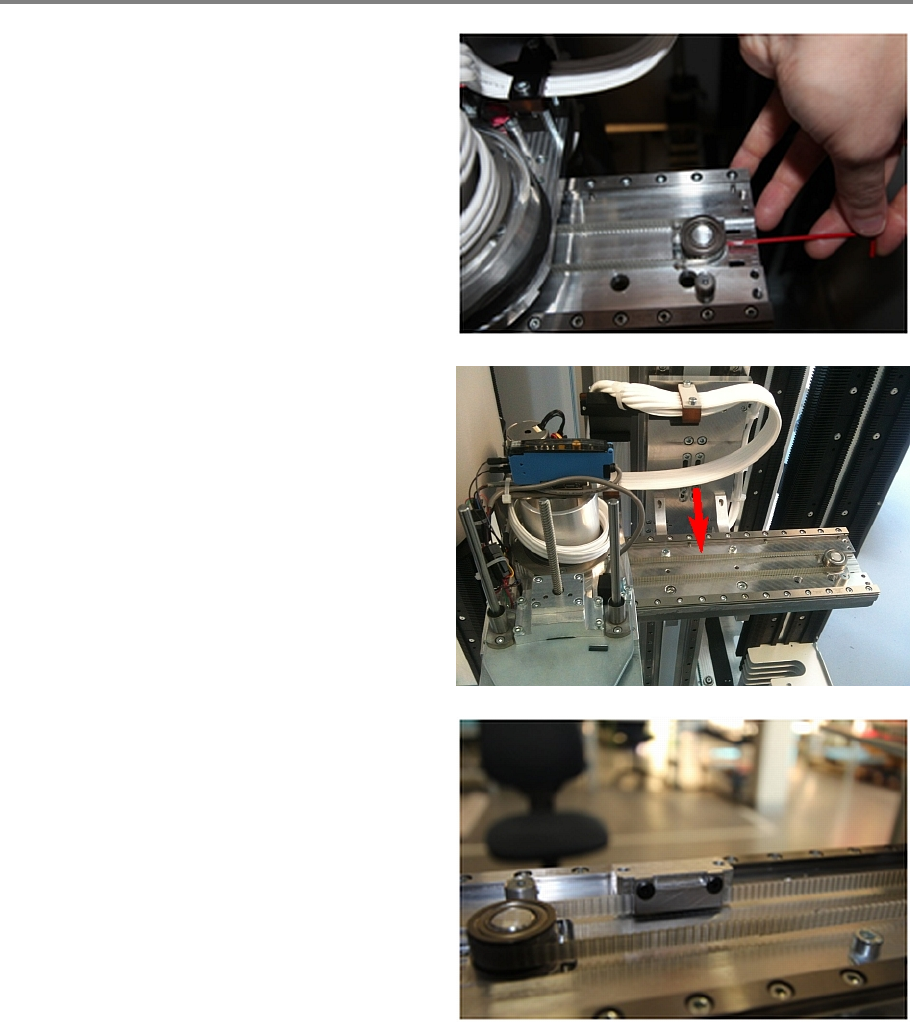
Step 5
Put the new Y belt (without the Y belt fixation)
over the motor pulley, underneath the gripper
and over the pulley on the right side.
00197973-10 / 02 , 2016 Y Axis
SIPLACE Mat. Tower Storage Service Manual © ASM 5-13
Step 6
Required tension for the new Y belt is
120Hz ± 2
Hz
Tighten the Y belt by tighten the screw of the
pulley.
• Belt Tension Meter
Measure the belt tension with the gripper being
on the far left side. Measure in the middle of the
rear belt.
Use Loctite on all screws.
Now fix the Y belt fixation to the front belt as
shown in the picture. Careful the picture is made
from behind for bett
er visibility.
Make sure that the belt is fixed straight in the
fixation and well positioned.