00197973-10_SM_MaterialTower.pdf - 第237页
0019797 3 - 10 / 02 , 2016 Option Air Dryer SIPLACE Mat. Towe r St ora ge Serv ice Manual © ASM 11 - 23 Required Tools / Aux iliary Material / Spare pa rts Tool s: Small p i ncer Auxili ary Material: none Spare parts: 03…
Option Air Dryer 00197973-10 / 02 , 2016
11-22 © ASM SIPLACE Mat. Tower Storage Service Manual
Step 7
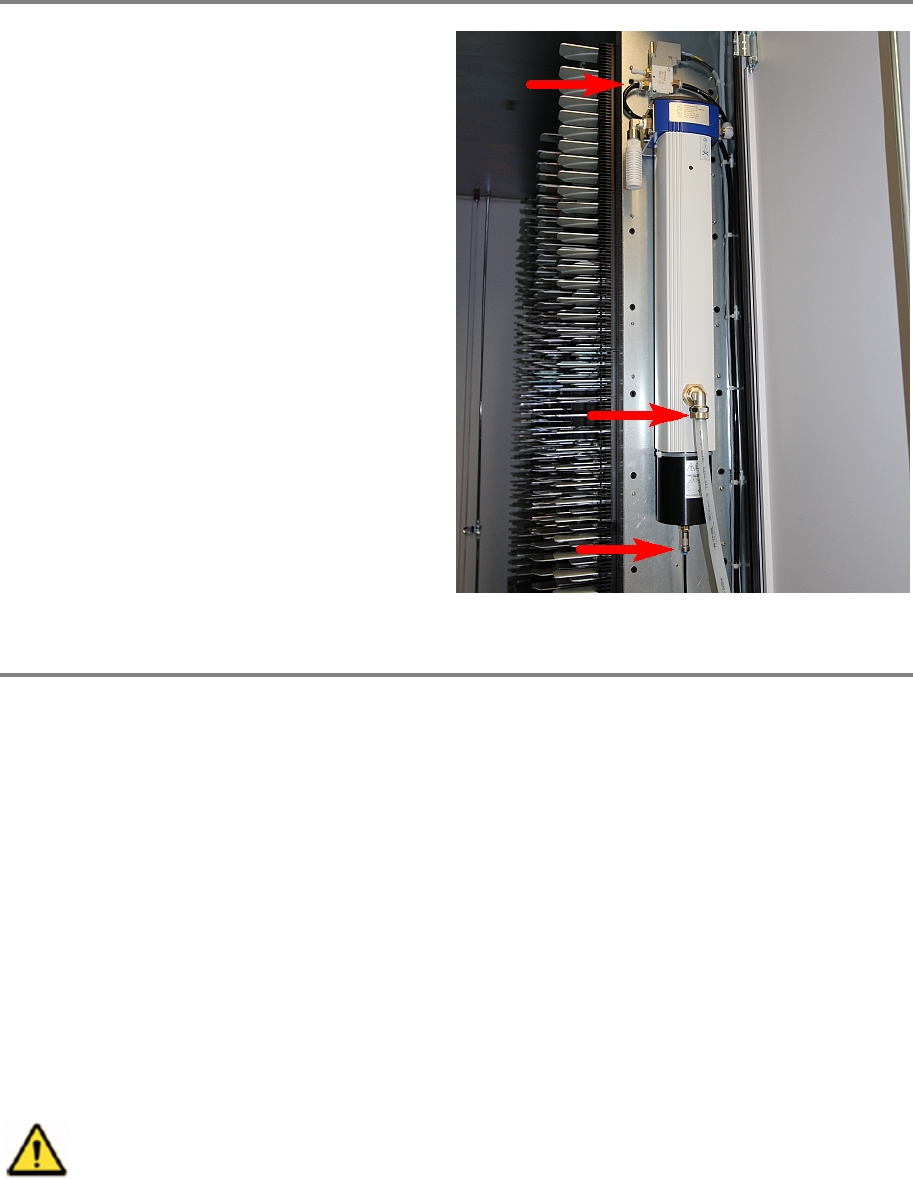
Plug all three air connection hoses.
Step 8
Remove all tools and close the doors of the machine.
Plug in the power connector, connect the compressed air supply and switch on the machine.
Initialize the machine by means of the software.
11.4 Humidity Sensor
11.4.1 Introduction
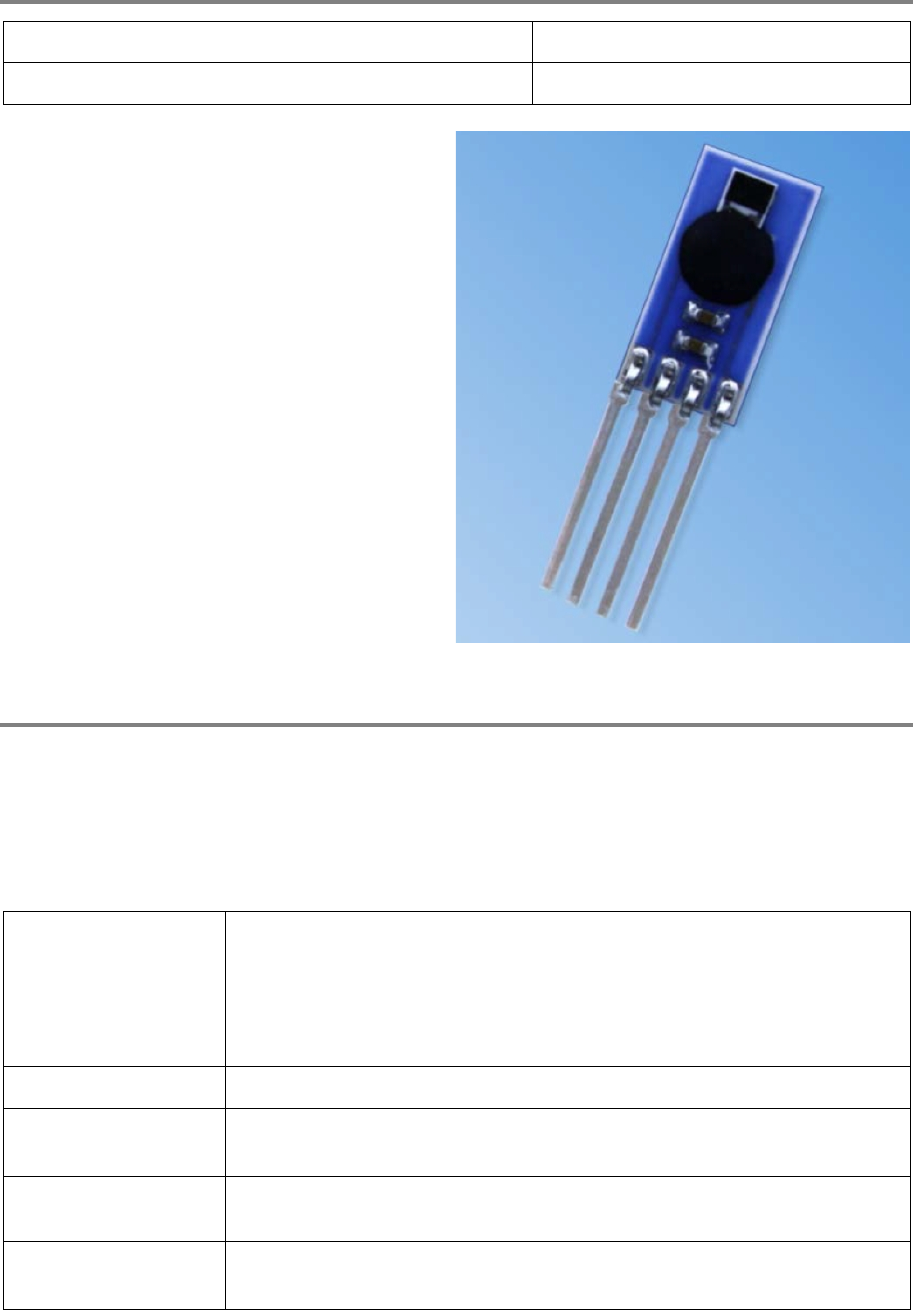
This modification instruction describes how to change the humidity sensor of the Air Dryer Option
on SIPLACE Material Tower.
Spare part number: 03124534-01
Before starting the maintenance, read the Safety instructions carefully.
11.4.2 Tools, Material and Scheduling
For an effective and efficient maintenance, the following resources have to be provided:
00197973-10 / 02 , 2016 Option Air Dryer
SIPLACE Mat. Tower Storage Service Manual © ASM 11-23
Required Tools / Auxiliary Material / Spare parts
Tools: Small pincer
Auxiliary Material: none
Spare parts:
03124534
-01, humidity sensor
Time needed
Schedule around 10 minutes for this task.
11.4.3 Prerequisites
For a safe and efficient maintenance, the following prerequisites have to be fulfilled:
Personnel:
• Any work with or at the equipment must be carried out by skilled
and trained personnel in accordance with the locally applicable
regulations.
• Inform all involved persons regarding the currently running
maintenance works.
Machine loading:
• NO item must be unloaded.
Machine operating
condition:
• Shut down
Main electrical power:
• The Main Switch must be switched off. Remove the main power
connection.
Compressed air /
Nitrogen (if used):
• does not matter
Option Air Dryer 00197973-10 / 02 , 2016
11-24 © ASM SIPLACE Mat. Tower Storage Service Manual
Access:
• Open the right side door of the machine, ir the Z axis is on this side,
push it softly back so you can step in.
11.4.4 Exchange steps
Step 1
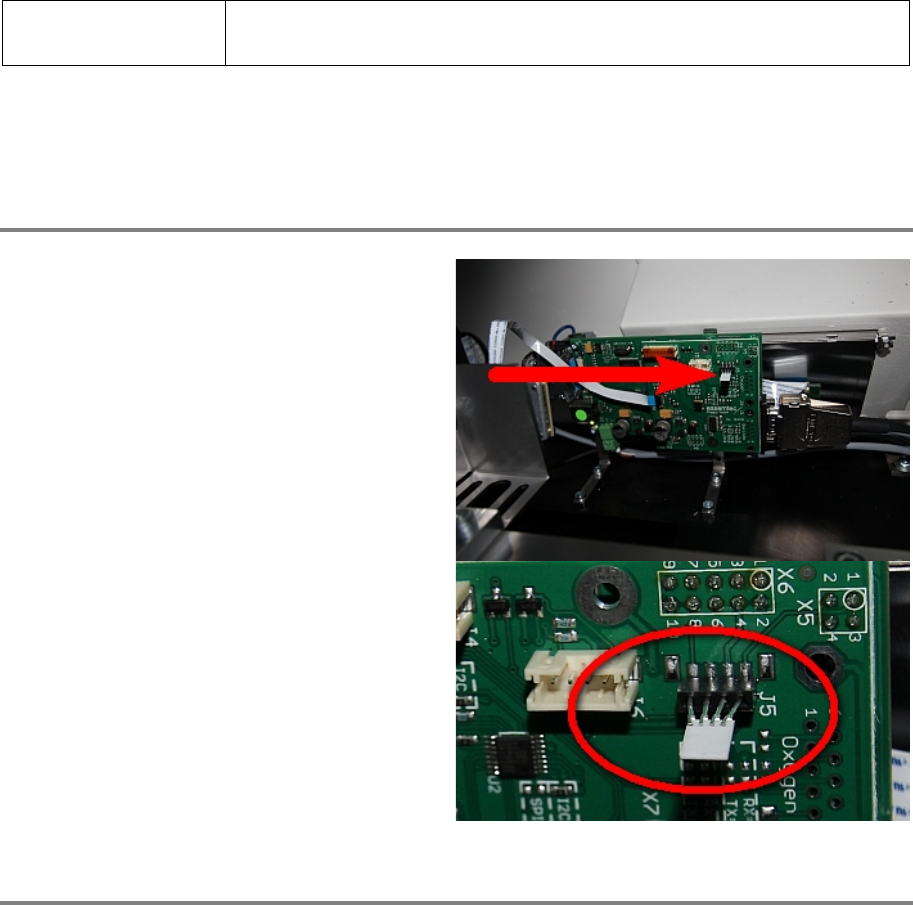
CAUTION : Do not touch the humidity sensor
with bare fingers! Use a thin cloth.
Remove the existing sensor.
Carefully take the humidity sensor out of the
packing.
Push the sensor in the correct slot with the
mirror plate looking down.
It might be helpful to bend the outer legs with a
small pincer.
Step 2
Remove all tools and close the doors of the machine.
Plug in the power connector and switch on the machine.
Initialize the machine by means of the software.
11.5 Sealing Kit
11.5.1 Introduction
This modification instruction describes how to apply the complete sealing kit on a SIPLACE Material
Tower at customer side.
Spare part number: 03124555-01