00197973-10_SM_MaterialTower.pdf - 第32页
General 0019797 3 - 10 / 02 , 2016 2- 10 © ASM SIPLACE Mat. Tower St ora ge Ser vice Manu al Loose n the l ocking screw below the gripper. Setup the new tens ion by turning the black tensioning screw accord ingly. (incre…
00197973-10 / 02 , 2016 General
SIPLACE Mat. Tower Storage Service Manual © ASM 2-9
R Belt
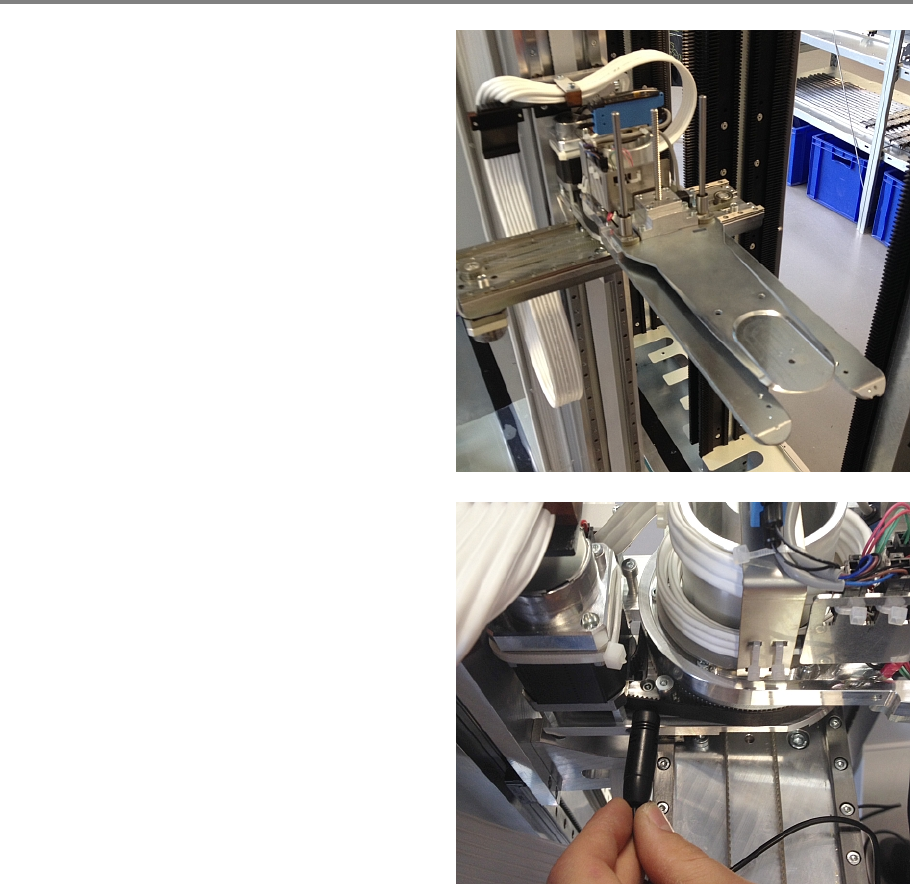
To measure the belt tension, move the gripper in
a rectangular position.
Measure the tension as shown in the picture.
Required tension for th
e Z belt is 400 Hz ± 5 Hz
If the tension is outside the limits, proceed
with the setup steps below, else this chapter
is finished.
General 00197973-10 / 02 , 2016
2-10 © ASM SIPLACE Mat. Tower Storage Service Manual
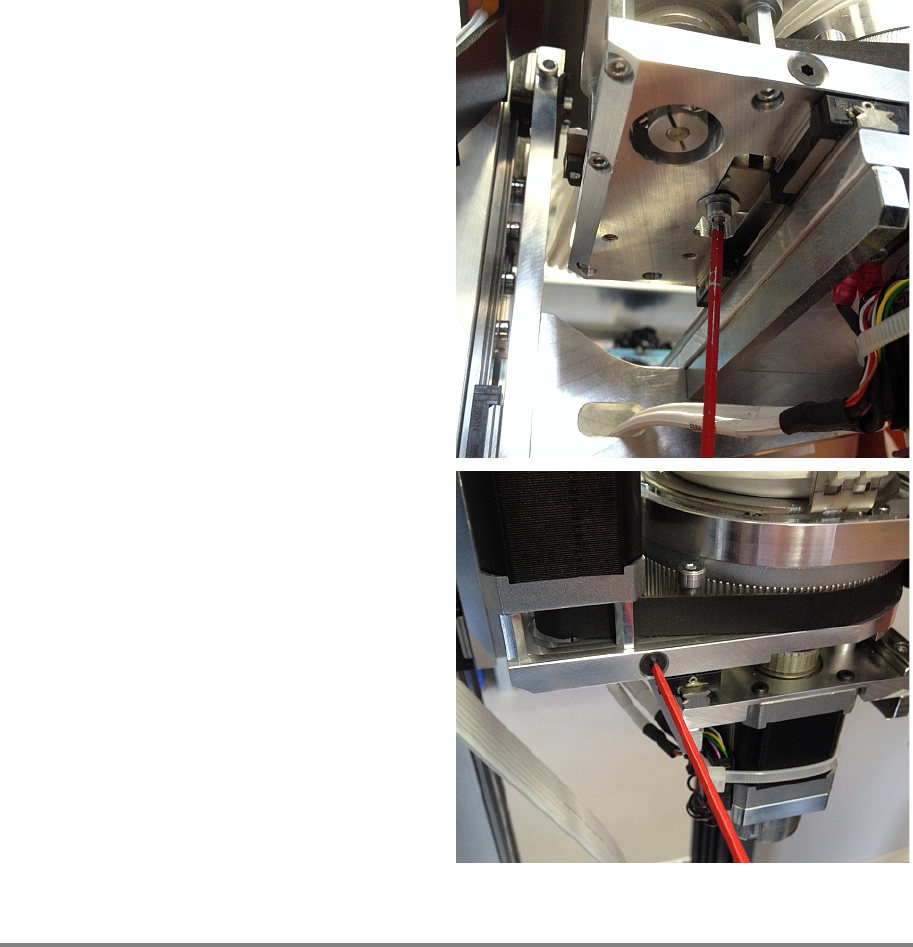
Loosen the l
ocking screw below the gripper.
Setup the new tension by turning the black
tensioning screw accordingly. (increase tension
by turning clockwise)
Tighten the locking screw below the gripper and
measure the tension again.
Repeat this step until the tensio
n is within the
limits.
Clear inside of the machine
Remove all tools and close the doors of the machine.
Plug in the power connector and switch on the machine.
Initialize the machine by means of the software.
00197973-10 / 02 , 2016 General
SIPLACE Mat. Tower Storage Service Manual © ASM 2-11
Calibration
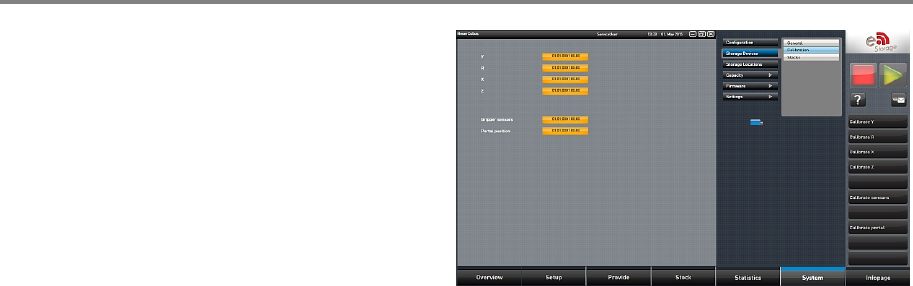
In the software, in
System - Storage
Devices/Units
select the appropriate machine in
the table and press
Load.
In tab
Calibration calibrate the all axes and
follow the instructions given by the software.