CP40 service manual.pdf - 第235页
12. Performance/Efficiency (CP-40) 12-1. Trouble Diagnosis Guide Ta ble # Number Indicates Priority of Check Items. Malfunction Program Bad Installation IT Feeder Internal Foreign Material Remov al w ith Air Gun 8 O-Ring…
11. Utility
(CP-40)
Version Date WA QA CA Note
00 Nov04 O O O
12. Performance/Efficiency
(CP-40)
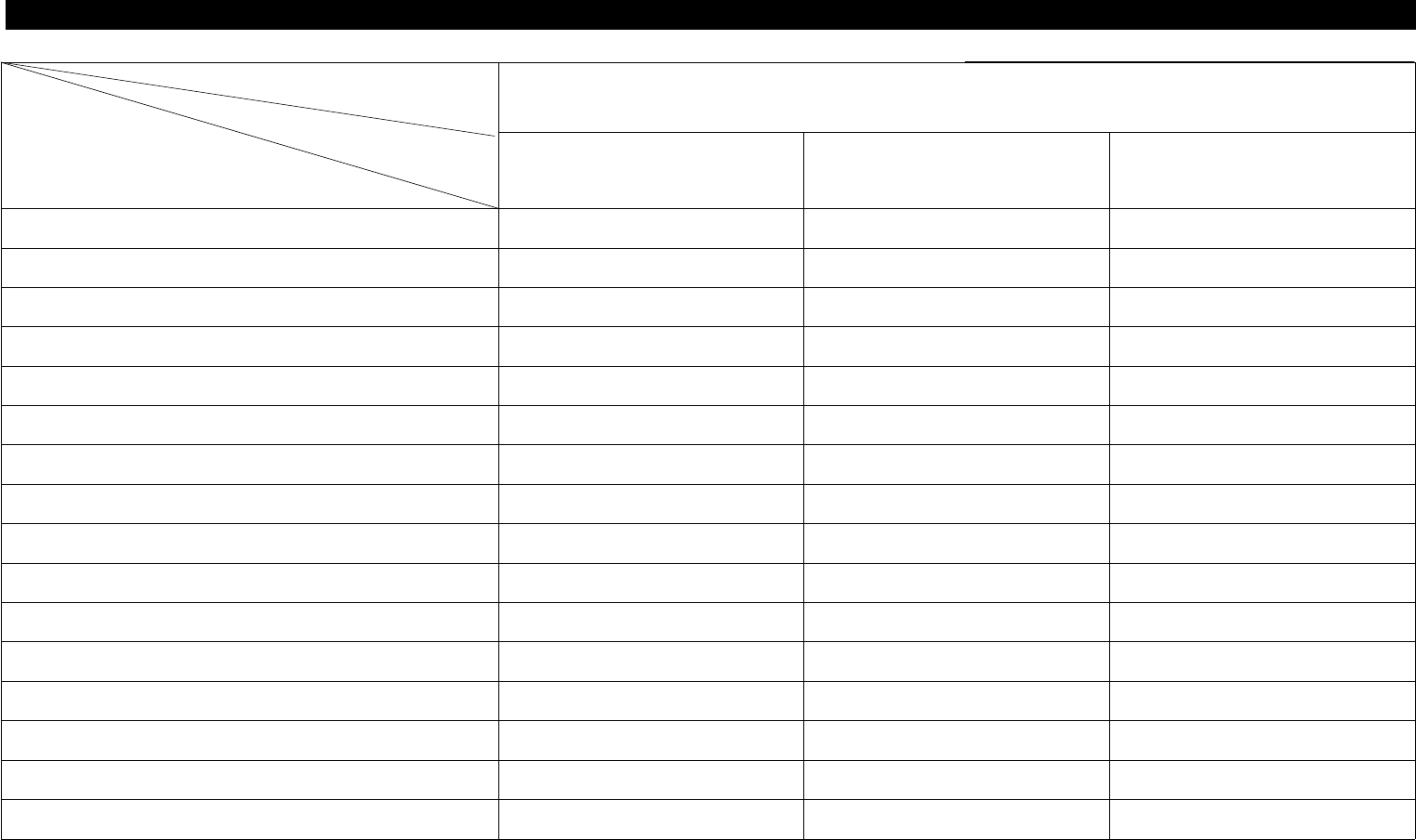
12-1. Trouble Diagnosis Guide Table
# Number Indicates Priority of Check Items.
Malfunction
Program Bad Installation IT Feeder
Internal Foreign Material Removal with Air Gun 8
O-Ring Replacement 7
Feeder Pitch Check 6
Soft_Ware Re-Setup 1
Comp Data Check 3
Camera Offset Reset 5
Spindle Center Reset 4
50M Vision Part Spec Check 50M Application
Installation Speed Test Parameter Check 2
Part Setup Parameter Check 1
50M Head3 Z-Axis Speed Setup 50M Application
LAN Card Check for Bad Connection 3
Step Motor Driver 24V Check 4
Power Supply Voltage Check(5V, 12V) 1
IQIF Controller Power Check 2
Parts
Symptom
Check and Action
12. Performance/Efficiency
(CP-40)
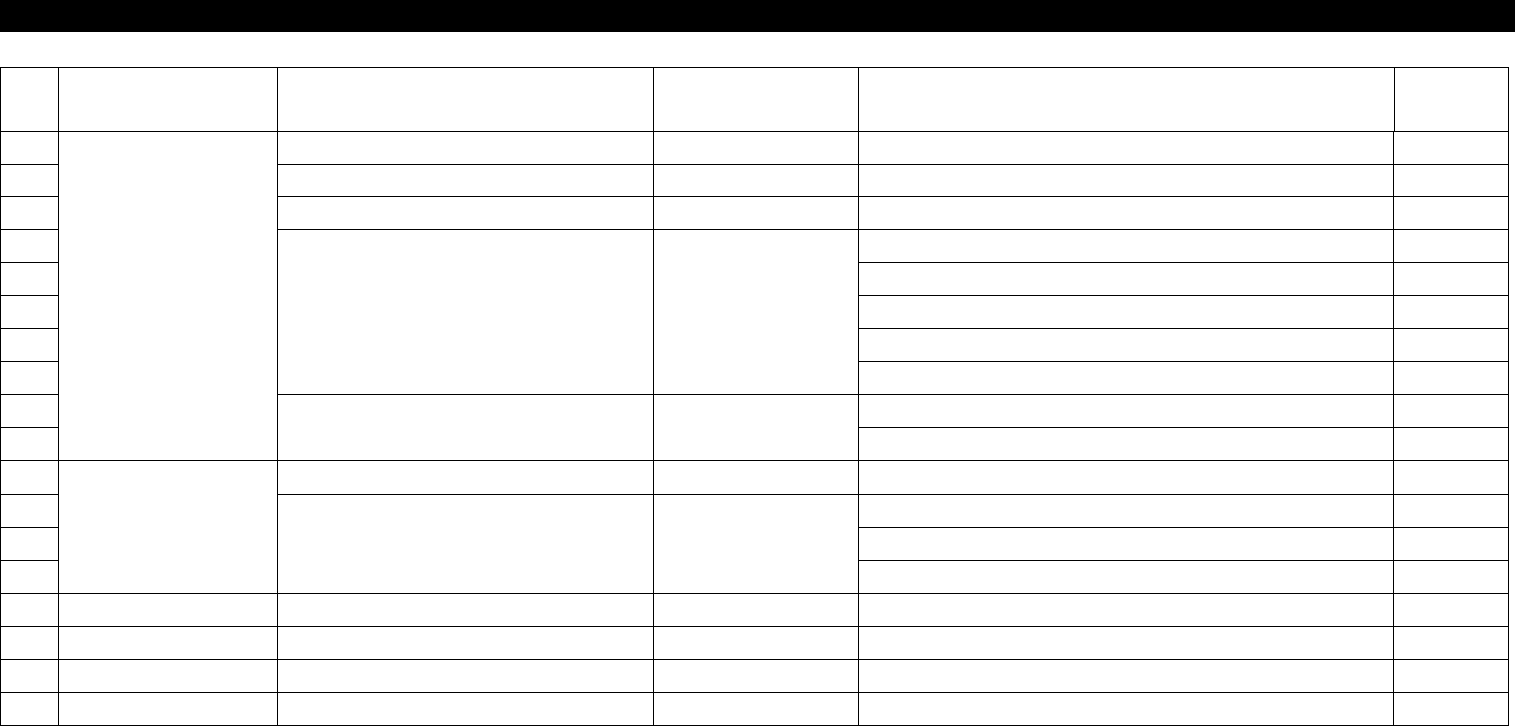
NO Symptom Possible Cause Error Code Action
Instructio
n
1
Bad Installation
Lack of Vacuum Volume
Remove Internal Foreign Material with Air Gun.
2 NozzlePickUpError
Replace O-Ring.
12-3-2
3 Part Pick Up Error
Check Feeder Pitch.
12-3-1
4
Part Installation Error
Check Comp Data.
12-3-3
5
Reset Camera Offset.
6
Reset Spindle Center.
12-3-7
7
Check Installation Speed of Test Parameter.
12-3-8
8
Check Part Setup Parameter.
9
50M Vision Recognition Error
Check 50M Vision Part Spec.
10
Set 50M Head3 Z-Axis Speed.
12-3-6
11
IT Malfunction
Communication Error Check LAN Card for Bad Connection.
12
Power Malfunction
Check Step Motor Driver 24V.
13
Check Power Supply Voltage(5V, 12V).
14
Check IQIF Controller Power.
15 Loading Error
MMI Program Loading Error Reset Soft_Ware.
12-3-9
16
17
18
12-2. Trouble Diagnosis