CP40 service manual.pdf - 第97页
1. Head Part (CP-40) 3 . Working Method a. Remove Cyber Aligner Cable of Cableveyor and Attach WA(WOORI) Aligner Cable. b. Remove Cyber Aligner Board and Remove Bracket and Wiring. c. Remove 'IP501' of VME162 B…
1. Head Part
(CP-40)
1-3-7. CA => WA Change
1. Preparation
Version Date WA QA CA Note
00 Nov04 O O
Material Refer to Attached Materials.
S/W MMI INSTALL CD
Tool Cross and Flat-head Screwdrivers(Large, Small), Digital Tester
<Procedures>
1. Commonly Usable Part
a. Brackets of Cyber Aligner and Woori Aligner on the Front Middle Plate (with Fixing Hole)
(When Used Commonly, WA Bracket is Attached to the Position with CA I/F Board Removed)
b. Power Supply Middle Plate of CA and WA
c. For CP40CV Equipment, CE is not Added Newly and there is no Additional Items to Wago Terminal.
(Only WA is Attached to CA Equipment and CE Part is not Changed.)
2. Part to be Changed (Equipment Modification Method)
a. Remove the Material Shown in 40_CA Removal of this Document from the Equipment(25 Sorts).
(Part to be Excepted from CP40CV Equipment)
b. Prepare to Attach the Material Shown in 40_WA Addition of this Document to Equipment(17 Sorts)
.
(Material to be Added to CP40CV Equipment)

1. Head Part
(CP-40)
3
.
Working Method
a. Remove Cyber Aligner Cable of Cableveyor and Attach WA(WOORI) Aligner Cable.
b. Remove Cyber Aligner Board and Remove Bracket and Wiring.
c. Remove 'IP501' of VME162 Board and Attach 'Octal Card' (Remove Cable Connected to IP Card).
d. Remove Cable 'CA2-VM10-1' Connected with QA I/F Board and R Motor Driver from Axis Board H1/2/3.
e. Remove 'VSF100-24' Power Supply for CA from Power Supply Middle Plate and Attach Power Supply 'SA100-BDB' for
WA(WOORI).
f. Remove CA I/F Board and Adjacent Cable.
g. Connect Power Cable From Power Supply to Front T/B2.
h. Attach WA Bracket, Attach Board and Connect Wire.
(
Wa Aligner Wiring Block Diagram
)
4. MMI Installation
5. Profile Setting
- Refer to Line Profile Optimization Setting Method for SI(20030711T)CP-204050.
Version Date WA QA CA Note
00 Nov04 O O
1. Head Part
(CP-40)
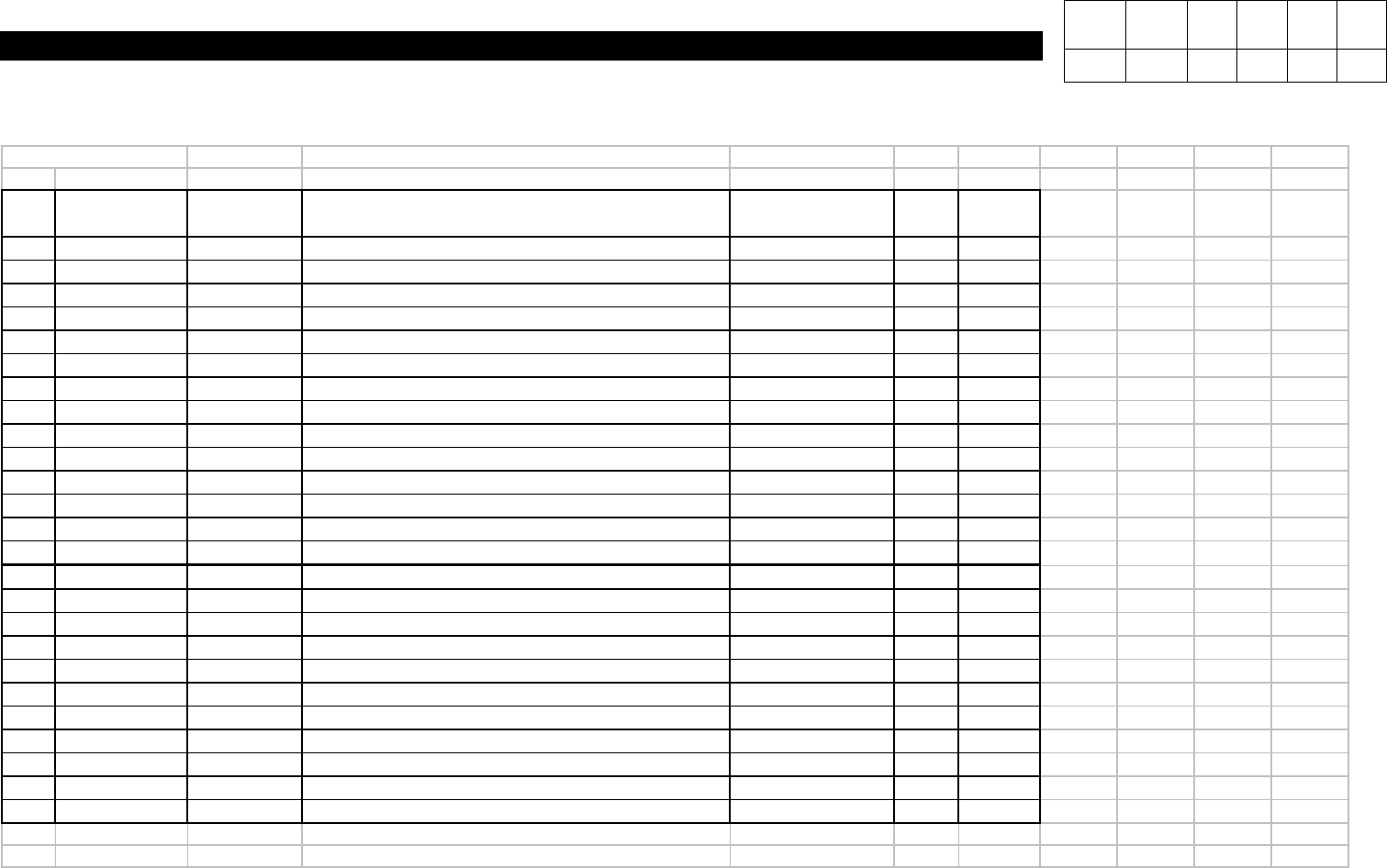
40_CA Removal
No Classification Material No. Nomenclature Specification
BOM
Qty. Base
1
Device
J7061001B P/S PANEL UPPER [J7061001B] J7061001B 1 PC
2
Device
J7061007B DSP BOARD BASE [J7061007B] J7061007B 1 PC
3
Device
J7060031A CA BOARD BOX [J7060031A] J7060031A 1 PC
4
Device
J7060032A BOARD HOLDER [J7060032A] J7060032A 3 PC
5
Device
J4401009A POWER SUPPLY [VSF100-24] VSF100-24 1 PC
6
Device
J4809001A SERIAL PORT [IP501-16] IP501-16 1 PC
7
Device
J7055001A CALIBRATION CONE [J7055001A] J7055001A 1 PC
8
Device
J7155012A VISION BACK PLATE [J7155012A] J7155012A 1 PC
9
Device
J7155013B LASER MOUNT [J7155013B] J7155013B 1 PC
10
Device
J7155014A FID-BEAM BRACKET [J7155014A] J7155014A 1 PC
11
Device
J7155016A NON-REFLECTING PAPER [J7155016A] J7155016A 1 PC
12
Device
J4809020A SCM2 [LAHD WIDE M] LAHD WIDE M 3 PC
13
Device
J6751006A SHELF PACK [LAHD WIDE M] LAHD WIDE M 3 PC
14
Device
J9060093A CA I/F BOARD ASS'Y [J9060093A] J9060093A 1 PC
15
Cable
J9061012B CA IP501 CABLE ASS'Y [CA-A01-1] CA-A01-1 1 PC
16
Cable
J9061013B CA 422 CABLE ASS'Y[CA-A02-1] CA-A02-1 1 PC
17
Cable
J9061014B CA POWER CABLE ASS'Y [CA-A03] CA-A03-1 1 PC
18
Cable
J9061015B CA PULSE CABLE ASS'Y [CA-A04] CA-A04-1 1 PC
19
Cable
J9061016B CA PULSE DEVIDE CABLE ASS'Y [CA-A05] CA-A05-1 1 PC
20
Cable
J9061017B CA SENSOR CABLE ASS'Y [CA-A06] CA-A06-1 1 PC
21
Cable
J9061023B QA I/F PWR CABLE ASS'Y [CA-Q06] CA-Q06-1 1 PC
22
Cable
J9061024B R/Z DRV COMMAND CABLE ASS'Y [CA-VM10] CA-VM10-1 1 PC
23
Cable
J9061430A C/A I/F POWER CABLE ASS'Y [CA-A07] CA-A07 1 PC
24
Cable
J9061431A C/A I/F MR CABLE ASS'Y [CA-A08] CA-A08 1 PC
25
Cable
J9061021B PWR CABLE ASS'Y [CA-PW14] CA-PW14-1 1 PC
Version Date WA QA CA Note
00 Nov04 O O