bnp-b2365(eng)b.pdf - 第343页
6. Troubleshooting 6 - 38 Alarm No. 89 Encoder converter uni t 2, connection error With the servo, an error was detected in the connection with the an alog output linear scale for the MDS-B-HR unit. With the spindle, ini…
6. Troubleshooting
6 - 37
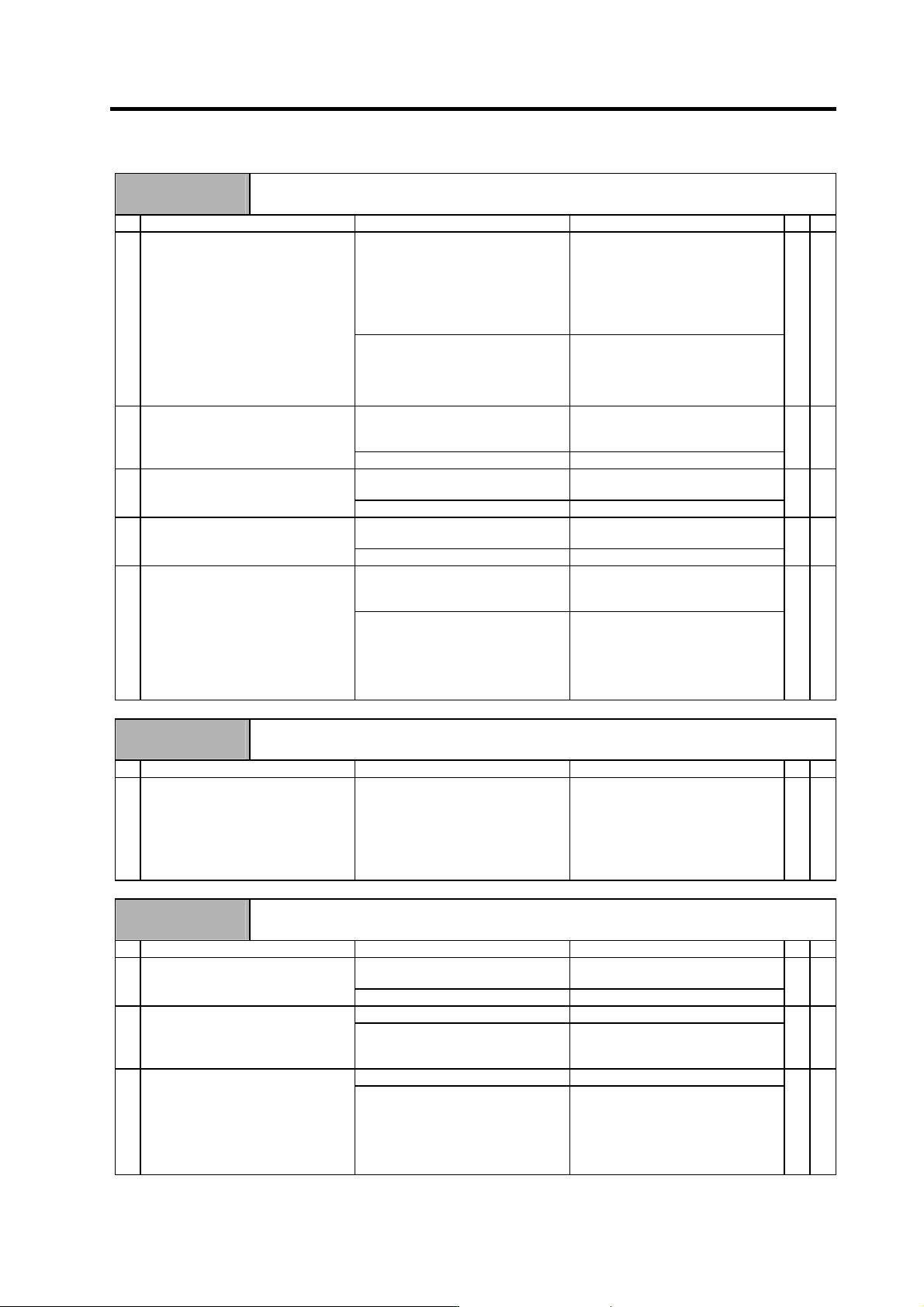
Alarm No.
77
Power module overheat
The power module's temperature protection function activated.
Investigation details Investigation results Remedies
CV CR
The fan is rotating, and an alarm did
not occur again.
Continue to use.
The power may be turned ON without
assuring more than 10 seconds for
the time from when the power is
turned OFF till when it is turned ON.
Leave for more than 10 seconds or
more, and turn the power ON again.
1 Turn the unit power ON again, and
confirm the rotation of the fan.
Note) Assure more than 10 seconds
for the time from when the
power is turned OFF till when it
is turned ON. For the fan used
for the drive unit, assuring
more than 10 seconds for the
time from when the power is
turned OFF till when it is turned
ON is required.
The fan did not rotate. Or, an alarm
occurred again.
Investigate item 2.
{
Large amounts of cutting oil or cutting
chips, etc., are adhered, or the
rotation is slow.
Clean or replace the fan. 2 Confirm that the fan is rotating
correctly.
The fan is rotating properly. Investigate item 3.
{
Cutting oil or cutting chips, etc., are
adhered, and the fins are clogged.
Clean the fins. 3 Check whether the heat dissipating
fins are dirty.
The fins are normal. Investigate item 4.
{
55°C or more Improve the ventilation and cooling
for the power distribution panel.
4 Measure the power supply unit's
ambient temperature.
Less than 55°C. Investigate item 5.
{
No abnormality is found in particular. If the alarm occurs even after the unit
temperature has dropped, replace
the unit.
5 Check if there is any abnormality in
the unit's ambient environment.
(Ex. Ambient temperature, noise,
grounding)
An abnormality was found in the
ambient environment.
Take remedies according to the
causes of the abnormality.
Ex. High temperature:
Check the cooling fan.
Incomplete grounding:
Additionally ground.
{
Alarm No.
7F
Power reboot request
A mismatch in the program mode selection was detected. Turn the drive unit power ON again.
Investigation details Investigation results Remedies SV SP
1 Were the parameter settings
changed?
SV009, SV010, SV011, SV012
SV033/bit8, 9
This alarm is detected if the high-gain
specification parameters are set
when the drive unit is started up with
the standard specification software
mode, or if the standard specification
parameters are set when started up
with the high-gain specifications.
Turn the drive unit's control power
ON again.
{
Alarm No.
88
Watch dog
The system is not operating normally.
Investigation details Investigation results Remedies SV SP
The version was changed. Replace with a drive unit containing
the original software version.
1 Check whether the servo software
version was changed recently.
The version was not changed. Investigate item 2.
{ {
The alarm is always repeated. Replace the drive unit. 2 Check the repeatability.
The state is returned to normal once,
but then the alarm occurs
occasionally.
Investigate item 3.
{ {
No abnormality is found in particular. Replace the drive unit. 3 Check if there is any abnormality in
the unit's ambient environment.
(Ex. Ambient temperature, noise,
grounding)
An abnormality was found in the
ambient environment.
Take remedies according to the
causes of the abnormality.
Ex. High temperature:
Check the cooling fan.
Incomplete grounding:
Additionally ground.
{ {
6. Troubleshooting
6 - 38
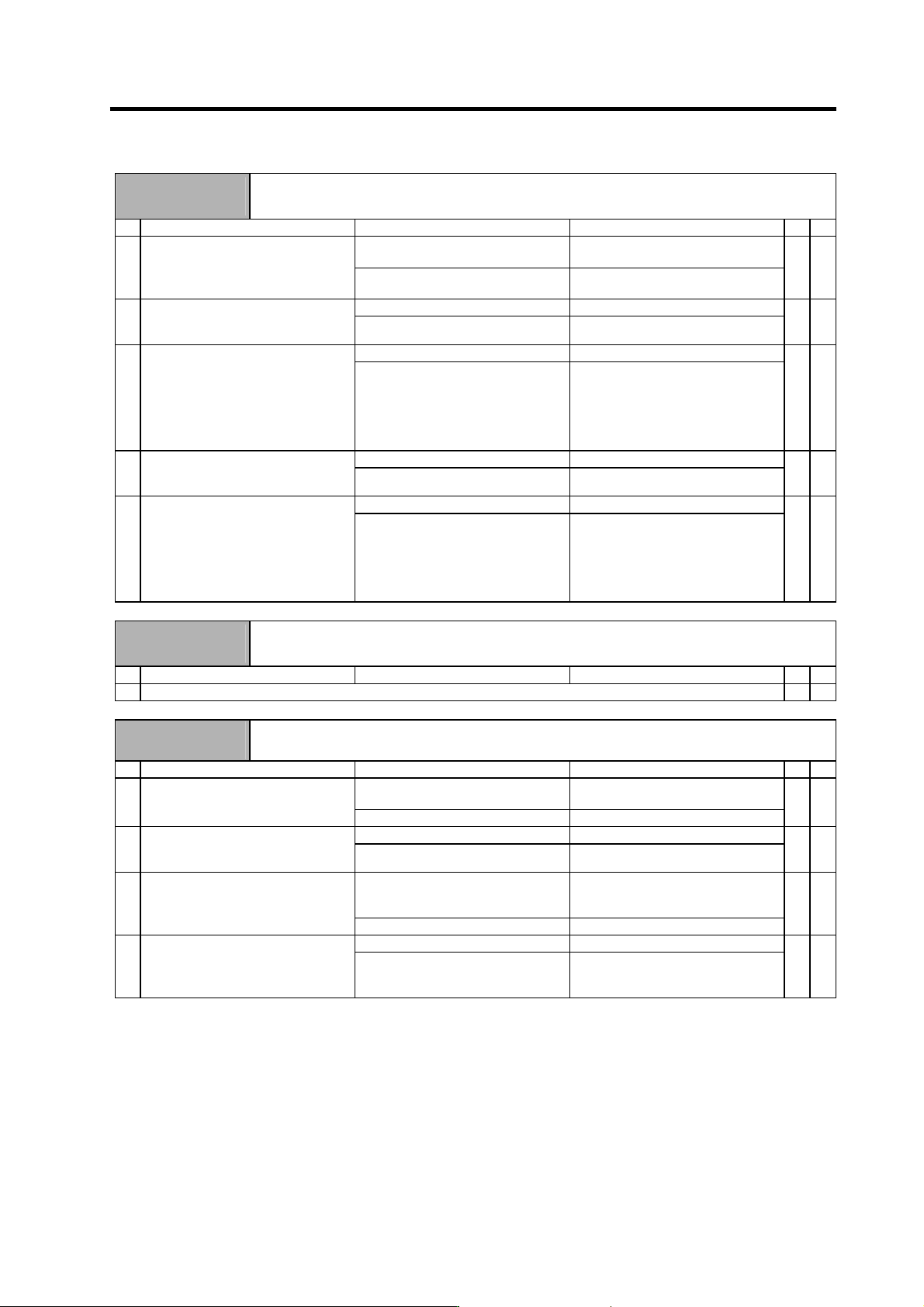
Alarm No.
89
Encoder converter unit 2, connection error
With the servo, an error was detected in the connection with the analog output linear scale for the
MDS-B-HR unit. With the spindle, initial communication with the MDS-B-PJEX was not possible.
Investigation details Investigation results Remedies SV SP
The connector is disconnected (or
loose).
Correctly install. 1 Wiggle the MDS-B-HR/MDS-B-PJEX
unit connector (CON3) by hand to
check whether it is disconnected.
The connector is not disconnected. Servo
: Investigate item 2.
Spindle
: Investigate item 4.
{ {
The cable is broken. Replace the cable. 2 Check whether the cable between
the linear scale and MDS-B-HR is
broken.
The cable is not broken. Investigate item 3.
{
No abnormality is found in particular. Replace the MDS-B-HR unit. 3 Check if there is any abnormality in
the unit's ambient environment.
(Ex. Ambient temperature, noise,
grounding)
An abnormality was found in the
ambient environment.
Take remedies according to the
causes of the abnormality.
Ex. High temperature:
Check the cooling fan.
Incomplete grounding:
Additionally ground.
{
The cable is broken. Replace the cable. 4 Check whether the cable between
the spindle drive unit and
MDS-B-PJEX is broken.
The cable is not broken. Investigate item 5.
{
No abnormality is found in particular. Replace the drive unit. 5 Check if there is any abnormality in
the unit's ambient environment.
(Ex. Ambient temperature, noise,
grounding)
An abnormality was found in the
ambient environment.
Take remedies according to the
causes of the abnormality.
Ex. High temperature:
Check the cooling fan.
Incomplete grounding:
Additionally ground.
{
Alarm No.
8A
Detection converter unit 2, communication error
With the servo, an error was detected in the communication with the serial output linear scale for the
MDS-B-HR unit. With the spindle, an error was detected in the communication with the MDS-B-PJEX.
Investigation details Investigation results Remedies SV SP
1 Check the alarm No. "89" items.
{ {
Alarm No.
8B
Encoder converter unit 2, automatic adjustment error
An abnormal signal from the PLG was detected during automatic adjustment of the PLG.
Investigation details Investigation results Remedies SV SP
The connector is disconnected (or
loose).
Correctly install. 1 Check whether the MDS-B-PJEX
connectors (CN5) or detector
connectors are disconnected.
The connector is not disconnected. Investigate item 2.
{
There is a connection fault. Replace the detector cable. 2 Turn the power OFF, and check the
detector cable connection with a
tester.
The connection is normal. Investigate item 3.
{
There is a problem. (The A/B phase
input voltage is 0.8V or less or 2.2V
or higher.)
Adjust the PLG output waveform. 3 Check the PLG output waveform (A/B
phase).
Normal Investigate item 4.
{
Occurs each time. Replace the MDS-B-PJEX unit. 4 Check the occurrence frequency.
Occurs occasionally. Check whether the cable is
disconnected, whether there is a
contact fault, or a detector fault.
{
6. Troubleshooting
6 - 39
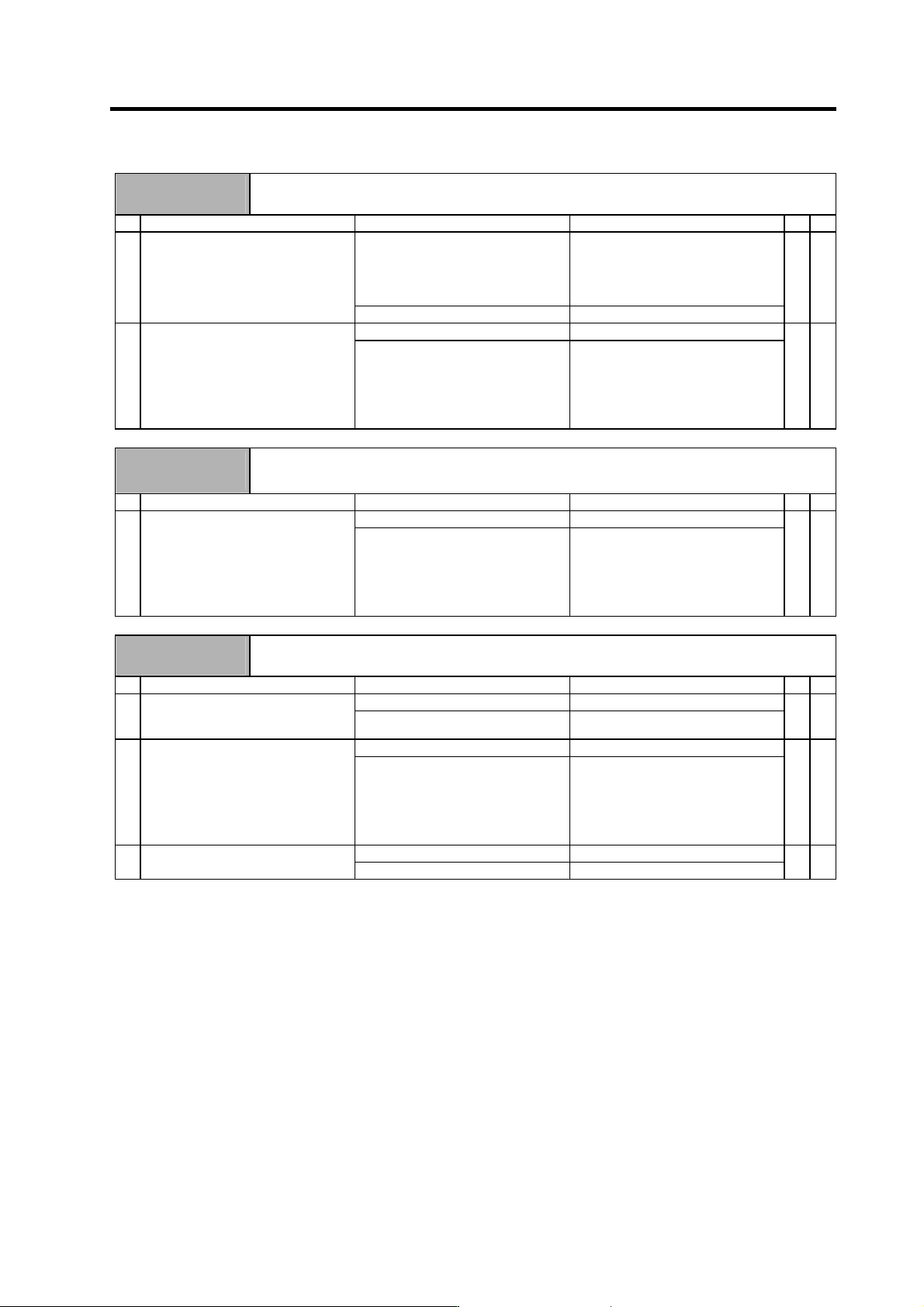
Alarm No.
8C
Encoder converter unit 2, judgment error
A detector type outside the specifications was detected with the MDS-B-PJEX.
Investigation details Investigation results Remedies SV SP
The setting was incorrect.
"4" : 128 pulses
"5" : 256 pulses
"6" : 512 pulses
"8" : 180 pulses
Set correctly according to the No. of
PLG gear teeth.
1 Check the spindle parameter SP042.
SP042: C-axis control detector range.
(Spindle end PLG No. of pulse
setting)
The setting is correct. Investigate item 2.
{
No abnormality is found in particular. Replace the MDS-B-PJEX. 2 Check if there is any abnormality in
the unit's ambient environment.
(Ex. Ambient temperature, noise,
grounding)
An abnormality was found in the
ambient environment.
Take remedies according to the
causes of the abnormality.
Ex. High temperature:
Check the cooling fan.
Incomplete grounding:
Additionally ground.
{
Alarm No.
8D
Detection converter unit 2, CPU error
With the servo, a CPU error was detected with the MDS-B-HR unit. With the spindle, a CPU error was
detected with the MDS-B-PJEX unit.
Investigation details Investigation results Remedies SV SP
No abnormality is found in particular. Replace the detection converter unit.1 Check if there is any abnormality in
the detector's ambient environment.
(Ex. Ambient temperature, noise,
grounding)
An abnormality was found in the
ambient environment.
Take remedies according to the
causes of the abnormality.
Ex. High temperature:
Check the cooling fan.
Incomplete grounding:
Additionally ground.
{ {
Alarm No.
8E
Detection converter unit 2, data error
A data error was detected with the MDS-B-HR unit.
Investigation details Investigation results Remedies SV SP
The cable is broken. Replace the cable. 1 Check whether the cable between
the linear scale and MDS-B-HR is
broken.
The cable is not broken. Investigate item 2.
{
No abnormality is found in particular. Investigate item 3. 2 Check if there is any abnormality in
the unit's ambient environment.
(Ex. Ambient temperature, noise,
grounding)
An abnormality was found in the
ambient environment.
Take remedies according to the
causes of the abnormality.
Ex. High temperature:
Check the cooling fan.
Incomplete grounding:
Additionally ground.
{
The state is improved. Replace the MDS-B-HR unit. 3 Try replacing the MDS-B-HR unit.
The state is not improved. Replace the linear scale.
{