cp45ref.pdf - 第140页
Samsung Component Placer CP-45F(V)/FS Refer ence Manual 3-14 3.7. Conveyor Step Motor Dr iver Digit al Switch Setting CN 2 CN 3 CN 1 OF F ON SL E X F/R B F/R A 1234 Figur e 3-15. Conveyor S tep Motor Driver Di gital Swit…
Hardware Troubleshooting
3-13
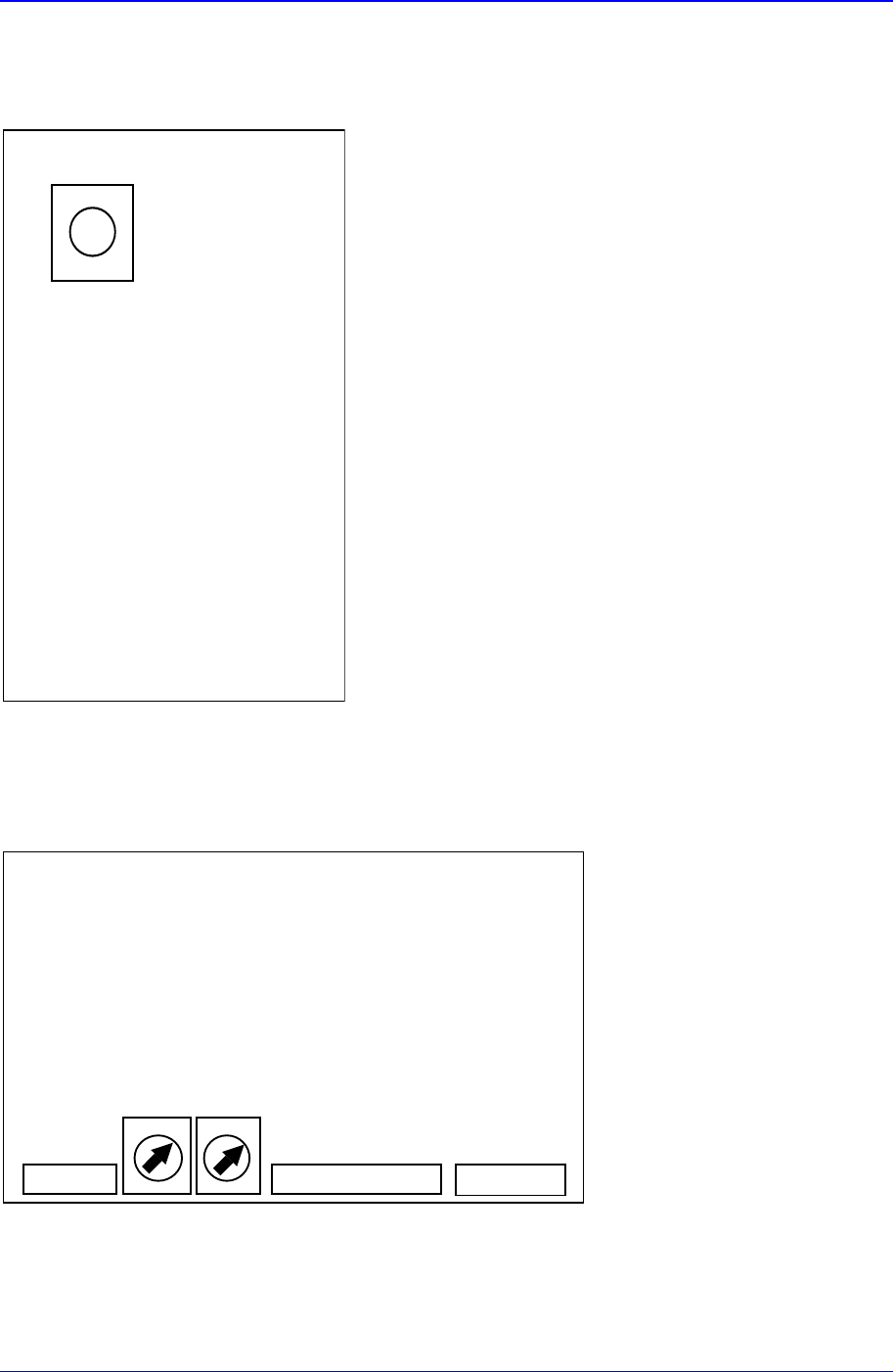
3.5. AC Servo Driver Digital Switch Setting
S/W
⇒
'0'
X/Y/Z1~Z6/S/W driver
Figure 3-13. AC Servo Driver Digital Switch Setting
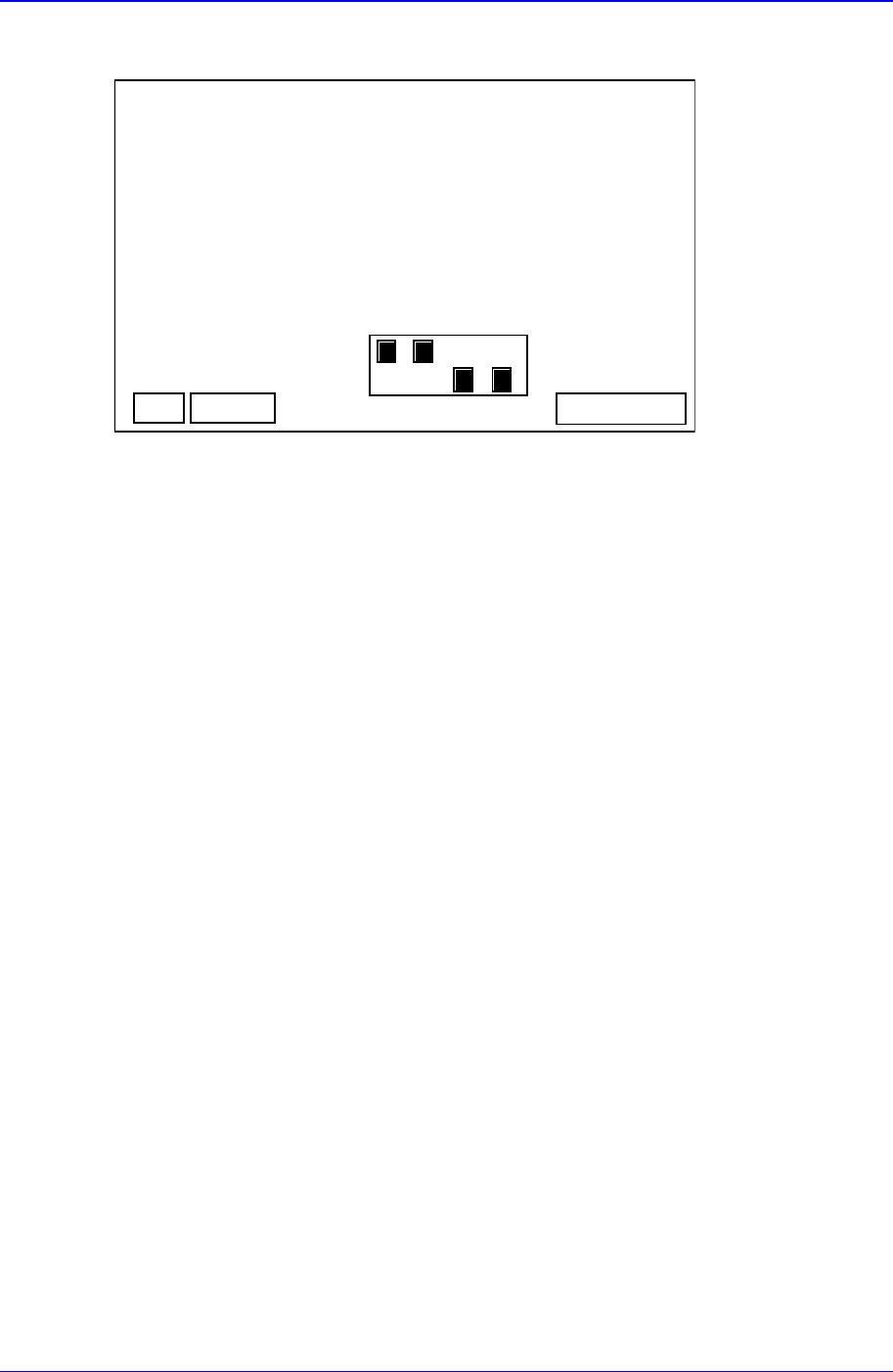
3.6. R-Axis Step Motor Driver Digital Switch Setting
RUN STOP
CN 2CN 3 CN 1
7
7
Figure 3-14. R-Axis Step Motor Driver Digital Switch Setting
Samsung Component Placer CP-45F(V)/FS Reference Manual
3-14
3.7. Conveyor Step Motor Driver Digital Switch Setting
CN 2CN 3 CN 1
OFF
ON
SL
EX F/RB F/RA
1234
Figure 3-15. Conveyor Step Motor Driver Digital Switch Setting
Hardware Troubleshooting
3-15
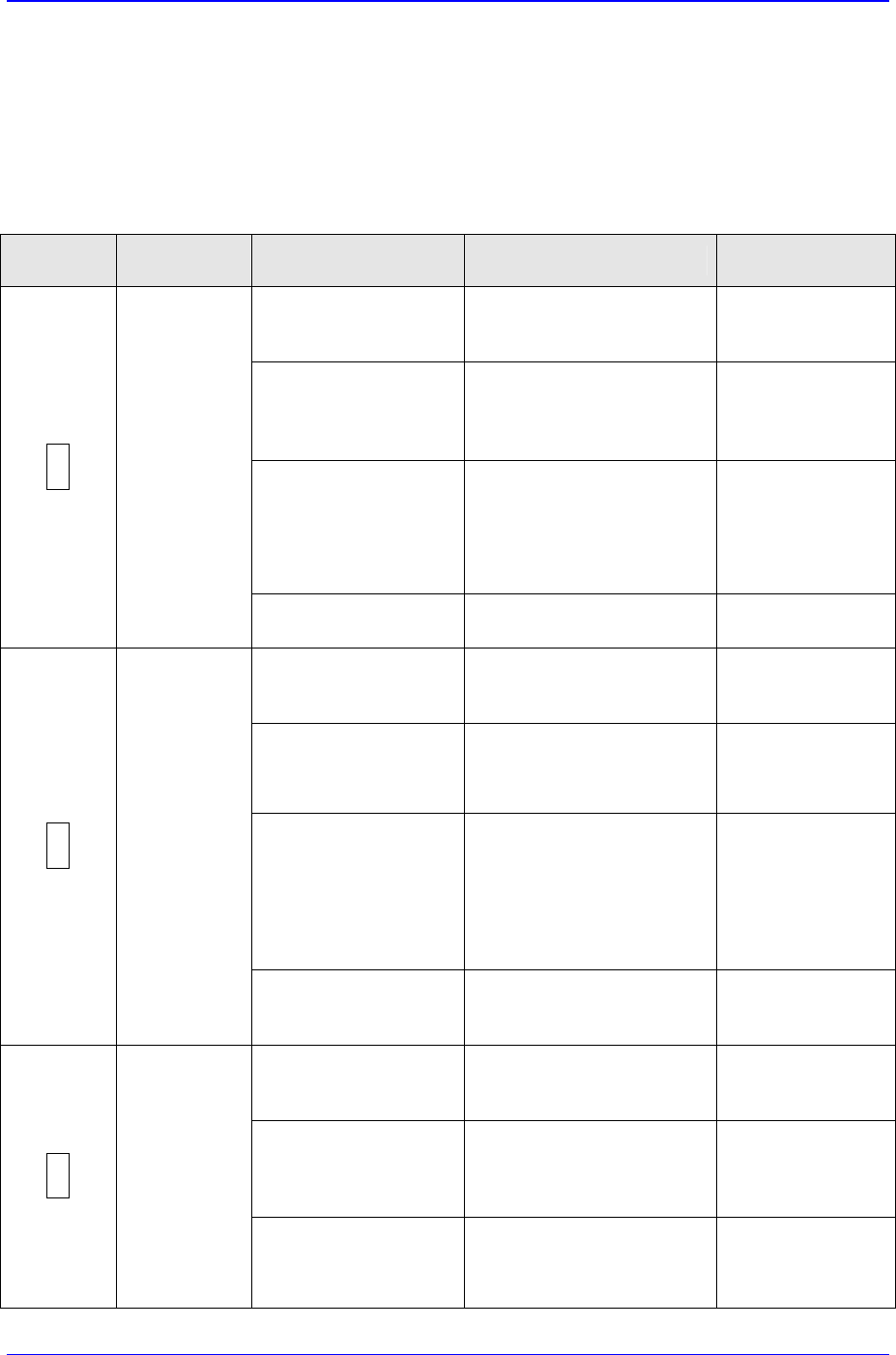
3.8. Motor troubleshooting
Upon occurrence of an error, the '7-segment LED' blinks to display the alarm status and
the alarm code or bit is output. At that time, take appropriate measures referring to the
following table.
Table 3-1. Motor Troubleshooting
7-segment
LED
Alarm Name Operating Status Problem Solution
Comes on only by
turning on the control
power.
y Faulty PC board.
y Replace the
Servo Amplifier
Comes on with "start
ready complete" after
turning on the main
power supply.
y Faulty PC board.
y Replace the
Servo Amplifier
Comes on with "Servo
ON".
y Faulty motor grounding.
y Faulty power module.
y Faulty current feedback
circuit.
y Replace the
motor.
y Replace the
Servo Amplifier.
y Correct the
wiring.
1
Power
element error
(over-
current)
Comes on with the
motor starts or stops
y Improper combination of
motor and amplifier.
y Select another
motor type.
Comes on only by
turning on the control
power.
y Faulty PC board.
y Replace the
Servo Amplifier
Comes on while the
motor is in operation.
y The motor is operated
over the rated torque.
y Review the
load.
y Review the
motor selection.
The motor rotates but
with no torque. The
LED comes on after
the motor is operated
for a while.
y Improper wiring of the
motor power line (U, V,
W).
y Broken wire in a phase
of the motor power line.
y Improper combination of
motor and amplifier.
y Correct the
wiring.
y Review the
combination.
2
Over-load
Comes on if the motor
is in operation under
rated torque.
y Faulty PC board.
y Replace the
Servo Amplifier
Comes on only by
turning on the control
power.
y Faulty PC board.
y Replace the
Servo Amplifier
Comes on after a little
while since the main
power supply is turned
on.
y Input supply voltage is
too high.
y Input supply voltage
waveform is distorted.
y Lower the
supply voltage
below the
specification.
5
Over-voltage
Comes on while the
motor is in operation.
y The load inertia is too
large
y Reduce the
load inertia
below the
specification.