IPC-TM-650 EN 2022 试验方法--.pdf - 第43页
Header Section Begin by completing the yellow area in the header . Fill in as completely as possible to prevent confusion later . The header section i s sho wn below . The spreadsheet calculates the appropriate value of …

Beside each potential MSA candidate we could note information needed to help assess criticality. This information could
include the following:
• Issues identified as critical to customer (CTC) or quality (CTQ)
• Test cost
• Time required for test
• Unit cost of product being tested
• Planned production quantities
• Past test yields
• Cost to analyze test rejects
• Rework costs
• Scrap costs
• Warranty returns caused by issues with this test
Having this information, it is possible to then devise a prioritizing scheme that would identify critical test issues. Some have
used the planned production quantities and past test yields to calculate potential costs of rework and scrap. A different pri-
oritizing scheme might use knowledge of issues critical to the customer or past warranty claims.
The third step in preparing the MSA is to take the rank ordered list and prepare an action plan. Given the time and budget
allowed, decide on the tests to be included in the first round of MSAs. After the first group has been analyzed, one can then
consider the second group, etc.
The test method gives more detailed instructions. Some rules of thumb and general pieces of advice are discussed below.
Many MSAs are discussed, but never completed. There are several reasons. For some the procedure is confusing. Hopefully,
we have helped streamline it here. For others, the process is too time consuming and expensive. While it is true that more
samples and more testers will yield more precise estimates; nevertheless, an incomplete study is useless.
Therefore it is recommended that MSAs start small and efficient. Pick the highest priority test and design an MSA which
can be performed quickly with the time and resources available. If this initial study shows the need for improvement, then
call in an expert practitioner and design a more extensive study and begin corrective action.
In many cases, a good basic study may involve just five parts, two to three testers, and three or four measurements on each
part by each tester. Each tester could measure each part once a day for several days.
Begin with the highest priority test first, then continue with the rest. Many have found that a small effort continued over the
long term can accomplish more than a massive initiative. Develop a plan to reassess the MSA on a regular basis. It is
important to track the effect of the MSA efforts, both in term of the performance metric involved and in cycle time and cost
savings. Choose a representative group of samples for the MSA. Choose samples that cover the part type, range and set-up
under consideration. Be sure to use testers who represent those who will actually do the test during production.
Be sure the parts are presented to the testers in a manner which prevents them from knowing the prior measurements. This
prior knowledge may influence their current measurement and compromise the study.
Try to design a study so that all tests result in actual measurements. Try not to stress products beyond normal test limits,
so secondary effects do not occur. Do not set a part aside if it happens to result in a noncompliance. Continue taking mea-
surements. The estimates are more representative if the MSA is balanced, with equal numbers of test results all around.
Do not ignore any measurement taken, unless there was a special cause of variation that is clearly identified and preventa-
tive action has been taken.
2
Users
Guide
January
2003
Setting-Up
the
MSA
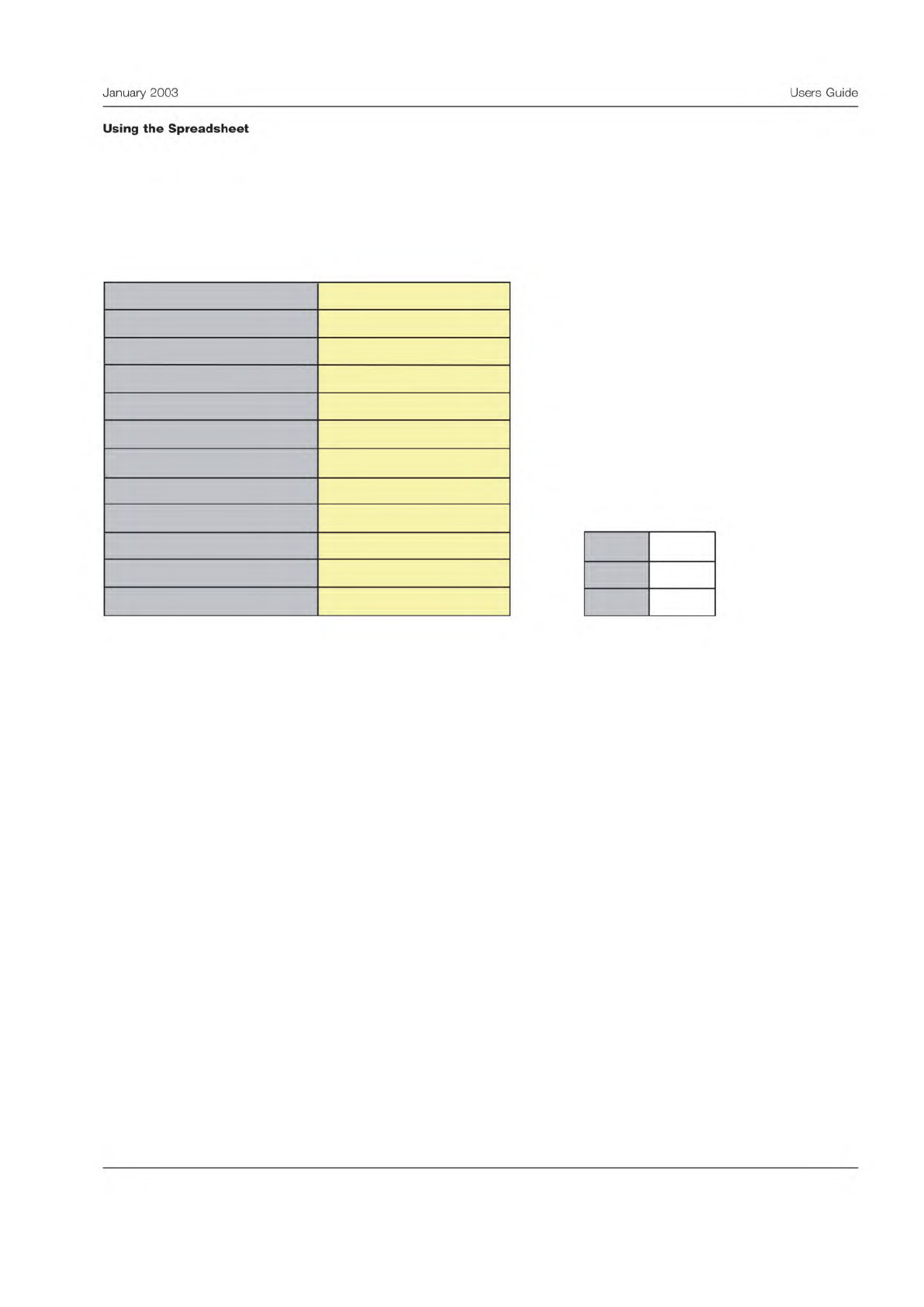
Header Section
Begin by completing the yellow area in the header. Fill in as completely as possible to prevent confusion later. The header
section is shown below.
The spreadsheet calculates the appropriate value of the K-factors, and displays them to the right of the section with the
header information. Here, the example involves measuring the thickness of gaskets. They chose to have two testers measure
the thickness of four samples once a day for four days.
The MSA data can be entered in the next section. Again fill in the yellow areas. Be sure and check that the data was recorded
correctly and verify it is transcribed into the spreadsheet accurately. The analysis will be of little worth if there are typos.
Measurement Precision Study: Information Sheet
Version 1.0, April 2002
Enter data into yellow areas.
K
2
2.7
K
3
1.62
K
1
4.57
10
2
Gasket Thickness
1
3
mm
0.6
Test Method
Parameter Measured
Company
Name of Study Organizer
Upper Specification Limit, USL
Number of Test Conditions, m
Number of Samples, n
Number of Repeat Readings, k
Study Completion Date
Instrument
Measurement Units
Lower Specification Limit, LSL
3
January
2003
Users
Guide
Using
the
Spreadsheet
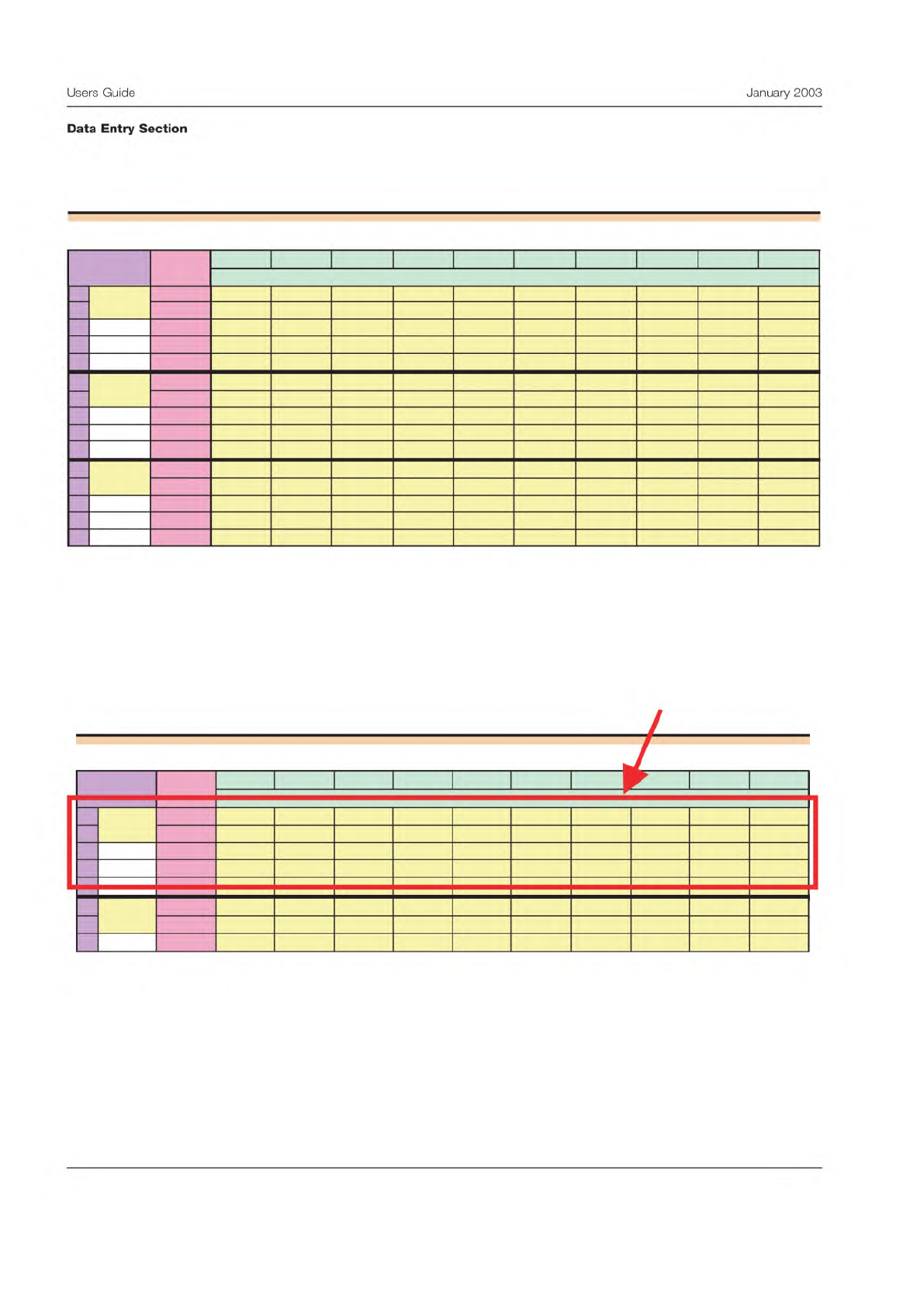
Below is a view of the data entry panel from the spreadsheet. In this case there are three testers, making two readings on
each of the different parts.
This panel can be somewhat confusing at first, so a review of how the sections are organized will be helpful.
The data for each tester is entered in horizontal sections.
Measurement Precision Study: Data Entry Sheet
Sample Sample Sample
Sample Sample Sample Sample Sample Sample Sample
1 2
3
4 5 6 7 8 9 10
1 1 0.62 0.99 0.82 0.85 0.59 1.02 0.97 0.85 1 0.61
2 0.66 1 0.81 0.89 0.48 1.03 0.97 0.82 1 0.7
3
4
5
2 1 0.53 1.05 0.8 0.83 0.39 1.04 0.97 0.73 0.98 0.54
2 0.53 0.93 0.77 0.76 0.4 1.08 0.91 0.7 0.95 0.6
3
4
5
3
1 0.51 1.05 0.8
0.79 0.45 1.01 0.96 0.8 1.04 0.84
2 0.55 1.02 0.77 0.81 0.49 1.05 0.96 0.81 1.05 0.81
3
4
5
Reading
Condition
Station 3
Station 1
Station 2
Measurement Precision Study: Data Entry Sheet
Sample Sample Sample Sample Sample Sample Sample Sample Sample Sample
1 2 3 4 5 6 7 8 9 10
1 1 0.62 0.99 0.82 0.85 0.59 1.02 0.97 0.85 1 0.61
2 0.66 1 0.81 0.89 0.48 1.03 0.97 0.82 1 0.7
3
4
5
2
1 0.53 1.05 0.8 0.83 0.39 1.04 0.97 0.73 0.98 0.54
2 0.53 0.93 0.77 0.76 0.4 1.08 0.91 0.7 0.95 0.6
3
Condition
Station 1
Station 2
Reading
Data for one
test condition
4
Users
Guide
January
2003
Data
Entry
Section