OptimaUserManual.pdf - 第104页
OPTIMA PROM SOF TW AR E Opti ma User M anual 98 Utilities>Create Devicelist To create a device l ist, select U tilities>Cr eate D evicelist . The follow ing screen appears: Attentio n screen Click < Ye s > t …
OPTIMA PROM SOFTWARE
Optima User Manual
97
The Utilities Menu
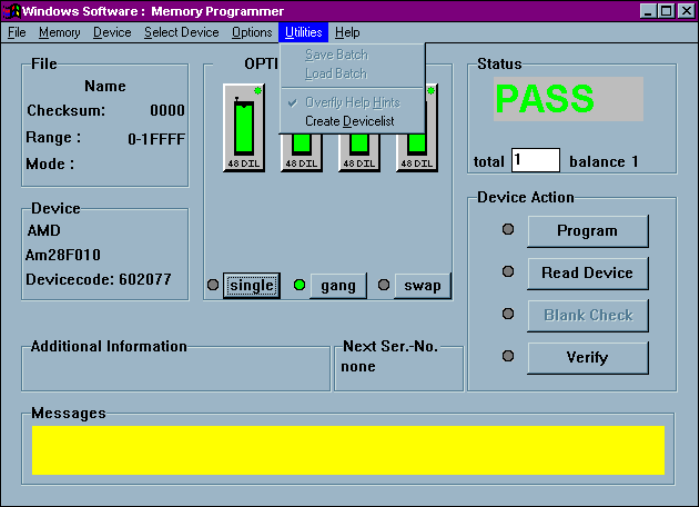
The sixth menu on the Main Programming screen is the Utilities menu.
The Utilities Menu
You can create a complete list of devices supported by the Optima family
programmers by using the Utilities menu.
OPTIMA PROM SOFTWARE
Optima User Manual
98
Utilities>Create Devicelist
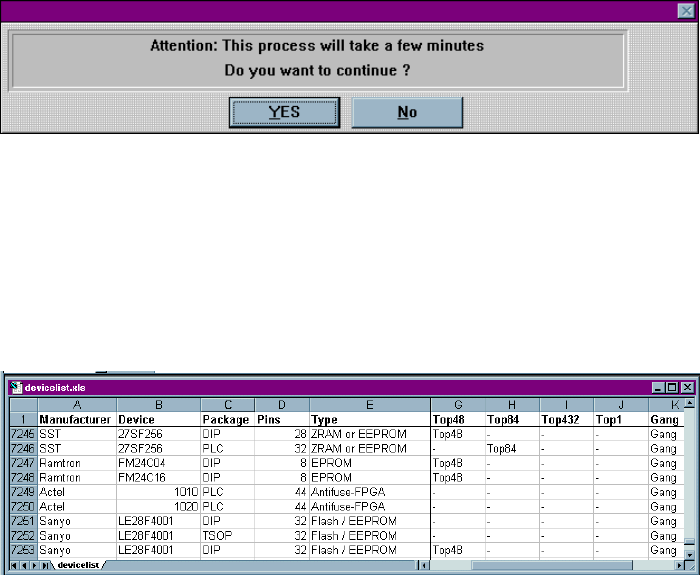
To create a device list, select Utilities>Create Devicelist. The following screen
appears:
Attention screen
Click <Yes> to continue.
A file titled “dev_prm.txt” is then created in your Optima directory. It lists all the
programmable memory and microcontroller devices supported for the installed
version of Optima software. The “dev_prm.txt” file is tab delimited and can be
imported into an Excel spreadsheet. Once imported, use Excel to filter the file to
create a device list that meets your specific needs:
Excel spreadsheet device list (portion)
OPTIMA PROM SOFTWARE
Optima User Manual
99
The Help Menu
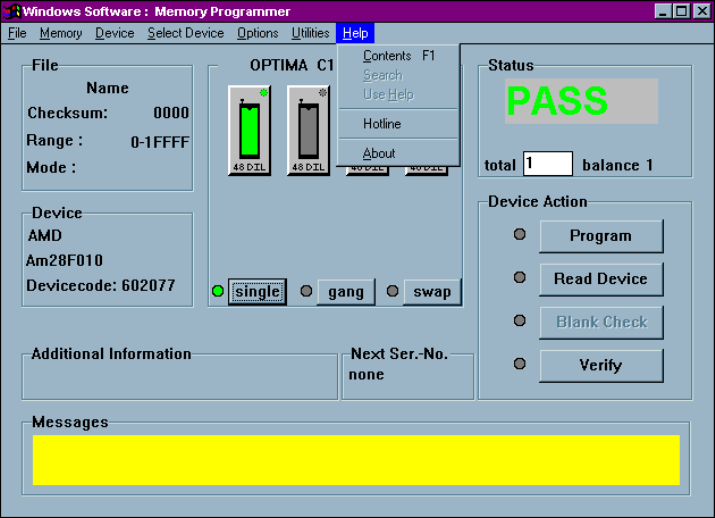
The seventh menu on the Main Programming screen is the Help menu.
The Help menu
The Help menu provides assistance with commonly used features and functions of the
Optima software. This menu function may not be available in early versions of the
Optima software. To ensure that you are using the latest revision of programmer
software, download the programmer updates from Data I/O’s web site.