OptimaUserManual.pdf - 第112页
OPT IMA PAL SO FTW ARE Opti ma User M anual 106 File>Save As There is also an option for savi ng the data in R AM as a data fil e. This can be helpful w hen you hav e a master devi ce but no data file, and you w ould …
OPTIMA PAL SOFTWARE
Optima User Manual
105
File>Load
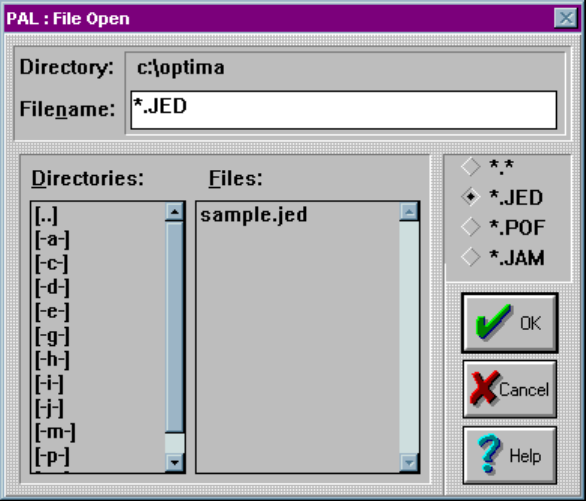
Selecting File > Load will produce the File Open dialog screen:
The File Open dialogue
The File Open dialogue allows the use of several different data formats including:
x JEDEC standard (*.jed)
x Altera POF format (*.pof)
x Altera JAM format (*.jam)
Navigate the computer or network for the required data file, and select the <OK>
button. Once the file is loaded, the device may be programmed.
OPTIMA PAL SOFTWARE
Optima User Manual
106
File>Save As
There is also an option for saving the data in RAM as a data file. This can be helpful
when you have a master device but no data file, and you would like to create one. The
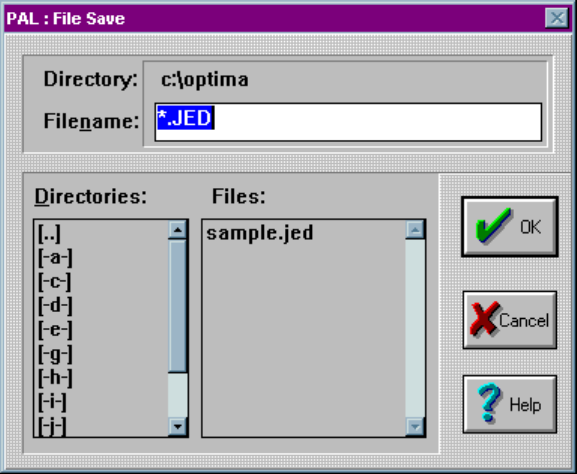
Save As dialogue allows the generation of data files as shown below:
The Save-As dialogue
You may save data files in standard JEDEC (*.jed) format only. Select a path and
filename for your file, then select <OK> to save it to the designated location.
OPTIMA PAL SOFTWARE
Optima User Manual
107
The Memory Menu
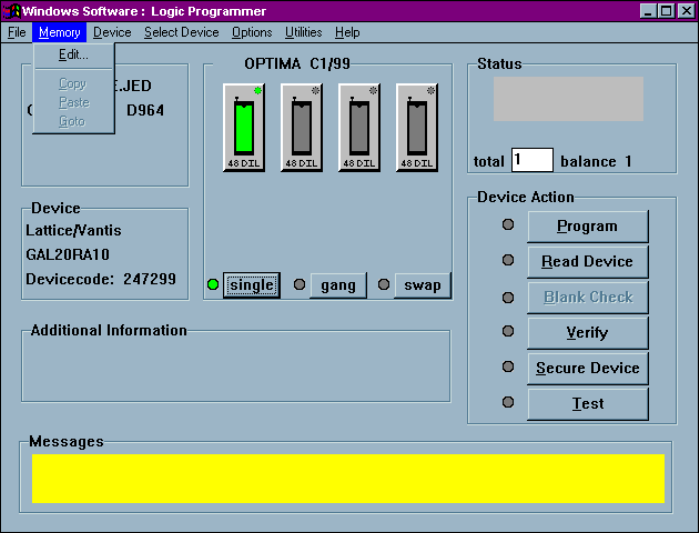
The second menu on the Main Programming screen is the Memory menu. The
Memory menu provides you with a method to view and/or edit the contents of
memory at any time before or after the programming operation:
The Memory menu