OptimaUserManual.pdf - 第151页
SOFT W ARE M AINT ENANCE PLAN Opti ma User M anual 145
SOFTWARE MAINTENANCE PLAN
Optima User Manual
143
Once devices have been removed, pressing any key will begin a series of printer port
tests to determine the computer’s ability to communicate with the programmer. When
the printer port tests are complete, you will be prompted to perform a Self Test.
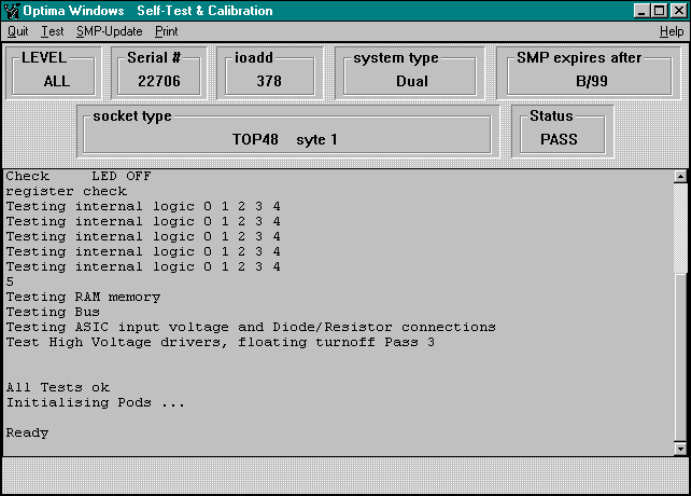
Selecting the <YES> button will begin the Self Test. When the Self Test is complete,
the following screen is visible:
Self-Test and Calibration report
SMP expires after—The date that the current algorithm support expires. In this
case, after B/99.

SOFTWARE MAINTENANCE PLAN
Optima User Manual
144
To update, select SMP Update from the menu bar. The following dialogue will
appear:
Enter the new Update Code Number here, and then select <OK>.
To verify that the SMP has been updated, exit the Optima Calibration Utility using the
Quit menu function, and re-start Optima TEST. Perform the steps as outlined above,
and ensure that the new features have been installed.
SOFTWARE MAINTENANCE PLAN
Optima User Manual
145