MR8740T_Quick guide_eng_20191016H.pdf - 第102页
96 Specications of Model MR8740T Maximum recording length Real-time sampling For the xed recording length setting: When 27 modules are used 2 M (with Model U8991 installed) 5 M (with Model U8975, U8977, U8978, or MR899…
95
Specications of Model MR8740T
Setting screen
Sampling rate Real-time sampling 20 M, 10 M, 5 M, 2 M, 1 M
500 k, 200 k, 100 k, 50 k, 20 k, 10 k, 5 k, 2 k, 1 k
500, 200, 100, 50, 20, 10, 5, 2, 1 [S/s]
For the external sampling setting:
Depends on a signal input to the external sampling terminal.
Up to 10 MHz
For the real-time save
setting
Available maximum sampling rate
When the destination to save data is set to buit-in SSD:
500 kS/s (65 channels or more*)
1 MS/s (33 to 64 channels*)
2 MS/s (13 to 32 channels*)
5 MS/s (12 channels or less*)
When the destination to save data is set to Model Z4006
USB Drive:
100 kS/s (65 channels or more*)
200 kS/s (25 to 64 channels*)
500 kS/s (13 to 24 channels*)
1 MS/s (12 channels or less*)
Only when a drive connects to a USB 3.0 connector
When the destination to save data is set to FTP
transmission:
20 kS/s (65 channels or more*)
50 kS/s (25 to 64 channels*)
100 kS/s (13 to 24 channels*)
200 kS/s (12 channels or less*)
*: When Model U8991 is installed, the number of all
channels increases two times.
5
Specications

96
Specications of Model MR8740T
Maximum recording
length
Real-time sampling For the xed recording length setting:
When 27 modules are used
2 M (with Model U8991 installed)
5 M (with Model U8975, U8977, U8978, or MR8990
installed)
10 M (54 channels, in points*)
When 16 modules are used
5 M (with Model U8991 installed)
10 M (with Model U8975, U8977, U8978, or MR8990
installed)
20 M (32 channels, in points*)
When 8 modules are used
10 M (with Model U8991 installed)
20 M (with Model U8975, U8977, U8978, or MR8990
installed)
50 M (16 channels, in points*)
When 4 modules are used
20 M (with Model U8991 installed)
50 M (with Model U8975, U8977, U8978, or MR8990
installed)
100 M (8 channels, in points*)
For freely-specied recording length setting:
When 27 modules are used
4194300 (with Model U8991 installed)
8388600 (with Model U8975, U8977, U8978, or
MR8990 installed)
16777200 (54 channels, in points*)
When 16 modules are used
8388600 (with Model U8991 installed)
16777200 (with Model U8975, U8977, U8978, or
MR8990 installed)
33554400 (32 channels, in points*)
When 8 modules are used
16777200 (with Model U8991 installed)
33554400 (with Model U8975, U8977, U8978, or
MR8990 installed)
67108800 (16 channels, in points*)
When 4 modules are used
33554400 (with Model U8991 installed)
67108800 (with Model U8975, U8977, U8978, or
MR8990 installed)
134217600 (8 channels, in points*)
* Can be set in 100 points increments
For the real-time save
setting
The maximum recording length is dened depending on a
free space of a destination, le systems, and the number of
measuring channels.
Repeat
measurements
Single, repeat, count
Scaling Ratio and offset, 2-point, model name, output rate, decibel, rating
Model name: The scaling is automatically specied by selecting a connected model.
The combination use of auto-recognition and auto-scaling is supported when a current
measuring module is used.
Comment Title comment, channel comment
The instrument displays both of channel numbers and channel comments on the setting
and waveform screens.
Help The instrument displays the instruction manuals.
97
Specications of Model MR8740T
File
1. Data saving
Destination to save
SSD:
USB ash drive:
FTP transfer:
Email transmission:
Built-in SSD (storage capacity: 480 GB)
Model Z4006 USB Drive (16 GB)
Computer connected via LAN
The instrument sends email messages with a le attached to
user-dened destination.
File format FAT, FAT32, NTFS, exFAT
File name Alphanumeric le names can be entered.
Handling of same-
name les
Prexes a sequential number to the le name and saves the le. (For FTP transmission,
sufxes data and time)
Auto-save On/Off
* Automatically saves the acquired data with a recording length after each measurement.
* No setting les are supported.
* Not available when the real-time save is selected.
Real-time save On/Off
* Directly saves waveform data (binary) acquired during measurement to the save
destination.
* Auto-save setting is unavailable.
Older-le overwriting If a free space of a destination is insufcient, the existing les are overwritten beginning
with the oldest.
(Available with the auto-save setting)
Saving format Setting data:
Measured data:
Index:
Screenshot:
Numerical calculation result:
Startup:
.SET
Binary (.MEM, .FLT), text (.CSV)
Division save (.IDX)
.BMP, .PNG, .JPG
.CSV
STARTUP.SET
Channels to be
saved
When the saving format is set to the measured data, the channels to be saved can be
selected between all channels and displayed channels.
Data decimation
save
With the saving format set to measured data (in text format), data is decimated by retaining
one out of the specied decimation number (2 to 1000) and the remaining data is saved.
File division
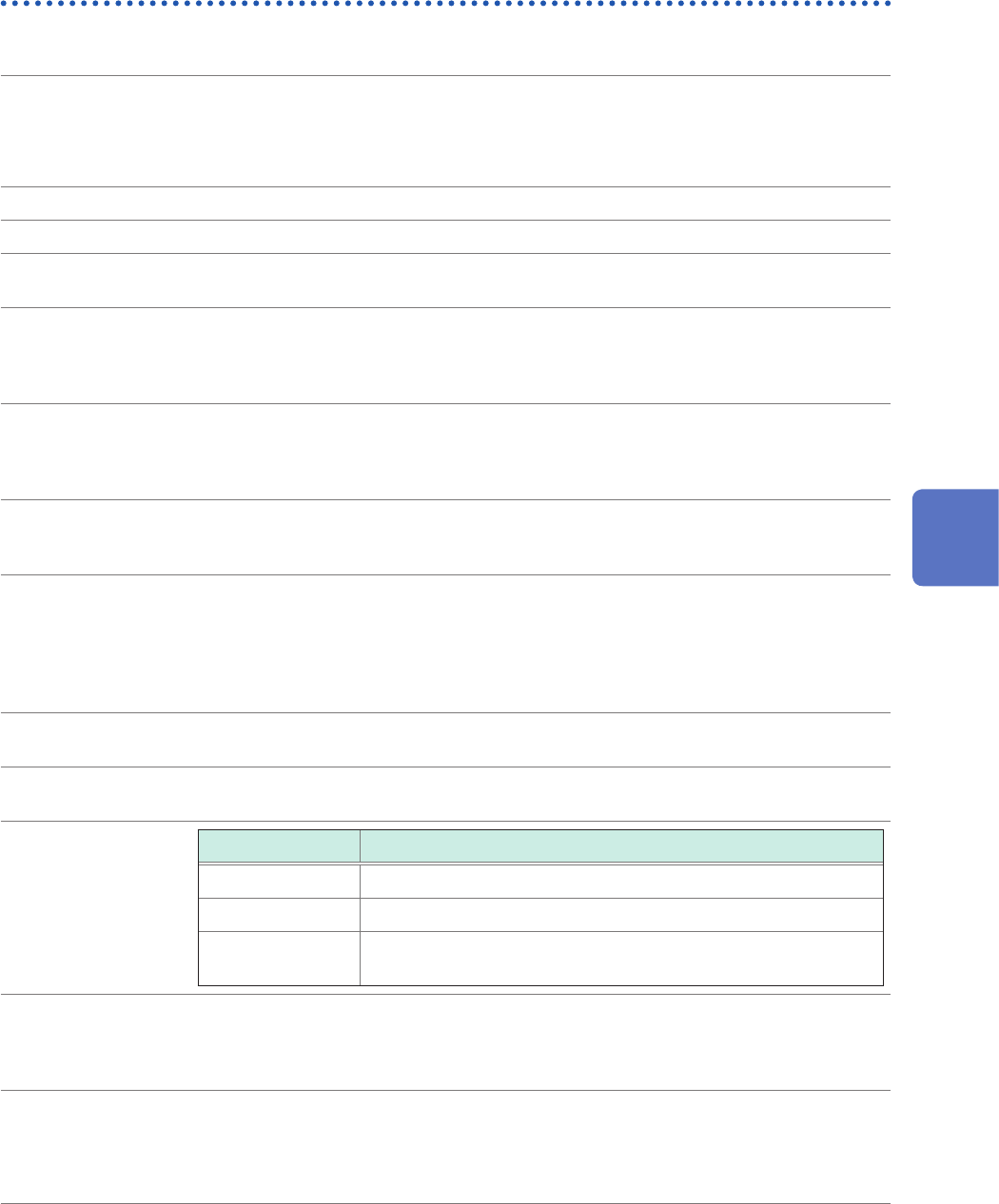
Saving format Division content
Binary format Off, every 16 MB, every 32 MB, every 64 MB
Text format Off, every 60,000 data points, every 1,000,000 data points
Numerical
calculation result
Off, by calculation number
File designation New le or existing le
(Enabled when the saving format is set to the numerical calculation result)
(Before starting a measurement, select whether a new le is created or data is appended
to the existing le)
Save operation
Quick save: The save icon is used to save data based on a preset destination, le name,
and saving setting.
Saving range: All or a specied segment range can be selected.
(Available only for saving data started by click the save icon)
5
Specications