MR8740T_Quick guide_eng_20191016H.pdf - 第156页
150 Message W arning messages The list of warning messages is as follows. Check the solution. No. Message Solution Reference page 10 Please insert media. Insert a USB ash drive. “2.5 Preparing Storage Devices (Recording…
149
Message
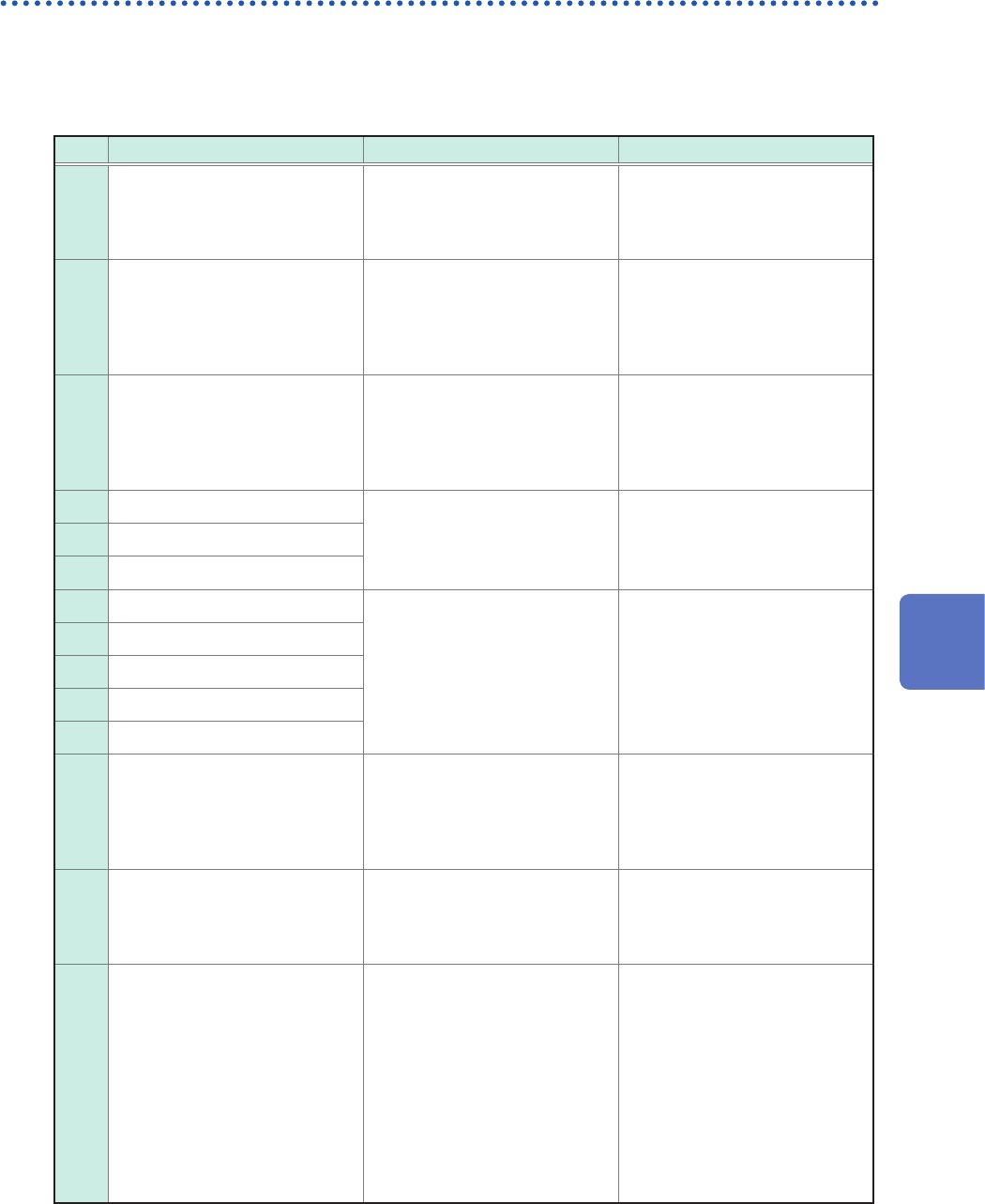
Error messages
The list of error messages is as follows. Check the solution.
If an error is displayed on the screen at power-on, the instrument is necessary to be repaired.
Contact your authorized Hioki distributor or reseller.
No. Message Solution Reference page
176
Internal temperature is
abnormal. Please turn the
power off.
Check the operating
temperature environment and
the fan rotation. Send the
instrument for repair if needed.
–
195
Fan malfunction detected.
Power off immediately.
High internal temperature
may damage the instrument.
Immediately turn off the
instrument and send the
instrument for repair.
–
196
Change the input unit setup
so that the total number of
channels of Model 8971 does
not exceed 8.
Up to four modules of Model
8971 Current Unit can be
installed in the instrument. Turn
off the instrument and change
the module conguration.
“2.1 Installing and Removing
Modules” (p. 34)
639 Hardware error
A hardware error is detected.
Immediately turn off the
instrument and send the
instrument for repair.
–643 Hardware error
644 Hardware error
645 Hardware error
A hardware error is detected.
Immediately turn off the
instrument and send the
instrument with the modules for
repair.
–
646 Hardware error
647 Hardware error
648 Hardware error
649 Unit X ROM checksum error
651
System power supply error.
Power off immediately.
A system power supply
malfunction detected.
Immediately turn off the
instrument and send the
instrument for repair.
–
652 Hardware error
A hardware error is detected.
Immediately turn off the
instrument and send the
instrument for repair.
–
653
Processing could not be
successfully completed.
An error occurred during
an internal process of the
instrument. Click [Shutdown]
to turn off the instrument and
cycle the instrument. Replace
the storage device with another
or cycle the instrument.
Measurement can be continued
by clicking [Continue], but it
is recommended to turn off the
instrument once.
–
6
Maintenance and Service
150
Message
Warning messages
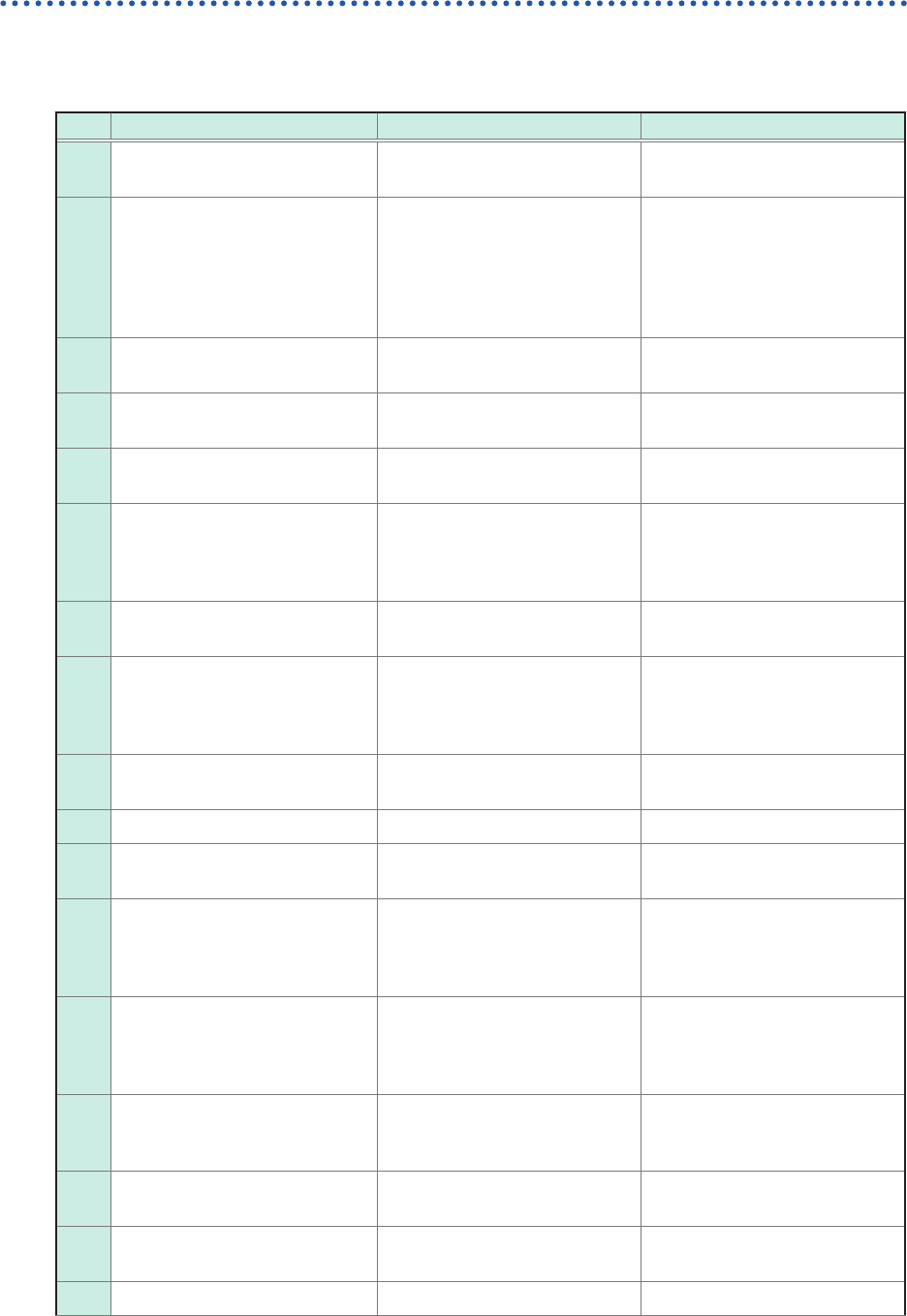
The list of warning messages is as follows. Check the solution.
No. Message Solution Reference page
10 Please insert media. Insert a USB ash drive.
“2.5 Preparing Storage Devices
(Recording Media)” (p. 57)
13 Disk full.
The instrument cannot save any
les because of insufcient free
space on the storage device.
Delete unnecessary les to free
up enough space or use a new
storage device.
“2.5 Preparing Storage Devices
(Recording Media)” (p. 57)
“4.4 Managing Files” of
Instruction Manual
14 Cannot load this le.
The chosen le cannot be
loaded.
“4.3 Loading Data” of Instruction
Manual
15 Unable to access le.
Check that the storage device
is properly inserted.
“2.5 Preparing Storage Devices
(Recording Media)” (p. 57)
22 No waveform data to save.
Perform another measurement
or load a le.
“4.3 Loading Data” of Instruction
Manual
25 This device cannot be removed.
The instrument is accessing the
device. Eject the device when
the DIAG LED lights up in other
than green.
“1.2 Name and Function of
Each Part” (p. 22)
30 Auto-ranging failed. Check the input signals.
“3.7 Measuring Signals With the
Auto-range Setting” (p. 78)
31 Invalid section cursor position.
Section cursors are placed at
improper positions (outside the
waveform range). Check the
section cursor positions.
“2.3 Scrolling Through
Waveforms” of Instruction
Manual
44 No event mark. Put an event mark.
“12.1 External Input and Output”
of Instruction Manual
45 Out of range. – –
60 No waveform data.
Acquire Measures waveform
data.
–
70
Voltage sag triggering is
disabled (valid time base range:
2 kS/s to 100 MS/s).
The voltage drop trigger
setting can be used only in the
sampling rate range from 2 kS/s
to 20 MS/s.
“5.6 Triggering the Instrument
Using Analog Signals” of
Instruction Manual
74 Auto balance failed.
Make sure that the strain gauge
transducer is not loaded, and
it is correctly connected to a
measuring target.
“Strain gauge transducer”
(p. 41)
78 Recording length is too long.
To perform waveform
calculation, set the recording
length at 2 M points or less.
“8 Waveform Calculation
Function” of Instruction Manual
83 No channel selected for use.
Set the [Use] buttons on one or
more of the channels to [On].
“Analog channels” in 1.3 of
Instruction Manual
85 Invalid search condition.
Check the search criteria
setting.
“6 Search Function” of
Instruction Manual
112 Aborted. – –

151
Message
No. Message Solution Reference page
113
Save processing was
interrupted.
Check the upper limit value of
the sampling rate for real-time
save.
Some storage devices may
have a slow writing speed,
causing real-time writing to fail.
Use another USB ash drive.
Connect a drive to a USB 3.0
connector.
“1.2 Conguring Measurement
Conditions” of Instruction
Manual
123
No data matching the search
criteria has not been found.
Check the search criteria
setting.
“6 Search Function” of
Instruction Manual
124
No waveform, or recording
length is not long enough.
Acquire measured waveform
data. Otherwise, specify a
correct recording length.
“3.2 Setting Measurement
Conditions” (p. 68)
“1.2 Conguring Measurement
Conditions” of Instruction
Manual
208 Server communication error.
Communications may be
unstable, or the instrument
may not support the email or
FTP servers running on the
server. The connection may be
established by enabling PASV
for the FTP or changing the
server security setting.
“11 Connecting the Instrument
to Computers” of Instruction
Manual
209 LAN disconnected. Check the network environment.
“11 Connecting the Instrument
to Computers” of Instruction
Manual
210 LAN timed out. Check the network environment.
“11 Connecting the Instrument
to Computers” of Instruction
Manual
211 LAN authentication required.
The email or FTP server
authentication is required.
Enable the authentication.
“11 Connecting the Instrument
to Computers” of Instruction
Manual
212 LAN authentication failed.
Logging in the email or FTP
server failed. The user name or
password may be incorrect.
“11 Connecting the Instrument
to Computers” of Instruction
Manual
213 Authentication setup invalid.
The user name or password for
email authentication has not
been set.
“11 Connecting the Instrument
to Computers” of Instruction
Manual
214 Encryption password not set.
Encryption is enabled, but a
password has not been set.
“11 Connecting the Instrument
to Computers” of Instruction
Manual
215 Invalid server address. Check the address setting.
“11 Connecting the Instrument
to Computers” of Instruction
Manual
216 POP3 Server not found.
Check the POP3 server
address.
“11 Connecting the Instrument
to Computers” of Instruction
Manual
217
Cannot connect to POP3
Server.
Check the POP3 server
address. POP3 may not be
running on the specied server.
“11 Connecting the Instrument
to Computers” of Instruction
Manual
218
E-mail ‘to’ or ‘from’ settings
invalid.
Check the recipient’s and
sender’s addresses of the email
setting.
“11 Connecting the Instrument
to Computers” of Instruction
Manual
6
Maintenance and Service