MR8740T_user_manual_eng_20191016H.pdf - 第149页
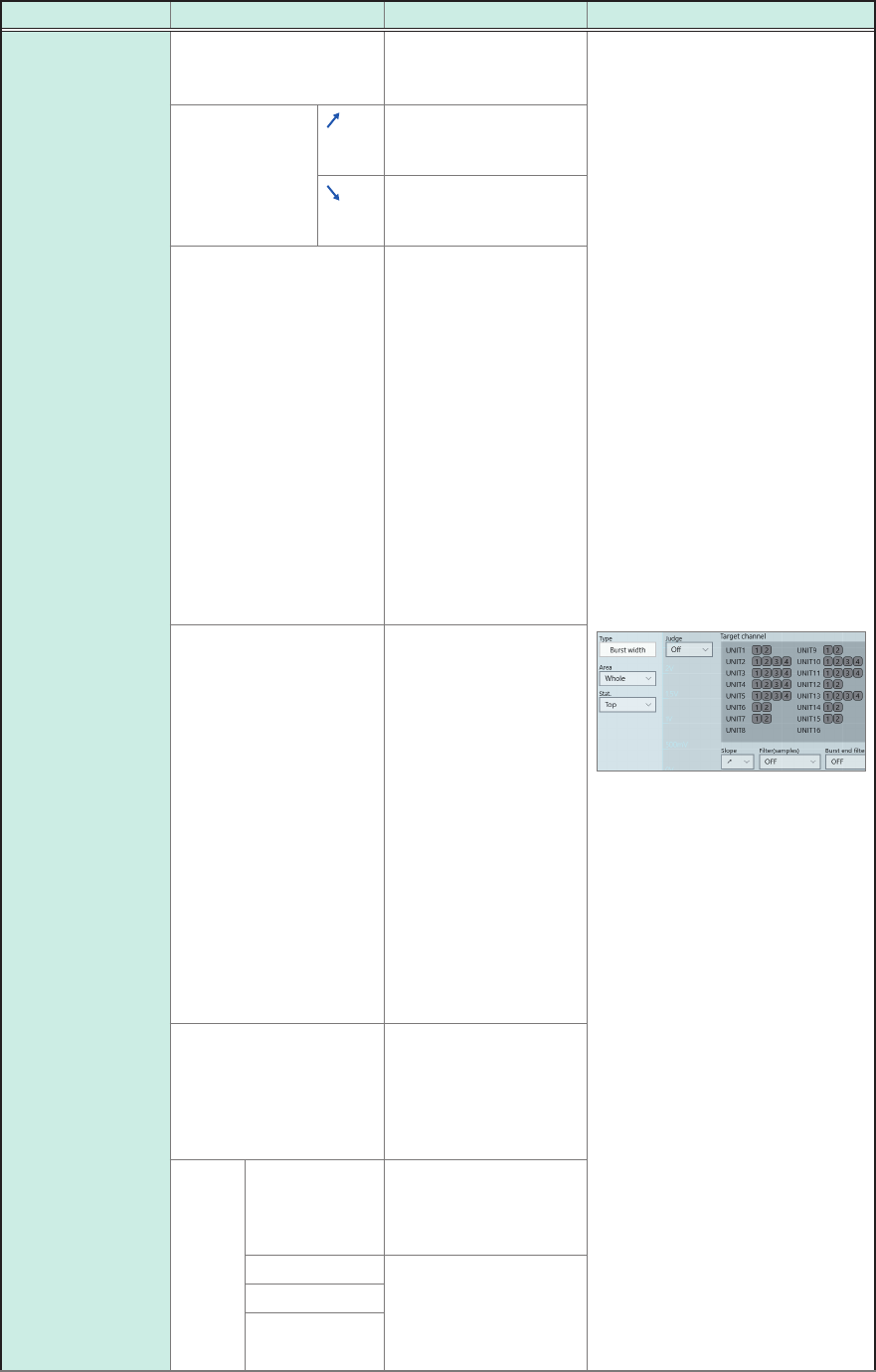
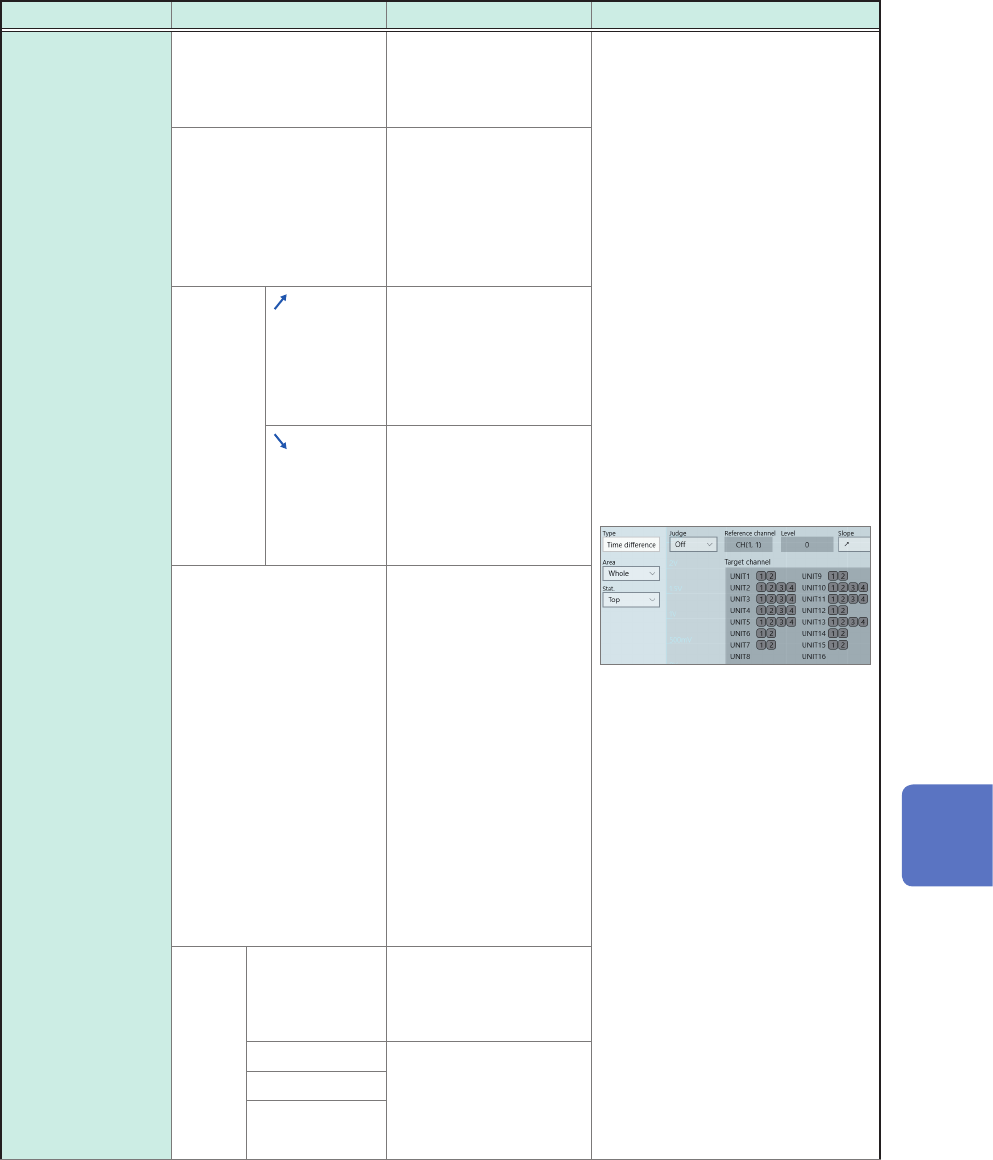
144 Conguring the Numerical Calculation Settings Calculation type Setting Description Example of screen Burst width T arget channel (Analog, logic, waveform calculation) Allows you to specify calculation target channels…
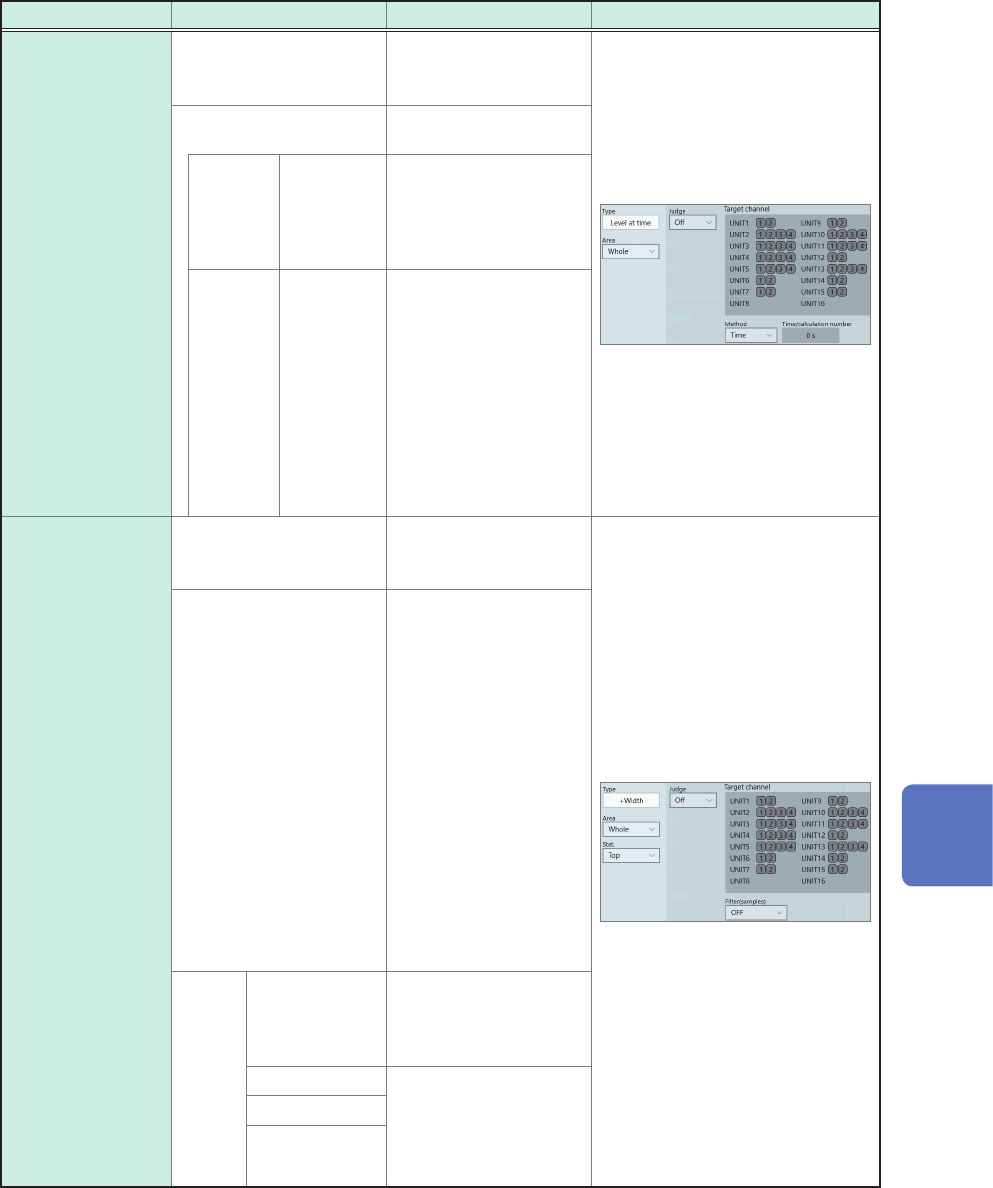
143
Conguring the Numerical Calculation Settings
Calculation type Setting Description Example of screen
Level at time Target channel
(Analog, logic, waveform
calculation)
Allows you to specify
calculation target
channels.
Method: Negative
Allows you to set the
time-specifying method.
Time
Time
Allows you to enter a
time for obtaining a
measured value with
the trigger point position
xed at zero.
Calc. No. Calculation
No.
Allows you to choose
a calculation number
when you use numerical
calculation results.
You cannot specify a
number that exceeds
the calculation number
you specify.
Specifying a range is
not available.
+Width
−Width
Target channel
(Analog, waveform
calculation)
Allows you to specify
calculation target
channels.
Filter(samples)
(Off
, 10 to 10,000)
Allows you to enter
duration used to
determine that a
waveform crosses the
specied level.
Only if a waveform does
not cross the level again
within the specied lter
duration after it has
crossed the level, the
waveform is considered
to have crossed the
level.
This is useful to
eliminate false level-
crossing events caused
by noise.
Stat. Top
Detects a value
obtained rst from the
beginning within the
specied range.
Average Calculates the
average, maximum, or
minimum value for each
parameter within the
specied range.
Max
Min
7
Numerical Calculation Function
144
Conguring the Numerical Calculation Settings
Calculation type Setting Description Example of screen
Burst width Target channel
(Analog, logic, waveform
calculation)
Allows you to specify
calculation target
channels.
Slope
(Logic channels
only)
Detects rising edges
and calculates a burst
width.
Detects falling edges
and calculates a burst
width.
Filter(samples)
(Off
, 10 to 10,000)
Allows you to enter
duration used to
determine that a
waveform crosses the
specied level.
Only if a waveform does
not cross the level again
within the specied lter
duration after it has
crossed the level, the
waveform is considered
to have crossed the
level.
This is useful to
eliminate false level-
crossing events caused
by noise.
Burst end lter
(samples)
(Off
, 10 to 10,000)
Allows you to set
duration used to
determine whether a
waveform is a burst
signal.
If the period between
the time when the
waveform data falls
within the range, which
is specied with the
window levels, and the
time when it gets out
of the range becomes
longer than the
specied lter period,
the detected period
is determined to be a
burst duration.
Window-level range*
(Up, Low)
Allows you to enter
an upper and lower
limit values used to
determine whether a
waveform is a burst
signal.
Stat. Top
Detects a value
obtained rst from the
beginning within the
specied range.
Average Calculates the
average, maximum, or
minimum value for each
parameter within the
specied range.
Max
Min
*: The range you can specify are between −9.9999E+29 and −1.0000E-29, 0, and between +1.0000E-29 and
+9.9999E+29. A value to ve signicant gures can be set (a value to 10 signicant gures can be set for
a time of the level at time setting).
145
Conguring the Numerical Calculation Settings
Calculation type Setting Description Example of screen
Time difference
Phase contrast
Reference channel,
Target channel
(Analog, logic, waveform
calculation)
Allows you to specify
the reference channel
and the target channel.
Level*
The instrument
calculates the value
based on the time when
the waveform crossed
the level specied here.
No setting is available
for logic channels.
Slope
Makes calculations
using values based on
a period of time when a
waveform crossed the
specied level in the
positive direction.
Makes calculations
using values based on
a period of time when a
waveform crossed the
specied level in the
negative direction.
Filter(samples)
(Off
, 10 to 10,000)
Allows you to enter
duration used to
determine that a
waveform crosses the
specied level.
Only if a waveform does
not cross the level again
within the specied lter
duration after it has
crossed the level, the
waveform is considered
to have crossed the
level.
This is useful to
eliminate false level-
crossing events caused
by noise.
Stat. Top
Detects a value
obtained rst from the
beginning within the
specied range.
Average Calculates the
average, maximum, or
minimum value for each
parameter within the
specied range.
Max
Min
7
Numerical Calculation Function