3OM-996-005.pdf - 第90页
(A01_1 1) Feeder standby position Set a "Fdr No." (feeder slot No.) as a feeder standby position. 000 : This function is disabled. Entry of "Fdr No." : After a piece of P .C.B. is finished, the feeder…

(A01_09) P.C.B. transfer speed
Select one of the following options as P.C.B. transfer speed at which a
P.C.B. can be transferred from the input conveyor onto the X/Y table.
Standard
Low Speed 1 Low Speed 2 Low Speed 3
High Speed 3 High Speed 2 High Speed 1
(a) In normal cases, select "Standard".
(b) When there are some previously-placed components,
the transfer speed can be decreased in advance to avoid
component deviations that may be caused by the P.C.B.
transfer.
(A01_10) Placement data sorting
Select one of the options as a placement sequence (order).
In normal cases, select "Standard".
Standard
Components are placed in the sequence specified by Control Com-
mand "P" (normal sequence) or "Q" (reverse sequence) in the place-
ment data.
Step
Components of the same feeder No. (Fdr No.) are placed consecu-
tively on unit P.C.B.’s (repetitive patterns) no matter which sequence
(normal or reverse sequence) is selected.
In normal cases, the feeder carriage moves less frequently, compared
with the case where "Standard" is set in the text box.
Note
0510-002 2-20 AIM01EDTP
2.3 Operation Data
Standard
P.C.B. transfer speed
Fig. 3B25
Standard
Placement data sorting
Fig. 3B26
(A01_11) Feeder standby position
Set a "Fdr No." (feeder slot No.) as a feeder standby position.
000 : This function is disabled.
Entry of "Fdr No." : After a piece of P.C.B. is finished, the feeder
carriage returns to the specified feeder slot
No. (Fdr No. = Pick-Up Position).
Data Input Range
TCM-X110 TCM-X210
101 to 179, 201 to 279, 301 to 379, 401 to 479
TCM-X110M
101 to 159, 201 to 259, 301 to 359, 401 to 459
TCM-X300
101 to 170, 201 to 270, 301 to 370, 401 to 470
Any feeder slot No. (Fdr No.) which does not exist in the placement feeder
location data cannot be specified.
(A01_12) Alternate mode
Select one of the following options to determine whether or not the
alternate function should be used.
Disable : The alternate function is disabled.
Unit Alternate : The unit alternate function is enabled.
Alternate Pallet : The pallet alternate function is enabled.
The feeder alternate function can be specified in the placement feeder
location data.
Note
0510-003 2-21 AIM01EDTP
2.3 Operation Data
000
Feeder standby position
Fig. 3B27
Alternate mode
Fig. 3B28
Disable
Note
(A01_13) Feeder No. offset
Set an offset value as an offset of "Fdr No." in the placement feeder
location.
The placement feeder location data is shifted as much as the speci-
fied value and the machine performs the pick-up operation.
Data Setting
±{{{
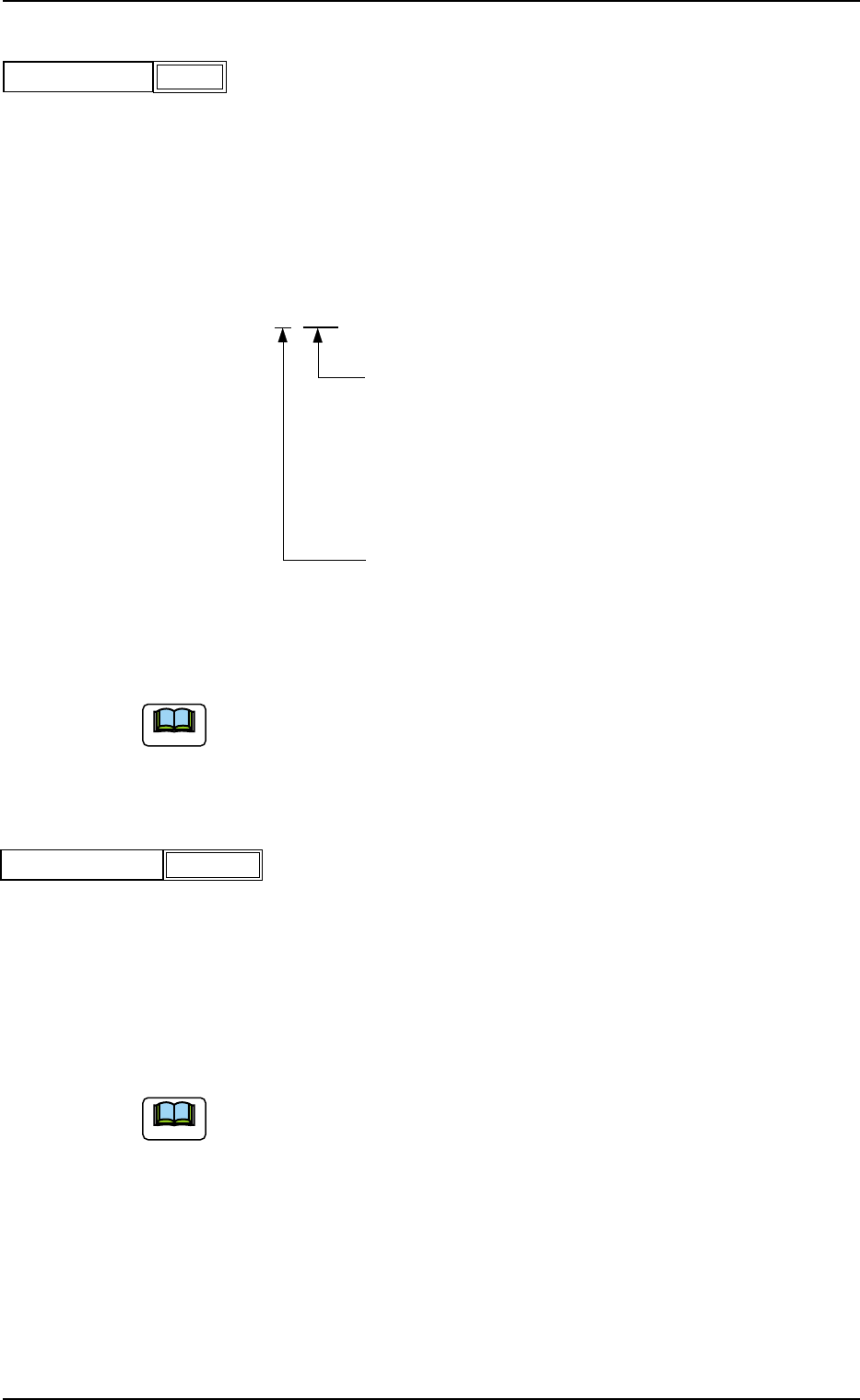
These two digits show the offset in increments of a
feeder location.
Data Input Range
TCM-X110 TCM-X210 : 00 to 79
TCM-X110M : 00 to 59
TCM-X300 : 00 to 70
This digit shows the carriage No. to be shifted.
Data Input Range: 0 to 4
Fig. 3B30
(a) It is recommended that a value with a "+" (plus) sign should be en-
tered.
(b) Set "+000" not to use any offset.
(A01_14) X/Y table accel des
Select one of the following options to determine acceleration of the X/
Y table movement for component placement.
Full Speed 10%Decr 20%Decr 30%Decr
40%Decr 50%Decr 60%Decr 70%Decr
80%Decr 90%Decr
(a) In normal cases, select "Full Speed".
(b) When there are some previously-placed components, the transfer
speed can be decreased in advance to avoid component deviations
that may be caused by the X/Y table movement.
0510-003 2-22
AIM01EDTP
2.3 Operation Data
+000
Feeder No. offset
Fig. 3B29
Full Speed
X/Y table accel des
Fig. 3B31
Note
Note