3OM-996-005.pdf - 第92页
(A01_15) F1 accel des, F2 accel des, F3 accel des, and F4 accel des Select one of the following options to determine acceleration of each feeder carriage movement for component picks. Full Speed 10%Decr 20%Decr 30%Decr 4…
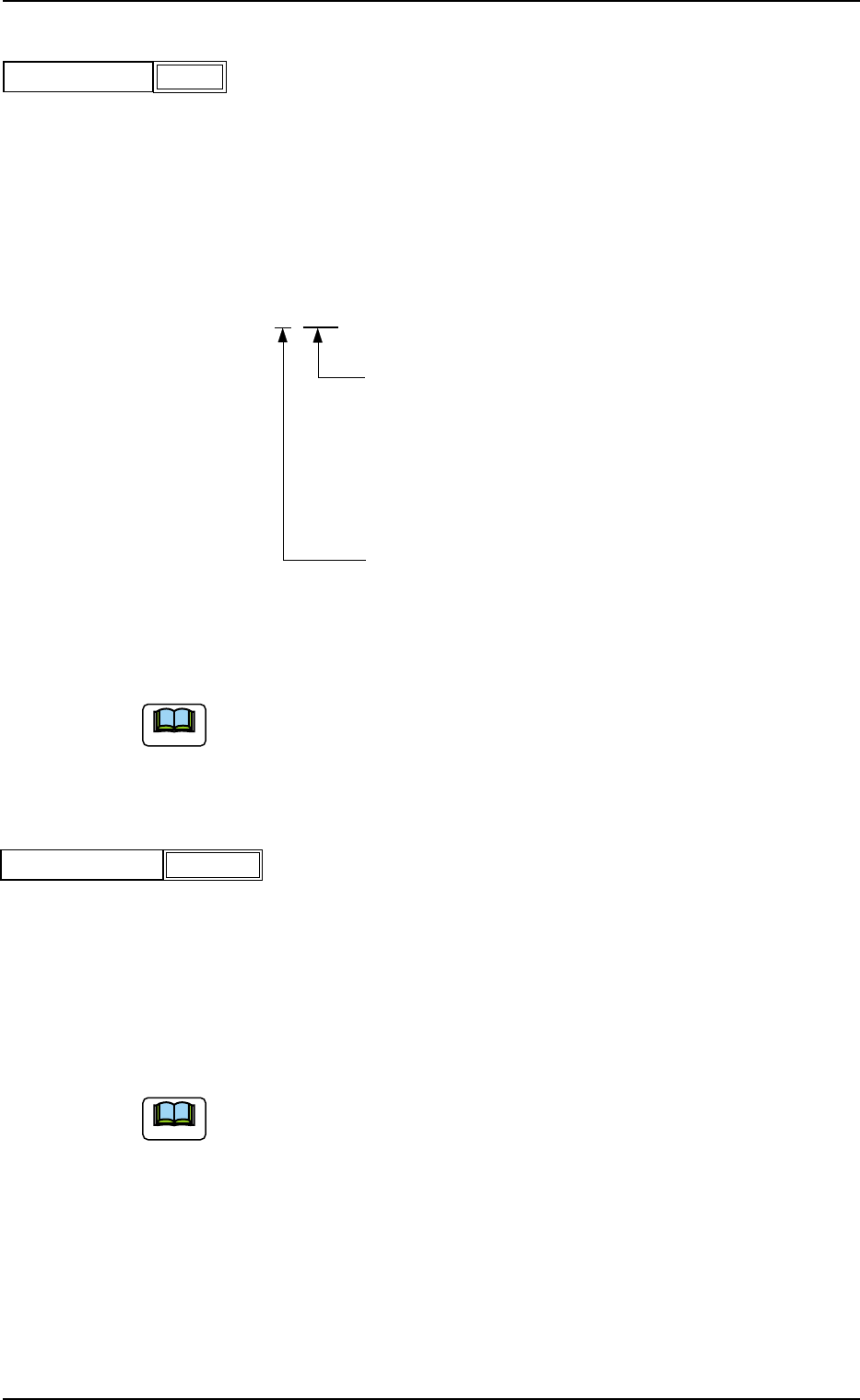
(A01_13) Feeder No. offset
Set an offset value as an offset of "Fdr No." in the placement feeder
location.
The placement feeder location data is shifted as much as the speci-
fied value and the machine performs the pick-up operation.
Data Setting
±{{{
These two digits show the offset in increments of a
feeder location.
Data Input Range
TCM-X110 TCM-X210 : 00 to 79
TCM-X110M : 00 to 59
TCM-X300 : 00 to 70
This digit shows the carriage No. to be shifted.
Data Input Range: 0 to 4
Fig. 3B30
(a) It is recommended that a value with a "+" (plus) sign should be en-
tered.
(b) Set "+000" not to use any offset.
(A01_14) X/Y table accel des
Select one of the following options to determine acceleration of the X/
Y table movement for component placement.
Full Speed 10%Decr 20%Decr 30%Decr
40%Decr 50%Decr 60%Decr 70%Decr
80%Decr 90%Decr
(a) In normal cases, select "Full Speed".
(b) When there are some previously-placed components, the transfer
speed can be decreased in advance to avoid component deviations
that may be caused by the X/Y table movement.
0510-003 2-22
AIM01EDTP
2.3 Operation Data
+000
Feeder No. offset
Fig. 3B29
Full Speed
X/Y table accel des
Fig. 3B31
Note
Note
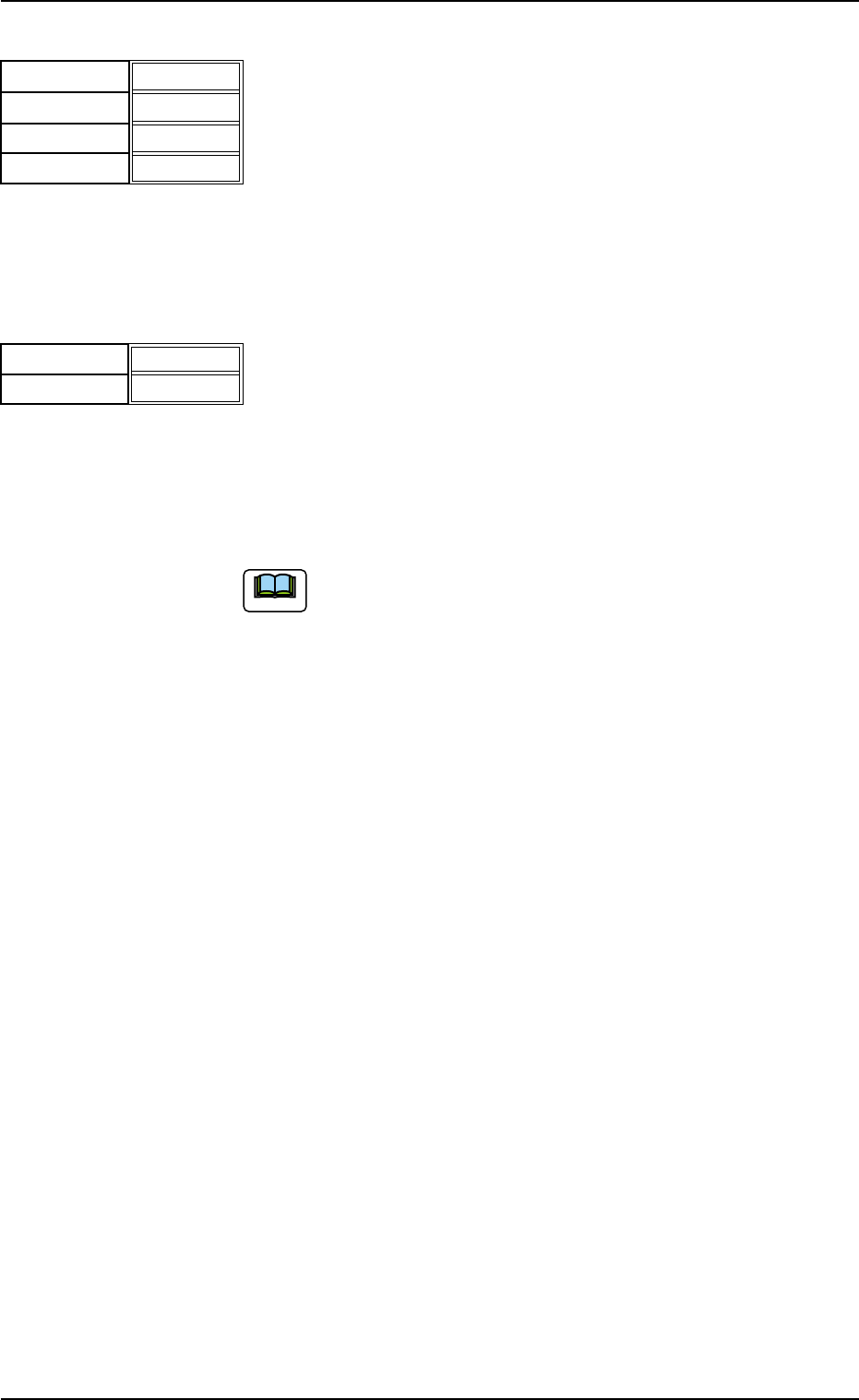
(A01_15) F1 accel des, F2 accel des, F3 accel des, and F4 accel des
Select one of the following options to determine acceleration of each
feeder carriage movement for component picks.
Full Speed 10%Decr 20%Decr 30%Decr
40%Decr 50%Decr 60%Decr 70%Decr
80%Decr 90%Decr
(A01_16) Recovery regulation
U-N
When placement data is created to cope with the Un-specified multi-
model repetitive pattern function, the recovery regulation must be en-
abled.
Refer to "2.1 Types of P.C.B.’s and Required Data" for de-
tailed information on how to specify "Un".
Disable : The recovery regulation function is disabled.
The normal automatic recovery function is activated.
Enable : The recovery regulation function is enabled.
When the automatic recovery function is activated, a pat-
tern with the smallest "Un" No. is recovered first and the
subsequent patterns are recovered in the ascending or-
der.
As long as all components in the pattern (smaller Un No.)
are not recovered, no components are placed on the sub-
sequent Un No. (Unit).
0510-002 2-23
AIM01EDTP
2.3 Operation Data
F1 accel des
Fig. 3B32
Full Speed
F2 accel des
F3 accel des
F4 accel des
Full Speed
Full Speed
Full Speed
Fig. 3B33
U
-N
Block
Disable
Disable
Note

Block
When placement data is created to cope with the block sorting func-
tion or the block-specified multi-model repetitive pattern function, the
recovery regulation function must be enabled.
"Block-Specified" means that a control command (0 to 9) is
used for certain data in the placement data (P).
Disable : The recovery regulation function is disabled.
The normal automatic recovery function is activated.
Enable : The recovery regulation function is enabled.
When the automatic recovery function is activated, the
components in the group with the smallest block No. are
recovered first and the components in the subsequent
groups are recovered in the ascending order.
As long as all components in the group (smaller block
No.) are not recovered, the subsequent group of com-
ponents (block No.) are not placed.
(a) When "Enable" is set in the "U-N" or the "Block" text box,
the automatic (delayed) recovery function (priority of com-
ponents) cannot be used.
Even when the [Priority of Comp.] button is selected in
the "Opn. Mode" tab sheet of the "OPN. MODE" window
(submenu), it is automatically changed to the "Stop Auto
Run" mode.
(b) When "Enable" is set in the "Block" text box of the label
"Recovery regulation", it is invalidated unless the pattern
program is created to cope with the multi-model repeti-
tive pattern function or the block sorting function. This is
not regarded as an error during pattern program check
operation.
(c) When "Enable" is set in the "U-N" and the "Block" text
boxes, only "Enable" in the "Block" text box becomes
valid.
0305-001 2-24
AIM01EDTP
2.3 Operation Data
Note
Note