OperationInstruction_Vsision XP.pdf - 第101页
V ISION XP+ V AC Page 93 5 Software 5.3 The Menu System Operating Instructions V ersion 1.5 Entering a nd Changing Users In o rder to enter a new user or c hange the ac cess code s of a n existing use r , move the mouse …
Page 92 VISION XP+ VAC
5 Software
5.3 The Menu System
Operating Instructions
Version 1.5
5.3.3 User Administration
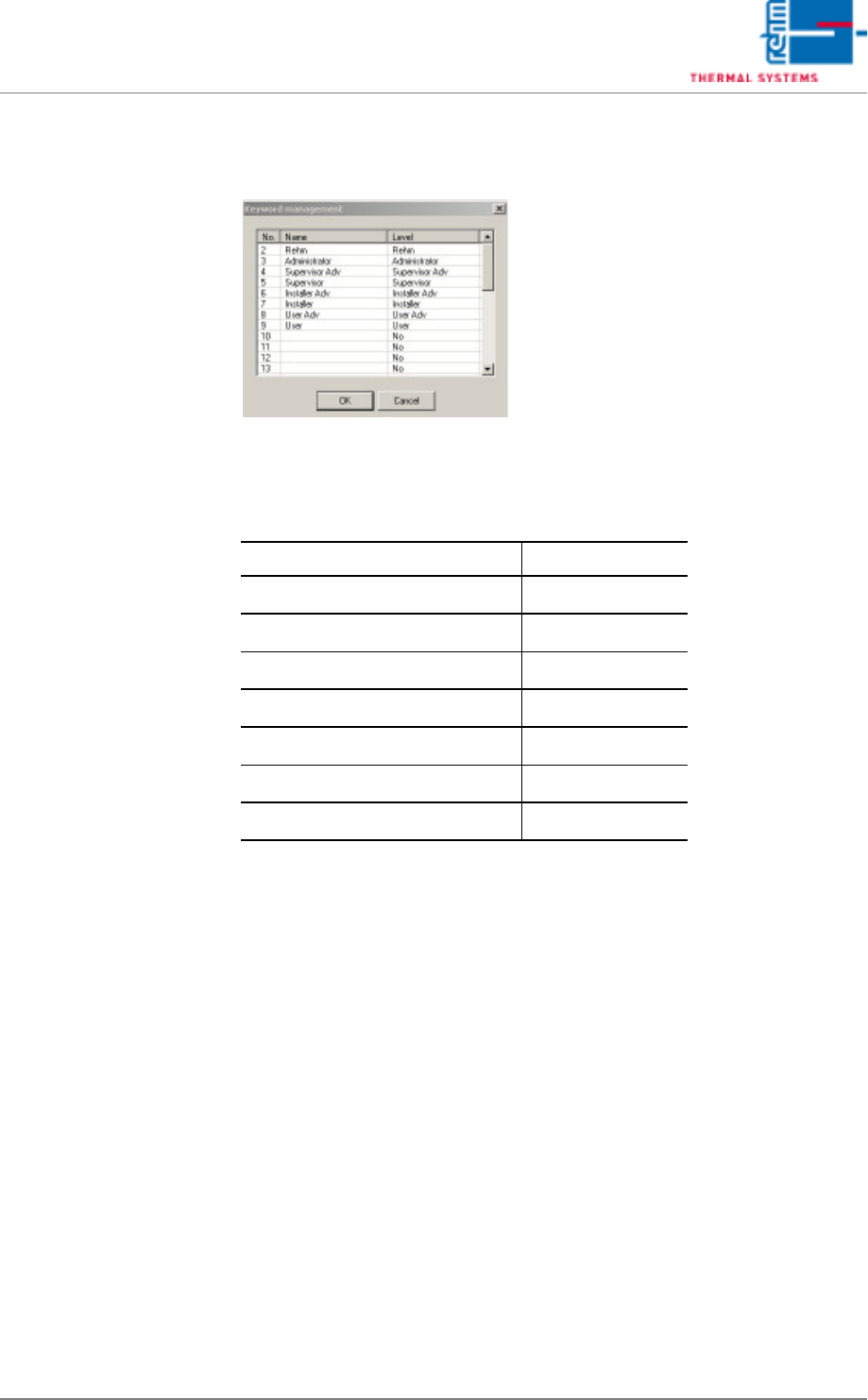
Fig. 5-21 Password Administration
User names and their respective levels of authority are displayed in this win-
dow. These settings can only be entered by the administrator.
Preset Users Passwords
Administrator AdmV8
Supervisor Adv SupA
Supervisor Sup
Installer Adv InsA
Installer Ins
User Adv UseA
User Use
VISION XP+ VAC Page 93
5 Software
5.3 The Menu System
Operating Instructions
Version 1.5
Entering and Changing
Users
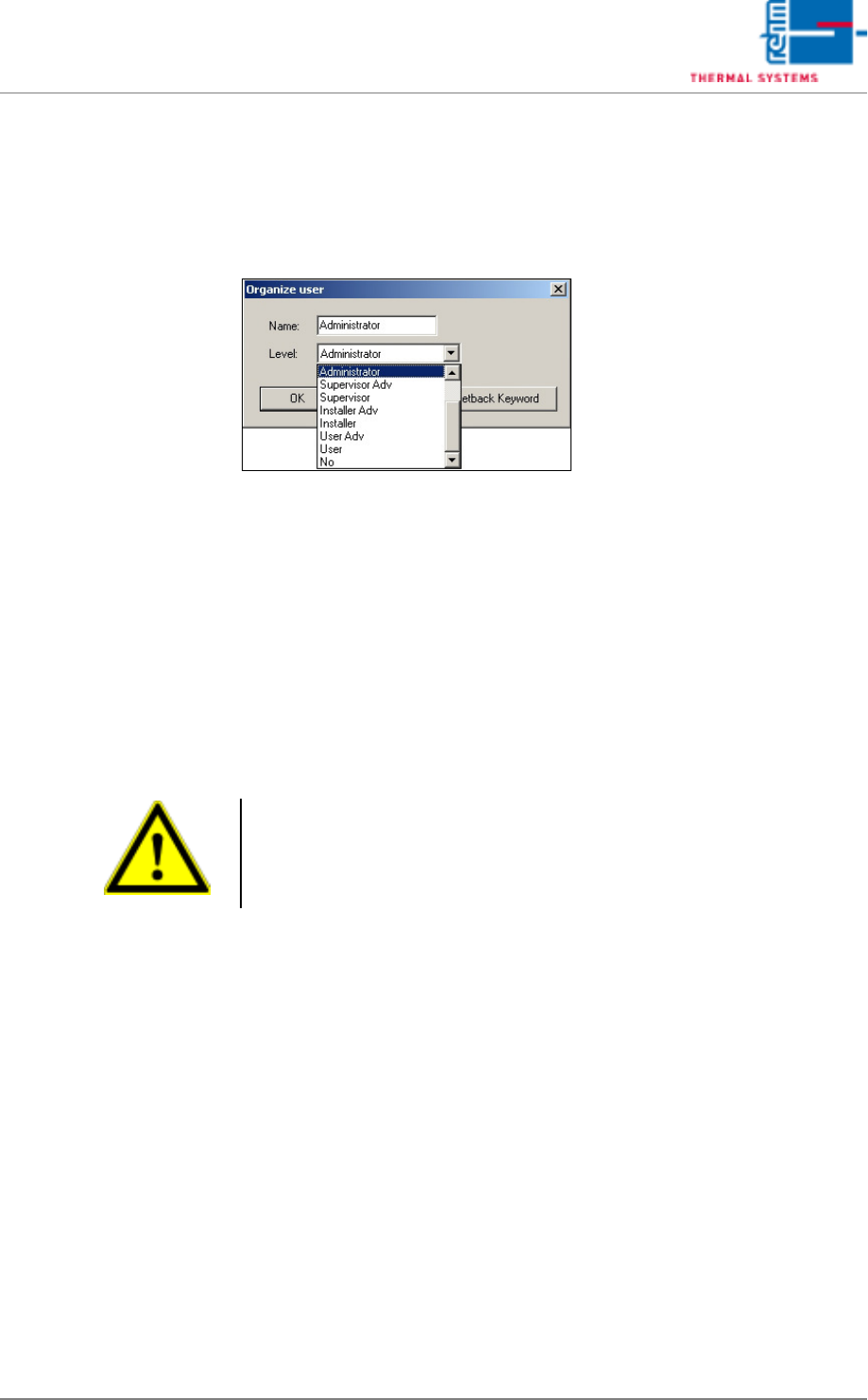
In order to enter a new user or change the access codes of an existing user,
move the mouse cursor into a line in the Password Administration function
and double click.
The User Setup window appears.
Fig. 5-22 User Setup
Name
It is advisable to enter the actual name of the user to whom the password
has been assigned. Maximum length is 20 characters, and special charac-
ters can be used. Upper and lower case letters must be correctly entered.
Levels (user authority levels)
Click into the field next to the designation Level. A pull-down menu appears
which includes all possible authority levels. Select and click the desired lev-
el. The highest level which can be selected is the level at which the current
user is logged on
Authority levels range from none to administrator.
Levels including the supplement Adv (Advanced) are higher than the levels
with the same name which do not include this supplement. This means that
the user has more authority.
If the authority level is inadequate, various functions cannot be used. Win-
dows which appear in light gray in the pull-down menus cannot be accessed.
Entry fields which appear in windows with gray backgrounds cannot be
changed.
Note!
User administration can only be adjusted on the level Admin. Thus the ad-
ministrator or the person in charge of the system are never allowed to as-
sign themselves smaller access rights. Afterwards, they have no possibility
to log in there or to distribute this level to other users.
Page 94 VISION XP+ VAC
5 Software
5.3 The Menu System
Operating Instructions
Version 1.5
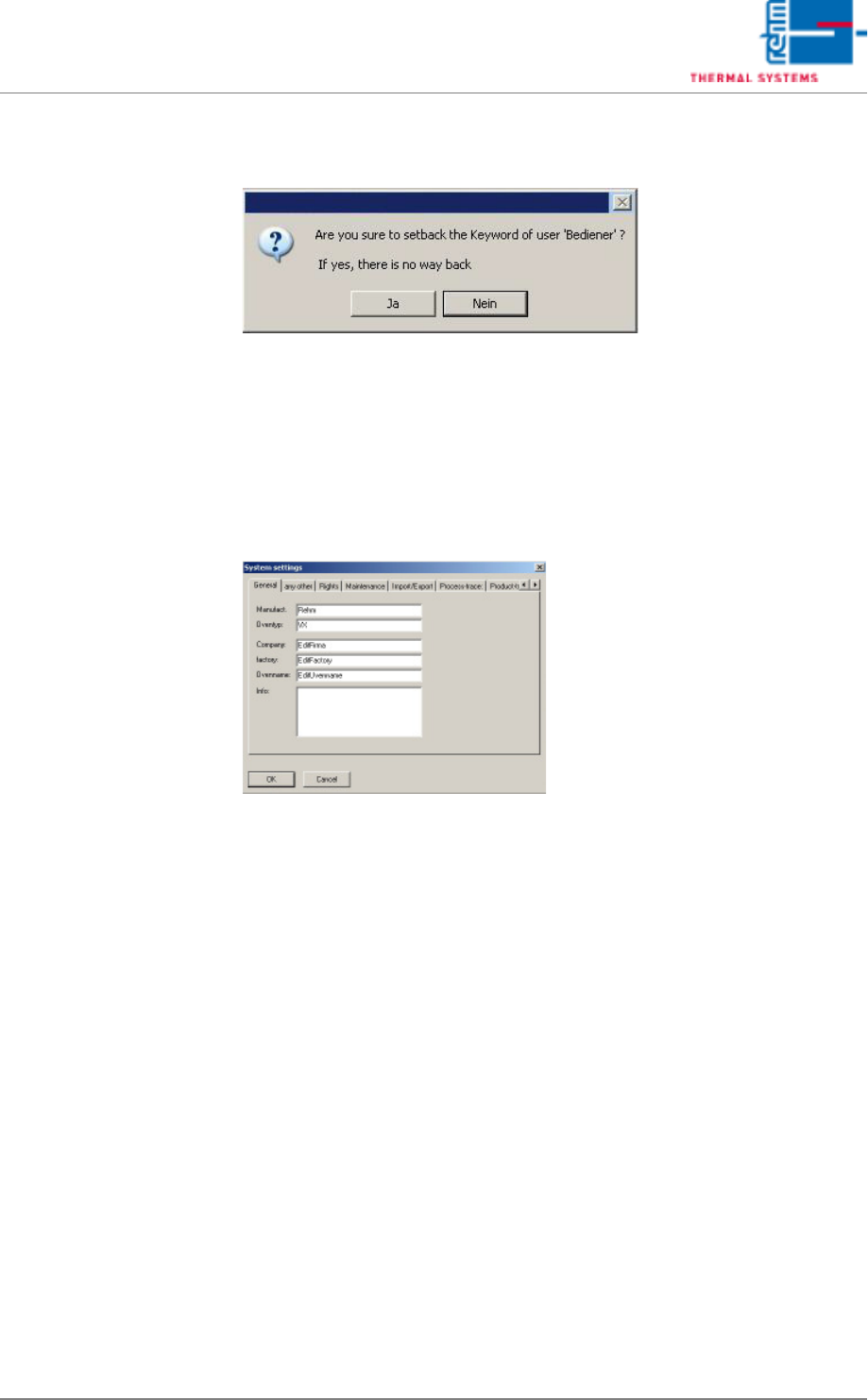
Resetting a Password A security prompt appears after clicking the Reset Password button.
Fig. 5-23 Reset Password Prompt
If the prompt is acknowledged with Yes, the selected user can log on without
a password. However, the user should enter a new password the next time
he logs on.
5.3.4 Settings
Fig. 5-24 System Settings
This window can only be accessed by service personnel from Rehm Ther-
mal Systems or by the administrator.