OperationInstruction_Vsision XP.pdf - 第183页
V ISION XP+ V AC Page 175 6 Rehm Recorder 6.5 Settings Operating Instructions V ersion 1.5 er ". This specifies where all application data i s saved. Included here are exported c harts (as images) , config urations …
Page 174 VISION XP+ VAC
6 Rehm Recorder
6.5 Settings
Operating Instructions
Version 1.5
6.5 Settings
6.5.1 Change settings
Clicking the "Settings" tile in the start menu takes the user to the general
application settings.
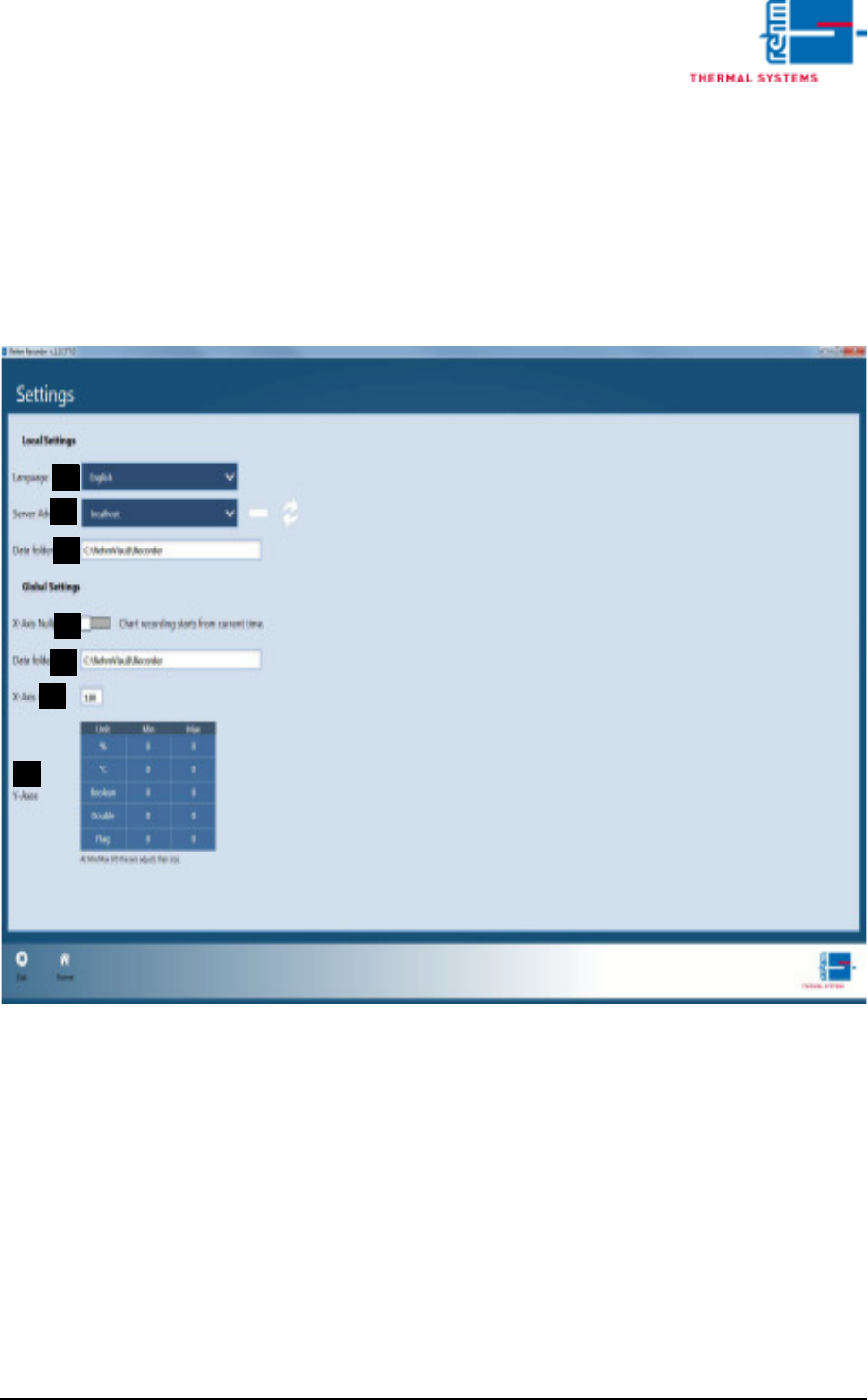
Fig. 6-30 Change settings
A) Language
The "language" is currently pre-set to German. If you want to change this
setting, you must first save the settings from "Home". Then you need to
close the application and restart it for the setting to take effect.
B) Server Address
The Server Address specifies the machine to which the Recorder Viewer
is to connect. localhost (the local computer) is set by default.
C) Chart Recording
The type of chart recording (zero point or direct start) is set from switch
"Chart recording starts at zero point...". The recording is either started
at "0" or at the start time for the recording.
D) File Storage Folder
The default folder for file storage is configured under "File Storage Fold-
A
E
D
C
B
F
G

VISION XP+ VAC Page 175
6 Rehm Recorder
6.5 Settings
Operating Instructions
Version 1.5
er". This specifies where all application data is saved. Included here are
exported charts (as images), configurations created, Excel files exported,
application logfiles and record files recorded.
Global settings
E) The seconds entry for the "X-axis zero point" determines the starting
point of the recording (at 0 or current time).
F) The default folder for file storage is configured under "File Storage Fold-
er". This specifies where all application data is saved. Included here are
exported charts (as images), configurations created, Excel files exported,
application logfiles and record files recorded.
G) The minimum and maximum sizes of the "Y-axes" are set separately for
every unit. They can be edited by clicking the values in the table. If "0" is
specified, the chart automatically scales the Y-axis for this unit.
Page 176 VISION XP+ VAC
6 Rehm Recorder
6.5 Settings
Operating Instructions
Version 1.5
6.5.2 Save settings
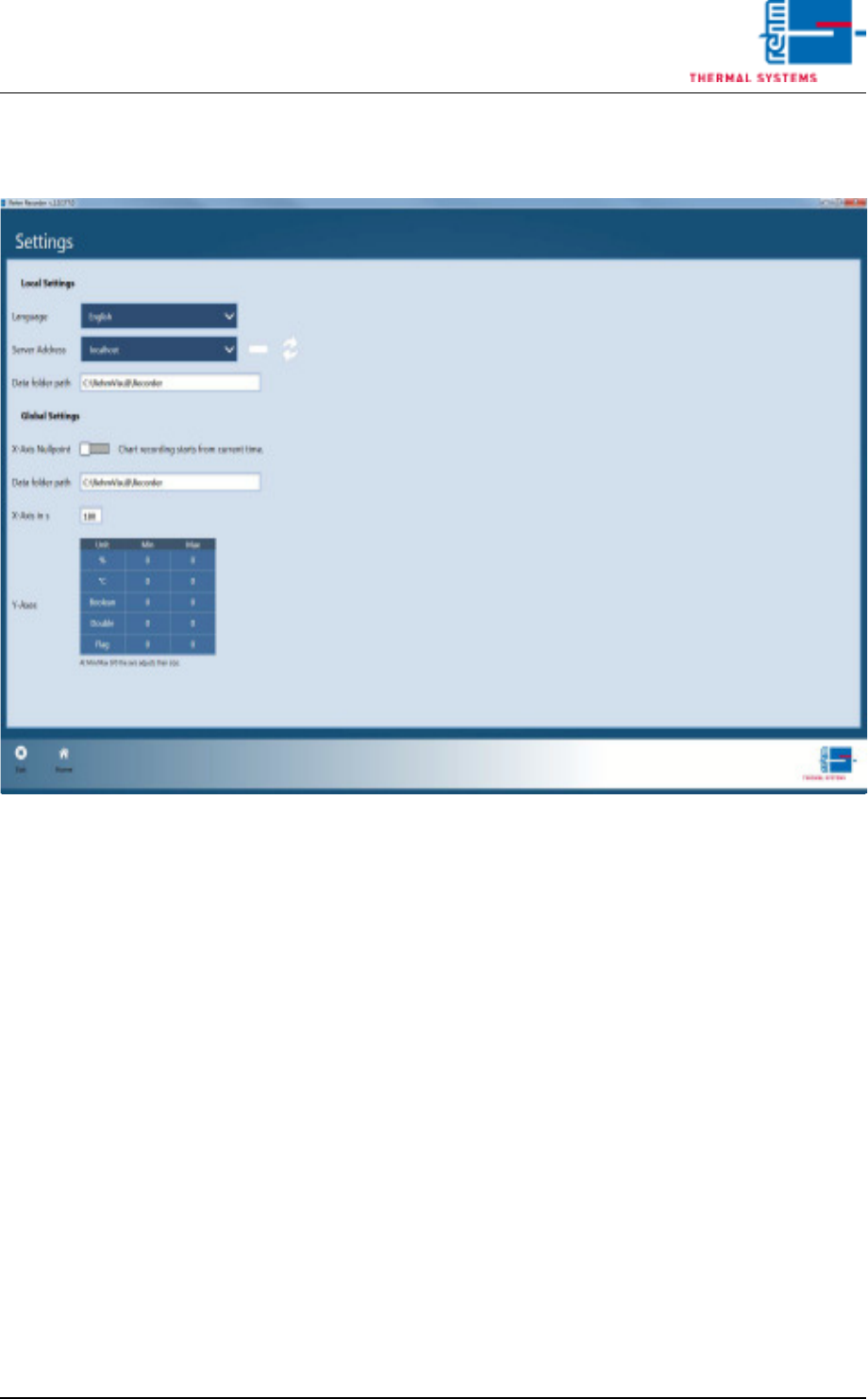
Fig. 6-31 Save settings
If you exit the settings via the "Home" button, the application asks whether
you wish to save the changes.
Confirming with "Yes" saves the changes. Otherwise the changes are dis-
carded and the old configuration is retained.