OperationInstruction_Vsision XP.pdf - 第196页
Page 188 V ISION XP+ V AC 7 Alarm Messages 7.23 Outlet Interface (Option-Siemens-Interface) Operating Instructions V ersion 1.5 7.23 Outlet Inte rface (O ption-Sie mens-In terface) The PCB is at the outlet interface, but…
VISION XP+ VAC Page 187
7 Alarm Messages
7.20 Heating Element Monitoring, Power Controller
Operating Instructions
Version 1.5
• Check the temperature controller settings.
7.20 Heating Element Monitoring, Power Controller
7.21 PCB Feed Monitoring (option)
The PCBs have not arrived at the outlet within the specified period of time.
Possible causes:
• PCBs have jammed within the system.
• Operator’s hands are in the inlet area.
• The sensor at the inlet has been obstructed more than once.
• The sensor at the outlet has not detected the PCB.
• One of the sensors is defective.
7.22 PCB Transfer
Possible causes:
• The sensor at the outlet is obstructed too long, or continuously.
• The sensor is incorrectly adjusted or bent.
• The PCBs are becoming jammed. An error has occurred at the next down-
stream device.
Procedure:
Click the Reset PCBs button and acknowledge the error.
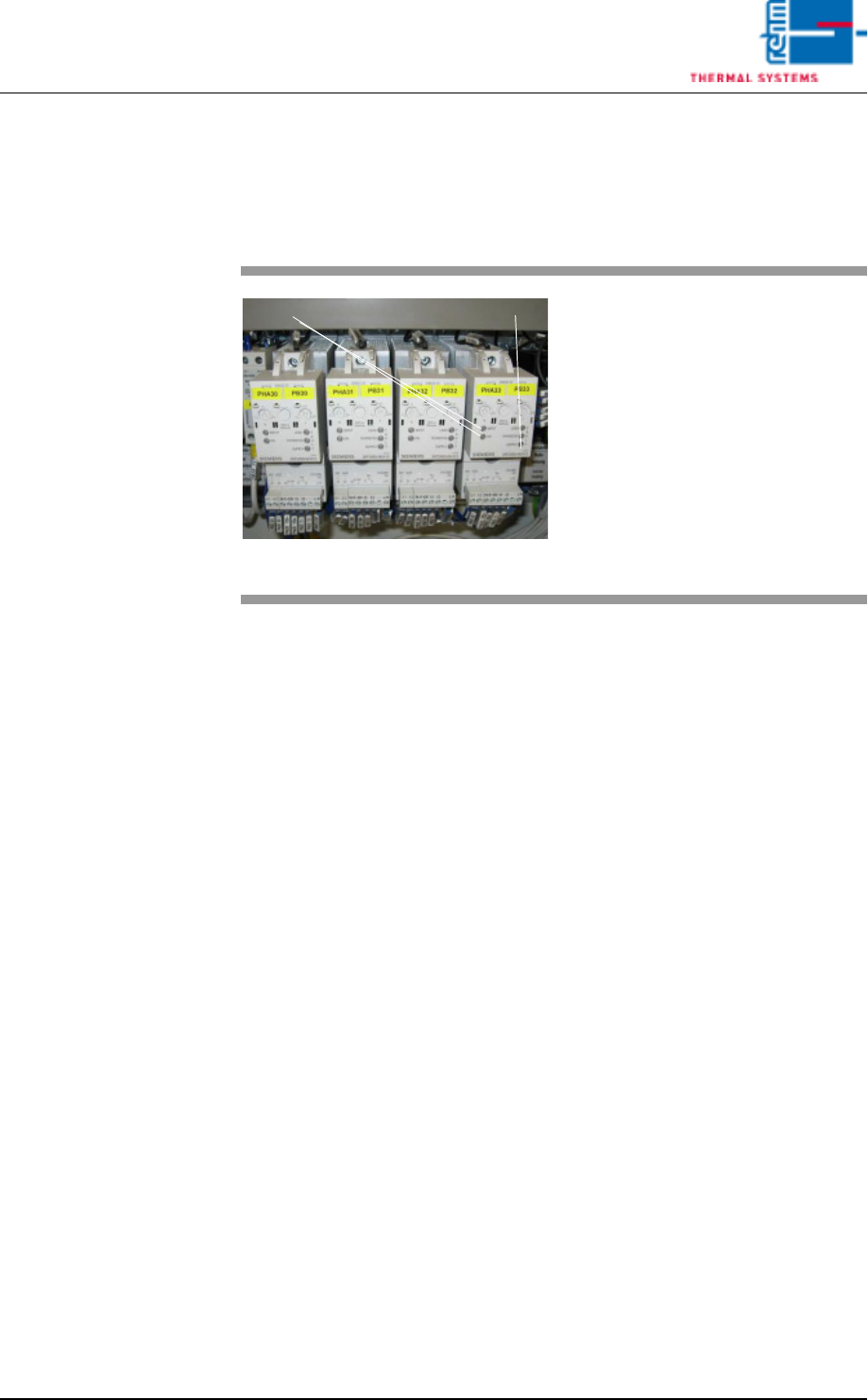
Fig. 7-17 Power Controller
Too little or no current at all is avail-
able to the pyrolysis system.
Possible causes:
• If the fuse has blown, perform ap-
propriate measurement of the
heater and replace if necessary.
• Fuse has not blown, e.g. in the
event of extreme mains fluctua-
tion. The power controller must be
recalibrated.
INPUT ON
Error display

Page 188 VISION XP+ VAC
7 Alarm Messages
7.23 Outlet Interface (Option-Siemens-Interface)
Operating Instructions
Version 1.5
7.23 Outlet Interface (Option-Siemens-Interface)
The PCB is at the outlet interface, but the downstream module does not al-
low enabling, or it does not acknowledge the previous PCB.
Procedure:
Assure that the downstream module is enabled.
7.24 Error Circuit
A downstream device is not ready for operation. Enabling is not allowed by
the inlet interface.
Possible causes:
• Error at the outlet.
• The magazine at the outlet is full.
7.25 PCB accumulation inlet
accumulation at inlet sensor.
7.26 Cooling section volume flow malfunction
The “Cooling section volume flow” alarm will trigger should volume flow be
out of tolerance.
Procedure:
Check all filters incl. cooling section filter F9 for dirt and replace if
necessary.
VISION XP+ VAC Page 189
7 Alarm Messages
7.27 Cooling Water failure (option)
Operating Instructions
Version 1.5
7.27 Cooling Water failure (option)
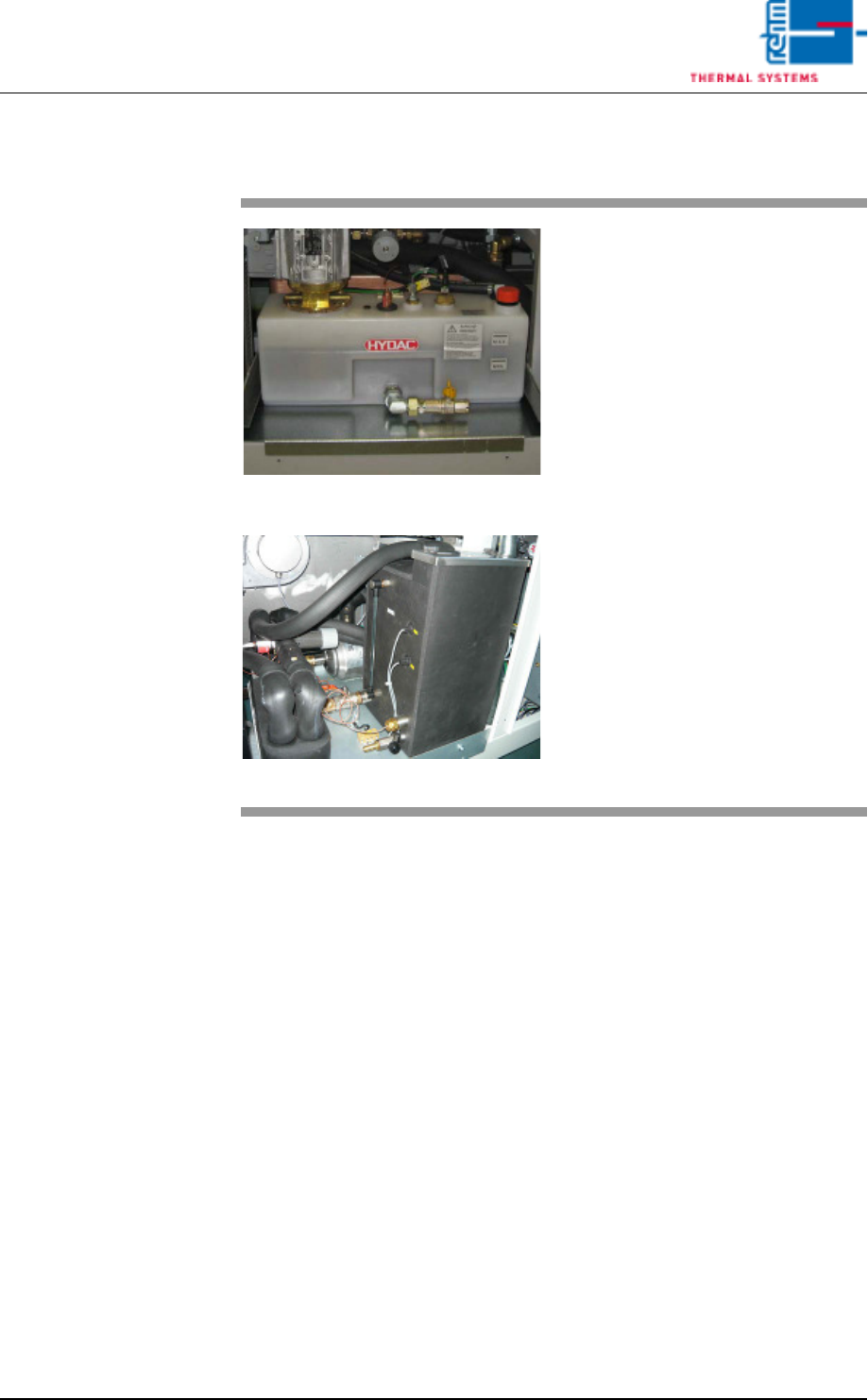
Fig. 7-18 Cooling System Components
Fig. 7-19 Cooling System Components CN
Possible causes:
• The cooling water pump on the
water tank cannot be started or is
defective.
• The pressure sensor is defective.
Procedure:
• Inspect all tubing and connec-
tions to the pump.
• Inspect the sensor and the cool-
ing water pump and replace if
necessary.