OperationInstruction_Vsision XP.pdf - 第157页
V ISION XP+ V AC Page 149 5 Software 5.9 The Help Menu Operating Instructions V ersion 1.5 5.9 The He lp Menu 5.9.1 C ontents A selection window providing access to compl ete documentation which has been saved to the sys…
Page 148 VISION XP+ VAC
5 Software
5.8 The Measurement Menu
Operating Instructions
Version 1.5
5.8 The Measurement Menu
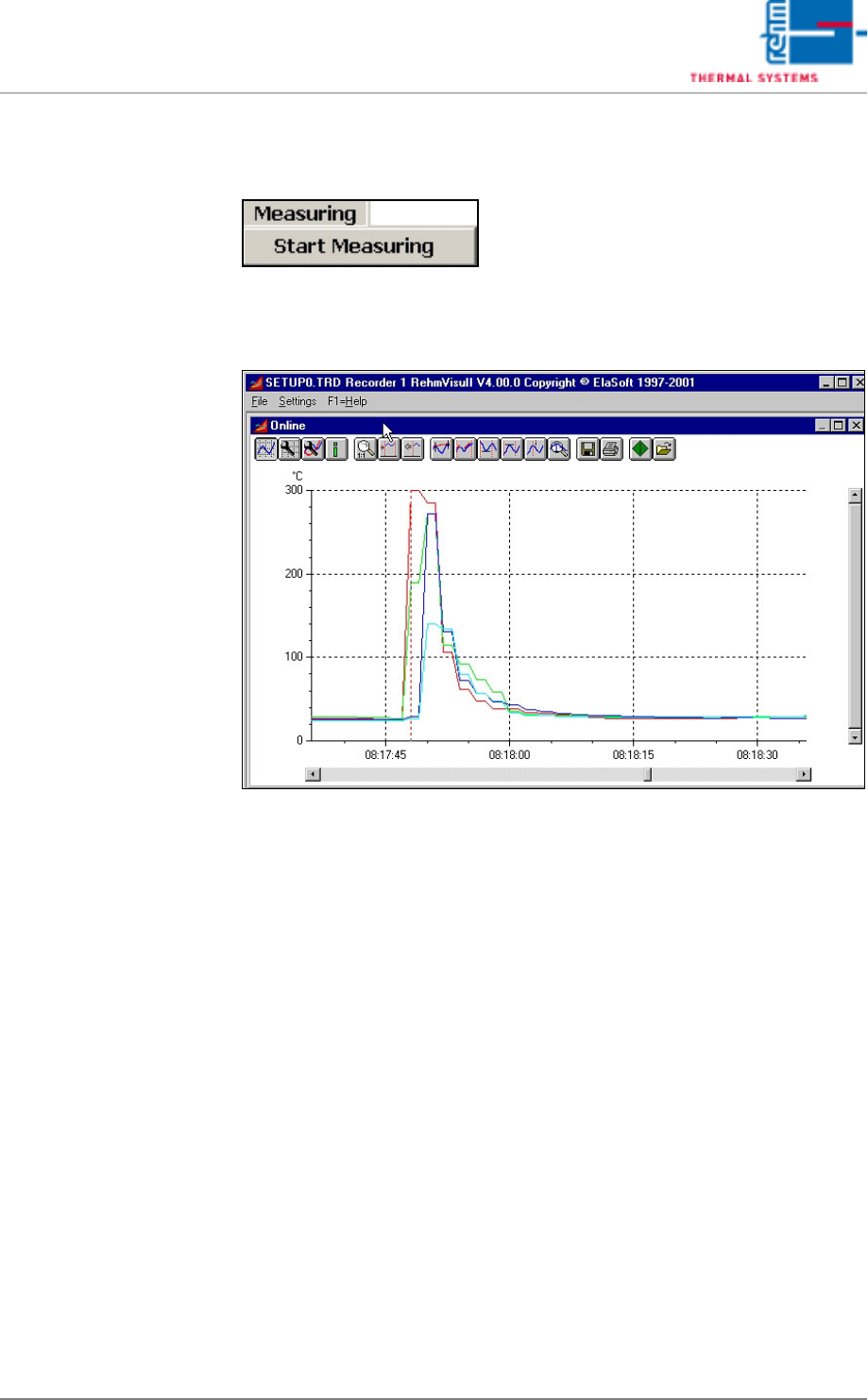
The measuring program (line recorder) can be started with the
Measurement menu.
Fig. 5-73 Line Recorder Graphic
“Recorder.exe” is an independent program for the graphic representation of
measurement curves. The program can be started up to 10 times.
A description of this program is included in chapter .
VISION XP+ VAC Page 149
5 Software
5.9 The Help Menu
Operating Instructions
Version 1.5
5.9 The Help Menu
5.9.1 Contents
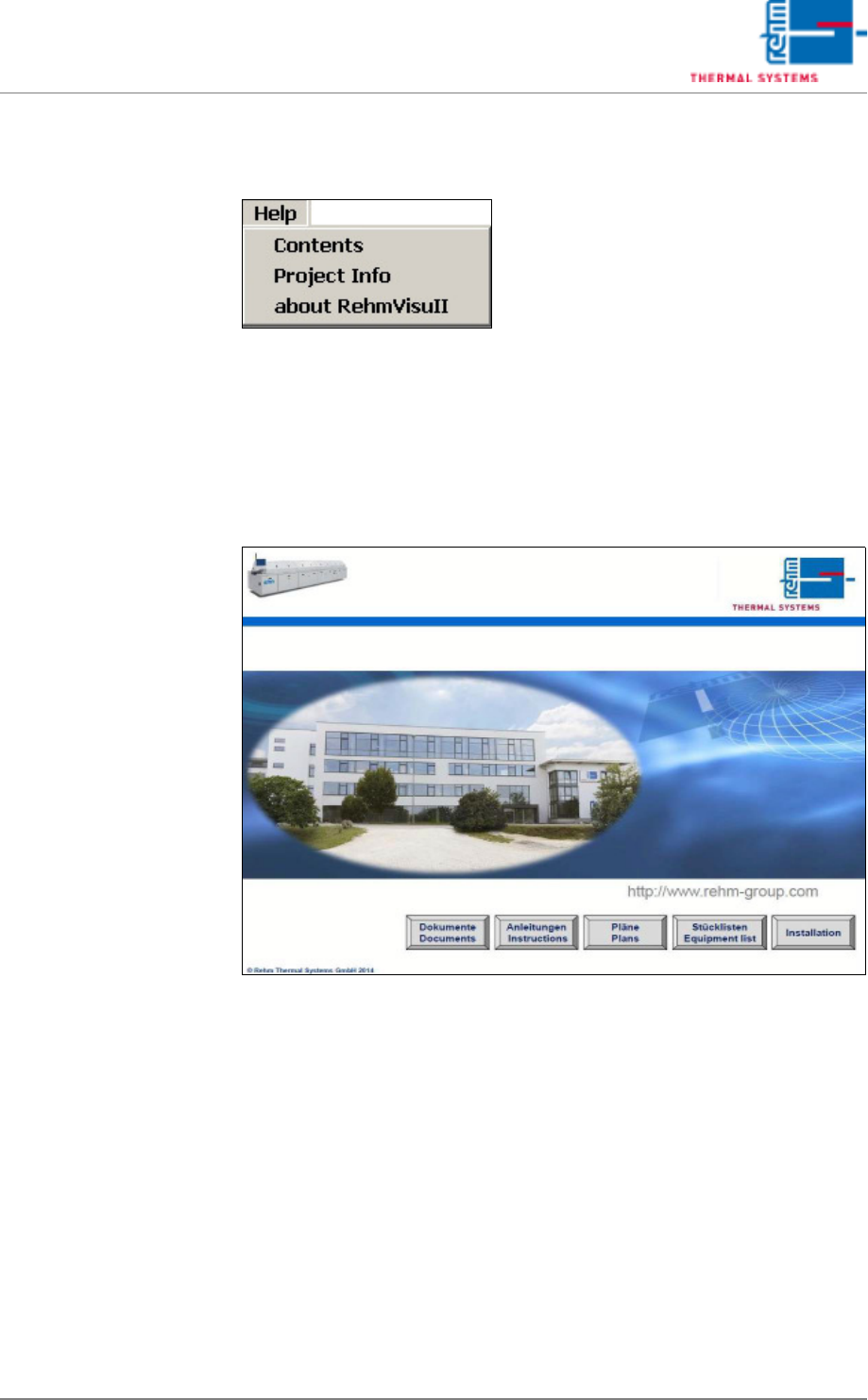
A selection window providing access to complete documentation which has
been saved to the system PC can be accessed from this menu.
Fig. 5-74 Online Help
Page 150 VISION XP+ VAC
5 Software
5.9 The Help Menu
Operating Instructions
Version 1.5
5.9.2 Project Info
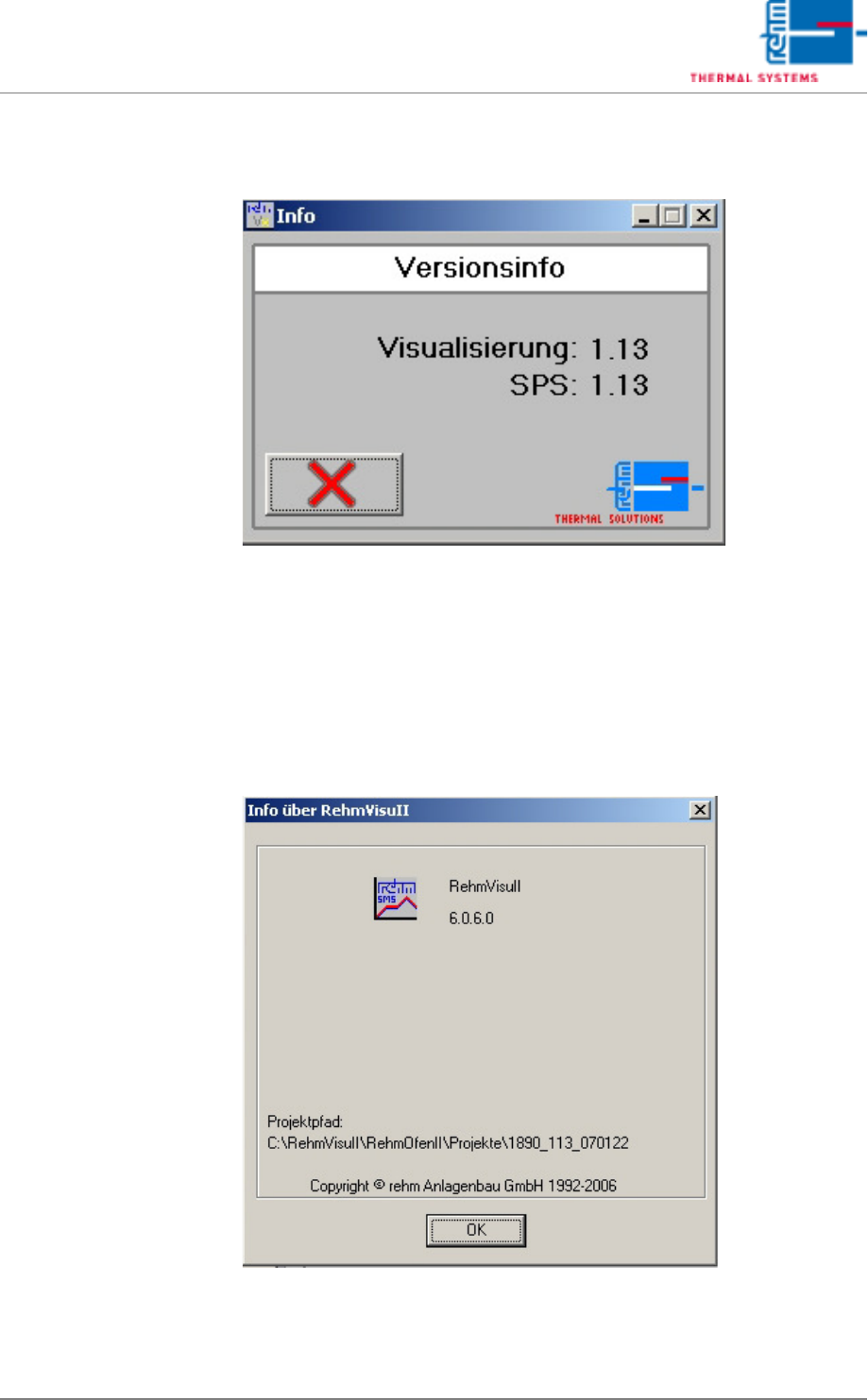
Fig. 5-75 Information about Projectversion
The info window gives the information about the project version of the visu-
alization and the processing control.
5.9.3 Program Information
Fig. 5-76 Program Information about RehmVisull-Version
The info window displays information about the program version of the soft-
ware.