OperationInstruction_Vsision XP.pdf - 第158页
Page 150 V ISION XP+ V AC 5 Software 5.9 The Help Menu Operating Instructions V ersion 1.5 5.9.2 Project Info Fig. 5-7 5 Inform ation abou t Project version The info windo w gives the informati on about the project v ers…
VISION XP+ VAC Page 149
5 Software
5.9 The Help Menu
Operating Instructions
Version 1.5
5.9 The Help Menu
5.9.1 Contents
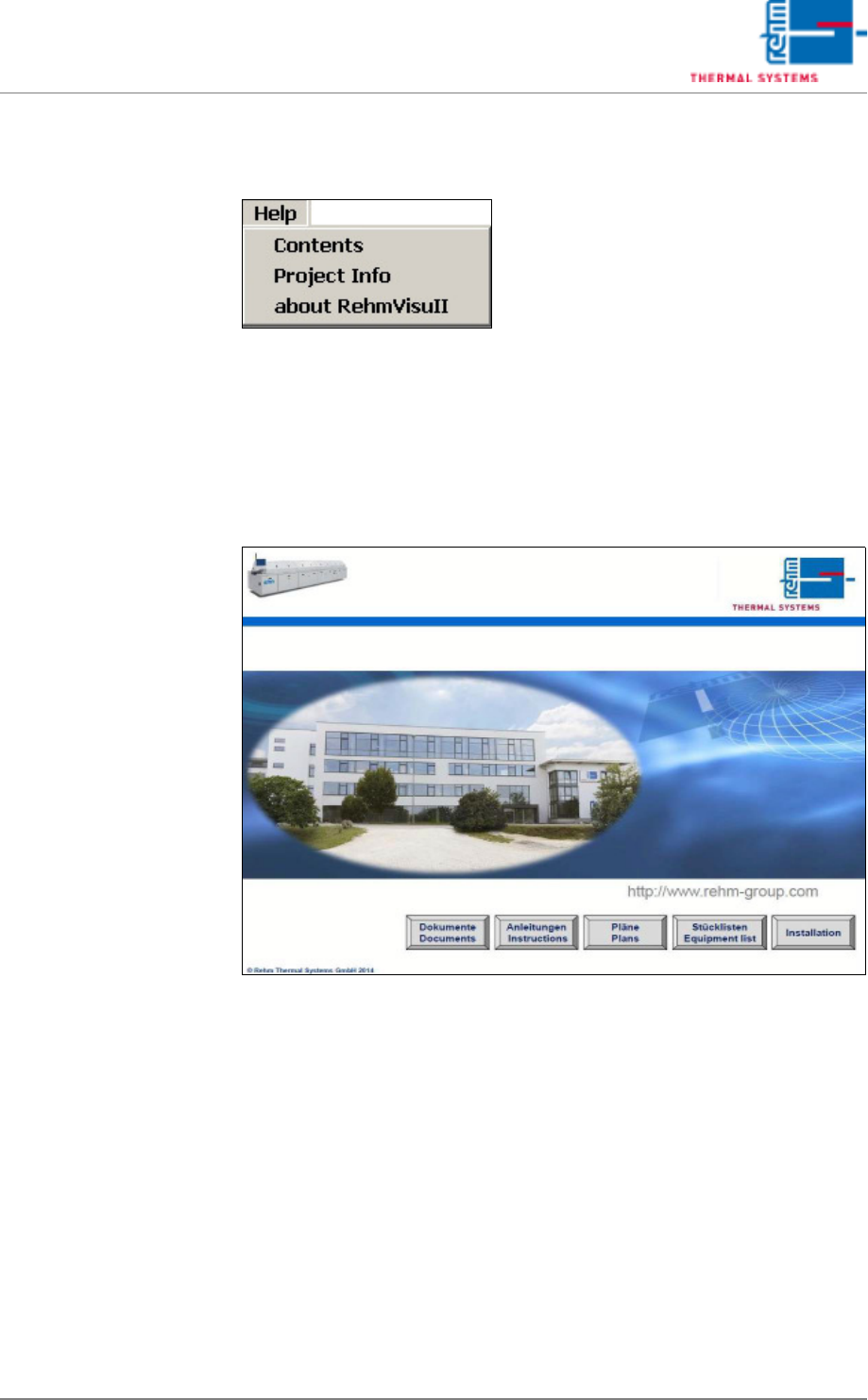
A selection window providing access to complete documentation which has
been saved to the system PC can be accessed from this menu.
Fig. 5-74 Online Help
Page 150 VISION XP+ VAC
5 Software
5.9 The Help Menu
Operating Instructions
Version 1.5
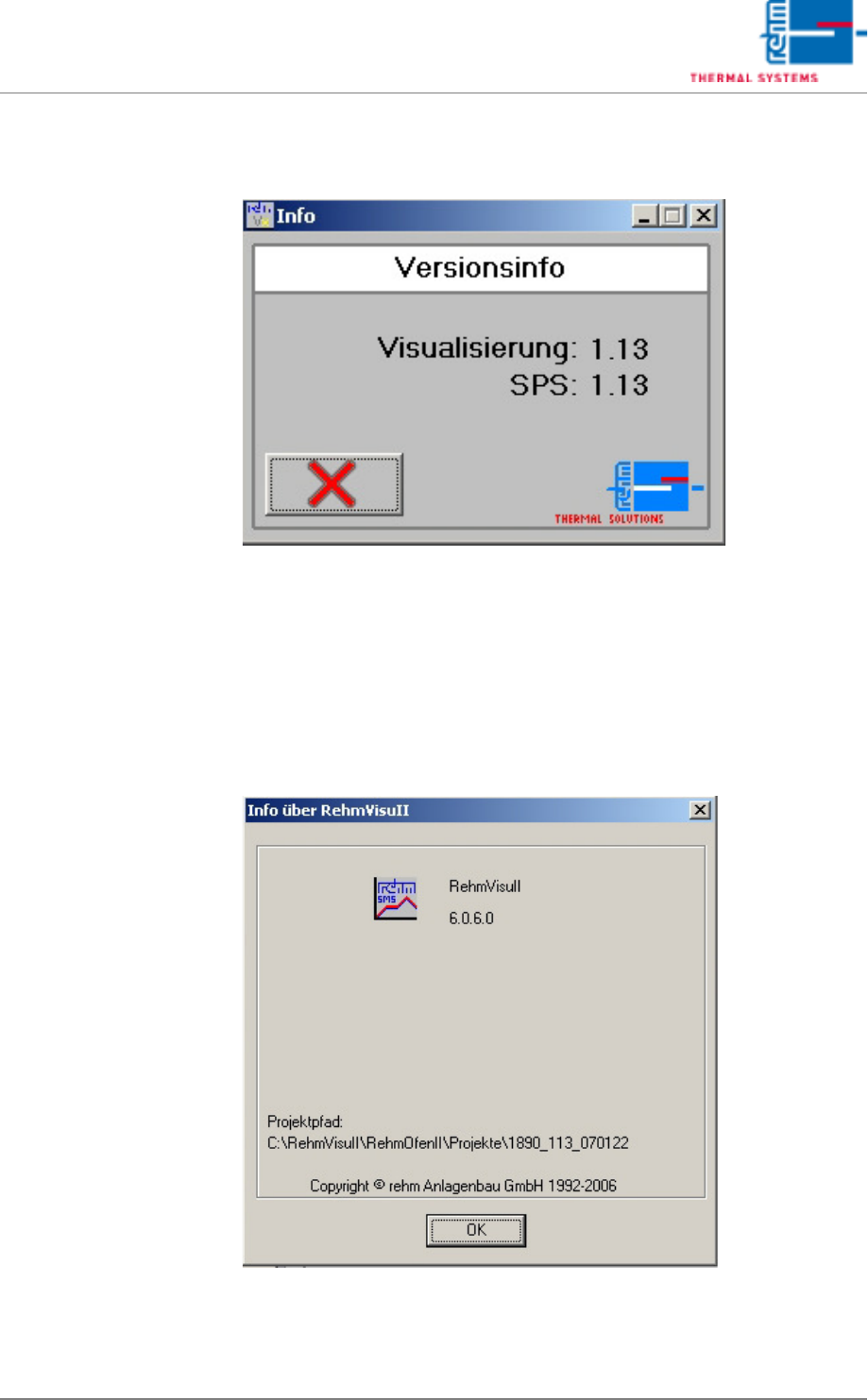
5.9.2 Project Info
Fig. 5-75 Information about Projectversion
The info window gives the information about the project version of the visu-
alization and the processing control.
5.9.3 Program Information
Fig. 5-76 Program Information about RehmVisull-Version
The info window displays information about the program version of the soft-
ware.
VISION XP+ VAC Page 151
5 Software
5.10 The Service Menu
Operating Instructions
Version 1.5
5.10 The Service Menu
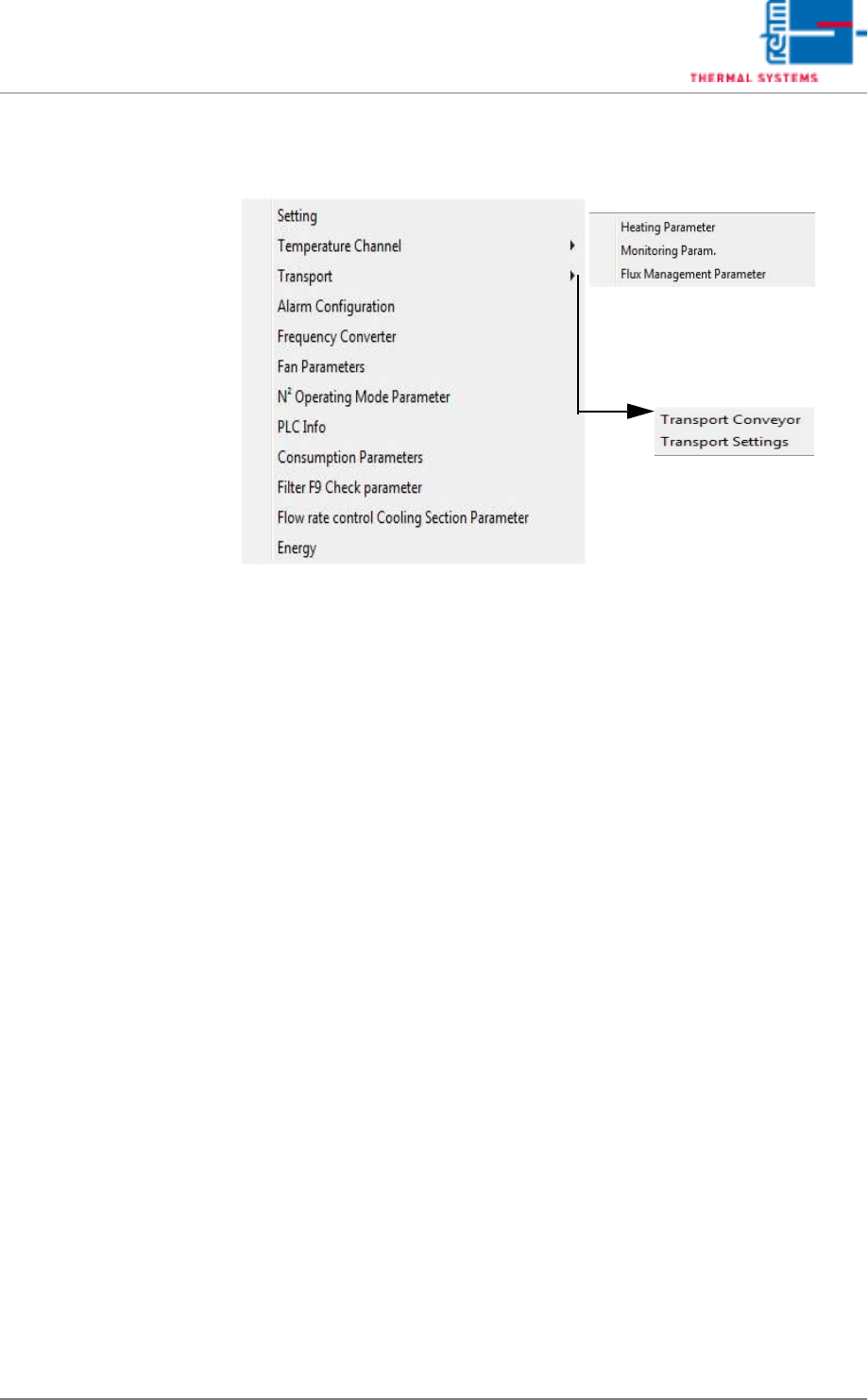
The service menu can only be accessed by users with appropriate
password authority. When unauthorized users are logged on, the menu
appears light gray and is disabled.
An explanation of the submenus is included in the service Instructions in the
chapter entitled “Setup Instructions”.