OperationInstruction_Vsision XP.pdf - 第143页
V ISION XP+ V AC Page 135 5 Software 5.6 The Protocol Menu Operating Instructions V ersion 1.5 5.6 The Protoc ol Menu All changes of status with regar d to digital inputs an d outputs, setpoints, actual values, alarm val…

Page 134 VISION XP+ VAC
5 Software
5.5 The Masks Menu
Operating Instructions
Version 1.5
K) Fine venting limit
After the vacuum is drawn, the chamber is initially finely vented; if the pre-
set limit is reached, the setting is then changed to rough venting.
L) Time
Set cycle time in sec. For drawing the vacuum.
VISION XP+ VAC Page 135
5 Software
5.6 The Protocol Menu
Operating Instructions
Version 1.5
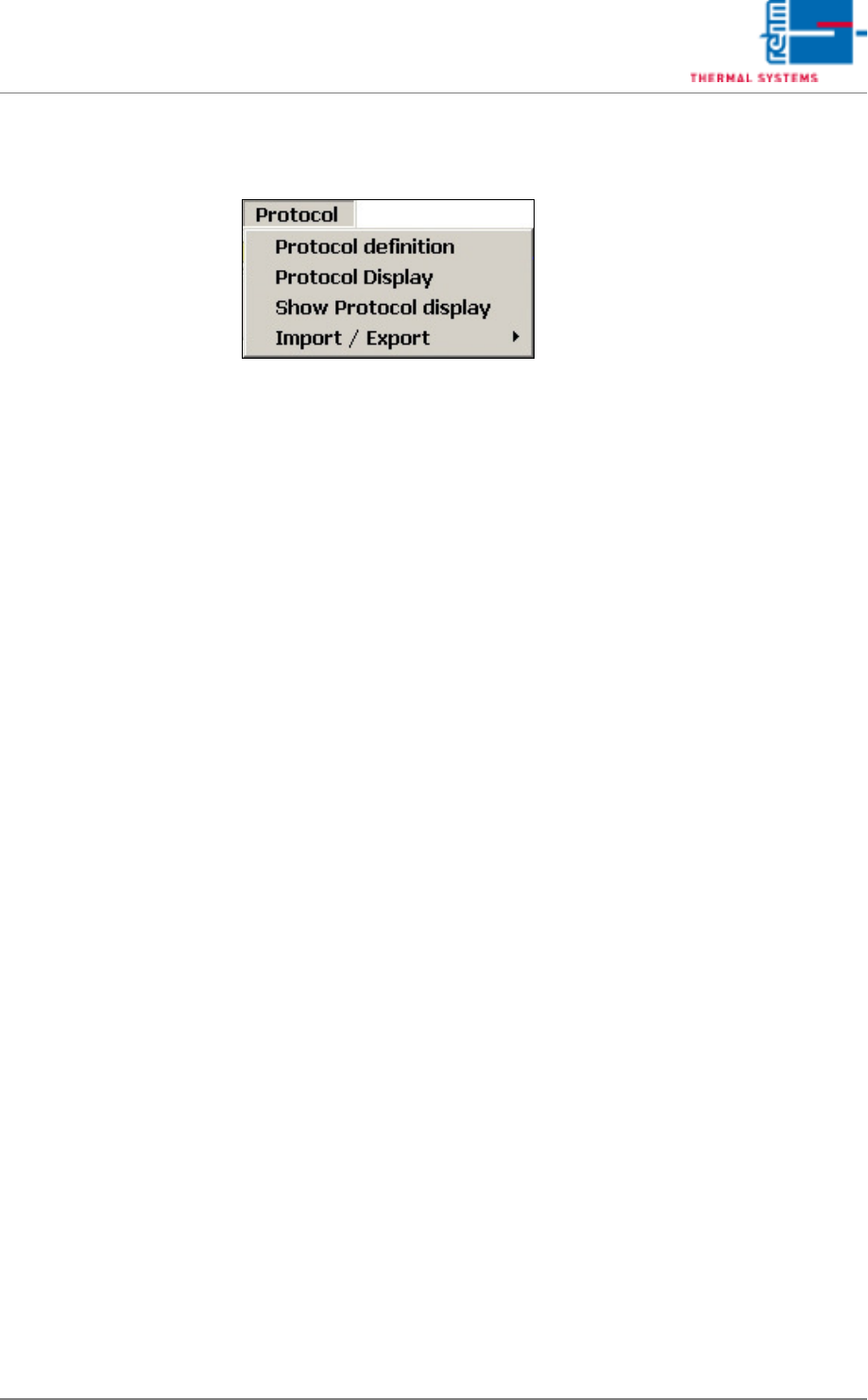
5.6 The Protocol Menu
All changes of status with regard to digital inputs and outputs, setpoints,
actual values, alarm values and defined program changes are documented
in the protocol.
A protocol is always generated when the switching status of a digital input or
output is changed. For example, this is the case when a button is clicked, or
when an error occurs which triggers an alarm.
Page 136 VISION XP+ VAC
5 Software
5.6 The Protocol Menu
Operating Instructions
Version 1.5
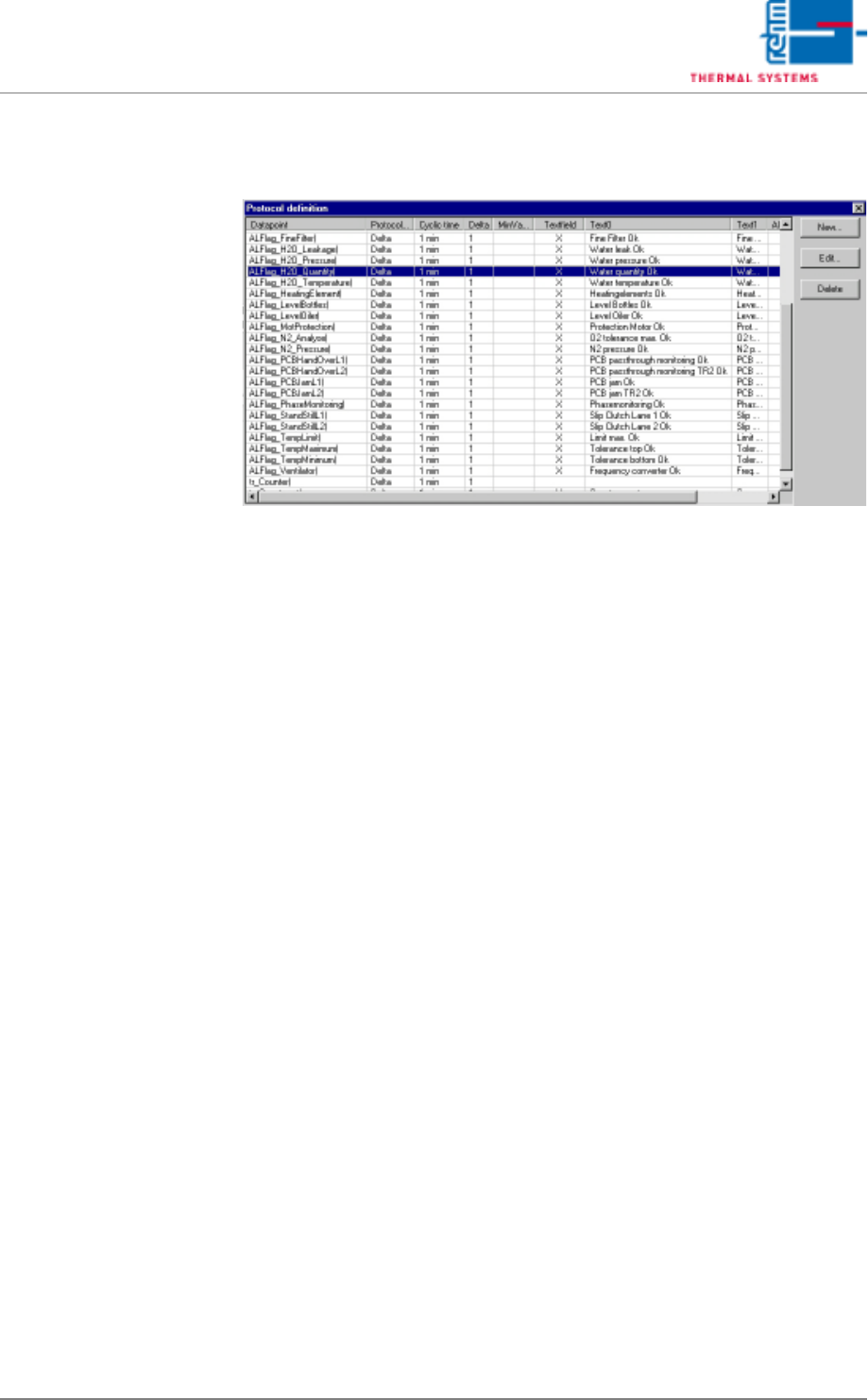
5.6.1 Protocol Definition
Fig. 5-61 Protocol Definition
Selected protocol data are displayed.
In addition to this, existing data points can be edited here, and new ones can
be entered for inclusion in the protocol. The New and Edit buttons are used
to this end.
Protocol generation is triggered if an event occurs. Statuses are appended
to the events. Related statuses are also logged when an event occurs. You
can trigger a protocol yourself as well.
Example
Event: temperature alarm
Related statuses: temperature zone 1, temperature zone 2, temperature
zone 3. When a temperature alarm is pending, temperatures in zones 1, 2
and 3 are logged as well.