OperationInstruction_Vsision XP.pdf - 第180页
Page 172 V ISION XP+ V AC 6 Rehm Recorder 6.4 File mode Operating Instructions V ersion 1.5 6.4.8 Show data points in table Fig. 6-2 8 Show data poi nts in tabl e Button " Show Grid " is also in " File Mod…
VISION XP+ VAC Page 171
6 Rehm Recorder
6.4 File mode
Operating Instructions
Version 1.5
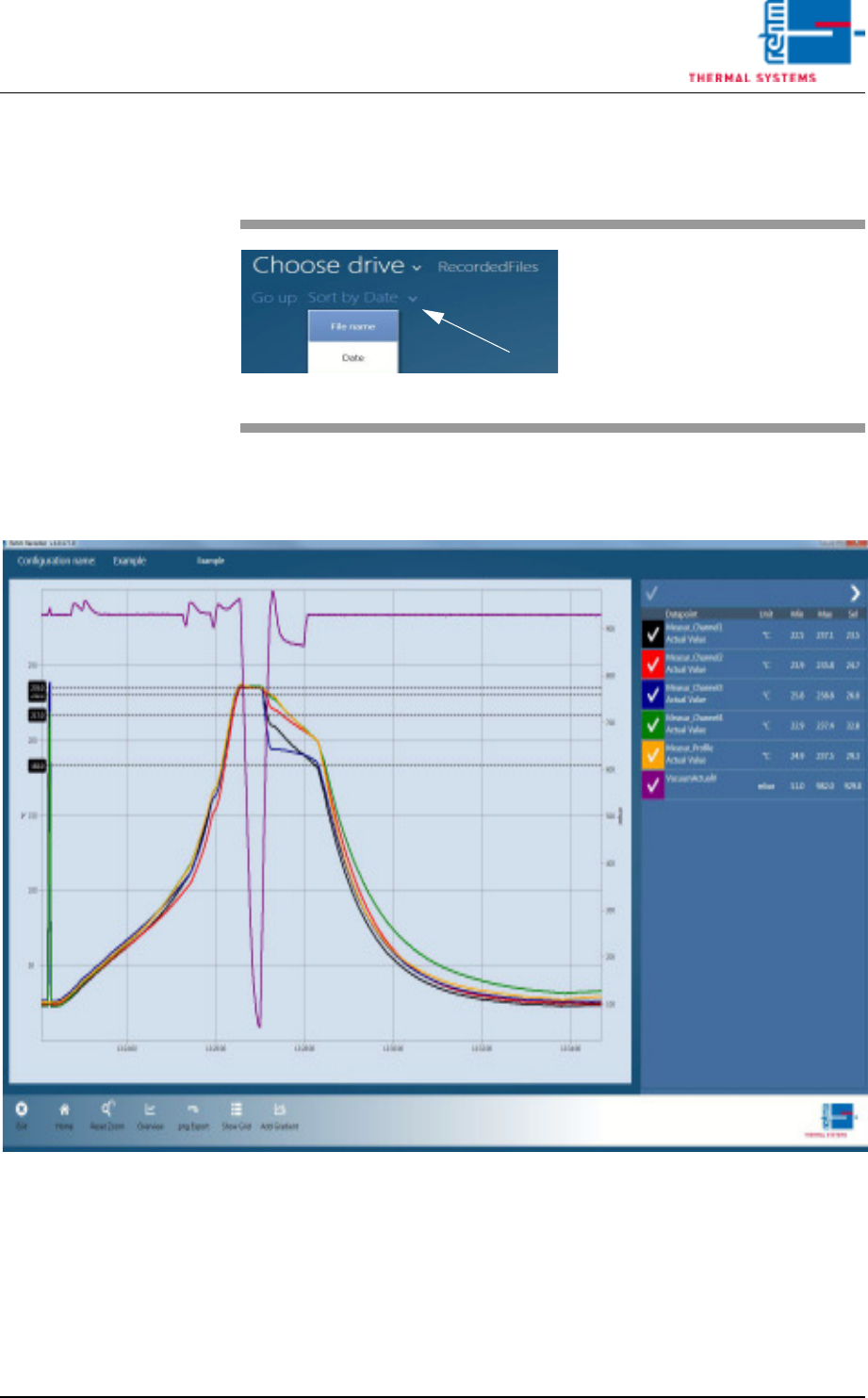
6.4.6 Sort
6.4.7 Show file
Fig. 6-27 Show file
Data is loaded into the chart once a record is selected in the file overview.
All functions that are also in "Live Mode" are then available to the user.
Fig. 6-26 Sort
The "Sort by …" button sorts the
records by file name or date de-
pending on setting.
The arrow at the end determines
whether sorting is ascending or de-
scending.
Page 172 VISION XP+ VAC
6 Rehm Recorder
6.4 File mode
Operating Instructions
Version 1.5
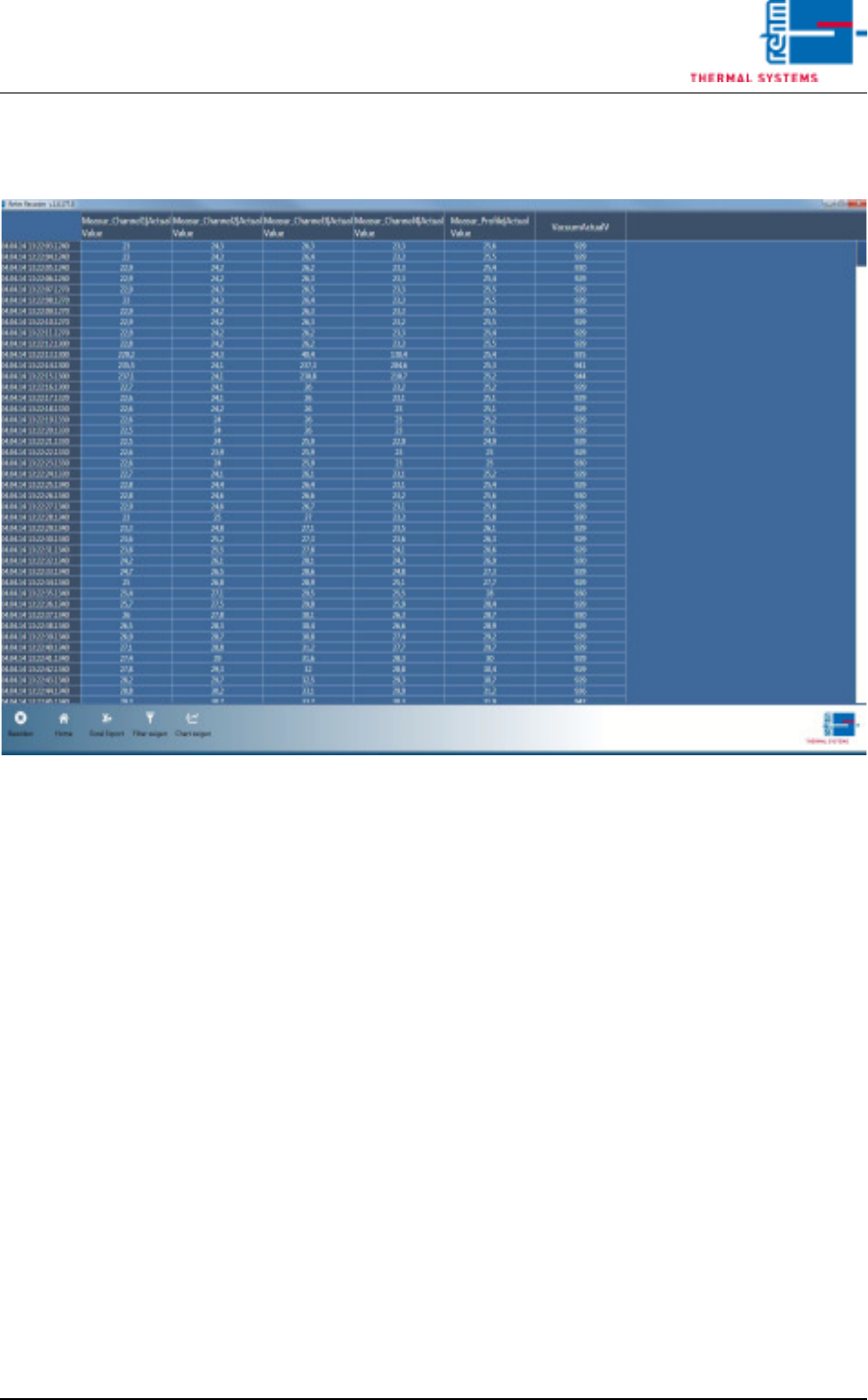
6.4.8 Show data points in table
Fig. 6-28 Show data points in table
Button "Show Grid" is also in "File Mode". This displays all values for all
data points in a table.
VISION XP+ VAC Page 173
6 Rehm Recorder
6.4 File mode
Operating Instructions
Version 1.5
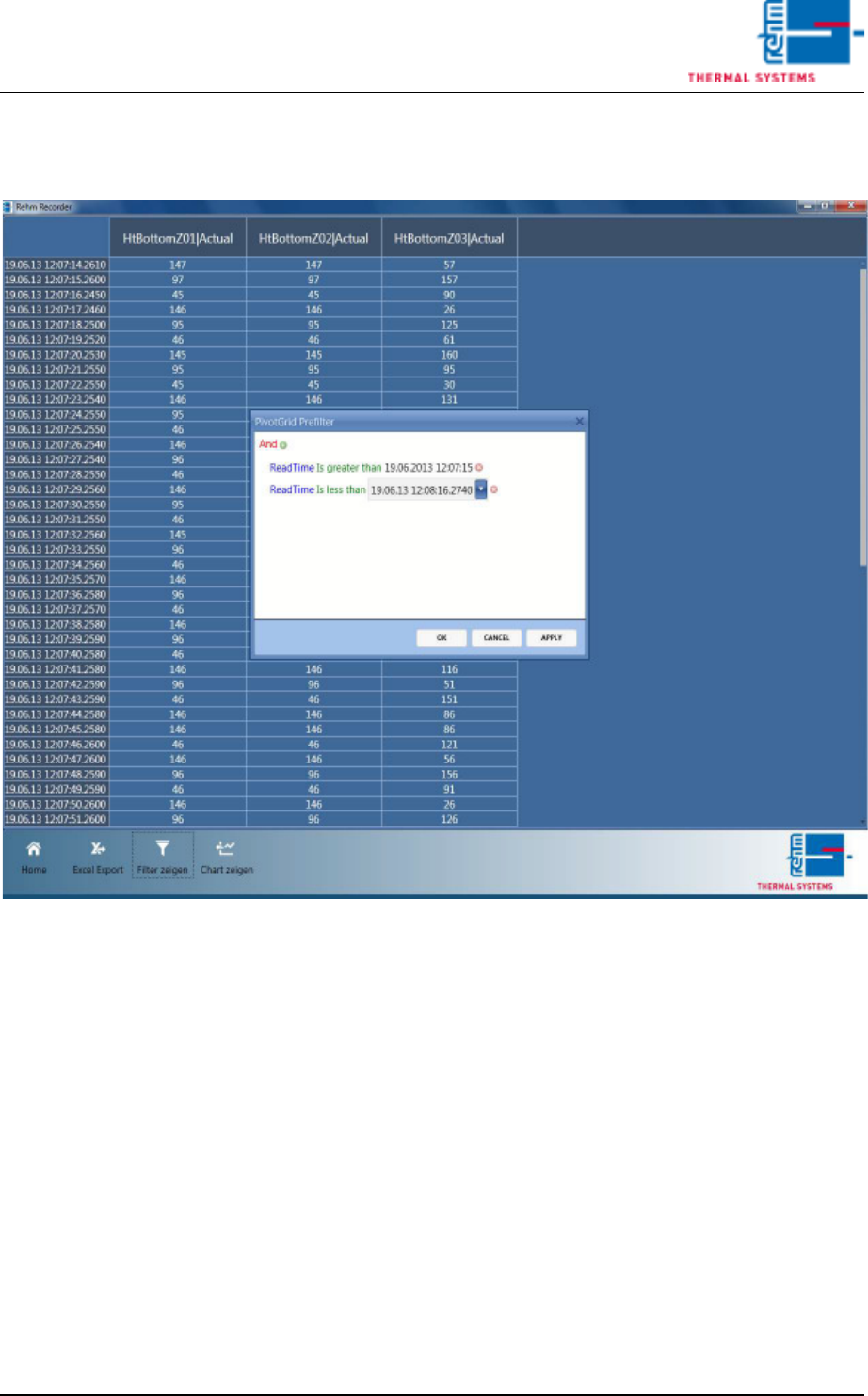
6.4.9 Filter data points
Fig. 6-29 Filter data points
Data points can be narrowed down using filter criteria.
6.4.10 Excel export of data points
The data points displayed in the table can be exported to an Excel file with
the "Excel Export" button. Only data currently being displayed in the table
is exported. This means if you have narrowed down the list accordingly using
a filter, only this data is exported.
The files are then stored in subfolder "ExcelExports" in the default path de-
fined in the settings.
The Excel file can then continue to be used without restriction in Excel.