OperationInstruction_Vsision XP.pdf - 第63页
Vision XP+ V AC Page 55 4 Equipment 4.4 The Process Chamber Operating Instructions V ersion 1.5 4.4 The Pro cess Cha mber The process zone is subdivided i nto the following se gments: inlet area, calming re gion (nitroge…
Page 54 Vision XP+ VAC
4 Equipment
4.3 Conveyor System
Operating Instructions
Version 1.5
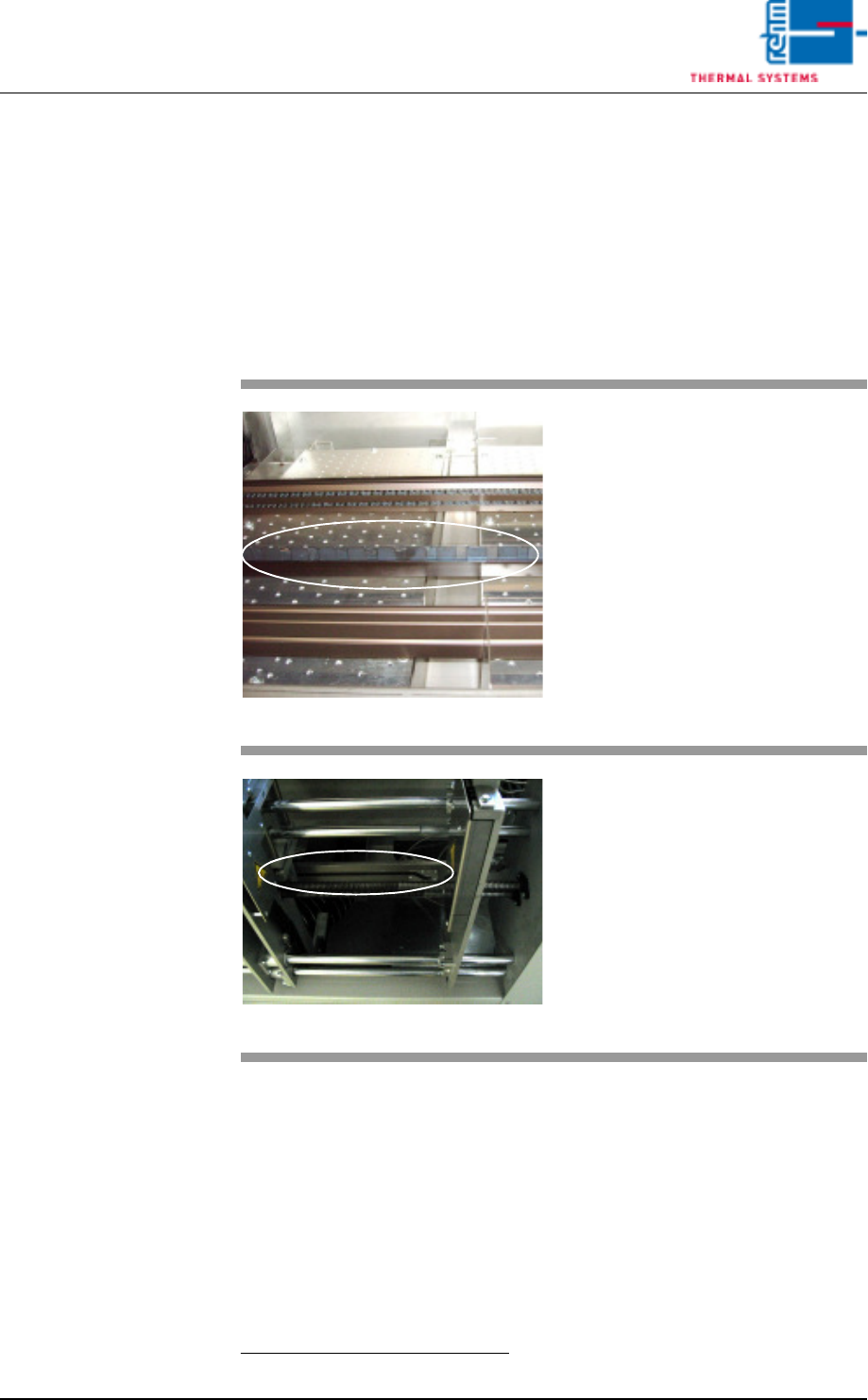
4.3.10 Center Support
The center support prevents the PCBs from sagging as a result of exposure
to heat.
The position of the CS
1
is entered directly to the PC as a setpoint (see
Fig. 5-11 Main Window, on page 85.).
Safety limit switches prevent violation of minimum and maximum values.
If the CS is not needed, it can be advanced to the parking position. The park-
ing position is at the fixed side panel.
1. CS = Center Support
Fig. 4-19 CS Leaf Chain
The PCBs are supported by the leaf
chain which is guided via an alumi-
num profile rail during transport
through the system. The center sup-
port and the chain conveyor are op-
erated synchronously.
Lash chain is led back outside pro-
cess chamber, under the oven.
Fig. 4-20 CS Height Adjustment
Height is adjusted by means of a
gate.
The gate is located at the mechani-
cal stations. The absolute rotary en-
coder used for acquiring travel is
next to the motor at the oven outlet.
Vision XP+ VAC Page 55
4 Equipment
4.4 The Process Chamber
Operating Instructions
Version 1.5
4.4 The Process Chamber
The process zone is subdivided into the following segments: inlet area,
calming region (nitrogen lock), heating chamber, cooling tract and outlet ta-
ble. The system’s modular design allows for flexible zone setups. This
means that the number of heating zones and the cooling tract can be better
adapted to the PCBs to be soldered.
Each individual segment can be opened manually for the performance of
maintenance work.
Please refer to the data sheet which is included in the documentation regard-
ing process chamber technical data. These data make reference to standard
system types, and may vary optionally depending upon provided system
equipment.
4.4.1 Opening/Closing the Process Chamber
The process chamber is opened and closed in a stepless fashion by means
of an electric motor. The entire process chamber cannot be opened manu-
ally.
4.4.2 Removing the System Hood
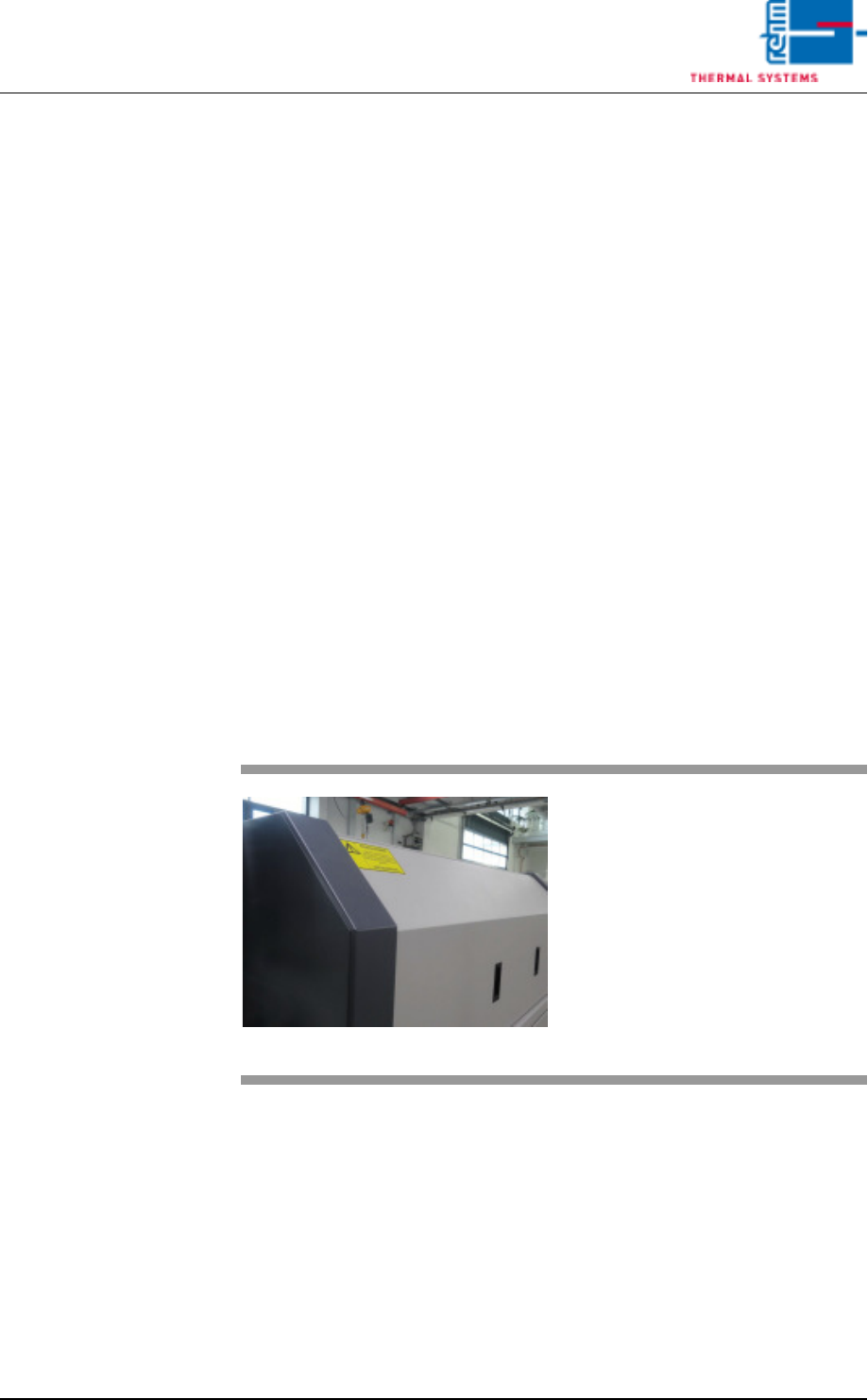
Fig. 4-21 Removing the System Hood
The system hoods are removed
manually.
They are opened to this end with the
appropriate wrench and then lifted
out.
Page 56 Vision XP+ VAC
4 Equipment
4.4 The Process Chamber
Operating Instructions
Version 1.5
4.4.3 Inlet Area
4.4.4 Sensors in the inlet area
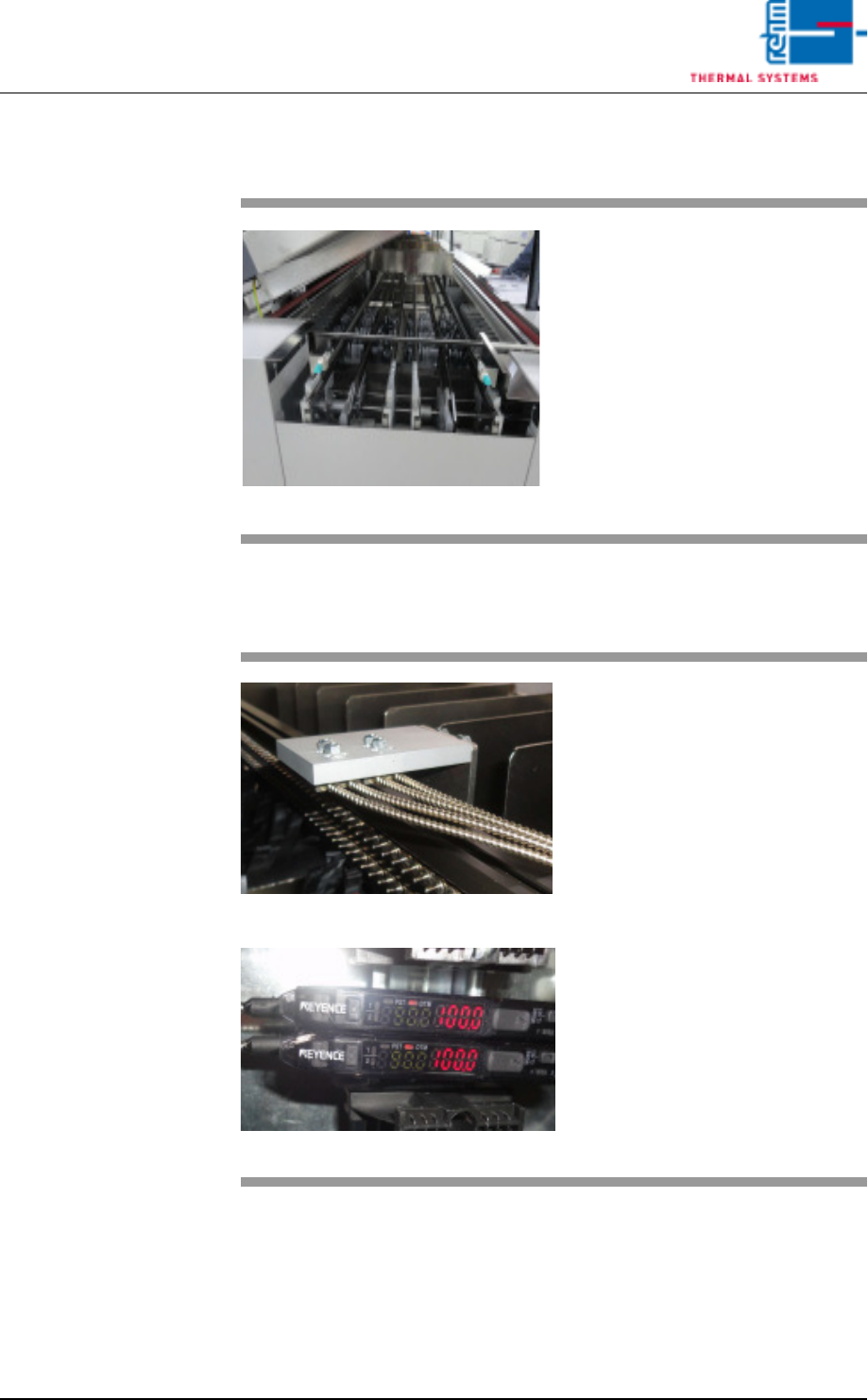
Fig. 4-22 Inlet Area
The inlet area includes the adjusting
mechanism for the conveyor sys-
tem, as well as the sensor for the in-
terfaces and for counting PCBs in
the system.
Escaping soldering vapors are
drawn off into a removable metallic
gauze filter located in the cover.
Fig. 4-23 Sensors at the Inlet area
Fig. 4-24 Sensors at the Inlet area
The plant infeed has an optical fibre
sensor for PC board identification.
The degree of soiling of the sensor
is determined via the light intensity.
Cleaning and setting is described in
detail in the “Maintenance" Chapter.