CP-7-series Verification System Instruction manual(2.0E).pdf - 第129页
16. PDT -3100 Setting Items Edition 2.0 118 CP-7-series V erification System Instruction Manual 16. PDT -3100 Setting Items 16.1 Automatic V erification Subject Slot Selection Function This function allows the PDT -3100 …

15. Explanation of Operation Screens
Edition 2.0 117 CP-7-series Verification System Instruction Manual
Screen Explanation
10
Indicates the Stage where barcode reading is to occur.
20
Switches the Stage where barcode reading is to occur.
Indicates whether reading is to occur at all slots or at selected slots .
30
ExplanationNo
60
Selects the reading results display mode.
70
Selects the Stage for which results are to be displayed.
80
Selects the Stage for which results are to be displayed.
110
Returns to the [Maintenance] screen.
40
Switches between an all slots and selected slots status with regard to slots where
reading is to occur.
50
Used to select the desired slots when a selected slots status is specified with
regard to slots where reading is to occur.
VT016Ea
After selecting the stage and slots where reading is to occur, this button is pressed
to enable the START button.
100
90
Pushing this button displays the screen for adjusting the feeder ID read system.
16. PDT-3100 Setting Items
Edition 2.0 118 CP-7-series Verification System Instruction Manual
16. PDT-3100 Setting Items
16.1 Automatic Verification Subject Slot Selection Function
This function allows the PDT-3100 to select the slots where verification is to occur. Because the
slot numbers are determined automatically, there is no need to read or enter slot numbers.
16.1.1 Screen Access
At Handy Terminal’s [Main Menu], select [SET ENVIRONMENT] to display this setting
screen.
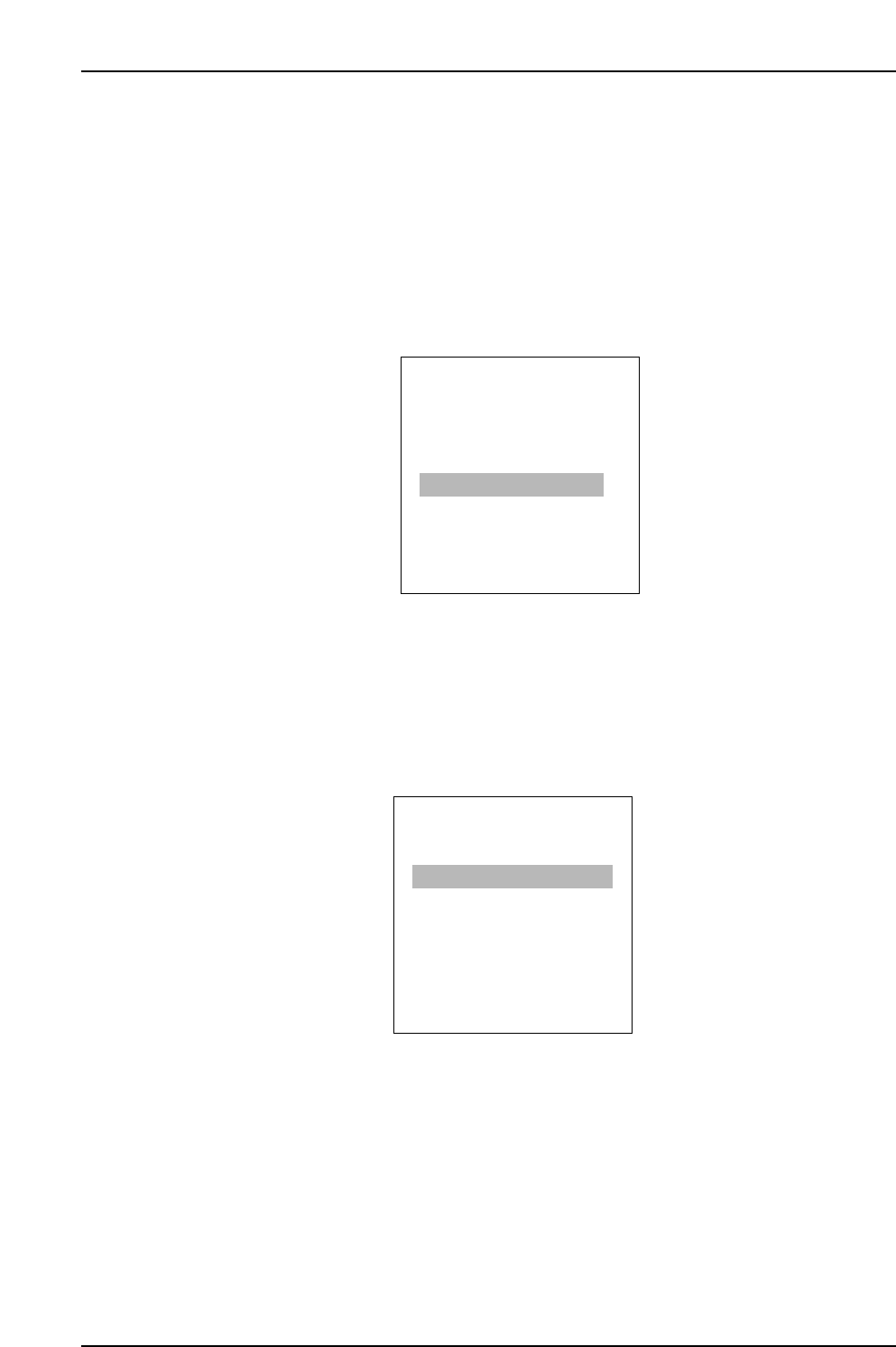
PDT-3100’s [Main Menu] Screen
When the setting screen displays, select the desired setting, then press [ENTER].
[FOLLOW OPERATIONS]: Mode in which the operator determines the verification
subject slots.
[FOLLOW DIRECTIONS]: Mode in which PDT-3100 automatically determines the
verification subject slots.
PDT-3100’s [SET ENVIRONMENT] Screen.
ENTER/QUIT:
[SET ENVIRONMENT]
1. FOLLOW OPERATIONS
2. FOLLOW DIRECTIONS
SELECT NO.=v
▼▲
CP7V0035a
▲
ENTER
[MAIN MENU]
3. SET VERIFY RECIPE
4. PALLET SUPPLY
5. TEST READ
6. SET ENVIRONMENT
7. TRY COMMUNICATION
SELECT NO.=v
▼▲
CP7V0034

CP-7-series Verification System
Instruction Manual
Edition 1.0 February 20, 2003
Edition 2.0 July 30, 2003
FUJI Machine Manufacturing Co., Ltd.
SMT Equipment
19 Chausuyama, Yamamachi, Chiryu,
Aichi Prefecture, 472-8686 Japan
Copyright 2003 by Fuji Machine Manufacturing Co., Ltd.
Printed in Japan
The FUJI Internet
Fuji Internet aims at providing up-to-date information to our
customers in the most efficient manner. This site makes a range
of services available, from manual updates and virtual training,
to online technical reports. Fuji hopes that this site will be used
as a source of information in addition to the services provided
by your agent. Fuji Internet is located at http://www.fuji.co.jp/
Fuji Internet membership is required to access the Technical
Information section of the site. Please contact your agent for
membership details.
Any comments or opinions regarding this document can be sent
to intnetqst@fuji.co.jp