N7201A304E05(1)_0.pdf - 第127页
NPM LNB 3.4 Result Information Display EJM9BE-MB-03L-20 Page 3-35 Misjudgment report 1 Click [Misjudgment report]. ∗ In advance, select the target data following the above “Selecting the t arget data for report” proced…
NPM
LNB
3.4 Result Information Display
Page 3-34 EJM9BE-MB-03L-20
lnb3-4019_e
lnb3-4020_e
NPM
LNB
3.4 Result Information Display
EJM9BE-MB-03L-20 Page 3-35
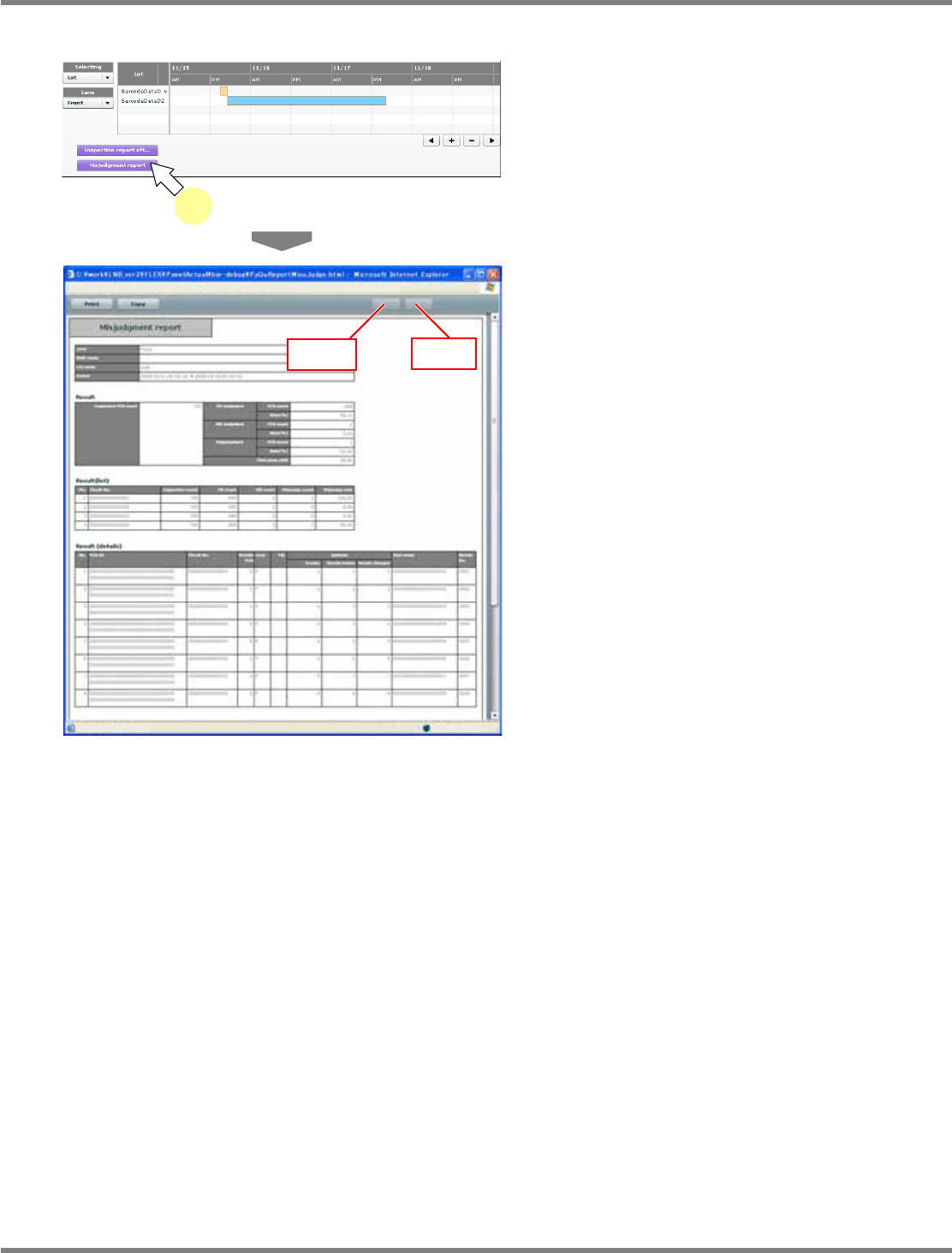
Misjudgment report
1
Click [Misjudgment report].
∗
In advance, select the target data following
the above “Selecting the target data for report”
procedure.
•
The report by misjudgment is displayed in the
new window.
•
The inspection result, the inspection result
(list), and the inspection result (details) are
displayed in tabular form.
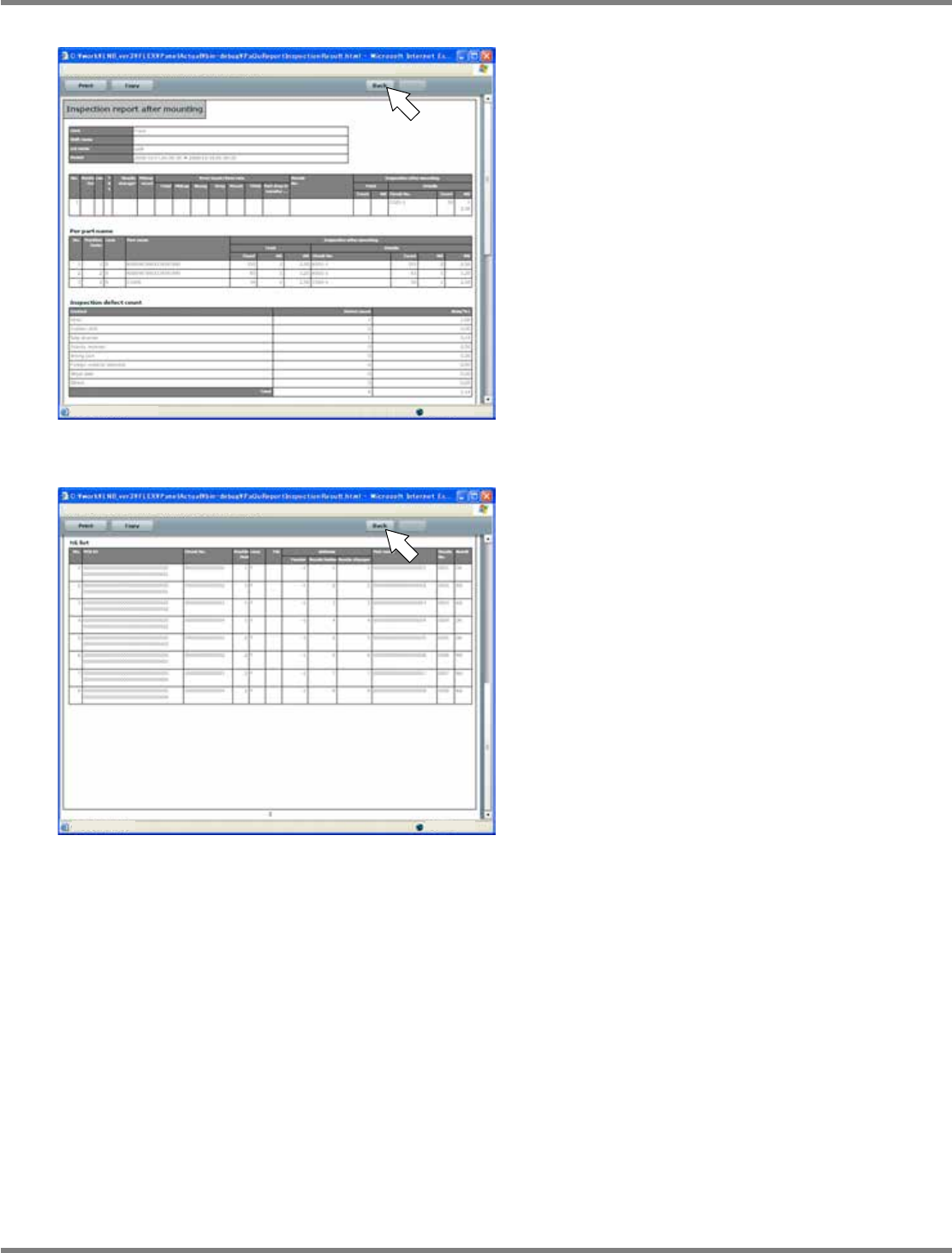
When the results are spread over two or more
pages, you can use [Back] and [Next] to turn
the pages.
lnb3-4016_e
1
lnb3-4021_e
[Back]
[Next]
NPM
LNB
3.4 Result Information Display
Page 3-36 EJM9BE-MB-03L-20
⑤
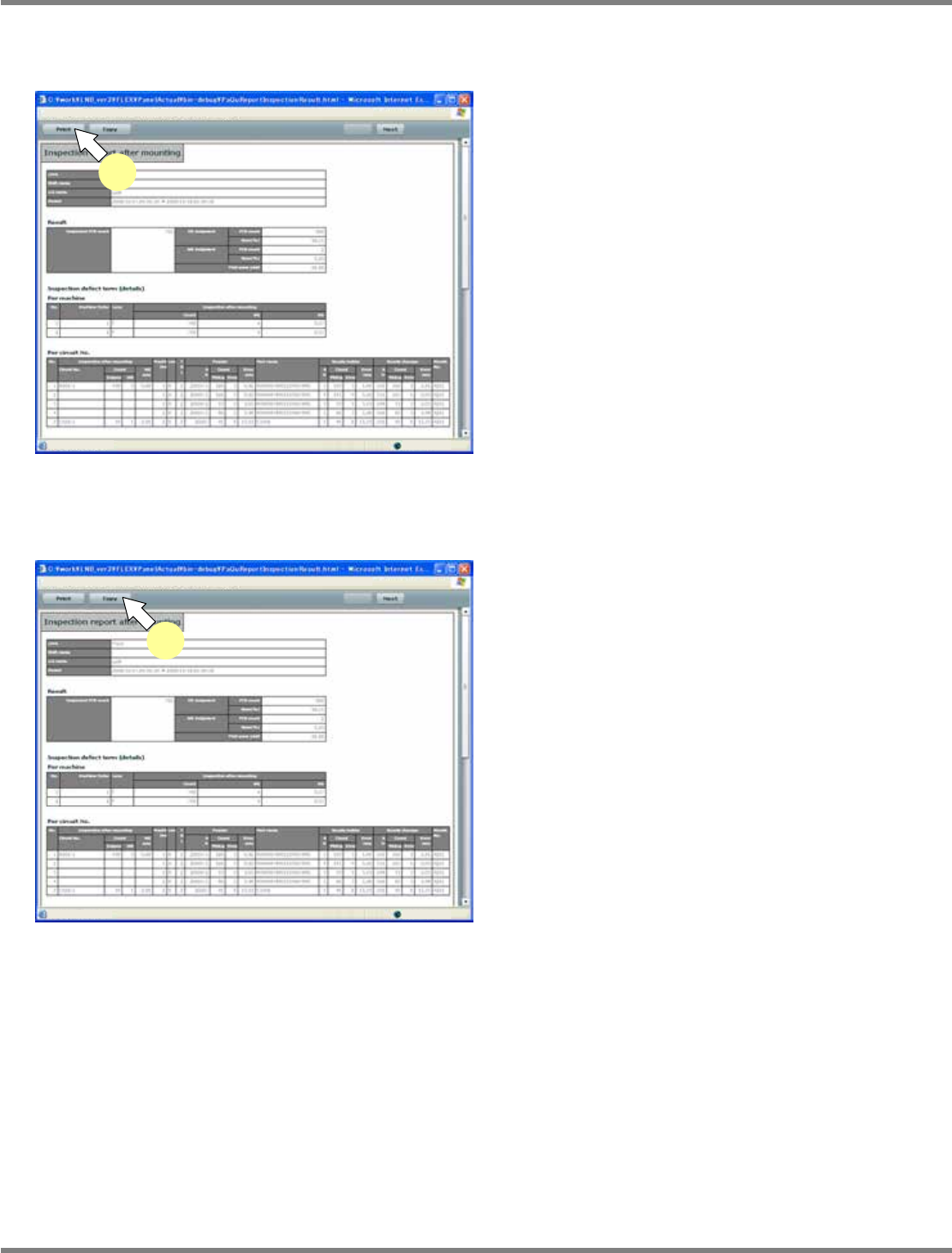
Printing the report and copying to the clipboard
Print
1
Click [Print].
•
Click the [Print] button on the post-placement
inspection result report or the misjudgment
report screen.
All the pages of inspection results are printed.
The settings of the default printer are used in
printing.
Copying to the clipboard
1
Click [Copy].
•
Click the [Copy] button on the post-placement
inspection result report or the misjudgment
report screen.
All the pages of inspection results are copied to
the clipboard as CSV data.
The data on the clipboard can be pasted on
Excel or text files.
lnb3-4017_e
1
lnb3-4017_e
1