N7201A304E05(1)_0.pdf - 第128页
NPM LNB 3.4 Result Information Display Page 3-36 EJM9BE-MB-03L-20 ⑤ Printing the report and copy ing to the clipboard Print 1 Click [Print]. • Click the [Print] button on the post-placement inspection result report or …
NPM
LNB
3.4 Result Information Display
EJM9BE-MB-03L-20 Page 3-35
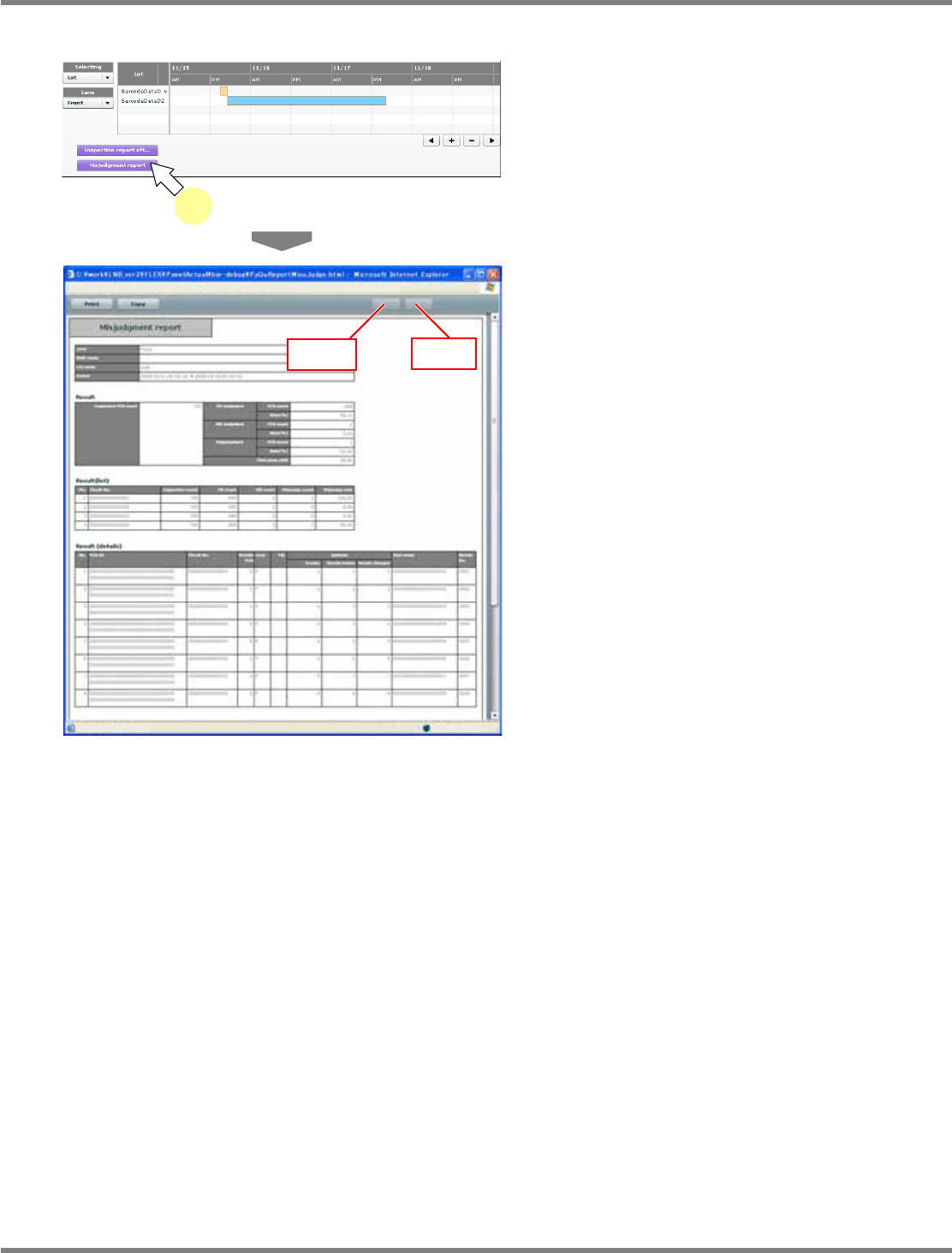
Misjudgment report
1
Click [Misjudgment report].
∗
In advance, select the target data following
the above “Selecting the target data for report”
procedure.
•
The report by misjudgment is displayed in the
new window.
•
The inspection result, the inspection result
(list), and the inspection result (details) are
displayed in tabular form.
When the results are spread over two or more
pages, you can use [Back] and [Next] to turn
the pages.
lnb3-4016_e
1
lnb3-4021_e
[Back]
[Next]
NPM
LNB
3.4 Result Information Display
Page 3-36 EJM9BE-MB-03L-20
⑤
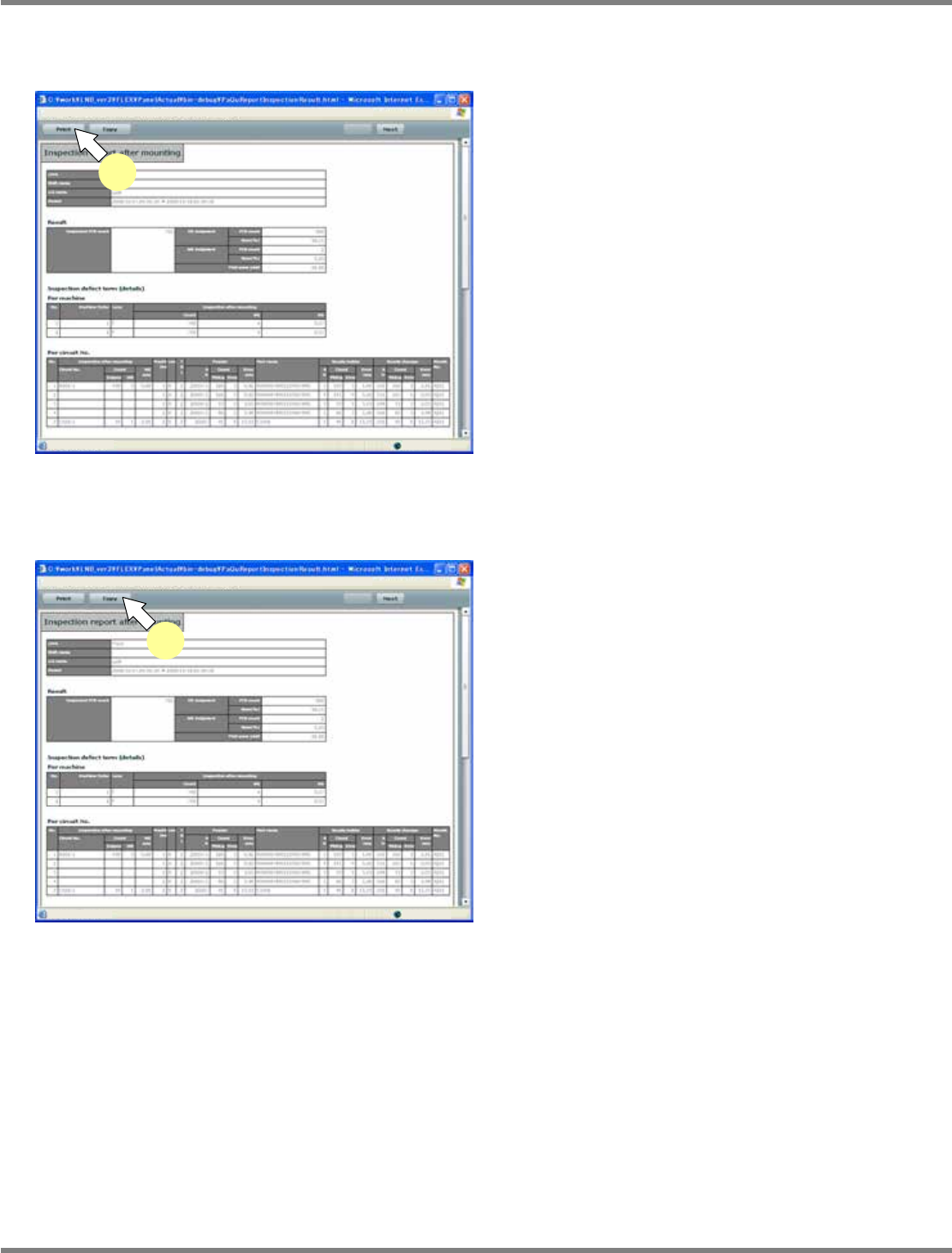
Printing the report and copying to the clipboard
Print
1
Click [Print].
•
Click the [Print] button on the post-placement
inspection result report or the misjudgment
report screen.
All the pages of inspection results are printed.
The settings of the default printer are used in
printing.
Copying to the clipboard
1
Click [Copy].
•
Click the [Copy] button on the post-placement
inspection result report or the misjudgment
report screen.
All the pages of inspection results are copied to
the clipboard as CSV data.
The data on the clipboard can be pasted on
Excel or text files.
lnb3-4017_e
1
lnb3-4017_e
1
NPM
LNB
3.4 Result Information Display
EJM9BE-MB-03L-20 Page 3-37
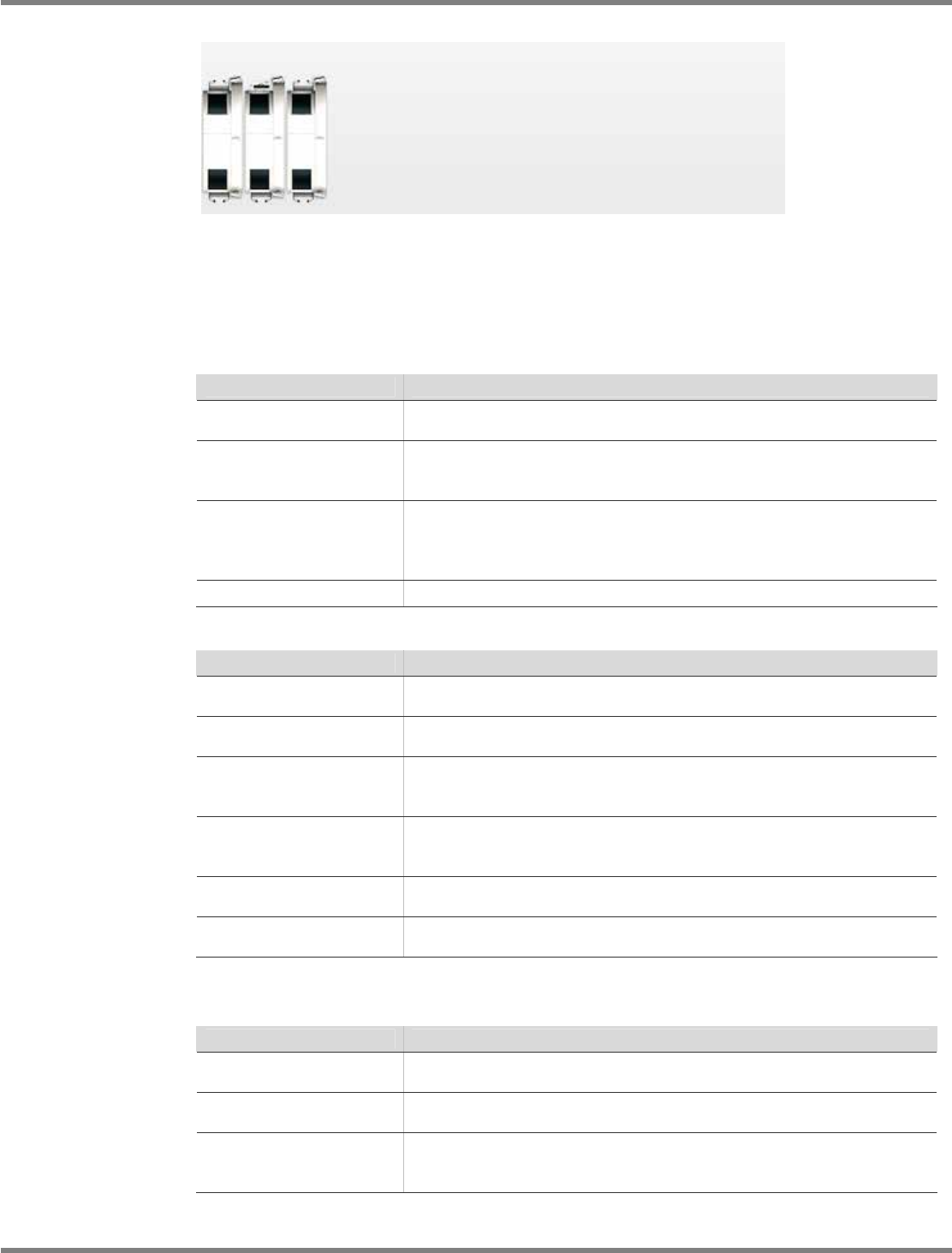
B) Line status monitor section
The images of the machines composing the line are displayed in the line status monitor section.
C) Displayed contents of reports
①
Post-placement inspection result report
Report
Explanation
Inspection result
The inspection result data is summarized and displayed.
It is for the whole of the target line that values are displayed.
Inspection defect items
(details)
The inspection result data is summarized and displayed.
Those by machine/circuit number/feeder/nozzle holder/nozzle
changer/parts name are summarized and displayed.
Inspection defect count
The inspection result data is summarized and displayed for each
inspection defect item.
For the inspection defect items, see “Inspection defect item list”
below.
NG result list
NG inspection items are displayed in list form.
Inspection defect item list
Item
Explanation
Component presence
Number of errors in the inspection for component presence that
determines and judges the area value by using the image data.
Displacement
Number of errors in the inspection for component position that
judges the coordinates recognized by using the image data.
Flip-over
Number of errors in the inspection for flip-over that extracts the
component color, and determines and judges the area value by
using the image data.
Polarity reversal
Number of errors in the inspection for polarity reversal that extracts
the component color, and determines and judges the area value by
using the image data.
Wrong component
Number of errors in the inspection for wrong component that judges
the evaluated value in template matching.
Foreign body detection
Number of detections of components and foreign bodies dropped on
PCB before placement.
②
Misjudgment report
Report
Explanation
Inspection result
The inspection result data is summarized and displayed.
It is for the whole of the target line that values are displayed.
Inspection result (list)
The inspection result data is summarized and displayed.
Values are summarized for each circuit number.
For each circuit number
The inspection result data is displayed for each circuit number.
The display includes the feeder, nozzle holder, nozzle changer, and
parts name information.
lnb3-4022_e