N7201A304E05(1)_0.pdf - 第93页
NPM LNB EJM9BE-MB-03L-20 Page 3-1 3. TOOL This chapter explains the tool functions of Line Network Box (browsing the production management information or the event inform ation, printing the production machine screen, an…
NPM
LNB
2.5 Initial Setting
Page 2-22 EJM9BE-MB-02L-20
∗
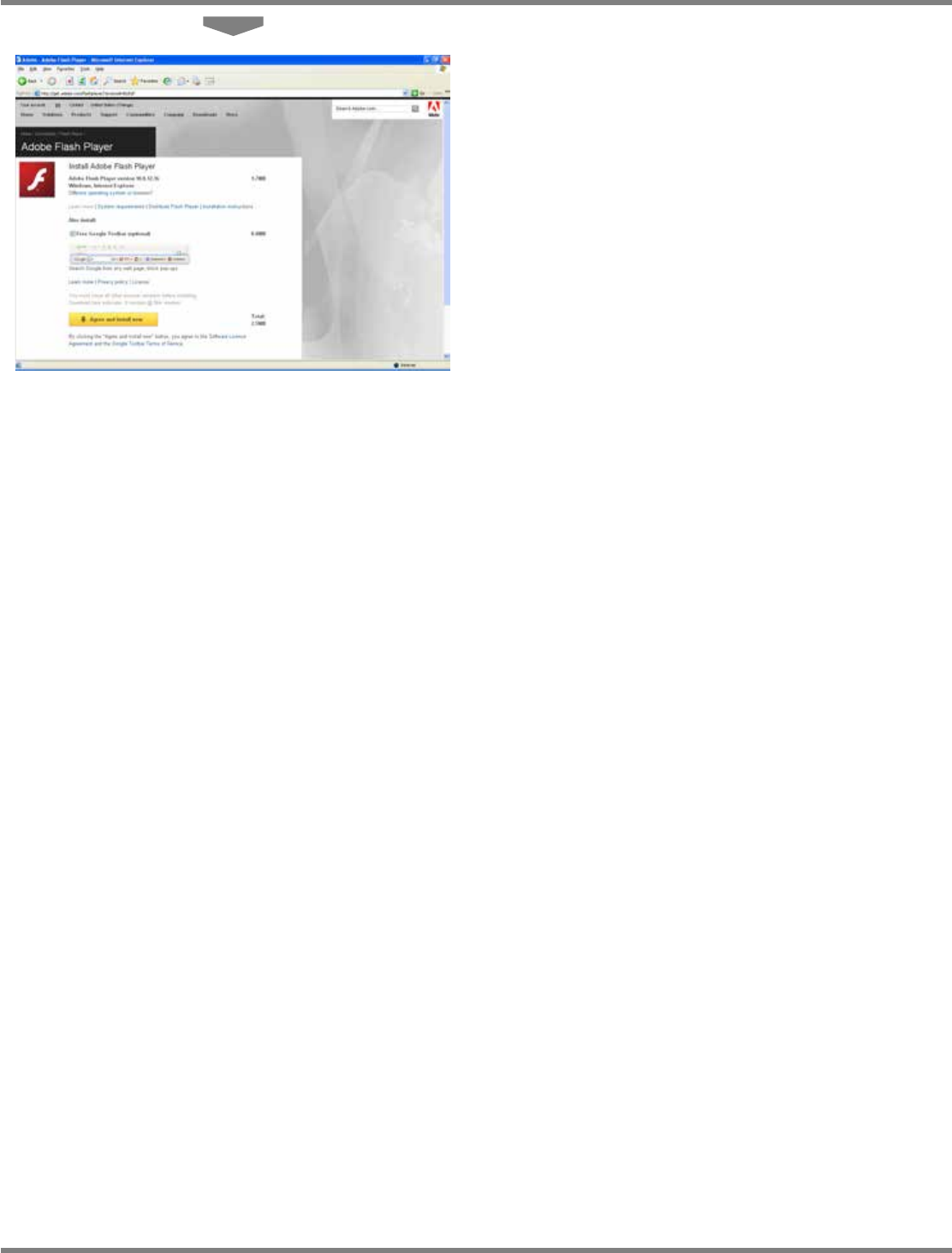
For the subsequent steps, see <step 3> or
later in the above “A) When the Internet
access is available, c Installing Flash Player
in advance.”
lnb2-4002_e

NPM
LNB
EJM9BE-MB-03L-20 Page 3-1
3. TOOL
This chapter explains the tool functions of Line Network Box (browsing the production
management information or the event information, printing the production machine
screen, and displaying the result information).
NPM
LNB
3.1 Production Management Information
Page 3-2 EJM9BE-MB-03L-20
3.1 Production Management Information
3.1.1 Browsing the Production Management Information
You can browse the production management information.
The production management information that LNB controls is compiled by lot and by shift.
Even if production management information is cleared on the machine screen during the
compiling, compiled data in LNB is not cleared but accumulated constantly.
The production management information displayed on LNB contains data compiled prior to
clearing and therefore is different from that of the machine which only contains only the data
compiled after clearing.
Type
Description
By lot
The process of compiling continues as long as the same production data is
downloaded. It is cleared at the time of changeover. The time of changeover is
a time when LNB starts to download production data different from the one
that is currently downloaded.
By shift
The process of compiling continues during the set shift in the timetable setting.
It is cleared when the shift is changed.
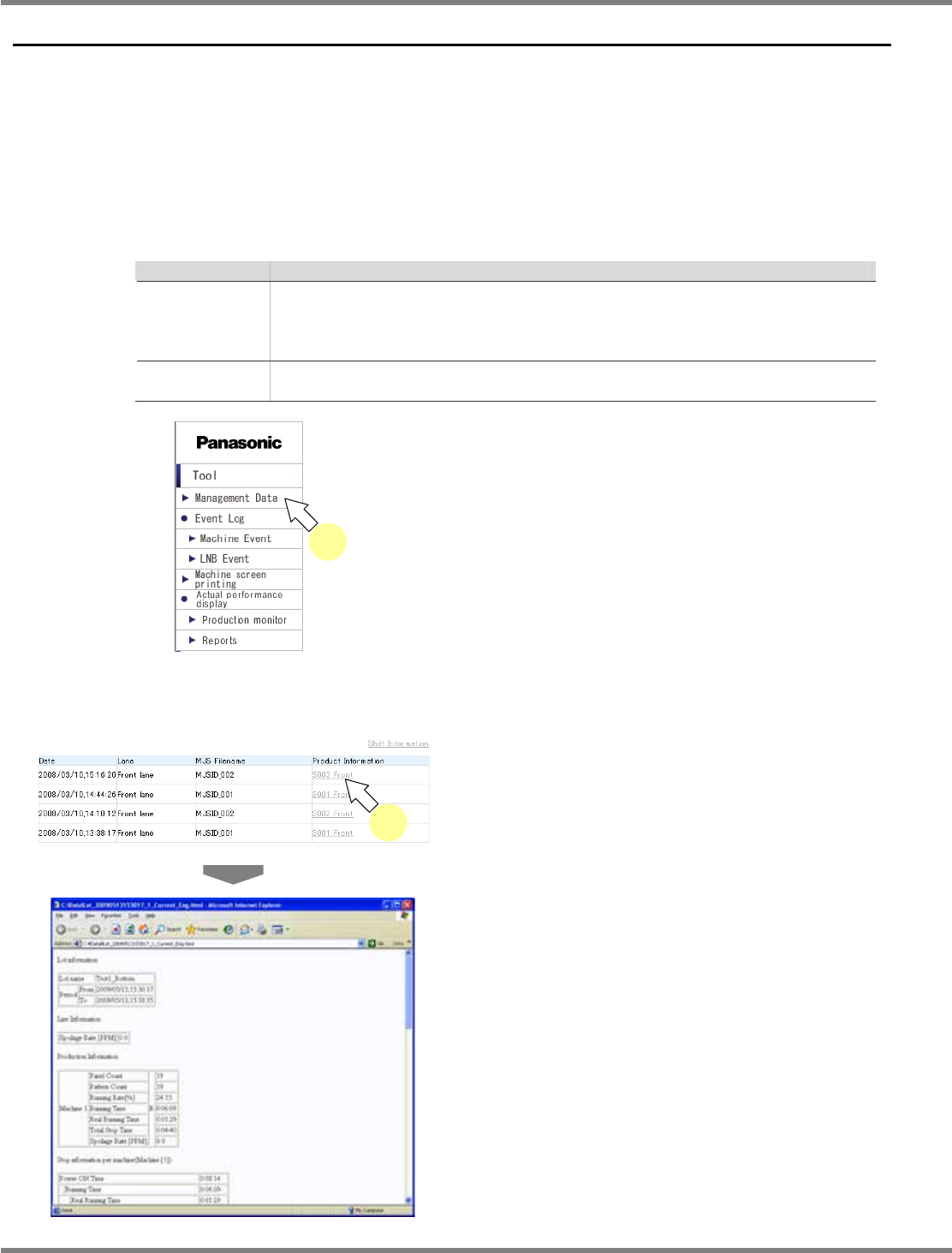
1
Choose [Management Data] from the
menu.
•
The list of production data is displayed.
A) When the displayed information is <Lot information> list
2
Select the desired production
information from the lot information
list.
•
The past one week’s production management
information of the selected lot is displayed in
the new window.
LNB3-1003_E
lnb3-1002_e
2
lnb3-1001_e
1