CP43操作手册.pdf.pdf - 第119页
Chapter 7 Fiducial Mark Recovery Command Part 2 Screen Display If a fiducial mark is not read, * * * * displays in OFST in memory . When all marks are r ead properly , Data Set command becomes invalid to maintain accurac…
Chapter 7 Fiducial Mark Recovery CommandPart 2
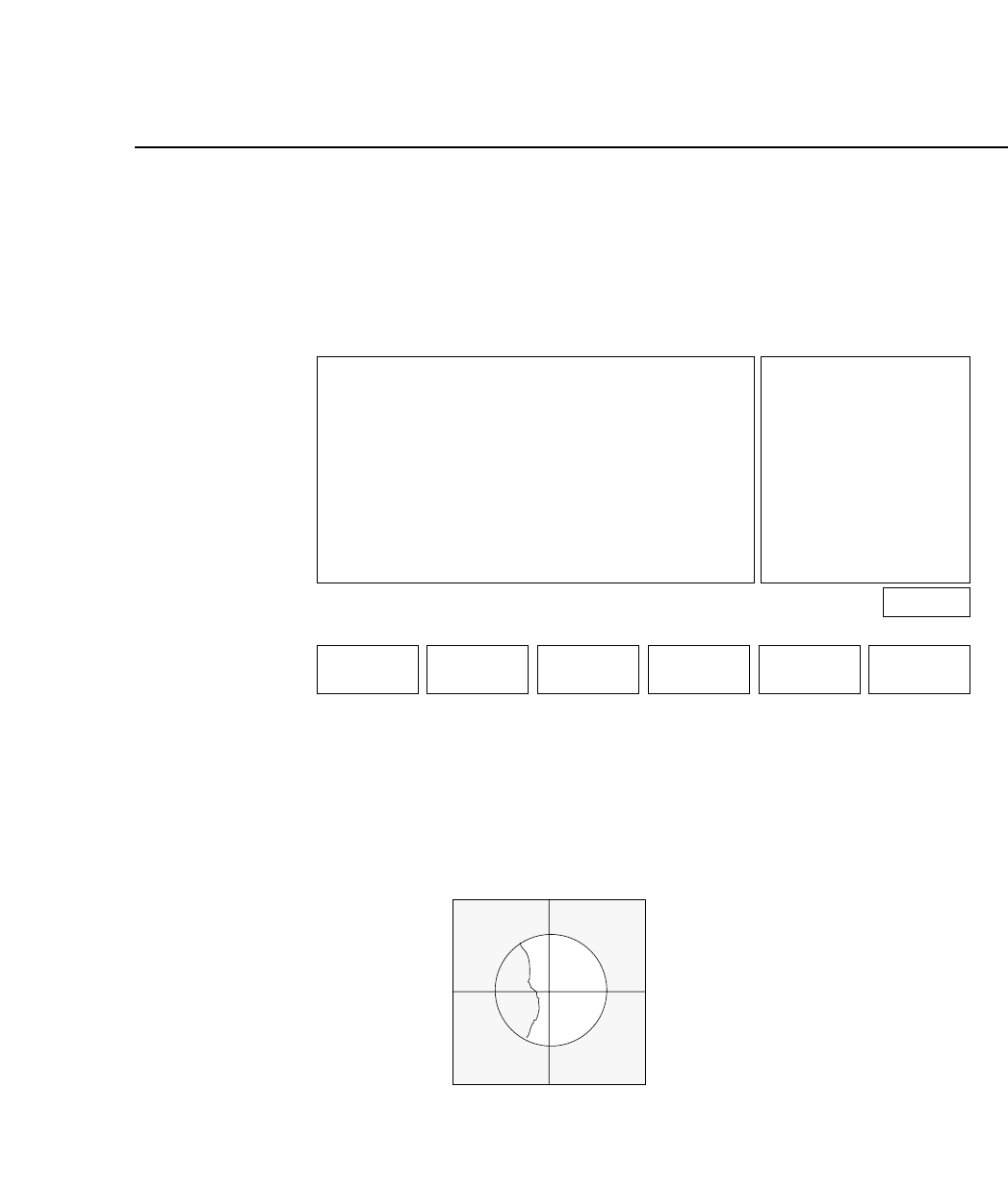
7.3.2 Mark Editor Screen
When the last bit of "Machine_Status A" in the Proper data is set to
"1", just press the Reset switch to display the Mark Editor screen
after a mark read error occurs.
As soon as the Mark Editor screen displays, turn on the fiducial
mark lamp to read the mark. A cross-hair will also display on the
vision processing monitor.
Vision Processing Monitor
Page 130
RETURN
SPEED
MARK EDITOR
SEQUENCE NO. 1 MARK NO. 1
SERVO POS.
PROGRAM
OFST in MEMORY
X DATA
− 1020
− 1000
20
Y DATA
2525 [0.01mm]
2520 [0.01mm]
5 [um]
Ready
SET DATA SKIP BRIGHT
2 – 50Version 5.0
FCP IV-3 Operation
Chapter 7 Fiducial Mark Recovery CommandPart 2
Screen Display
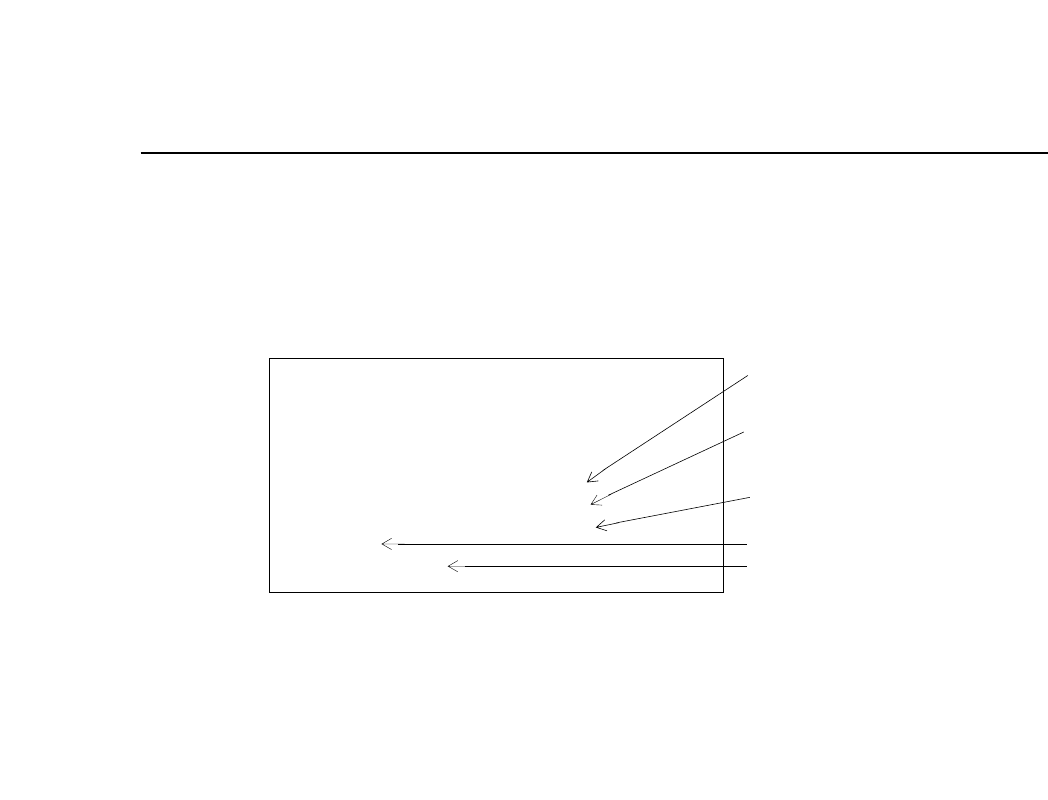
If a fiducial mark is not read, * * * * displays in OFST in memory.
When all marks are read properly, Data Set command becomes invalid
to maintain accuracy.
If there are any fiducial marks which have not been read, Skip command
becomes invalid for the board. (Because of lack of data to calculate OFST
in memory.)
MARK EDITOR
SEQUENCE NO. 1 MARK NO. 1
SERVO POS.
PROGRAM
OFST in MEMORY
SET DATA
Invalid Command
X DATA
− 1000
− 1000
20
Y DATA
2525
2520
5
Real time counter
of XY axes position
Fiducial mark
coordinates
Offset in memory
* When skipping a mark, a correction value is calculated
using the OFST in MEMORY data. For manual input, OFST
in MEMORY will include the difference between the current
position data and specified mark coordinates.
Status
Error message
2 – 51Version 5.0
FCP IV-3 Operation

Chapter 7 Fiducial Mark Recovery CommandPart 2
7.3.3 Description of Commands
Set data: Use this command to manually specify the fiducial mark
coordinates. Pressing this key changes the OFST in
memory value to the difference between the mark
sequence coordinates and the current position
coordinates. This key is not displayed on the screen
when all fiducial marks have been read properly.
When current position adjustment is needed, perform
inching and then press the Set Data key.
If the difference between mark sequence coordinates and
current position coordinates is bigger than the camera
F. O. V., the machine recognizes it as an input error and
the message Input error displays.
When data setting is complete, Set data displays on the
screen.
Press the Set Data key again to cancel the manual entry
mode. The Set data display disappears.
If the operator starts automatic operation after cancelling
manual entry, the machine will start to read the mark.
Page 130
RETURN
SPEED
MARK EDITOR
SEQUENCE NO. 1 MARK NO. 1
SERVO POS.
PROGRAM
OFST in MEMORY
X DATA
− 1020
− 1000
20
Y DATA
2525 [0.01mm]
2520 [0.01mm]
5 [um]
Ready
SET DATA SKIP BRIGHT
2 – 52Version 5.0
FCP IV-3 Operation