CP43操作手册.pdf.pdf - 第82页
Chapter 1 Automatic Operation Part 2 Enter Parts set on original table? Original table moves to part picking position Produce board Have parts run out? Board change A Original table moves to resupply position Parts set o…
Chapter 1 Automatic OperationPart 2
1.5 Device Table Mode
On the FCP IV-3 there are three device table modes: joint mode, device
change mode and changeover mode. An explanation of each mode
follows.
1.5.1 Joint Mode
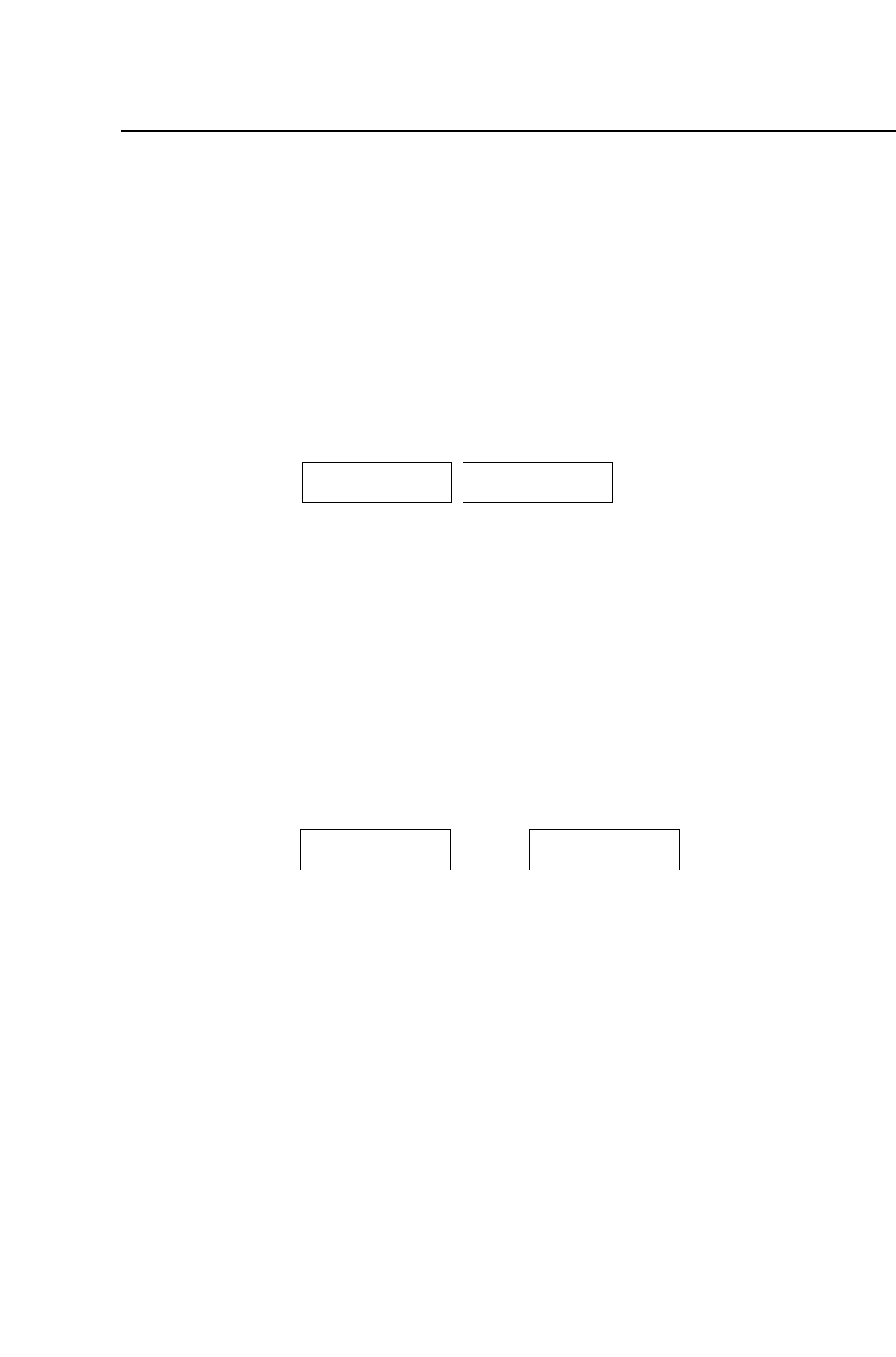
Tables 1 and 2 move jointly essentially as one large table capable of
handling up to 160 devices.
This mode is used in programs with a large number of parts.
Table 1 Table 2
View from the rear "Joint Mode"
The device table from which parts are being picked is referred to as
the "production table" while the table from which parts are not
being picked is called the "follow-up table".
1.5.2 Device Change Mode
Tables 1 and 2 are used separately. A maximum of 80 devices is
possible on each table. Either table 1 or 2 can be used, and the table
not in use is referred to as the spare table.
This mode can be used to eliminate down time on the production
line.
Table 1 Table 2
Original Table Spare Table
View from the rear "1A 2A"
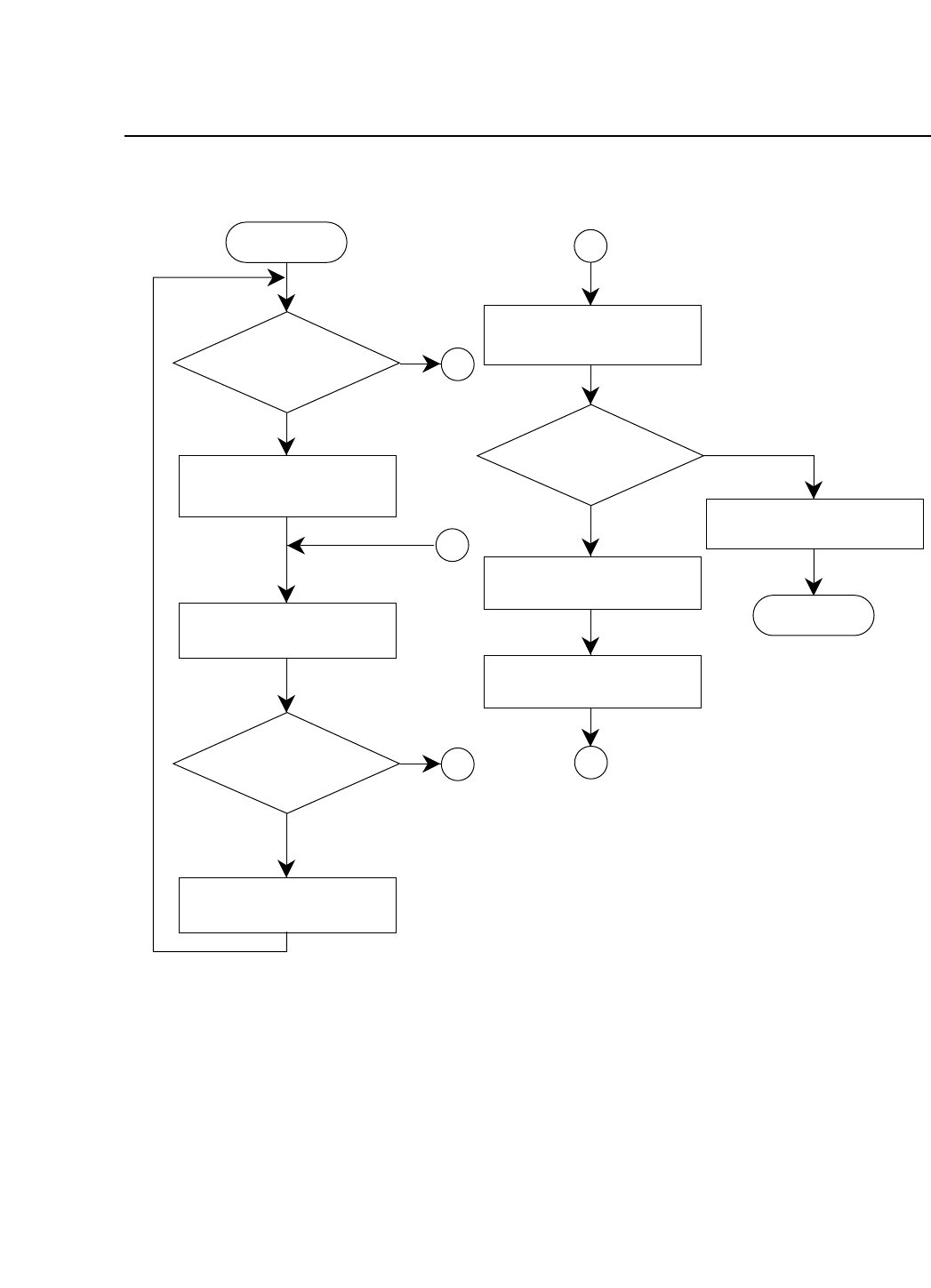
The following flowchart shows how the tables are used when
operating in the device change mode.
Version 2.0
FCP IV-3 Operation
2 – 13
Chapter 1 Automatic OperationPart 2
Enter
Parts set on
original table?
Original table moves to
part picking position
Produce board
Have parts run out?
Board change
A
Original table moves to
resupply position
Parts set on
spare table?
Spare table becomes
original table
B
Exit
B
A
YES
NO
YES
NO
A
NO
Original table moves to
part picking position
Display parts
resupply message
2 – 14Version 2.0
FCP IV-3 Operation
Chapter 1 Automatic OperationPart 2
1.5.3 Changeover Mode
Tables 1 and 2 are used separately. A maximum of 80 devices is
possible on each table. Either table 1 or 2 can be used and the other
table can be prepared for use with the next production program.
When the program is changed the next device table moves to its
part picking position. The table used until now moves to
resupplied pos.
This is useful for when the operator has many small production
runs.
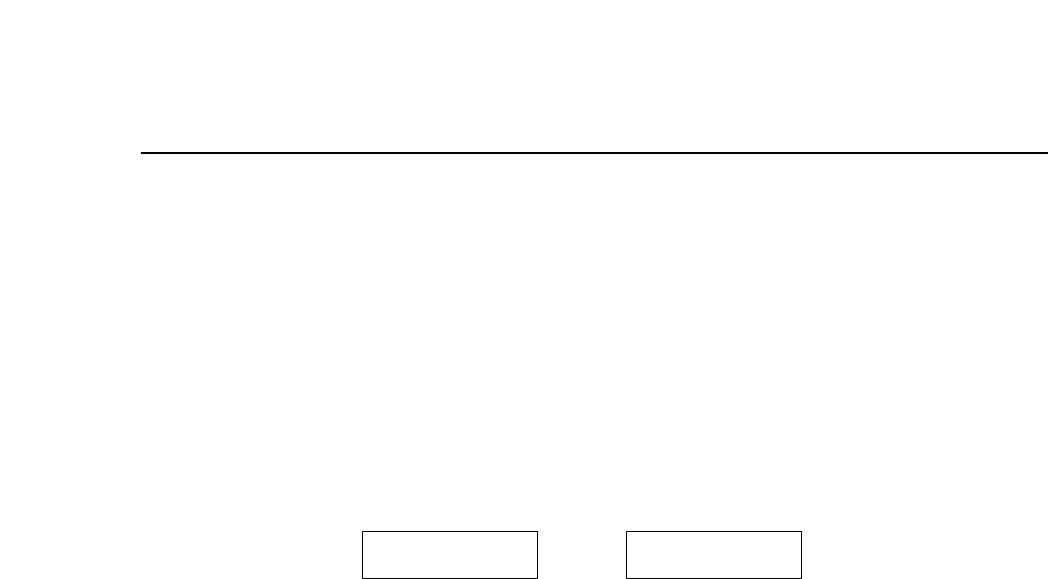
Table 1 Table 2
Device currently in use Device to be used in next production
View from the rear "1A 2B"
1.6 Loading and Unloading Boards
The loading and unloading of boards is carried out automatically. When
automatic operation begins, the machine detects whether or not a board
is on the XY table. If no board is on the XY table, a board is supplied from
the in-conveyor. If a board is already on the XY table, then one of the
following two operations takes place depending on the status of the board
• If parts have not yet been placed, parts are placed.
• If all parts have been placed the board is unloaded and a new board is
supplied.
1.7 Advance Pickup of Parts
In automatic operation, when one board is finished and another has
arrived on the in-conveyor, the machine will pick parts for the next board
in advance in order to minimize waiting time. If there is no board on the
in-conveyor, the machine will wait until one arrives before picking parts.
The advance part pickup operation depends on the contents of the
production program.
• If the program includes block skip marks
Since production sequences cannot be confirmed, advance parts
pickup is not carried out. Only after all the block skip marks have
been read are parts picked.
2 – 15Version 2.0
FCP IV-3 Operation